Hyper Download (Latest 2026) - FileCR
Free download Hyper Latest full version - A beautiful and extensible, cross-platform terminal.
Free download Hyper Latest full version - A beautiful and extensible, cross-platform terminal.
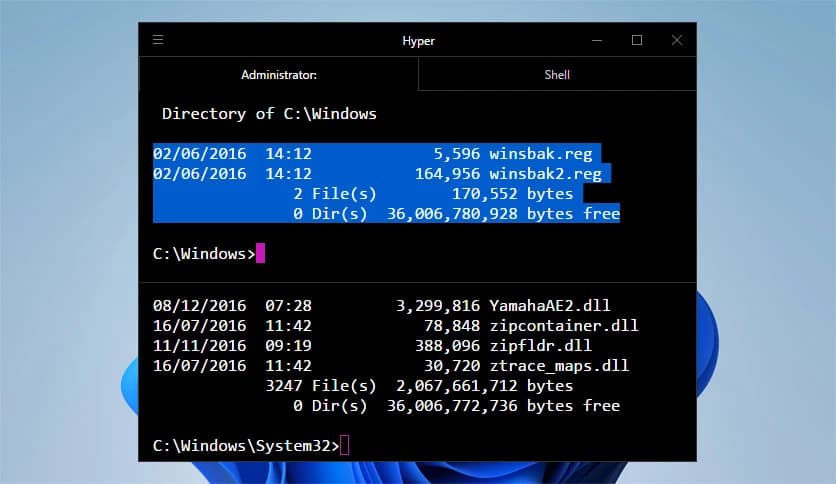
Free Download Vercel Hyper for Windows PC. It is a modern, fast, and visually appealing terminal that delivers a smooth command-line experience for everyday computing.
This tool is designed to make command-line work feel less old-school and more comfortable. Instead of a dull black screen, it offers a clean, web-powered interface. The idea is simple: give developers and power users a terminal that looks great, works the same everywhere, and can be customized without pain. Built on open web standards, it behaves consistently across platforms, so moving between systems feels natural.
The first thing you notice is the design. The layout feels polished, like a well-organized desk where everything is within reach. Text is sharp, spacing is balanced, and colors are easy on the eyes. You can switch themes the way you change outfits, depending on mood or lighting. This makes long working sessions feel lighter, almost like upgrading from a flickering bulb to soft daylight.
One of the strongest points is how the software behaves the same on different systems. Whether you are working on Windows or a Linux distribution such as Fedora or Debian, the experience remains familiar. Commands, shortcuts, and visuals remain steady. That consistency saves time and mental effort, especially for users who jump between machines daily.
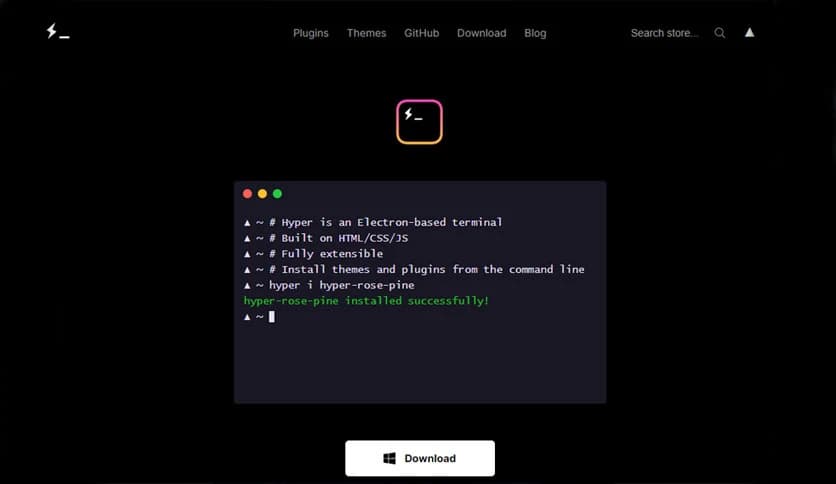
At its core, it uses web technologies such as HTML, CSS, and JavaScript. Think of it as a web page that happens to be a terminal. This approach enables flexibility. Developers can tweak behavior or visuals using tools they already know. It feels like building with LEGO bricks instead of carving stone.
Customization does not stop at colors. The software supports plugins that extend its abilities. Want better Git indicators, custom prompts, or extra visual effects? Plugins handle that. Installing them is straightforward, and managing them feels simple. This turns the terminal into a personal workspace rather than a fixed tool.
Despite being built on web standards, it performs smoothly. Commands respond quickly, scrolling feels fluid, and animations stay subtle. It is like driving a modern car with a quiet engine; you feel the speed without the noise. For daily tasks, this responsiveness helps keep frustration at bay.
Settings are stored in plain text configuration files. This means you can edit preferences using any editor you like. Beginners can copy examples, while advanced users can fine-tune every detail. It is similar to adjusting a recipe; follow it as is, or add your own spices.
This software fits naturally into development workflows. Running scripts, managing servers, or handling version control feels organized. At the same time, casual users who just need a reliable terminal can enjoy the clean look without digging into advanced options.
An active community keeps things fresh. New plugins, themes, and fixes appear regularly. This shared effort ensures the tool continues to evolve, shaped by real user needs. It is like a neighborhood garden where everyone contributes something useful.
Hyper stands out as a smart choice for anyone who spends time in a terminal. It blends style and function, offering a smooth, flexible command-line environment. By combining modern design, cross-platform reliability, and easy customization, it makes routine tasks more pleasant.
Leave a comment
Your email address will not be published. Required fields are marked *