Unity Hub Download (Latest 2026) - FileCR
Free download Unity Hub Latest full version - Manage game projects and engine versions.
Free download Unity Hub Latest full version - Manage game projects and engine versions.

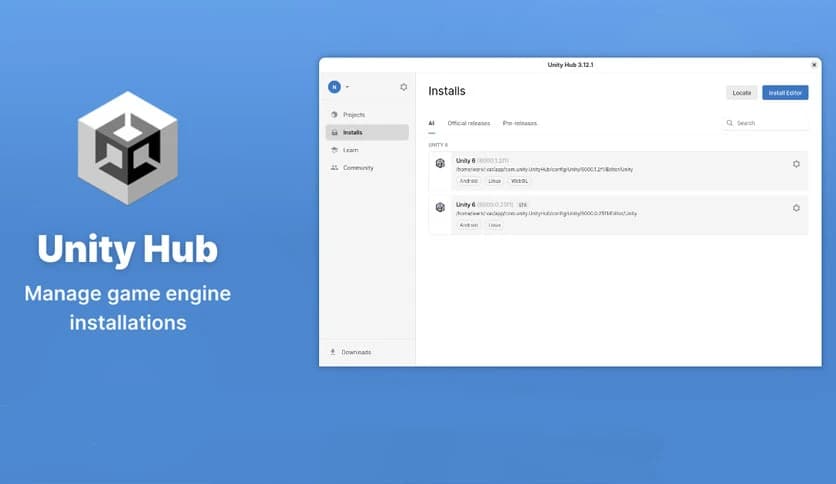
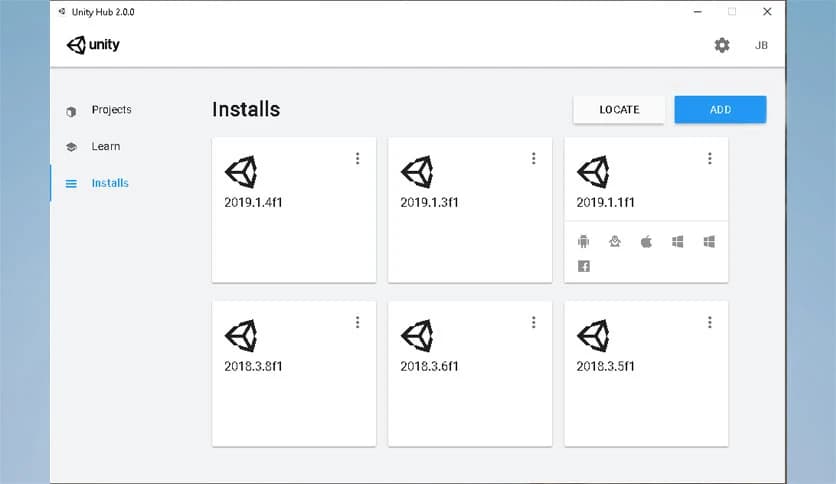
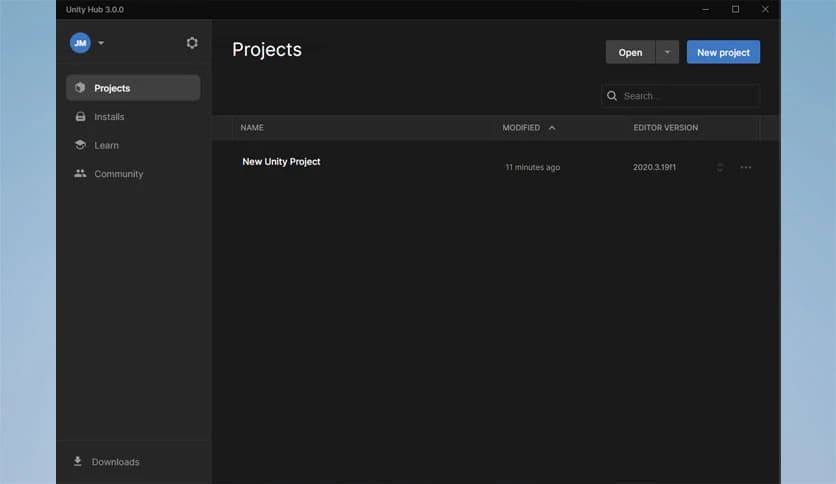
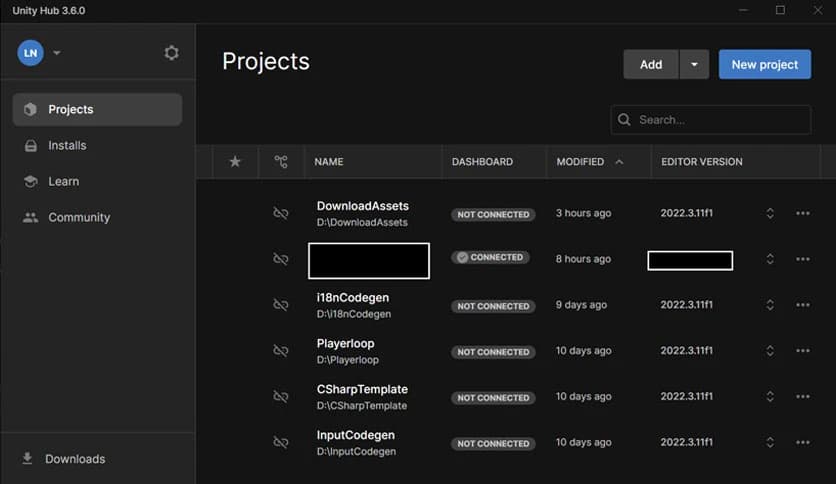
Free Download Unity Hub for Windows PC. It is a central management tool that helps developers install, organize, and launch different versions of the Unity Editor while keeping projects and workflows neatly arranged in one place.
Game development can quickly become complicated when multiple tools, editors, and project versions are involved. This is where a central management platform becomes incredibly useful. The software acts as a control center, allowing developers to install, organize, and open different development environments without confusion.
Unity is used to build a huge portion of the world’s games, from small indie titles to large-scale productions. Because of this wide use, developers often need different versions of the engine for different projects. The tool makes it easy to handle these versions without digging through folders or reinstalling software repeatedly.
Think of it like a dashboard for a creative studio. Instead of managing every component separately, everything is gathered into one place. Developers can quickly open projects, install updates, and manage editors with just a few clicks.
One of the most helpful features of the software is its ability to manage projects efficiently. Developers can create new projects, open existing ones, and organize them from a single window.
This removes the frustration of manually searching through folders. Each project appears neatly in a list, making it easy to jump back into work exactly where it was left. For developers who handle multiple games or applications, this feature feels like having a personal assistant keeping everything organized.
The tool also allows quick project creation using templates. This means developers can start building right away without wasting time setting up complicated environments.
Game development often requires different versions of the development engine. Some projects rely on older versions, while new games may require the latest updates.
The software makes version management extremely simple. Developers can install multiple editor versions and switch between them easily. Instead of uninstalling one version to install another, the platform keeps everything available in one place.
This flexibility saves time and prevents compatibility problems. Imagine having a toolbox where every tool is ready to use instead of searching for the right one every time. That is exactly how the system works for development environments.
Installing the development environment can be complex if done manually. The software simplifies the entire process by guiding users through installation with a clear interface.
Developers can select which modules they want during installation. For example, they can add support for Android builds, tools, or web development modules. This customization ensures that only necessary components are installed.
This approach saves storage space and reduces system clutter. It also allows developers to tailor their development environment according to project requirements.
The platform does more than just manage projects and installations. It also acts as a gateway to many useful services and resources.
Developers can access learning materials, community resources, and official documentation directly from the interface. This makes it easier for beginners to learn and for professionals to stay up to date with new features.
Think of it as a bridge connecting developers to a massive ecosystem of tools, tutorials, and creative possibilities.
Development projects often involve many repetitive tasks. Opening editors, switching versions, and managing files can slow down the creative process.
The software streamlines these steps by bringing everything together into a single interface. Instead of juggling multiple windows or settings, developers can focus on building games and applications.
It also helps teams maintain consistency. When everyone uses the same version management system, projects remain stable and organized. This is especially important for large teams working on complex games.
Both beginners and experienced developers benefit from this tool. New users find it easy to navigate because of its clean interface and simple controls.
Professionals, on the other hand, appreciate the efficiency and flexibility it offers. Managing multiple projects becomes effortless, and switching between environments takes only seconds.
Whether someone is building a small indie game or working on a large commercial project, the platform provides the structure needed to stay organized.
Unity Hub is a powerful management platform that simplifies how developers handle game projects and development environments. By offering an organized workspace, easy version control, and direct access to essential tools, it removes many of the technical hurdles that slow down creativity. For anyone working with the Unity ecosystem, this software acts as a command center, keeping every project, installation, and tool neatly under control.
Leave a comment
Your email address will not be published. Required fields are marked *