Smallpdf Download (Latest 2026) - FileCR
Free download Smallpdf Latest full version - 30 tools to convert, compress, and edit PDFs for free.
Free download Smallpdf Latest full version - 30 tools to convert, compress, and edit PDFs for free.
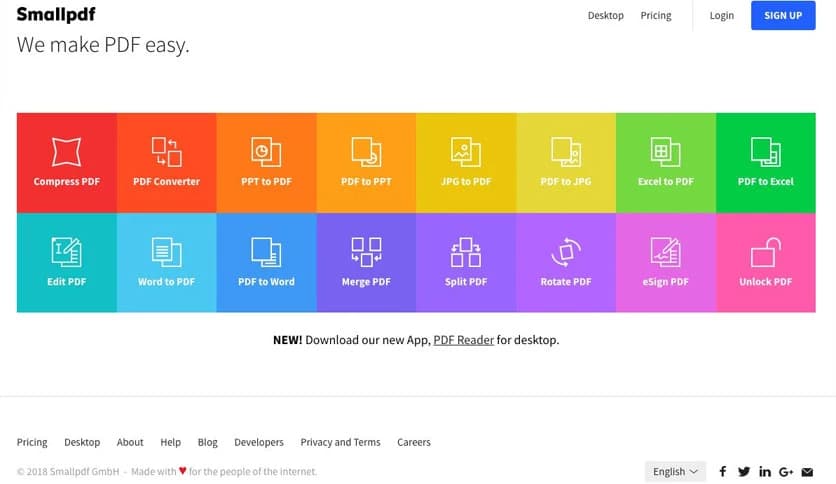
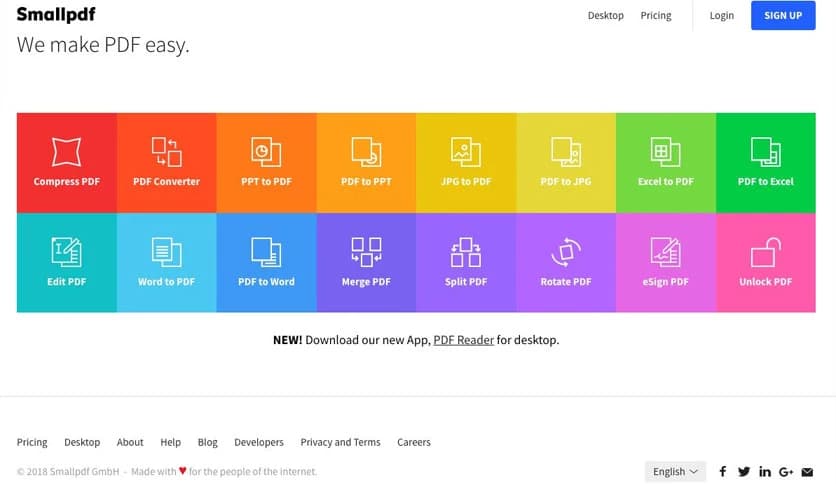
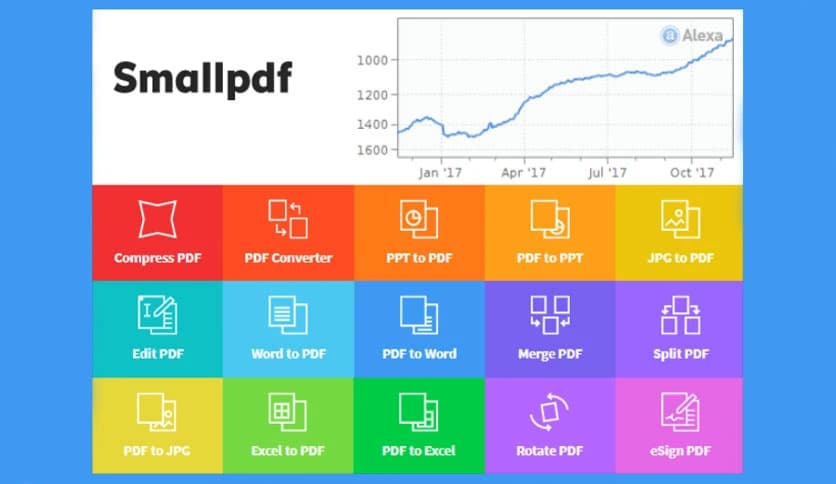
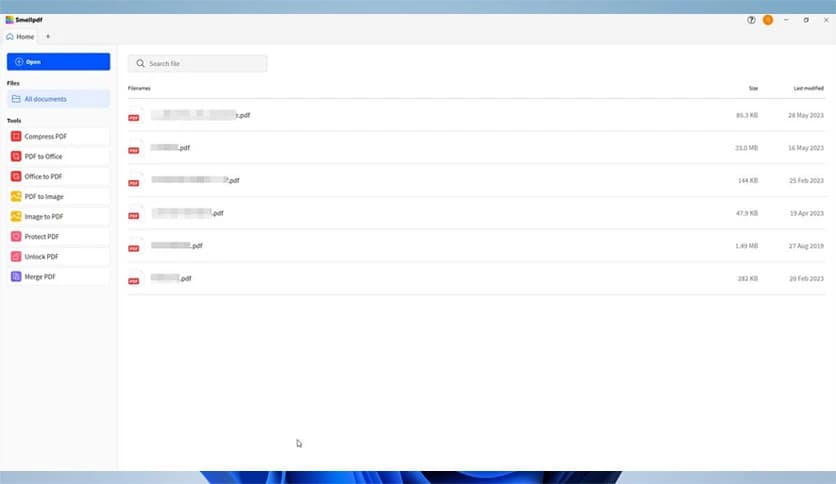
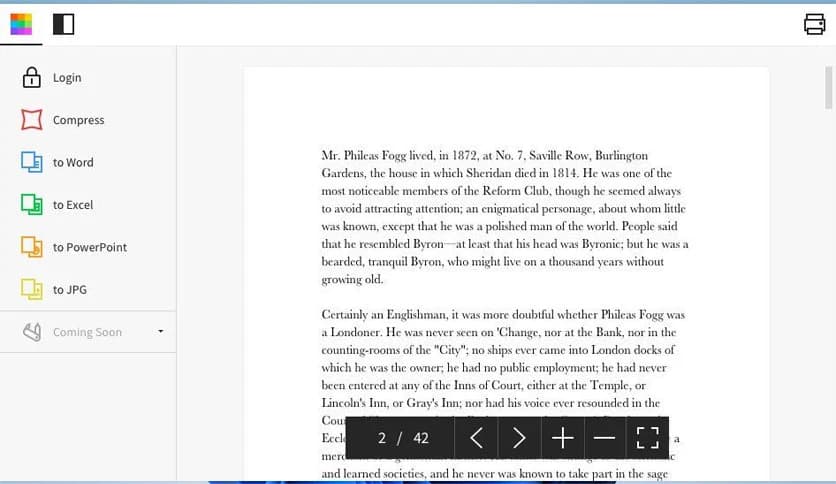
Free Download Smallpdf for Windows PC. It is an all-in-one PDF solution that helps you create, edit, convert, and manage digital documents with ease.
It is designed to make working with PDFs simple and stress-free. Instead of juggling multiple apps for editing, converting, and compressing files, you get everything in one clean and user-friendly place. It functions as a digital toolbox, with every feature serving a clear purpose. Whether you are handling office files, school assignments, or personal paperwork, the software keeps your workflow smooth and organized.
The tool focuses on speed and clarity. You open a file, choose what you want to do, and finish the task in minutes. There are no confusing menus or heavy technical steps. It feels more like using a smart assistant than complicated software. That is what sets it apart in the crowded world of PDF solutions.
One of the software's key strengths is its broad feature set. It combines multiple PDF utilities into one platform. You can convert files from Word, Excel, or PowerPoint into PDF format and switch them back just as easily. This flexibility saves time and reduces the need for extra programs.
It also allows you to merge multiple PDFs into one file or split a large document into smaller sections. Think of it like organizing papers on a desk, but digitally. You drag, drop, and arrange pages in seconds. Everything feels direct and efficient.
Editing a PDF used to be complicated. With this software, it becomes simple. You can add text, insert images, highlight important lines, and even draw shapes. This is helpful when reviewing contracts, preparing reports, or marking study notes.
The tool works like a digital pen and paper. Instead of printing documents and writing by hand, you can handle everything on your screen. This not only saves paper but also keeps your files organized in one place. You can make changes instantly and share the updated version without delay.
Large PDF files can be a headache, especially when sending emails or uploading documents online. The software includes a powerful compression feature that reduces file size while keeping good quality. It is like shrinking a suitcase without losing your clothes inside.
This feature is perfect for professionals who regularly share reports and presentations. Smaller files upload faster and take up less storage space. It helps keep your computer clean and your inbox running smoothly.
Converting files is one of the most common tasks when dealing with documents. The software supports quick conversion between PDF and popular formats like Word, Excel, PowerPoint, and image files. The process is simple: upload, convert, download. That is it.
Security is also taken seriously. Your files are encrypted and automatically deleted after processing. This provides peace of mind, especially when handling sensitive business or personal data.
Many document tools feel heavy and technical. This one keeps things light. The interface is clean, modern, and easy to understand. Even if you are not tech-savvy, you can navigate through it without stress.
Everything is labeled clearly. Buttons are visible. Steps are short. It feels like walking down a straight hallway rather than a maze. This makes it suitable for students, office workers, freelancers, and even beginners.
The software supports cloud services, allowing you to import and export files directly from online storage platforms. This means you can access your documents from multiple devices without manually copying them.
It works well for people who switch between home and office computers. You can start a task on one device and finish it on another. That flexibility improves productivity and keeps your work flowing.
Managing digital documents can feel overwhelming. With this tool, tasks that once took several steps now take just a few clicks. You save time, reduce frustration, and stay focused on what really matters.
It acts like a bridge between raw documents and finished work. From drafting to finalizing, every stage becomes smoother. Whether you are preparing invoices, resumes, or project files, it helps you complete the job faster and more efficiently.
Smallpdf offers a simple yet powerful way to handle digital documents without confusion or clutter. It combines editing, conversion, compression, and organization into a single, seamless platform. If you want a reliable, easy solution for everyday PDF tasks, this software delivers a practical, efficient experience that saves time and effort.
Leave a comment
Your email address will not be published. Required fields are marked *