SignioPDF Download (Latest 2026) - FileCR
Free download SignioPDF 1.0.0 Latest full version - Read, edit, and sign PDF documents.
Free download SignioPDF 1.0.0 Latest full version - Read, edit, and sign PDF documents.


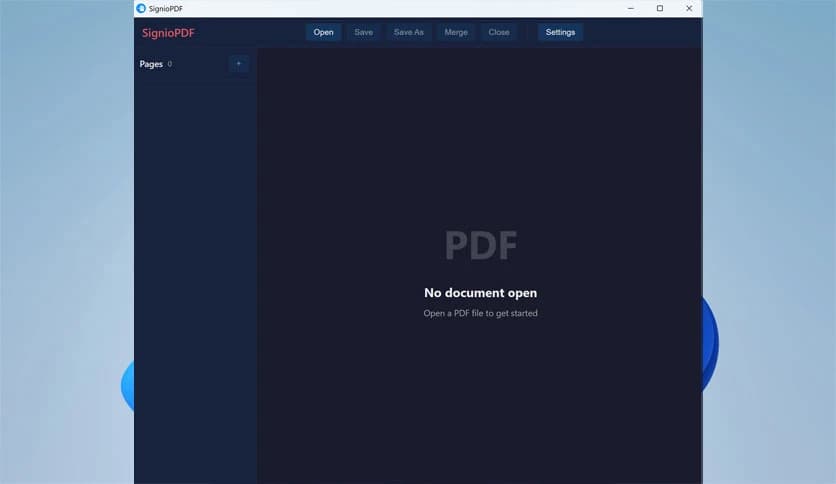
Free Download SignioPDF for Windows PC. It is a modern PDF solution designed to keep document handling fast, clean, and stress-free on everyday systems.
This software is designed for users who want to open, review, and edit PDF files without dealing with complex installers or confusing menus. It focuses on speed, simplicity, and practical tools that work well for both personal and professional use. Everything feels direct, allowing users to jump straight into their tasks.
The layout feels familiar from the first launch. Buttons are clearly placed, text is easy to read, and essential tools are never hidden behind layers of menus. It feels like a tidy digital desk where everything is within reach, helping users stay focused instead of hunting for options.
Opening documents happens quickly, even with large files. Pages load smoothly, scrolling stays responsive, and zooming feels natural. This makes it suitable for long reports, manuals, or study material where constant navigation is required.
Basic editing tasks are handled without friction. Users can edit text, add notes, or make minor corrections directly in the document. It works like using a pencil on paper, simple but effective, allowing quick updates without exporting files to other programs.
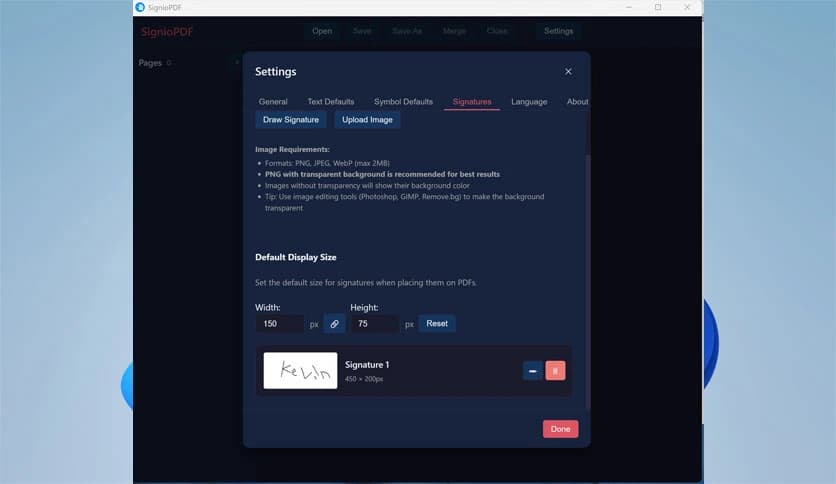
Adding signatures is straightforward and practical. The signing feature helps finalize agreements, forms, or approvals in just a few clicks. It removes the need to print, scan, and resend documents, saving both time and effort.
Highlighting, commenting, and marking sections is smooth and intuitive. These tools are useful for reviewing contracts, giving feedback, or studying important material. Notes stay clear and readable, making collaboration easier.
The software is designed to run efficiently on most Windows systems. It does not slow down the computer or demand excessive resources. This makes it ideal for older machines or for users who prefer faster application load times.
Its design approach ensures consistent behavior across different environments. Files created or edited remain compatible with standard PDF readers, ensuring smooth sharing without formatting issues.
Documents stay intact during editing and signing. The tool focuses on preserving file structure while applying changes carefully. This reliability builds confidence when handling important files.
From students reviewing notes to professionals managing paperwork, it fits naturally into daily routines. It feels like a dependable assistant that quietly supports document tasks without distraction.
SignioPDF is a practical choice for anyone looking for a fast, lightweight, and easy way to read, edit, and sign PDF files. It keeps things simple while offering the tools that matter most, making everyday document work feel smooth and manageable.
Leave a comment
Your email address will not be published. Required fields are marked *