Qt Creator Download (Latest 2026) - FileCR
Free download Qt Creator 20.0.0 Latest full version - Powerful cross-platform IDE built for smooth coding.
Free download Qt Creator 20.0.0 Latest full version - Powerful cross-platform IDE built for smooth coding.
Free Download Qt Creator for Windows PC. It is a powerful, flexible development environment designed to help developers build high-quality applications across multiple platforms quickly and with confidence.
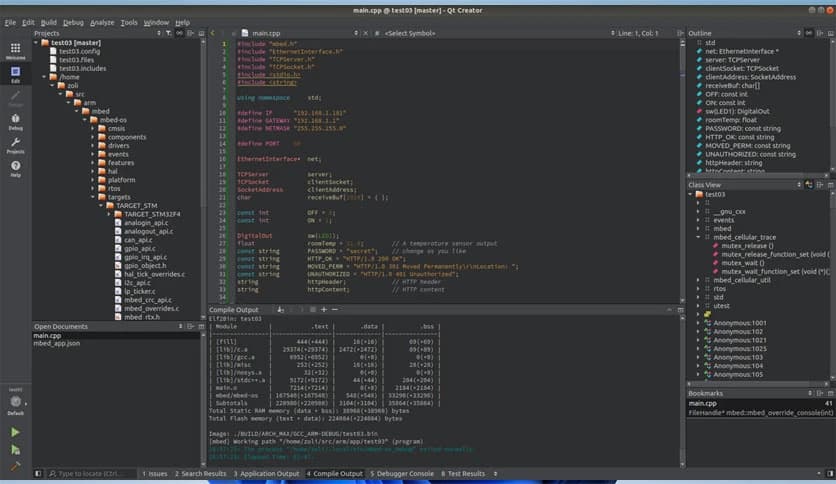
It is a modern integrated development environment made to simplify the entire software creation process. It brings together coding, design, debugging, and testing into a single, seamless workspace. Everything feels connected, like tools neatly arranged on a workbench, so developers can focus on building instead of switching between apps.
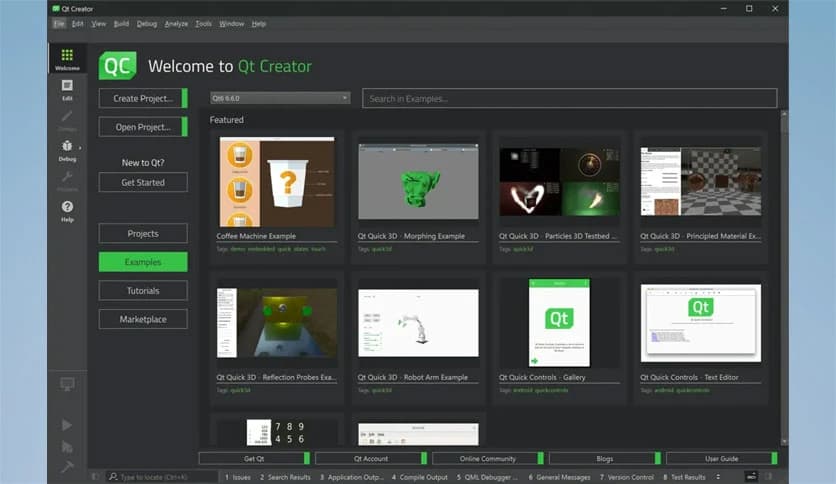
The interface feels lightweight and organized, even when working on large projects. Panels, menus, and editors are placed logically, making navigation easy. It is like driving a car with well-placed controls where nothing distracts you from the road ahead.
The software provides intelligent code completion, syntax highlighting, and real-time error detection. It helps catch mistakes early, much like a spellchecker for programmers. This reduces frustration and saves valuable development time.
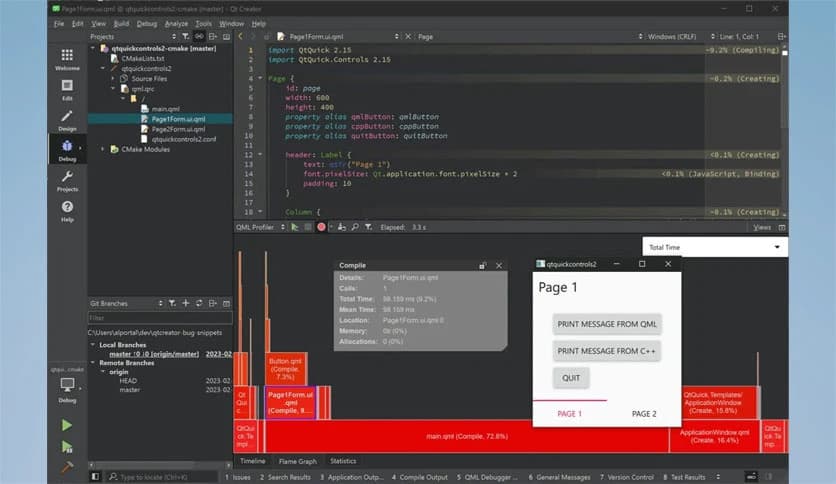
Debugging becomes less stressful thanks to built-in tools that allow step-by-step execution, breakpoints, and variable inspection. Instead of guessing where things went wrong, developers can clearly see what is happening behind the scenes.
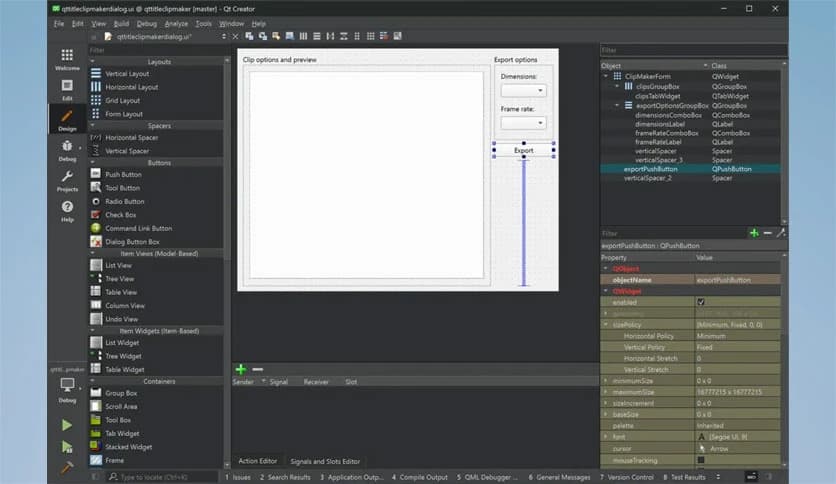
Designing interfaces feels intuitive with visual editors that allow drag-and-drop elements. This makes it easier to build attractive layouts without writing excessive code. It works like sketching ideas on paper, but with instant results on screen.
The tool allows projects to run smoothly across desktop, mobile, and embedded systems. Developers can write code once and adapt it to multiple platforms, much like a universal key that opens many doors.
Handling files, libraries, and dependencies is straightforward. The built-in project manager keeps everything structured, preventing chaos as projects grow. This organized approach helps teams collaborate without confusion.
Multiple build configurations make testing easy under different conditions. Developers can switch between debug and release modes quickly, ensuring stable and optimized output for real-world use.
The environment supports plugins that extend functionality. This flexibility allows users to customize their workflow, like adding extra tools to a toolbox whenever needed.
It works smoothly with popular version control systems, helping teams track changes and manage collaboration. This keeps project history clean and prevents accidental overwrites.
The software is optimized to handle complex applications without slowing down. Even during heavy workloads, it remains responsive, offering a reliable experience for long development sessions.
Clear documentation and helpful prompts make it suitable for newcomers. Beginners can grow their skills gradually without feeling overwhelmed, like learning to swim in calm water before diving deeper.
Qt Creator stands out as a reliable and efficient environment that supports developers at every stage of application creation. It combines smart tools, clean design, and strong performance into a single platform that feels natural to use and powerful in practice.
Leave a comment
Your email address will not be published. Required fields are marked *