pgAdmin Download (Latest 2026) - FileCR
Free download pgAdmin 9.12 Latest full version - Powerful PostgreSQL management tool.
Free download pgAdmin 9.12 Latest full version - Powerful PostgreSQL management tool.
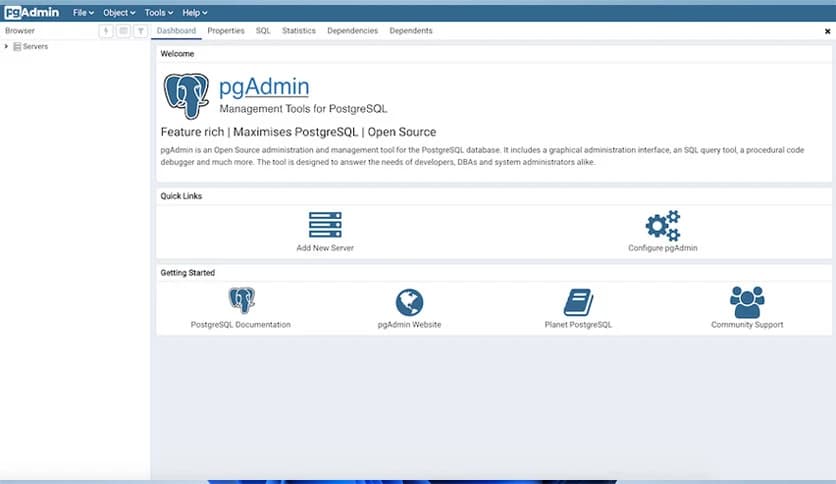
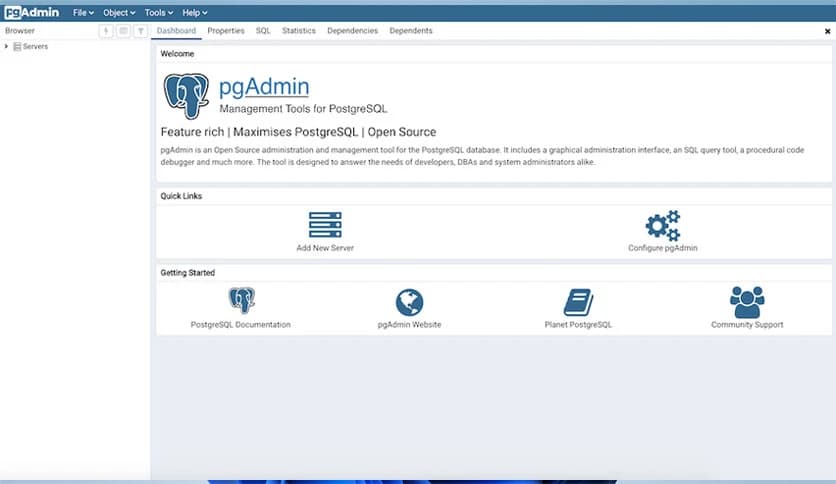
Free Download pgAdmin for Windows PC. It is a powerful, user-friendly platform for managing and developing PostgreSQL databases.
It is widely known as one of the most popular open-source administration and development platforms for PostgreSQL. If PostgreSQL is the engine of a high-performance car, this platform is the dashboard that gives you full control. It allows you to create, manage, monitor, and maintain databases through an intuitive interface without diving deep into complex command-line operations.
Built for professionals and beginners alike, it offers a clean web-based interface that works smoothly on Windows. Whether you are a developer building applications, a database administrator handling enterprise data, or a data analyst exploring datasets, the software provides all the essential tools in one place.
One of its strongest advantages is its flexibility. It runs on Windows and uses a web-based interface, allowing you to access your databases remotely via a browser. This makes database management feel less tied to a single device. You can manage projects from different locations without extra complications.
The setup process is straightforward. Once installed, you can easily connect to local or remote PostgreSQL servers. It feels like having a remote control for your database system.
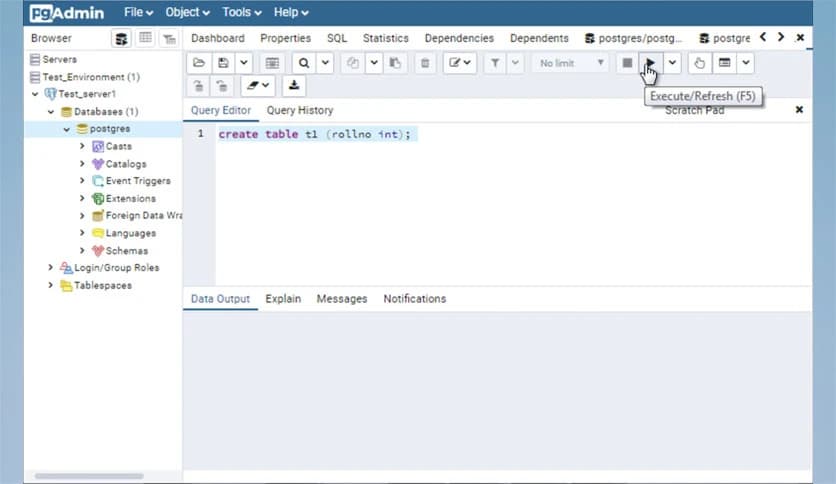
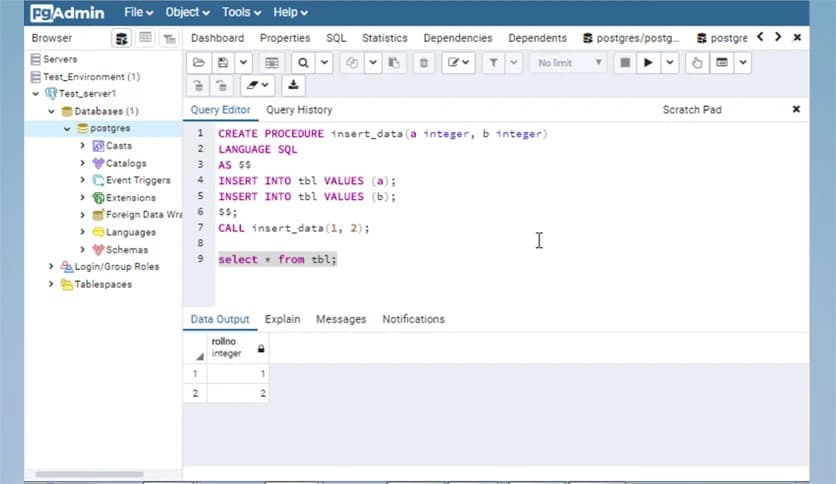
Writing SQL queries becomes much easier with its advanced Query Tool. It includes syntax highlighting, code completion, and real-time error indicators. These features help reduce mistakes and improve productivity. Instead of guessing where the issue lies, the tool identifies it instantly.
Executing complex queries feels smooth and organized. You can save your scripts, review execution history, and even analyze query performance. It functions as a smart assistant, keeping your SQL clean and efficient.
Managing databases is simple and organized. You can create, modify, and delete databases, tables, views, indexes, and other objects using a graphical interface. It removes the stress of remembering complicated commands.
The software also supports importing and exporting data in multiple formats. Whether you are migrating data or creating backups, everything is available in just a few clicks. It turns what used to be a technical task into a smooth workflow.
Designing database structures is easier with the built-in Entity-Relationship Diagram (ERD) tool. Instead of imagining how tables relate to each other, you can visually design and document schemas.
This visual approach helps developers understand relationships clearly. It is like drawing a map before building a city. You see the full picture before you start working on the details, reducing confusion and improving planning.
Regular database maintenance is essential for performance and stability. The platform provides tools for auto-vacuum management, manual vacuum operations, backup creation, and data restoration.
Instead of manually handling maintenance via scripts, you can schedule and manage tasks directly in the interface. This keeps your database optimized and reduces downtime risks. It works quietly in the background while you focus on development.
Monitoring database performance is critical. The monitoring dashboard gives you real-time insights into server activity, connections, locks, and overall health.
You can quickly identify performance bottlenecks and resolve issues before they grow. It is like having a health monitor for your database, constantly checking its pulse and alerting you when something feels off.
Security is a major concern in database management. The tool offers detailed user management features, allowing administrators to assign roles and control permissions precisely.
You can define who can read, write, or modify specific objects. This level of control ensures that sensitive data stays protected. Managing access feels structured and reliable, especially in team environments.
As an open-source project, it benefits from continuous improvements and community contributions. Regular updates bring new features, security patches, and performance enhancements.
Extensive documentation and active community forums provide strong support. If you ever face a challenge, chances are someone has already discussed and solved it. This shared knowledge base makes learning and troubleshooting much easier.
What makes this platform truly valuable is its balance between power and simplicity. It handles advanced administrative tasks while remaining accessible to newcomers. You do not need to be an expert to navigate through its interface.
From writing SQL queries to designing schemas and monitoring performance, everything is integrated. It feels like having a complete toolkit in one organized workspace. This efficiency saves time and reduces errors.
pgAdmin is a complete and reliable solution for managing PostgreSQL databases on Windows. It combines powerful administration tools, an advanced query editor, visual schema design, and performance monitoring into one easy-to-use platform. Whether you are building applications or maintaining large datasets, it helps you stay organized, efficient, and in control.
Leave a comment
Your email address will not be published. Required fields are marked *