OS Cleaner Download (Latest 2026) - FileCR
Free download OS Cleaner 2.0 Latest full version - Recover disk space and optimize performance.
Free download OS Cleaner 2.0 Latest full version - Recover disk space and optimize performance.
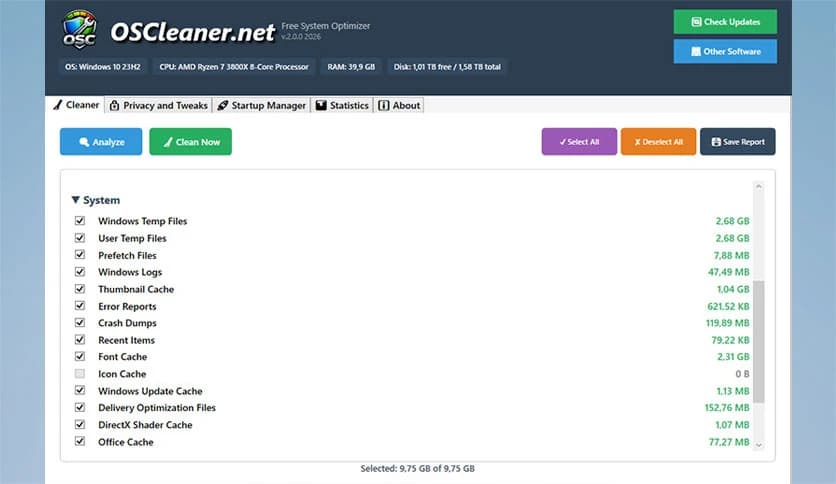
Free Download OS Cleaner for Windows PC. It is a lightweight, practical utility that removes junk files, frees up storage, and helps your computer feel smooth and responsive again.
It is designed to keep your Windows system clean and efficient without complicating things. Over time, every computer collects digital dust in the form of temporary files, leftover system data, and unused traces from apps and browsing sessions. This tool works like a digital broom, sweeping away clutter so your system can breathe again. It focuses on performance, privacy, and simplicity, making daily maintenance easy for anyone.
Think of your computer like a desk. When papers pile up, finding anything becomes slow and frustrating. The same happens inside your system. Unused files take up space and quietly slow things down. The software removes this hidden mess, giving your operating system room to work efficiently. As a result, everyday tasks feel quicker and smoother.
One of the strongest features is its ability to safely delete temporary and junk system files. These files are created during regular use but often remain long after they are no longer needed. Clearing them out helps the system respond faster and reduces unnecessary load. It is like clearing traffic from a busy road so everything moves freely again.
Modern computers store a lot of personal traces, from browsing history to application logs. The tool protects your privacy by securely removing these tracks. This means fewer digital footprints and more peace of mind. It works quietly in the background, making sure private data does not linger longer than it should.
Instead of blindly deleting files, the software gives users control. You can review individual items before removal or choose to clean everything at once. This approach feels like sorting old boxes before throwing them away, ensuring nothing important is lost. It balances safety with convenience.
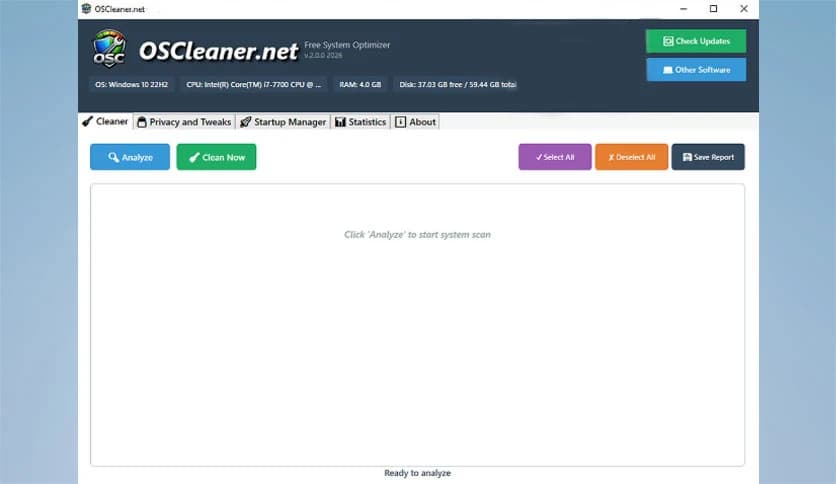
The interface is clean and easy to understand, even for beginners. Buttons are clearly labeled, and actions take only a few clicks. You do not need technical knowledge to keep your system healthy. Everything is laid out in a friendly way, like a guided path that leads you to a cleaner PC.
Many programs quietly start when Windows boots, slowing down the launch process. The tool helps manage startup items so that only essential programs run at startup. This results in faster boot times and a smoother start to your workday. It feels like removing extra weight from a runner before a race.
By combining cleaning, privacy protection, and startup control, the software improves overall speed. Applications load faster, storage space is reclaimed, and the system feels more responsive. These small improvements add up, making everyday use more enjoyable and less frustrating.
Being a free utility, it offers strong optimization features without hidden costs. It focuses on safe cleaning methods that do not harm important system files. This makes it a reliable choice for regular maintenance without worry.
It suits casual users, students, office workers, and anyone looking for a tidy, fast computer. Whether your system feels slow or you just want to maintain good performance, the software fits easily into your routine.
OS Cleaner is a simple yet effective solution for keeping your Windows PC clean, private, and responsive. By removing unnecessary files, protecting personal data, and improving startup behavior, it helps your system run like a well-tuned engine instead of a cluttered storage room. Regular use can make a noticeable difference in speed and stability.
Leave a comment
Your email address will not be published. Required fields are marked *