OpenMPT Download (Latest 2026) - FileCR
Free download OpenMPT 1.32.06.00 Latest full version - A tracker tool for creative music makers.
Free download OpenMPT 1.32.06.00 Latest full version - A tracker tool for creative music makers.
Free Download OpenMPT for Windows PC. It is a powerful, free tracker software that lets you create, edit, and play high-quality module music on your computer.
It stands for Open ModPlug Tracker, a well-known music tracker designed specifically for Windows users. It is built on the legacy of the original ModPlug Tracker created by Olivier Lapicque. Over time, it has become a reliable, feature-rich tool for musicians, hobbyists, and retro music enthusiasts.
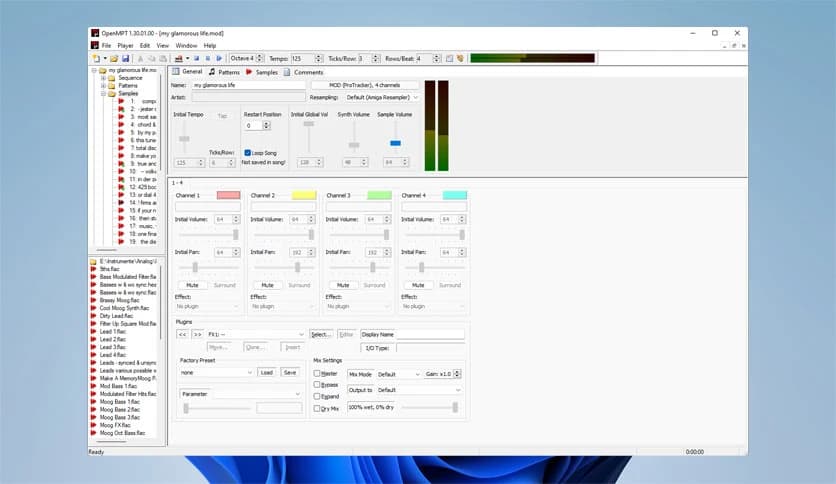
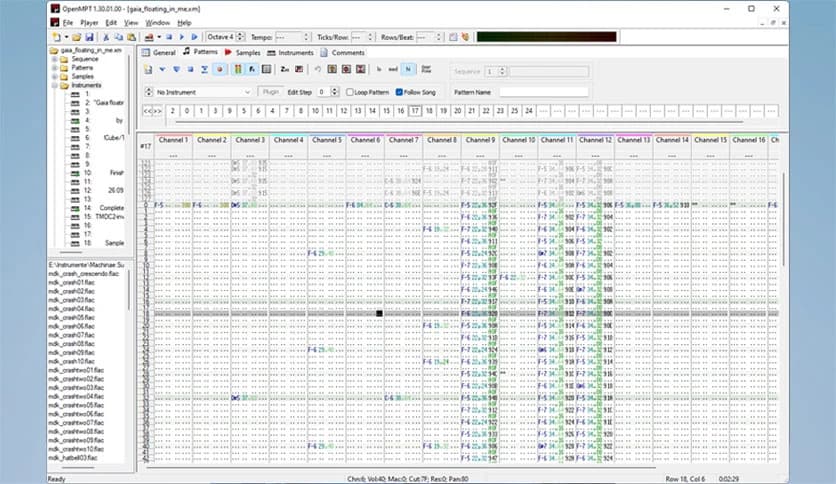
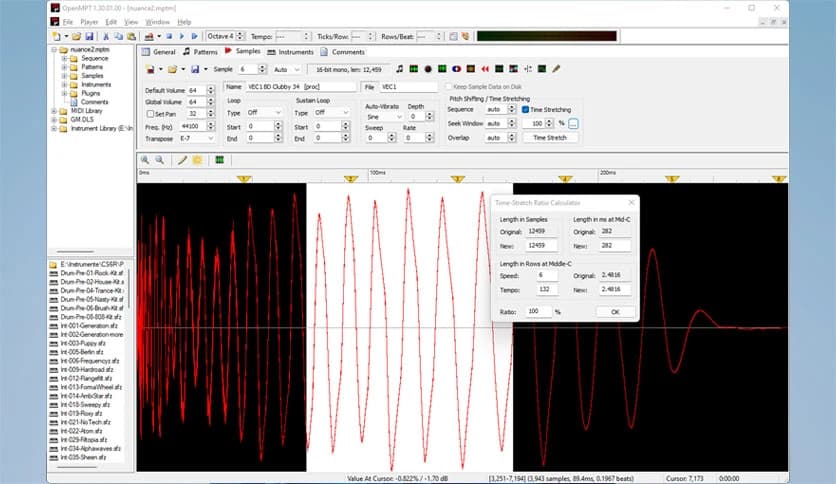
The software allows you to compose music using samples and patterns, which is very different from traditional piano-roll-based editors. Instead of drawing notes on a timeline, you work with a vertical grid. Think of it like building a song with tiny musical building blocks stacked carefully on top of each other. It may look technical at first glance, but once you understand the logic, it feels smooth and satisfying.
It supports a wide range of module formats and offers a clean, native Windows interface. Additionally, it includes advanced features such as VST plugin support and ASIO output for improved audio performance. Despite all these powerful tools, it remains free and open-source.
The software includes tools that make music production both flexible and enjoyable. Here are some of the key highlights:
One of the tool's strengths is its support for multiple classic module formats. It can natively edit files created with Impulse Tracker, FastTracker, Scream Tracker, and ProTracker. This makes it perfect for those who love retro scene music or want to revisit old compositions.
Instead of limiting you to a single format, it enables you to use multiple standards. This flexibility is like having a universal remote for your music files. You can import, adjust, and refine modules without worrying about compatibility issues.
It is not just about creating simple tracks. The software supports VST plugins, allowing you to expand your sound library with third-party instruments and effects. Whether you want rich synthesizers, deep bass, or sharp percussion, you can plug in external tools and shape your sound exactly the way you want.
With ASIO output support, you also get low-latency playback. That means less delay between pressing a key and hearing the sound. For musicians, this makes a big difference. It feels more responsive and professional, almost like working in a studio environment.
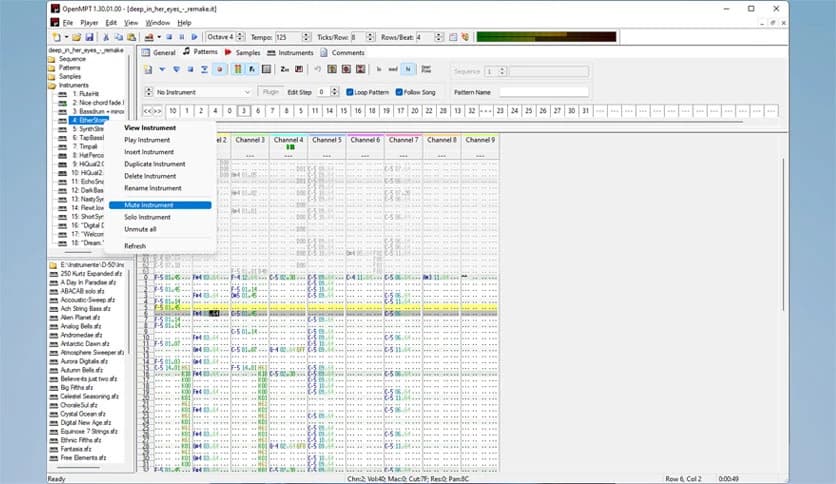
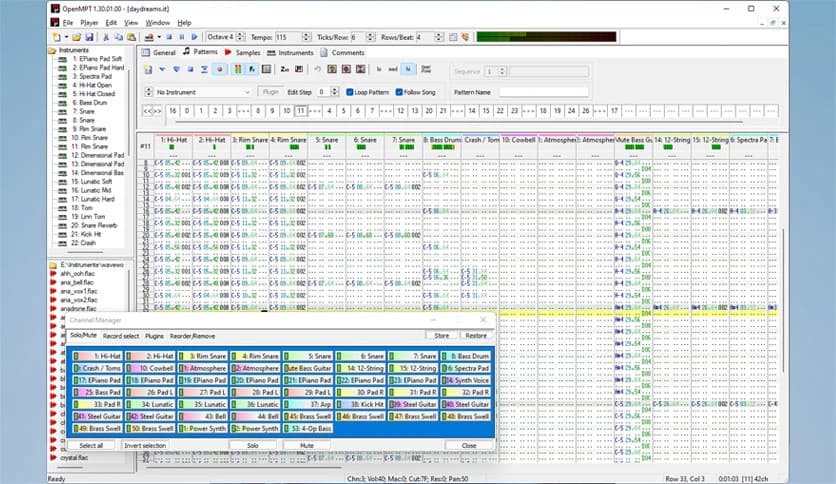
At first glance, tracker software may look complex. Rows of numbers, columns of notes, and pattern grids can seem overwhelming. But once you spend some time with it, everything starts to click. The interface is logical and designed for music creators.
It uses a pattern-based workflow in which songs are built from small sections. Each pattern acts like a musical paragraph. You arrange these patterns in sequence to create a full track. This method gives you precise control over every detail, from volume changes to pitch bends.
The native Windows GUI keeps everything organized. Buttons, menus, and panels are placed in a clear layout so you can focus more on creativity and less on searching for tools.
Behind the scenes, there is also libopenmpt, a cross-platform C and C++ module playback library. It uses the same playback engine as the tracker. This library enables developers to integrate high-quality module playback into their applications across multiple platforms.
This means the technology is not limited to just one program. It becomes part of a larger ecosystem. Developers can use it in media players, games, or custom audio tools to ensure accurate, faithful module playback everywhere.
The project is maintained by a small but dedicated development team. Since it is open-source, new contributions are always welcome. Skilled C++ developers can review the source code and further improve the software.
Updates and new releases are announced through RSS and ATOM feeds. You can also follow development updates on social platforms. This active community ensures that the tool continues to grow and improve over time.
This tracker is ideal for musicians who enjoy hands-on control over their compositions. It is also great for retro music enthusiasts who love classic module formats. Even beginners can learn the basics with practice and patience.
If you enjoy experimenting with samples and building music piece by piece, this tool can feel like a creative playground. It may not look flashy, but it is powerful where it truly matters.
OpenMPT is a reliable, flexible tracker for Windows users seeking full control over module-based music creation. It blends classic tracking methods with modern features like VST support and ASIO output, offering both nostalgia and power in one package. Whether you are revisiting old-school formats or building fresh tracks from scratch, it delivers a smooth, capable music production experience at no cost.
Leave a comment
Your email address will not be published. Required fields are marked *