MkFont Download (Latest 2026) - FileCR
Free download MkFont 1.2.2 Latest full version - Create & export fonts from existing assets.
Free download MkFont 1.2.2 Latest full version - Create & export fonts from existing assets.
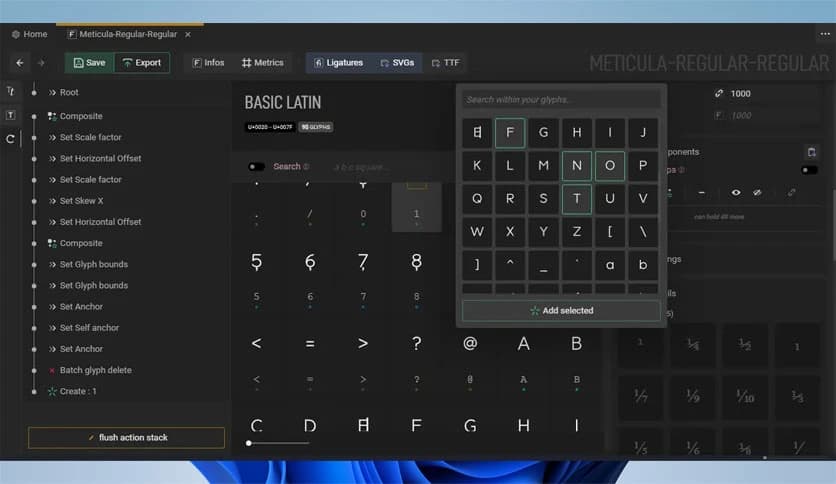
Free Download Nebukam MkFont for Windows PC. It is a simple and flexible tool that helps you turn your design assets into fully usable fonts with ease.
Creating fonts can feel like building a puzzle where every piece must align perfectly. This tool simplifies that process by providing a clean, component-based workflow. Instead of starting from scratch every time, you can reuse parts, adjust them, and shape your typography exactly the way you want.
It is a free and open solution designed for both beginners and experienced creators. Whether you are designing a custom font for branding or experimenting with typography, it gives you the freedom to work without limits. The best part is that everything stays flexible, allowing you to tweak details even at later stages.
Font creation often sounds complicated, but this software makes it feel like assembling building blocks. You start with existing assets such as shapes, letters, or designs, and then organize them into a complete font system. This approach saves time and reduces effort.
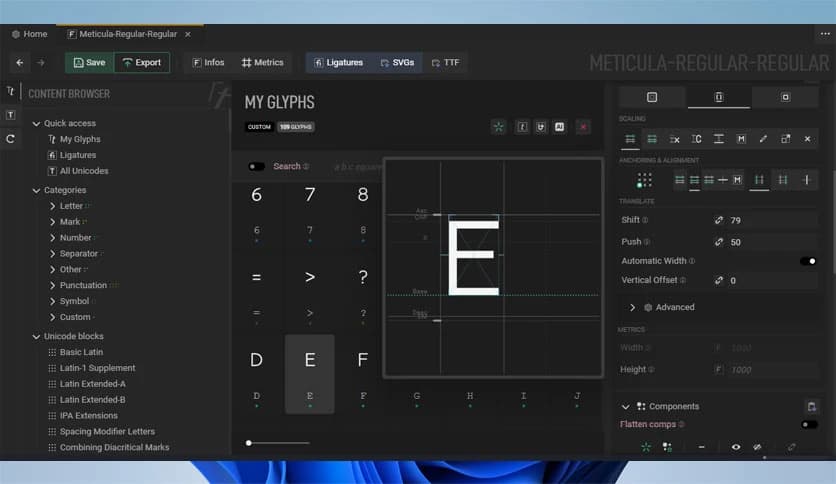
The interface is designed to keep things straightforward. You do not need to dig through confusing menus. Instead, everything is laid out in a way that feels natural, helping you stay focused on creativity rather than technical hurdles.
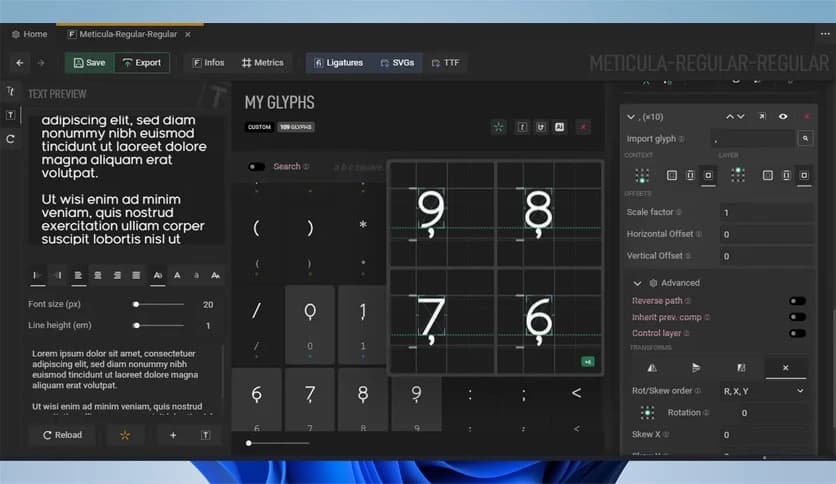
One of the most powerful aspects of this tool is its component-based system. Think of it like reusing Lego pieces. You can create a single shape and apply it across multiple characters. If you change that shape later, it updates everywhere automatically.
This makes the entire process efficient and consistent. Instead of editing each character individually, you manage shared components, saving hours of work. It is especially useful when working on large font families where consistency is key.
Editing mistakes can be frustrating, especially when you cannot easily undo changes. That is where non-destructive editing comes in. It allows you to experiment freely without worrying about breaking your work.
You can adjust metrics, spacing, and shapes at any time. If something doesn't look right, you can simply tweak it without losing previous progress. This flexibility feels like having a safety net while working on creative projects.
Good typography is not just about how letters look, but also how they behave together. This software gives you detailed control over spacing, alignment, and proportions. These small adjustments can make a huge difference in readability and visual balance.
It allows you to fine-tune kerning and layout with precision. Whether you want a clean professional font or a more artistic style, these controls help you achieve the exact result you have in mind.
Once your font is ready, exporting it is simple. You can quickly generate usable font files that work across different platforms. There is no need for complicated steps or external tools.
This smooth export process ensures your creation is ready to use in design software, on websites, or for personal projects. It feels like pressing a button and watching your work come to life instantly.
Heavy software can slow down your workflow, but this tool keeps things light and fast. It runs smoothly even on modest systems, making it accessible to a wide range of users.
The learning curve is also gentle. Even if you are new to font design, you can start creating quickly. It guides you naturally, like a helpful companion rather than a complex machine.
This software is not limited to professionals. It is equally useful for hobbyists, students, and anyone interested in typography. You can create fonts for logos, games, apps, or personal use.
It opens the door to creativity by removing technical barriers. Instead of worrying about how to build fonts, you focus on expressing your ideas and style.
MkFont stands out as a powerful yet easy-to-use font creation tool that blends flexibility with simplicity. It allows you to design, adjust, and export fonts without feeling overwhelmed. With its component-based workflow and non-destructive editing, it turns a complex task into a smooth and enjoyable experience. Whether you are just starting or already experienced, it provides the tools you need to bring your typography ideas to life.
Leave a comment
Your email address will not be published. Required fields are marked *