Milanote Download (Latest 2026) - FileCR
Free download Milanote Latest full version - Visual workspace to plan, brainstorm, and manage ideas.
Free download Milanote Latest full version - Visual workspace to plan, brainstorm, and manage ideas.
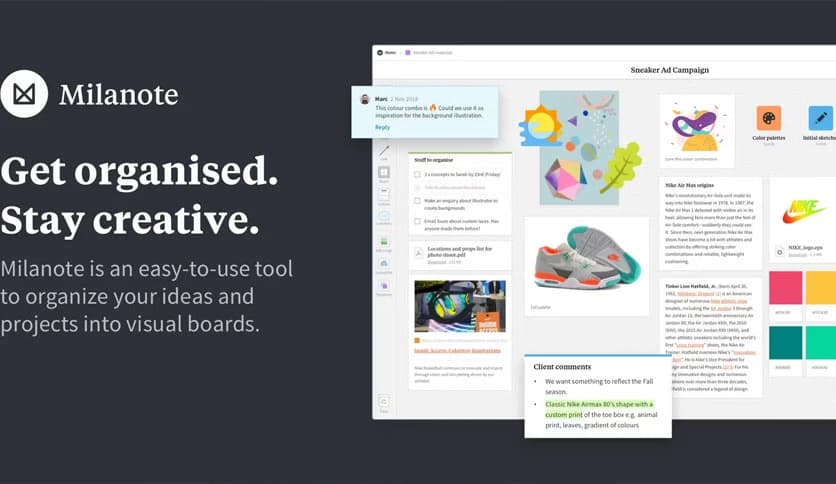
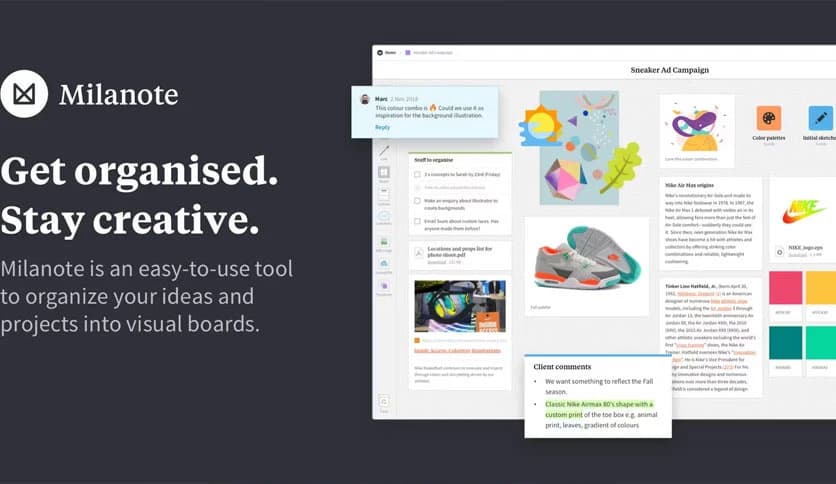
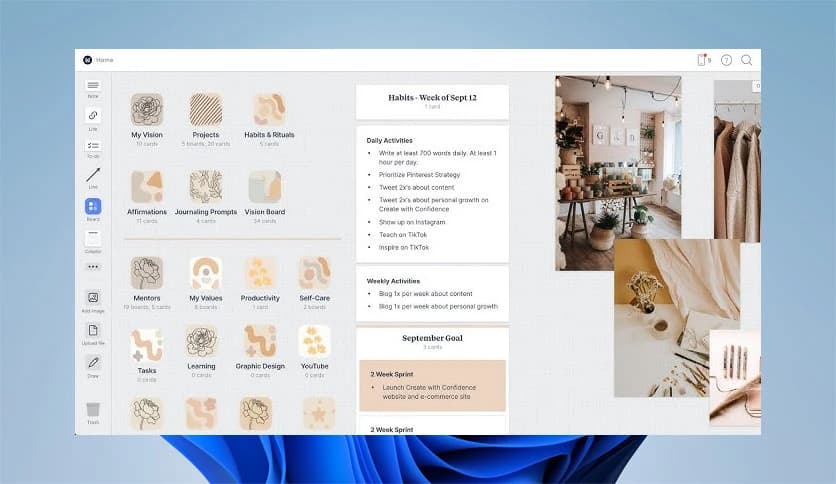
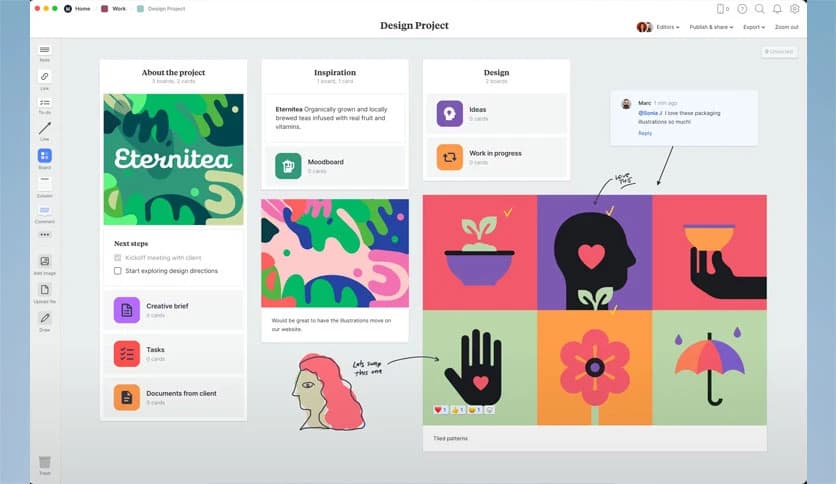
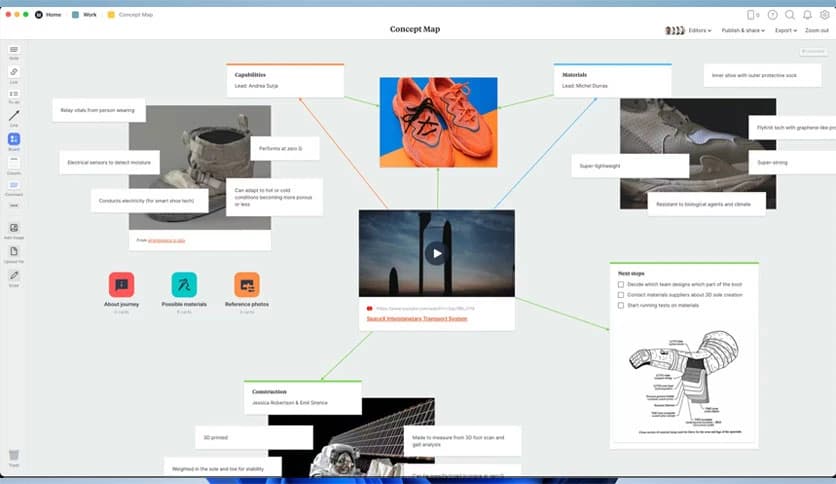
Free Download Milanote for Windows PC. It is a simple visual workspace that helps turn scattered thoughts into clear, organized project boards.
It is designed for people who think visually and like to see their ideas laid out in front of them. Instead of forcing you into rigid folders or long text documents, it provides a flexible canvas where notes, images, links, and tasks can coexist. This makes planning feel natural, like pinning ideas on a wall and moving them around until everything clicks.
This tool works like a digital whiteboard that never runs out of space. You can drop text notes, images, web links, and files anywhere on the board. Everything stays visible, so nothing gets lost. It feels less like filling out forms and more like shaping your thoughts with your hands.
The drag-and-drop system is smooth and forgiving. You can rearrange items freely, group related ideas, or spread things out when you need a big-picture view. There is no right or wrong layout, making it well-suited to early planning stages when ideas are still messy.
When brainstorming, speed matters. This software lets you capture thoughts as they arise. You can quickly add notes, sketches, or inspiration images without breaking your flow. It feels like writing on sticky notes and placing them wherever your mind takes you.
Creative work often involves many moving parts. Mood boards, outlines, references, and to-do lists usually live in different places. Here, everything can sit side by side. Writers can plan chapters, designers can collect visual inspiration, and marketers can map campaigns without switching tools.
The infinite canvas removes the pressure of fitting ideas into a small space. You can zoom in to focus on details or zoom out to see the whole project. This freedom helps when working on complex, evolving ideas, such as building a story or planning a long-term strategy.
Working with others becomes easier when everyone can see the same board. Team members can add comments, share ideas, or make changes in real time. It feels like standing around the same whiteboard, even if everyone is in a different location.
Sharing boards is straightforward. You can invite others to view or edit, depending on your needs. This makes feedback clear and focused, since comments are attached directly to specific ideas rather than in long email threads.
Starting from a blank canvas can feel intimidating. To help with that, ready-made templates are available for everyday tasks like brainstorming, project planning, and creative briefs. These templates serve as training wheels, providing structure while maintaining flexibility.
Think of it as your personal online whiteboard. You can access it from anywhere, update ideas on the go, and never worry about losing notes. It keeps everything in one place, ready whenever inspiration strikes.
The interface stays out of your way. There are no cluttered menus or confusing buttons. This clean design helps you stay focused on your ideas rather than on learning how the software works.
Once ideas are organized, turning them into action becomes easier. You can add checklists, deadlines, and priorities directly to the board. This bridges the gap between creative thinking and actual execution.
Milanote brings a refreshing approach to organizing ideas by focusing on visuals, flexibility, and ease of use. It turns planning into a creative process instead of a chore, making it ideal for individuals and teams who want clarity without complexity.
Leave a comment
Your email address will not be published. Required fields are marked *