Marble Maps Download (Latest 2026) - FileCR
Free download Marble Maps 2.2.0 Latest full version - Explore maps, routes & places with smooth offline.
Free download Marble Maps 2.2.0 Latest full version - Explore maps, routes & places with smooth offline.
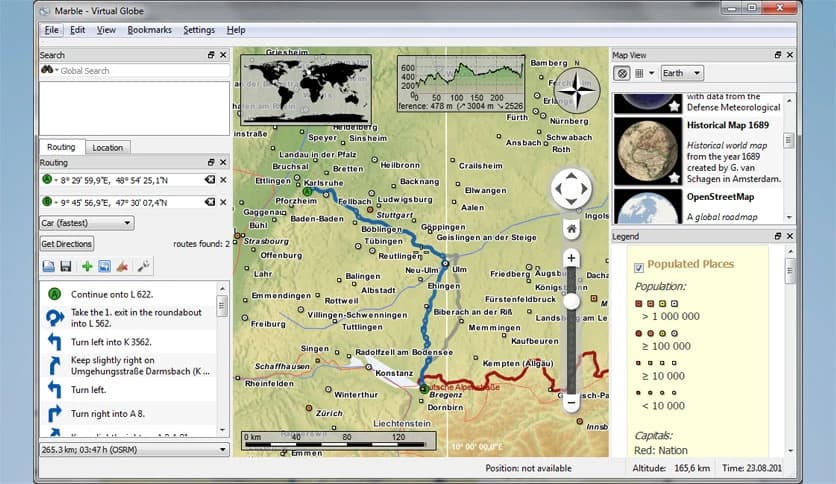
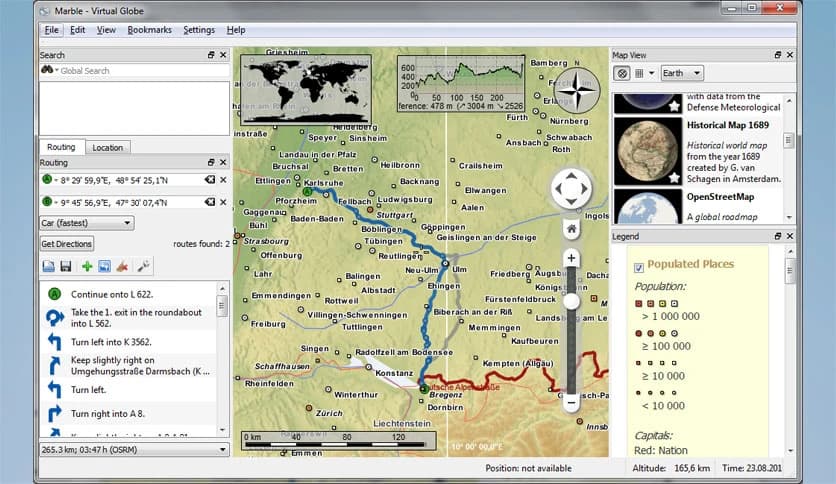
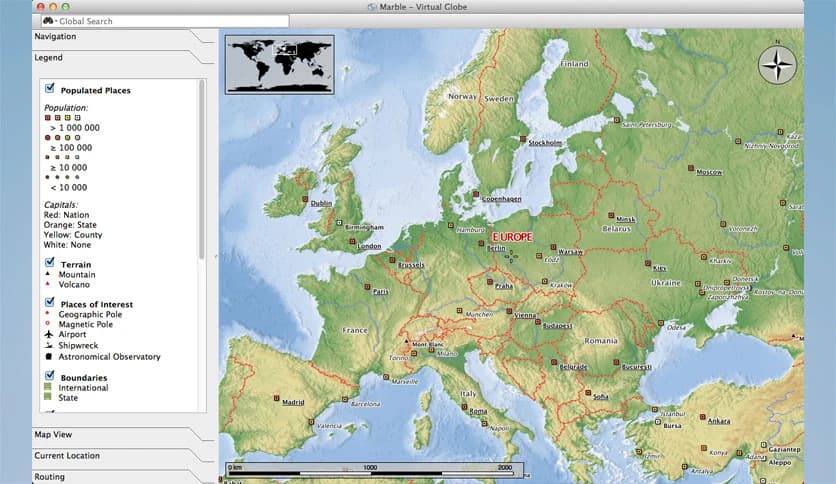
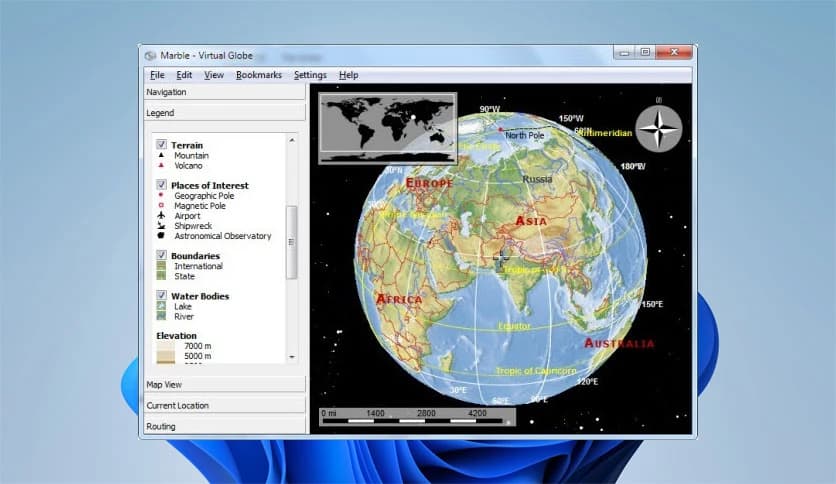
Free Download Marble Maps for Windows PC. It is a powerful virtual globe and atlas that helps you explore the world with detailed maps and smart navigation tools.
It is a versatile mapping application designed to give users a complete view of the world right from their desktop. Think of it like having a digital globe combined with a modern GPS system. The software allows you to explore cities, streets, and even remote locations with ease. Whether you want to check directions, find a location, or simply browse the map, it offers a smooth, intuitive experience.
The tool brings together multiple data sources and presents them in one clean interface. Instead of jumping between different apps or websites, everything is available in one place. This makes it especially useful for travelers, students, and anyone curious about geography.
It offers a wide range of features that make navigation simple and enjoyable. From detailed maps to route planning, the tool covers almost everything you need.
One of its standout features is the ability to switch between different map views. You can move from a global perspective to street-level detail in seconds. It feels like zooming into reality itself.
Another great feature is offline functionality. You do not always need an internet connection to use it, which makes it perfect for traveling or working in areas with limited connectivity.
The software turns map browsing into an interactive experience. Instead of just looking at a flat map, you can move, zoom, and explore freely. It feels similar to spinning a globe in your hand, but with much more detail.
You can explore neighborhoods, check out landmarks, and view cities realistically. It gives you a sense of direction and understanding that static maps simply cannot provide.
This interactive approach makes learning geography more engaging. It is like turning a classroom lesson into a hands-on adventure.
Finding places is quick and easy with its built-in search system. You can look for addresses, landmarks, or points of interest without any hassle. The tool handles multiple search sources behind the scenes and displays results in a clear, organized way.
This means you do not have to worry about where the data is coming from. It gathers everything and presents it like a well-organized guidebook.
Whether you are searching for a café, a museum, or a specific street, it helps you locate it within seconds.
Planning a journey becomes effortless with its routing features. You can calculate routes for walking, cycling, or driving. It works like having a personal navigation assistant on your computer.
The tool allows you to add multiple stops along your route. This is especially helpful if you are planning a trip with several destinations. You can map out your entire journey in one go.
It supports both online and offline routing, which adds flexibility. Even without internet access, you can still find your way.
One of the most practical features is its offline support. You can download maps and use them later without needing a connection. This is extremely useful for travelers or users with limited data access.
It ensures that you are never lost, even in remote areas. Like carrying a physical map in your pocket, but smarter and more dynamic.
This feature also improves performance since maps load instantly without relying on internet speed.
The design is clean and easy to understand. Even if you are not tech-savvy, you can quickly learn how to use it. The layout is simple, with clearly labeled tools and options.
Navigation feels natural. You can navigate the map using your mouse or keyboard, making it accessible to all users.
The simplicity does not diminish its power. It manages to balance ease of use with advanced features perfectly.
The tool supports different map styles, allowing you to choose how you view the world. You can switch between satellite views, street maps, and other formats as needed.
This flexibility makes it suitable for a range of purposes. For example, satellite view is great for visual exploration, while street maps are better for navigation.
It is like having multiple maps stacked into one application, ready to use at any time.
It is not just for navigation. It is also a great learning tool. Students can use it to study geography, explore countries, and better understand locations.
The interactive features make learning fun. Instead of memorizing names on paper, you can actually see and explore them.
This makes it a valuable resource for both education and personal curiosity.
The software is lightweight and runs smoothly on most systems. It does not require high-end hardware, making it accessible to a wide range of users.
Even when handling large maps or complex routes, it maintains good performance. This ensures a smooth experience without lag or delays.
It is optimized to deliver results quickly, which is important for navigation tools.
Unlike many online services, it gives users more control over their data. You can use it offline and avoid sharing your location if you prefer.
This adds a layer of privacy that many users appreciate. It is like having a personal map that does not track your every move.
This makes it a trustworthy option for those concerned about data security.
Marble Maps stands out as a reliable and feature-rich mapping solution for Windows users. It combines the power of a virtual globe with practical navigation tools, making it useful for both everyday use and exploration. With its offline capabilities, user-friendly design, and detailed maps, it offers a complete package for anyone looking to better understand and navigate the world.
Leave a comment
Your email address will not be published. Required fields are marked *