Groad Grosift Download (Latest 2026) - FileCR
Free download Groad Grosift 1.0.0.1 Latest full version - A Smart tool that cleans files and saves space.
Free download Groad Grosift 1.0.0.1 Latest full version - A Smart tool that cleans files and saves space.
Free Download Groad Grosift for Windows PC. It is a fast, privacy-focused utility that helps you organize scattered photos and documents while freeing up valuable disk space.
It is designed for people who feel overwhelmed by messy folders, repeated files, and unorganized digital memories. Think of it like a smart librarian for your computer that quietly sorts, cleans, and labels everything in the background. Instead of manually opening dozens of folders, this solution brings clarity with just a few clicks.
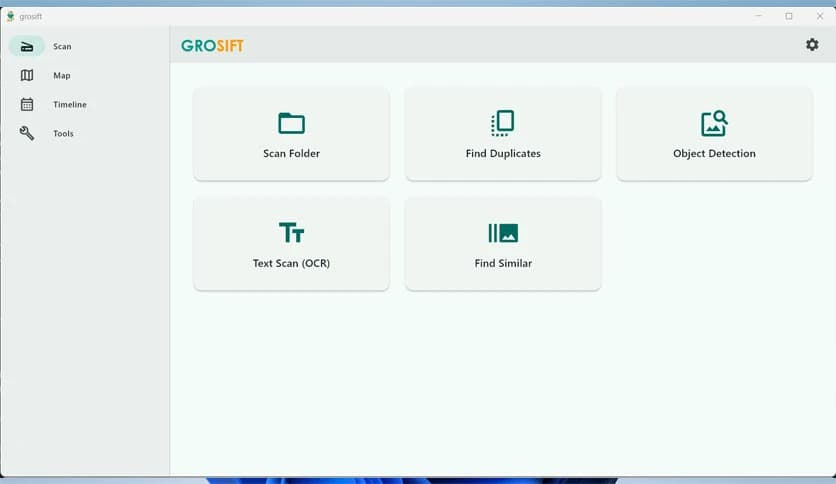
It goes beyond basic duplicate finding. The software scans for exact copies and visually similar images, such as burst shots or slightly edited photos. This feels like comparing photos side by side with a sharp human eye, but much faster. You keep the best version and let the rest go, recovering storage without stress.
Storage cleanup often feels risky, like throwing away old boxes without knowing what is inside. Here, everything is shown clearly before removal. The tool highlights unnecessary files, empty folders, and repeated items so you stay in control. This makes freeing gigabytes of space feel safe and satisfying.
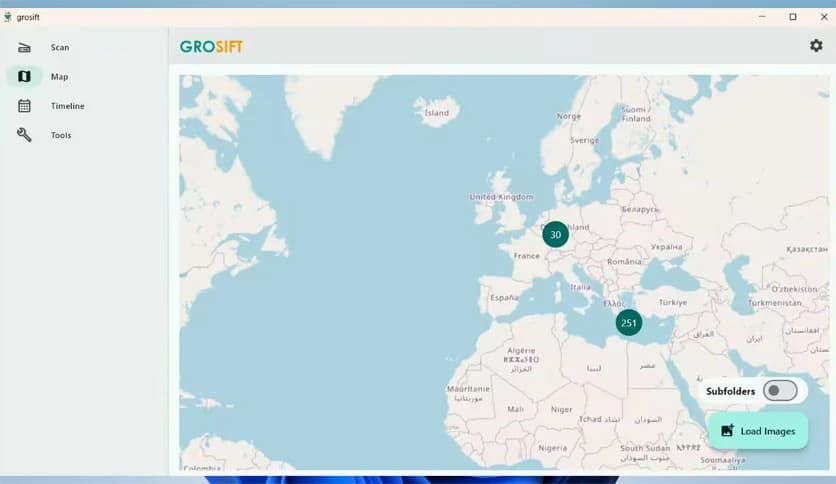
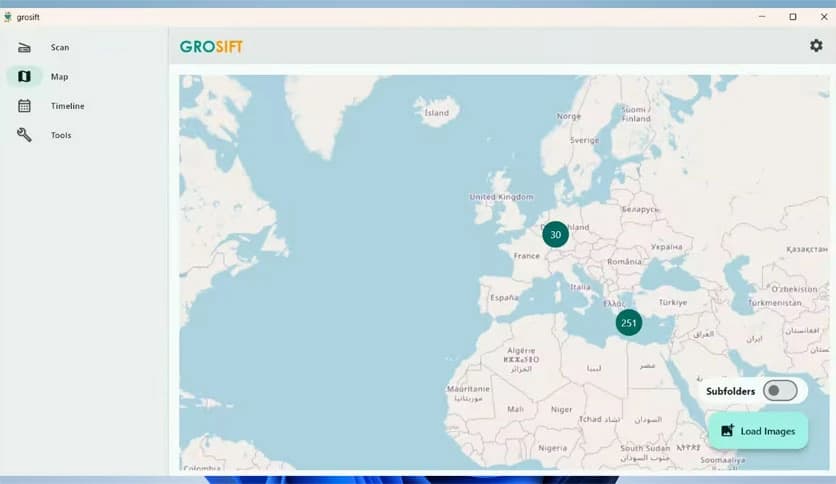
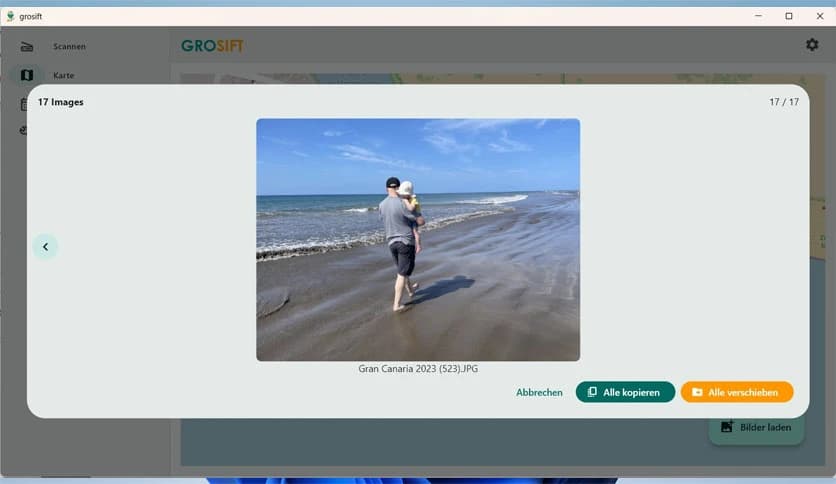
The built-in map view turns your photo collection into a visual journey. Images are grouped by location, allowing you to zoom into cities or landmarks. It feels like opening a digital globe where each pin holds a memory. This is especially helpful when creating albums or revisiting past trips.
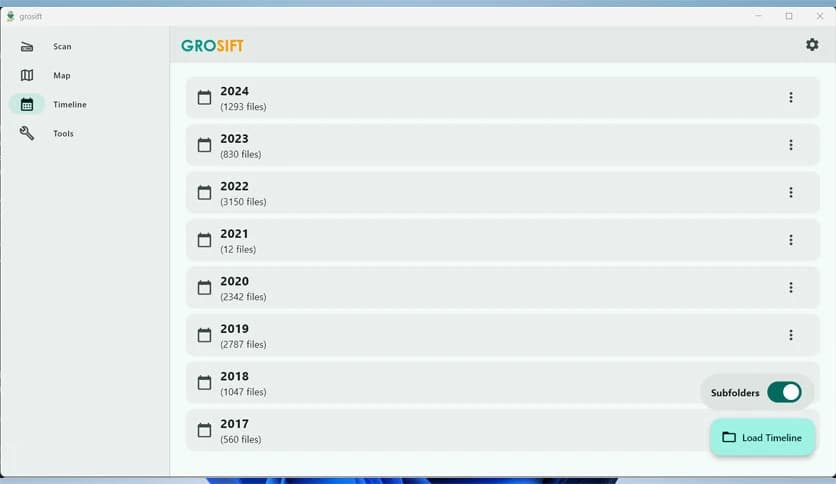
Instead of digging through endless folders, you can jump directly to a specific day, month, or year. Finding photos from a birthday three years ago becomes instant. The timeline works like a time machine, letting you scroll through moments rather than file paths.
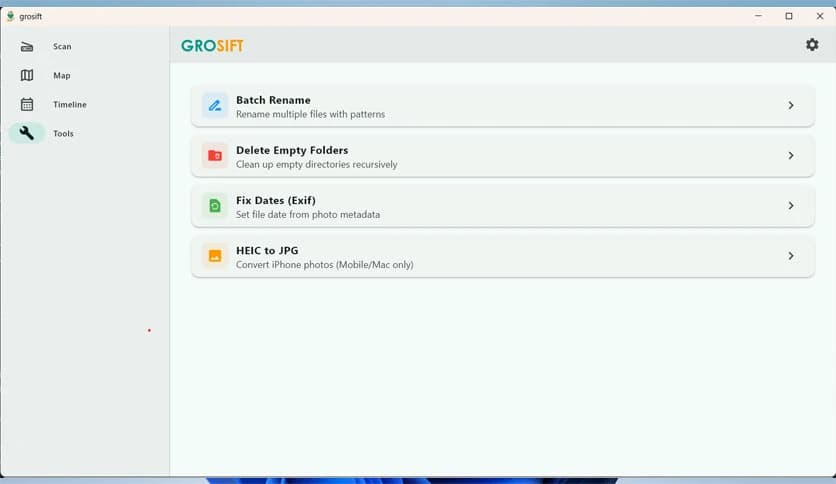
Messy filenames can make even clean folders look chaotic. The batch rename feature replaces random camera names with meaningful patterns. You can rename thousands of files at once using dates, counters, or custom text. It is like giving every file a proper label instead of a random nickname.
Sometimes files lose their correct dates after being copied or moved. This software can restore accurate timestamps using embedded photo metadata. It feels like resetting a broken clock to the correct time, bringing order back to your archive.
After organizing files, empty folders often remain like abandoned rooms. The tool automatically detects and removes them. This final touch keeps your directory structure clean and easy to navigate.
Everything runs locally on your computer, so your files never leave your system. Scans are optimized for speed, even on large drives. It works quietly, like a skilled cleaner who finishes the job without interrupting your workflow.
The layout is clean and beginner-friendly. Buttons are clear, options are explained, and results are easy to understand. You do not need technical knowledge to get a professional-level organization.
This solution is perfect for photographers, travelers, students, and anyone with years of accumulated files. Whether you manage thousands of photos or a mix of documents, it adapts to your needs without feeling overwhelming.
Groad Grosift brings calm to digital chaos by organizing files, cleaning duplicates, and restoring order without risk. It works like a personal assistant for your storage, helping you focus on memories rather than clutter.
Leave a comment
Your email address will not be published. Required fields are marked *