Graphviz Download (Latest 2026) - FileCR
Free download Graphviz 14.0.2 Latest full version - Create clear, structured visual network diagrams.
Free download Graphviz 14.0.2 Latest full version - Create clear, structured visual network diagrams.
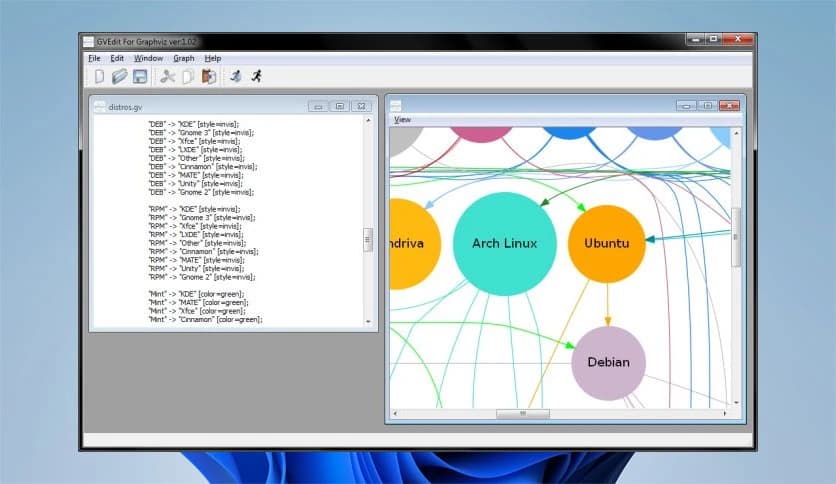
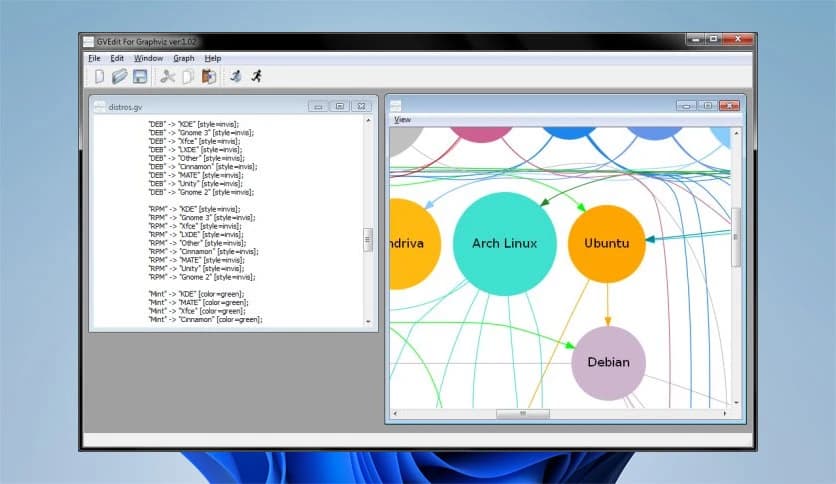
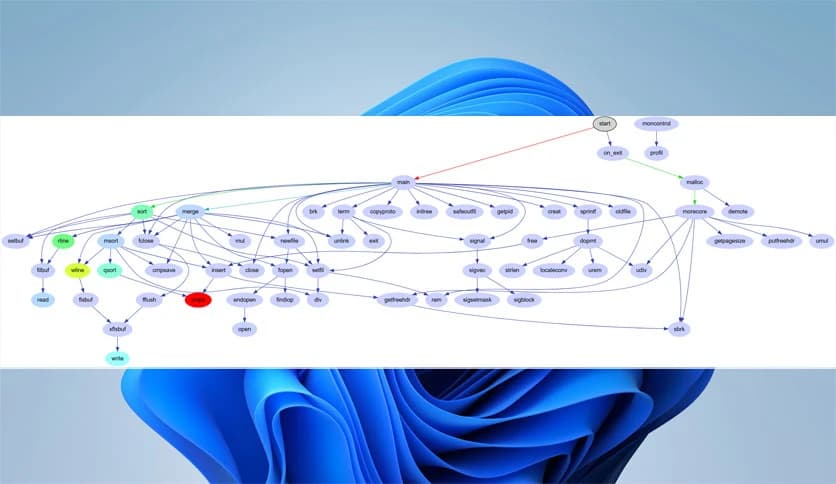
Free Download Graphviz for Windows PC. It is a powerful open-source tool that converts plain-text graph descriptions into clear, structured visual diagrams.
It is designed to help you transform complex relationships into visual diagrams. Instead of drawing shapes manually, you simply write a short text description of your graph, and the software automatically creates a professional-looking diagram. It feels a bit like giving instructions to an artist who instantly understands what you mean.
This solution is widely used in networking, bioinformatics, software engineering, database modeling, web design, and even machine learning. Whenever you need to show connections between elements, whether they are servers, genes, code modules, or database tables, this tool steps in and makes everything easier to understand.
The software uses a simple text-based language to describe nodes and edges. You define relationships in a structured format, and it converts them into visual diagrams. Think of it like writing a recipe. You list the ingredients and steps, and the kitchen delivers the final dish. Here, your “ingredients” are nodes and connections, and the final result is a clean diagram.
It supports multiple layout engines, each optimized for different graph types. Whether you need hierarchical structures, circular layouts, or force-directed positioning, the tool handles the heavy lifting automatically.
One of the software's key strengths is its flexibility in output formats. Once your diagram is generated, you can export it as:
This means you can use the generated visuals in web pages, technical papers, presentations, or development documentation without any extra conversion steps.
The software plays an important role across many industries. In networking, it helps map servers, routers, and connections. In bioinformatics, it visualizes gene relationships and biological networks. In software engineering, it displays class diagrams, flowcharts, and system architecture.
Database designers use it to illustrate table relationships. Web developers rely on it to show navigation structures. Machine learning researchers can even use it to explain decision trees and model structures. In short, whenever there is structure, this tool can make it visible.
Flexibility is where it truly shines. You can adjust colors, fonts, node shapes, and line styles. Want dashed connections? No problem. Need bold fonts or custom shapes? Easy. You can even create tabular node layouts for more complex structures.
Hyperlinks can also be embedded inside diagrams, which is extremely useful for web-based documentation. Instead of static images, you get interactive visuals that guide users deeper into your content.
The software integrates smoothly into development workflows. Since it works with text files, it integrates seamlessly with version control systems like Git. Developers can track diagram changes just as they do code changes.
It can also be used alongside programming languages such as Python, Java, and C++. Many libraries and wrappers allow automatic generation of diagrams from code or data. This makes it ideal for automation and large-scale documentation projects.
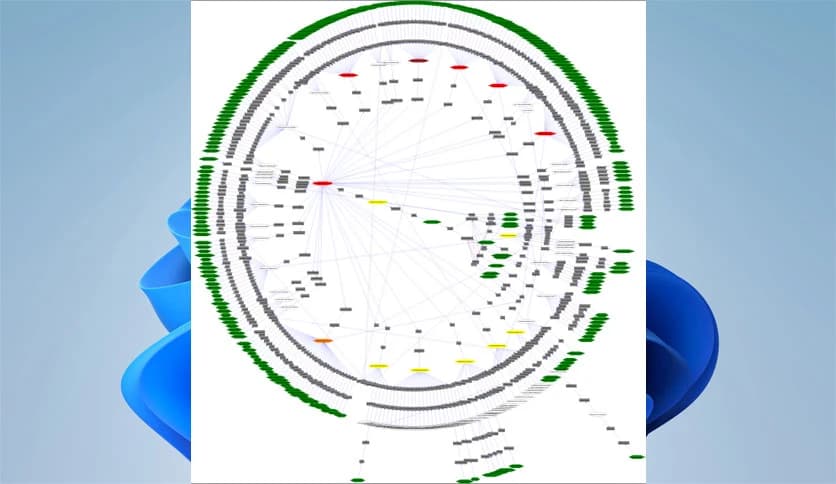
Despite its lightweight design, the tool handles complex graphs efficiently. Large networks with hundreds or even thousands of nodes can still be rendered clearly. Its layout algorithms are optimized to reduce overlapping lines and messy connections.
Because it is open source, it has been refined over many years by a strong community. That means stability, reliability, and continuous improvement.
At first glance, working with text-based graph descriptions may seem technical. But once you understand the basic syntax, it becomes surprisingly intuitive. If you can write simple, structured text, you can create diagrams.
The logic is straightforward: define nodes, connect them, and customize appearance. It feels more like organizing ideas than programming. After a few small projects, most users find themselves working faster than they ever could with manual drawing tools.
Manual diagram tools require manually dragging shapes and aligning connections. That can be time-consuming and frustrating. Here, you focus on structure instead of design adjustments.
It automatically calculates positioning, spacing, and alignment. This saves time and ensures consistency. For technical professionals, it feels like switching from handwriting to typing. Everything becomes cleaner and more efficient.
Graphviz is a reliable, flexible tool for creating structured diagrams from simple text descriptions. It removes the pain of manual drawing and replaces it with automation and precision. Whether you are mapping networks, designing software architecture, or explaining data relationships, it turns complexity into clarity. If you want clean, professional diagrams without wasting time, this software delivers.
Leave a comment
Your email address will not be published. Required fields are marked *