DropIt Download (Latest 2026) - FileCR
Free download DropIt 8.5.1 Latest full version - Smart tool for automatic file sorting.
Free download DropIt 8.5.1 Latest full version - Smart tool for automatic file sorting.
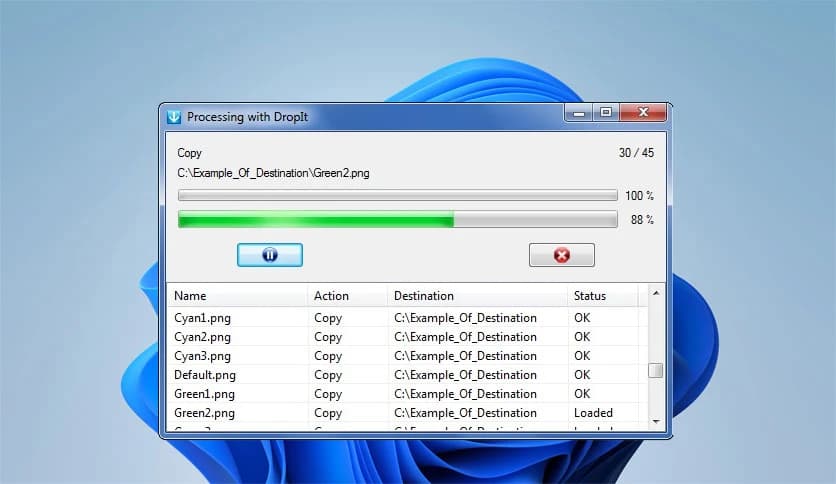
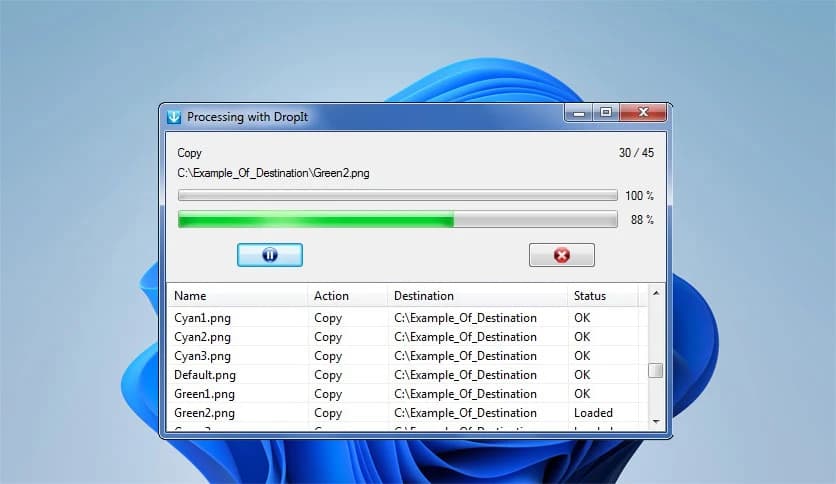
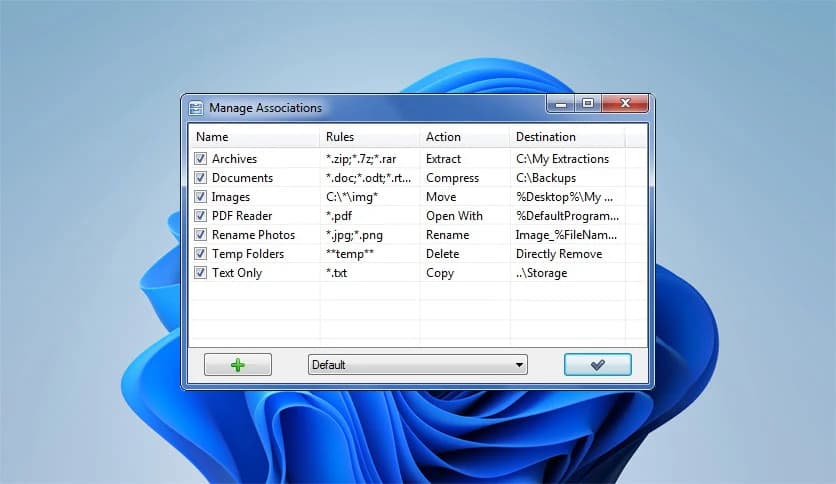
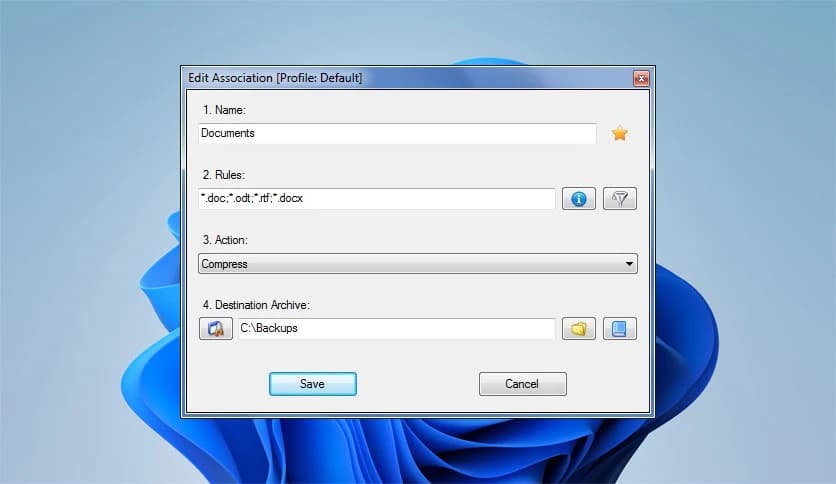
Free Download Lupo73 DropIt for Windows PC. It is a smart file organizer that automatically sorts, moves, and manages your files in seconds.
Managing files on a Windows PC can feel like cleaning a messy room. You download documents, save images, extract archives, and before you know it, your desktop looks like a digital junkyard. This tool acts as a personal assistant for your files. Instead of manually opening folders and dragging items around, you simply drop them onto a floating icon and let the software handle the rest.
It eliminates repetitive tasks that usually waste your time. Whether you want to move, copy, rename, compress, or encrypt files, the process is automated. You define the rules once, and it follows them perfectly every time. Think of it as setting up a smart conveyor belt for your data.
The process is simple and smooth. After installation, a floating image appears on your screen. You can drag and drop any group of files or folders onto it. Once dropped, the tool checks them against the rules you have created. Based on your conditions, it performs specific actions instantly.
For example, you can tell it to move all PDF files to a Documents folder, compress ZIP files, or open specific file types with specific programs. Instead of doing ten manual steps, you do just one. It feels almost like teaching your PC how to think for you.
One of the strongest features is its advanced filtering system. You are not limited to basic file types. The software allows filtering by:
This flexibility allows you to create highly specific rules. For instance, you could move files larger than 100MB into a backup folder, or separate files created before a certain date. It gives you fine control without complicating the process.
The software supports 21 actions, making it more than a simple file mover. You can choose from actions like:
This range transforms it from a basic organizer into a complete file management system. You can automate tasks that would normally require multiple programs. It is like having a toolbox where every tool is ready and connected.
If you work on different types of projects, profiles become very useful. You can create separate sets of rules for different situations. For example, one profile for work documents, another for media files, and another for backups.
Switching between profiles is quick and easy. This feature keeps your automation clean and structured. Instead of mixing rules together, you keep them organized just like labeled folders in a cabinet.
It also works with manual drag-and-drop. The tool can monitor specific folders at defined time intervals. Once enabled, it scans selected locations and automatically processes new files.
Imagine downloading files into your Downloads folder. Instead of sorting them daily, the software can scan the folder every few minutes and move files to their correct destinations. It feels like having a silent worker in the background who never gets tired.
The interface is lightweight and clean. The floating image is minimal and does not disturb your workflow. You can move it anywhere on your screen. The settings panel is clear and well structured, making it easy to create rules even if you are not a technical expert.
You do not need advanced knowledge to use it. The steps are logical and straightforward. Define a filter, choose an action, and save. That is it. It keeps things simple without sacrificing power.
If you regularly handle large amounts of files, the time savings are noticeable. What used to take several minutes now takes seconds. Over weeks and months, this adds up significantly.
It reduces errors as well. Manual file sorting often leads to mistakes, such as moving files into the wrong folder. With predefined rules, actions are consistent and reliable. It brings order where chaos once reigned.
Beyond simple file sorting, the software includes encryption and decryption options. This means you can automatically secure sensitive files. It also supports splitting and joining files, which is useful when working with large datasets.
These features make it suitable not only for casual users but also for professionals. Whether you manage personal photos or business documents, it adapts to your needs.
DropIt is a practical and powerful solution for anyone tired of manually sorting files. It turns repetitive file management into an automatic process that runs smoothly and accurately. With advanced filtering, multiple actions, profile support, and folder monitoring, it transforms your Windows PC into a well-organized workspace. If you want to save time and keep your digital environment clean, this software makes the job effortless.
Leave a comment
Your email address will not be published. Required fields are marked *