CDisplay Ex Download (Latest 2026) - FileCR
Free download CDisplay Ex 1.10.33 Latest full version - Light, Efficient CBR (Comic Book) Reader.
Free download CDisplay Ex 1.10.33 Latest full version - Light, Efficient CBR (Comic Book) Reader.
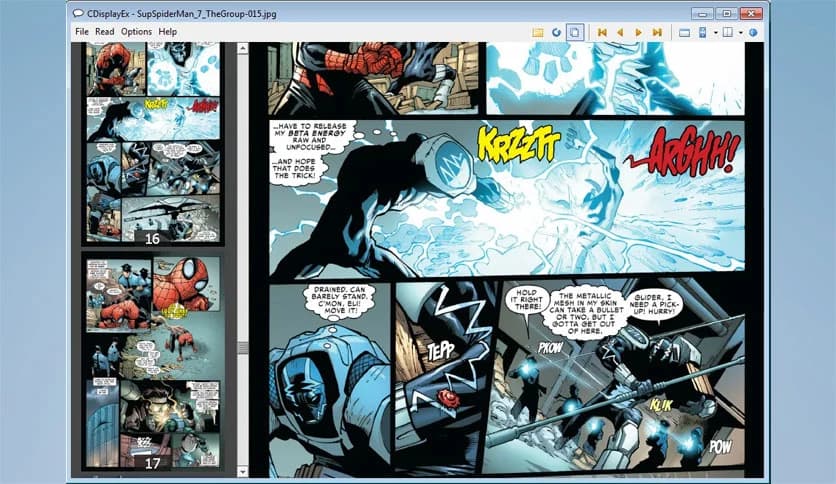
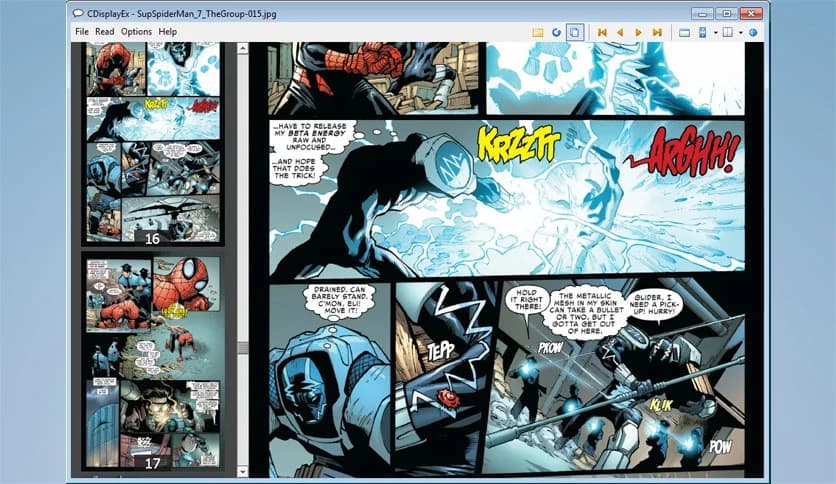
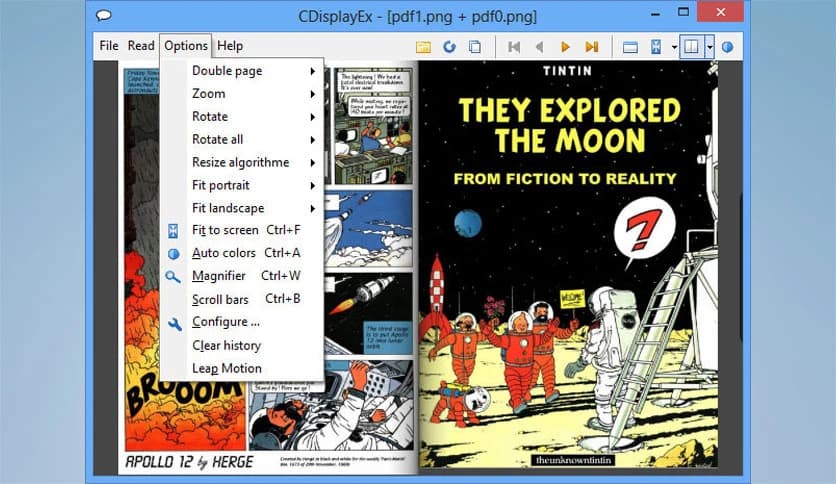
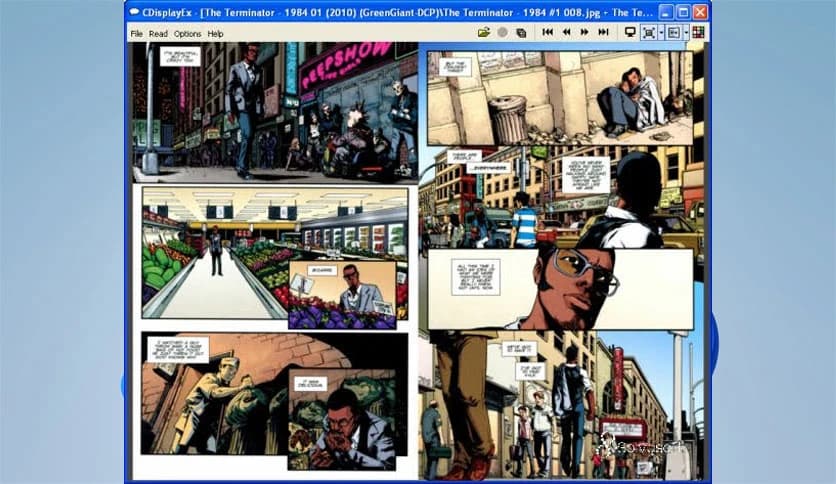
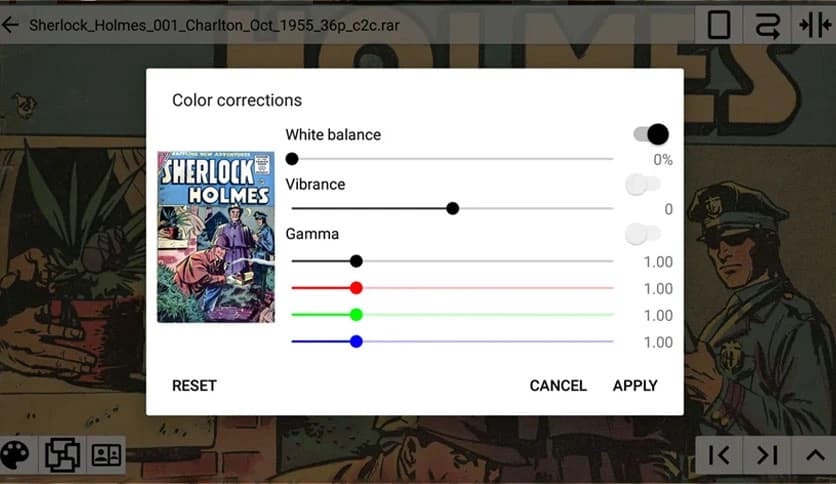
Free Download CDisplay Ex for Windows PC. It is a lightweight comic book reader that opens digital comics instantly and delivers a smooth, comfortable reading experience.
Digital comics have become incredibly popular, and reading them on a computer should feel just as enjoyable as flipping through real pages. This software was designed exactly for that purpose. It focuses on speed, simplicity, and an immersive reading experience that lets comic lovers enjoy their favorite stories without distractions.
The tool supports many comic book formats, including CBR, CBZ, PDF, and Manga. Instead of dealing with complicated menus or slow loading times, everything works quickly and smoothly. Once a comic is opened, pages appear instantly, and scrolling feels natural and fluid.
Many comic fans prefer this program because it keeps things simple. It doesn't overload the user with unnecessary features. Instead, it focuses on what really matters: comfortable reading, clear page display, and fast performance.
One of the biggest advantages of the software is its lightweight design. Unlike resource-intensive applications, this reader runs smoothly even on older computers. Opening a comic feels almost instant, like opening a photo on your device.
The small installation size means it does not take up much storage space. Once installed, it launches quickly and loads large comic files without lag. This makes it perfect for users who want a simple yet powerful comic-reading tool.
The fast-loading engine ensures pages appear without delay. Turning pages feels smooth and natural, making long comics or graphic novels more enjoyable to read.
Digital comics come in many formats, and compatibility is essential for a good reader. This program supports the most common comic formats such as CBR and CBZ. These formats are widely used for digital comic collections.
In addition, it can open PDF files and other image-based comic archives. This flexibility allows readers to store all their comics in one place without worrying about compatibility issues.
The software also works perfectly with Manga collections. Pages are displayed clearly, and users can adjust the reading direction if necessary. This ensures a comfortable experience whether reading Western comics or Japanese Manga.
Reading comics on a computer should feel natural and engaging. The software focuses heavily on delivering a smooth reading environment. Pages load instantly, and navigation between pages feels effortless.
The interface is clean and simple, so readers can focus entirely on the artwork and story. Instead of cluttered menus, the tool keeps everything minimal and easy to understand.
Scrolling through pages feels similar to flipping through a real comic book. This creates a more immersive experience and keeps readers connected to the story.
Ease of use is one of the program's strongest points. Even beginners can start reading comics within seconds of opening the application. The layout is straightforward and intuitive.
Controls are simple and well-organized. Users can zoom in on detailed artwork, switch between pages quickly, and adjust the view to match their reading preference.
The clean design also reduces distractions. Instead of focusing on complicated settings, readers can dive straight into their favorite comics and enjoy the visuals and storytelling.
For comic enthusiasts, finding a reliable reader is essential. This software provides exactly what fans need: speed, clarity, and compatibility. It works well for both casual readers and collectors with large comic libraries.
Manga readers also benefit from the optimized viewing system. Pages are displayed clearly, and the tool handles high-resolution artwork without slowing down.
Whether someone enjoys superhero comics, graphic novels, or Manga series, this reader helps bring those stories to life on a PC screen.
Managing a comic collection becomes easier with this program. Users can quickly open multiple comic files and switch between them without closing the application.
The software keeps navigation smooth and efficient. Moving from one chapter to another feels seamless, almost like browsing a digital bookshelf filled with stories.
This organization helps readers spend less time searching for files and more time enjoying the content itself.
CDisplay Ex stands out as one of the most reliable and lightweight comic readers available for Windows PCs. It focuses on what truly matters to comic fans: fast loading, smooth page transitions, and support for popular comic formats. Instead of overwhelming users with complex tools, it keeps everything simple and efficient. Whether you are reading classic comic collections or exploring Manga series, this program delivers a comfortable and enjoyable reading experience that feels natural and effortless.
Leave a comment
Your email address will not be published. Required fields are marked *