Photopia for MacOS Download (Latest 2026) - FileCR
Free download Photopia for MacOS Latest full version - A professional video slide show tool.
Free download Photopia for MacOS Latest full version - A professional video slide show tool.
Free Download Photopia Latest standalone offline installer for macOS. It is a powerful and user-friendly professional video slideshow tool designed exclusively for MacOS users. This software lets you create stunning video slideshows from your photos, videos, and illustrations.
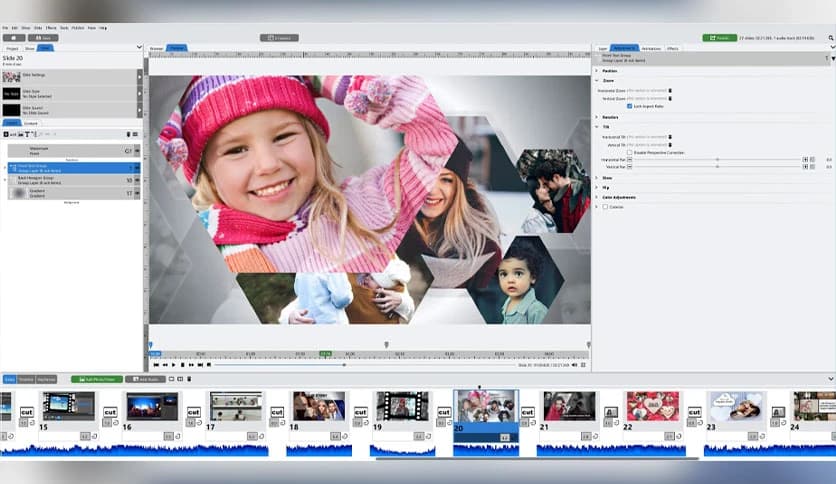
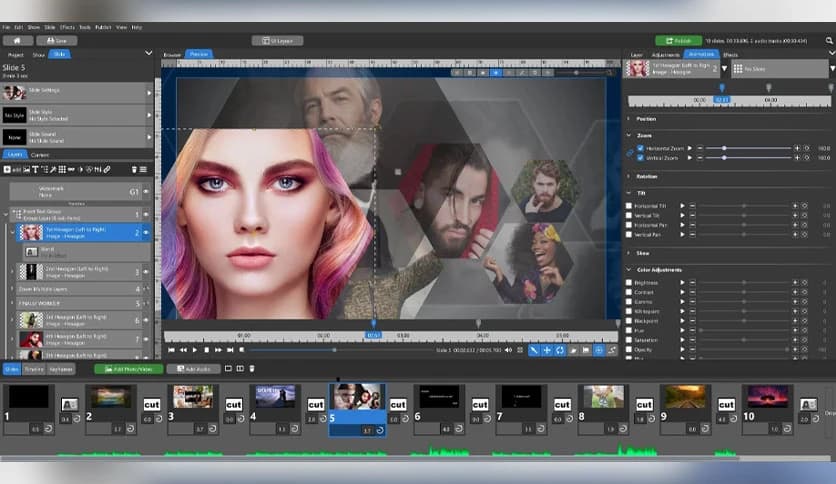
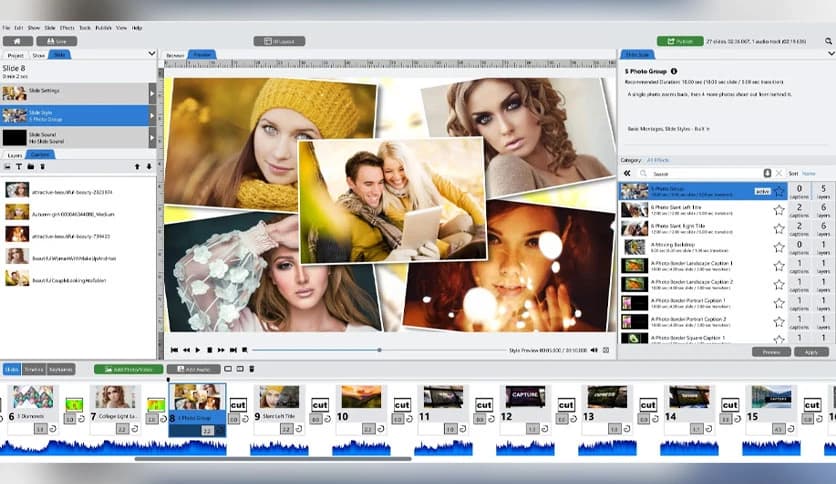
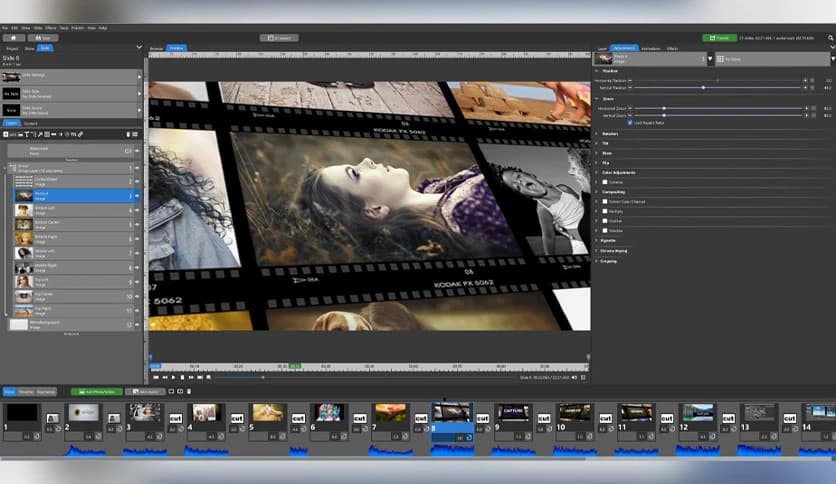
It offers a comprehensive and intuitive solution for creating beautiful video slideshows on your Mac. Whether you're a content creator, a small business owner, or someone who enjoys making personal videos, this tool simplifies creating high-quality slideshows from your photos and videos. The interface is designed to be user-friendly and accessible to beginners, while still offering enough advanced features to keep experienced users happy. You can quickly build a slideshow by importing your media files, selecting a template, and adding transitions or effects.
The software includes an impressive set of features that let you personalize every aspect of your slideshow. From customizing text and graphics to selecting the right music, everything can be done within the app. The drag-and-drop functionality further streamlines the creation process, saving you time and letting you focus on the creative side. It is all about making your video slideshows look polished and professional without requiring a steep learning curve or technical expertise.
Q: Can I import videos into my slideshow?
A: Yes, you can easily import videos along with photos to create a multimedia slideshow.
Q: Can I export my slideshow in HD or 4K resolution?
A: Yes, it supports high-quality exports, including 4K resolution.
Q: Are there any pre-designed templates available?
A: Yes, it offers a wide selection of pre-designed templates that you can customize.
Q: Does it provide customer support?
A: Yes, it offers customer support through email and an online help center.
Photopia is a robust and versatile video slideshow tool for macOS users. With its intuitive interface, wide range of customizable templates, and powerful editing tools, it's a perfect choice for anyone looking to create professional video slideshows. Whether you're a beginner or an experienced editor, it provides everything you need to bring your photos, videos, and illustrations to life. Thanks to its royalty-free music library, high-quality output options, and cloud storage integration, you can create beautiful, engaging slideshows with ease.
Leave a comment
Your email address will not be published. Required fields are marked *