Eigent for MacOS Download (Latest 2026) - FileCR
Free download Eigent for MacOS Latest full version - The Open Source Cowork Desktop to Unlock Your Exceptional Productivity.
Free download Eigent for MacOS Latest full version - The Open Source Cowork Desktop to Unlock Your Exceptional Productivity.
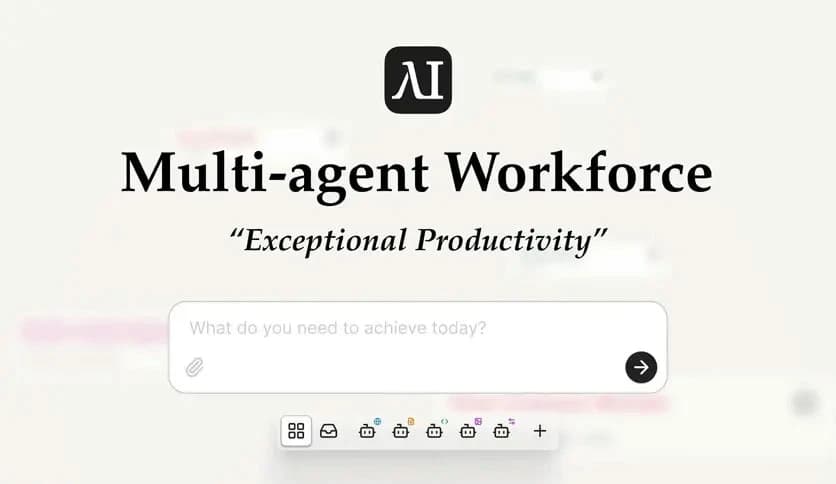
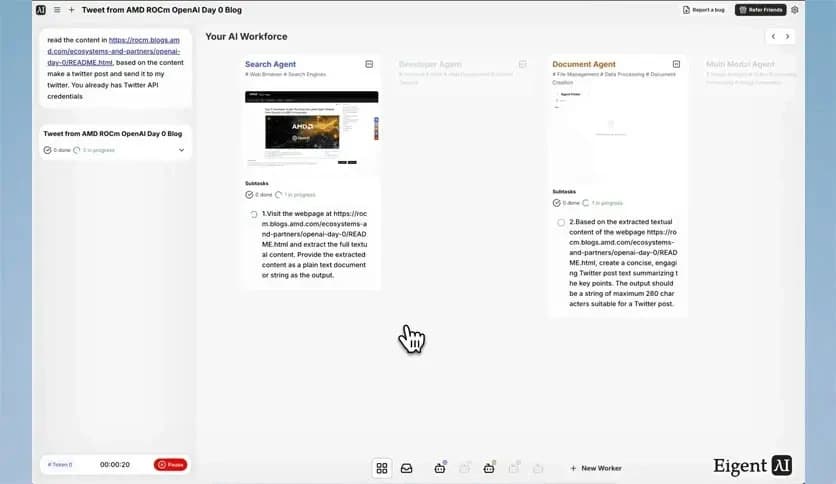
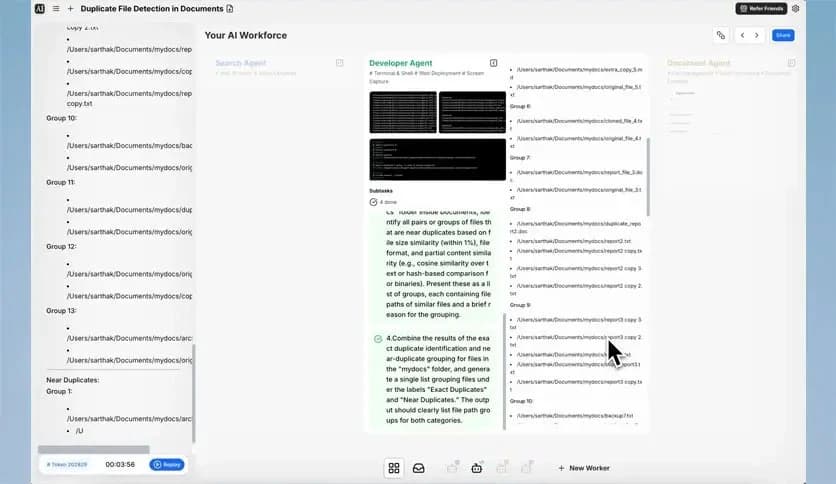
Free Download Eigent latest standalone offline installer for MacOS. It is a desktop application designed to transform how you automate your workflow. This open-source software allows users to create and manage workflows, control apps, and interact with browsers to simplify tedious tasks.
It is designed specifically for users who need an efficient way to automate their tasks across applications and browsers. By utilizing a multi-agent workforce system, this tool lets you set up and configure agents that can control your desktop apps and browsers to perform repetitive tasks seamlessly. Whether it’s filling forms, clicking buttons, or opening files, it can be tailored to handle these tasks without requiring any manual intervention.
The platform is entirely open source, meaning users have full control over the software, can contribute to its development, and can customize it according to their needs. It’s flexibility and seamless integration with both Mac applications and browsers make it a valuable addition to anyone’s digital toolkit. It stands out by offering automation solutions with a simple interface, allowing even non-technical users to take advantage of its features.
Q: How do I install it on my Mac?
A: Simply download the installer from the official website, follow the installation steps, and you’ll be ready to start automating your tasks.
Q: Can I customize the actions within a workflow?
A: Yes, it allows you to fully customize workflows, from simple actions to complex sequences, all within an intuitive interface.
Q: Is it compatible with all macOS applications?
A: It is compatible with most macOS applications, but some apps may not support full automation depending on their API or permissions.
Q: Can I share my workflows with others?
A: Yes, since it is open-source, you can export and share your workflows with others, and you can also import workflows shared by the community.
Eigent is a game-changer for users looking to automate their digital tasks. It’s easy to use, fully customizable, and packed with features that make life easier for anyone dealing with repetitive tasks. Whether you need to control your browser, automate desktop apps, or streamline complex workflows, it offers the tools you need to get things done faster. Being open-source and free, it’s a great choice for anyone seeking productivity boosts without any financial investment. Give it a try, and discover how it can transform your workflow today.
Leave a comment
Your email address will not be published. Required fields are marked *