WD Marvel Download (Latest 2026) - FileCR
Free download WD Marvel Latest full version - Powerful HDD diagnostic and repair utility.
Free download WD Marvel Latest full version - Powerful HDD diagnostic and repair utility.
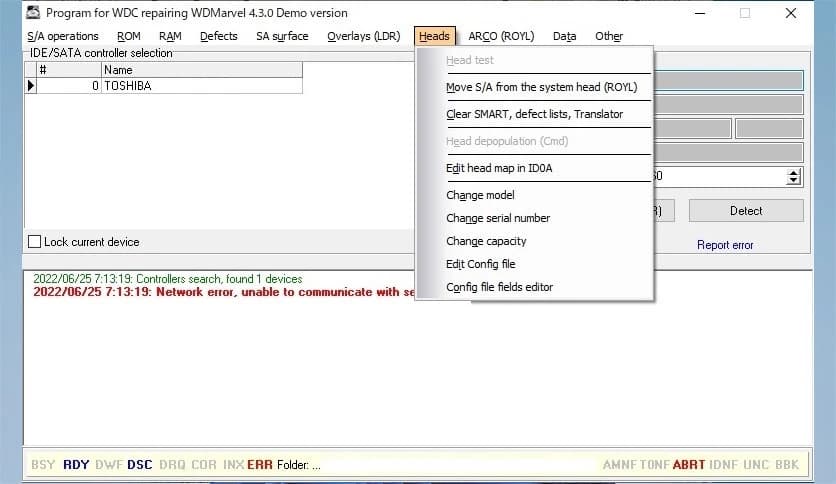
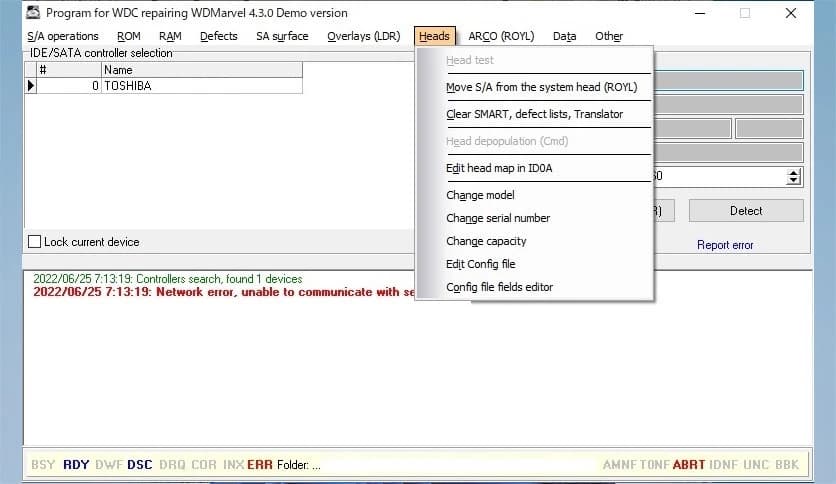
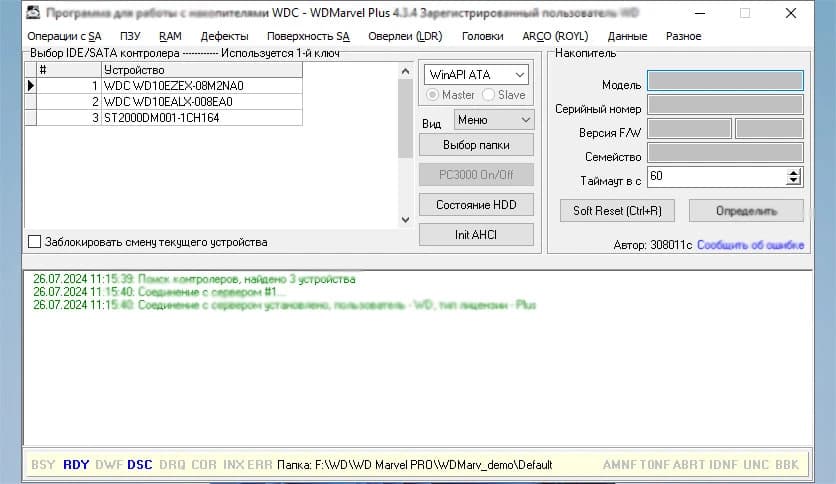
Free Download WD Marvel for Windows PC. It is a powerful hard drive diagnostic and repair utility designed to precisely check, analyze, and manage Western Digital HDD parameters.
This professional utility is built for users who want deep access to their hard drives. It focuses mainly on Western Digital disks and allows you to read service area data, analyze firmware modules, and view internal parameters. The demo version is read-only, which means you can inspect and verify information but cannot modify it. To unlock full editing and repair features, the complete version is required.
Think of it like opening the hood of your car. The demo lets you look at the engine and understand how it works. The full edition, however, gives you the tools to fix and tune it.
The demo version is specially designed for safe exploration. It allows you to read your HDD's internal parameters without making changes. This is ideal if you want to check compatibility or confirm the condition of your drive before purchasing the full software.
You can review firmware modules, inspect system files stored in the service area, and evaluate disk health. Since it does not allow modifications, it ensures your drive remains safe while you explore its features.
The software gives you detailed access to internal hard drive structures. It reads SMART attributes, firmware data, and hidden service information. This makes it useful for technicians, data recovery specialists, and advanced users who need more than basic disk utilities.
Instead of just showing simple health percentages, it dives deeper into real technical parameters. It is like switching from a basic thermometer to a full medical scanner.
One of the strongest features of the tool is its ability to interact with firmware modules. It allows users to examine the service area where critical drive data is stored. In the demo version, you can read this information and verify whether the drive is supported.
This feature is extremely helpful when diagnosing firmware corruption or compatibility issues. While editing is restricted in demo mode, the ability to analyze this data alone is valuable.
Before investing in the full version, you can use the demo to verify if your HDD model is supported. It checks the internal architecture and confirms whether advanced features will be available for your specific drive.
This saves time and prevents guesswork. You know exactly what you are working with before making a purchase decision.
The interface is clean and technical, but not overwhelming. Even though it is built for professionals, it organizes information in structured panels. Each section clearly displays drive parameters, modules, and diagnostic data.
You do not feel lost while navigating through firmware structures. Everything is laid out logically, like a well-organized toolbox, with each instrument in its place.
This utility is perfect for repair technicians, IT professionals, and advanced PC users. If you frequently work with Western Digital hard drives, it can become an essential part of your toolkit.
Beginners may find the technical depth slightly advanced, but the read-only demo provides a safe way to learn without risk. It allows you to observe how professional HDD tools operate behind the scenes.
The software runs smoothly on most Windows systems. It is lightweight and does not consume excessive system resources. Even when analyzing detailed drive modules, performance remains stable.
Because it directly communicates with hardware at a low level, it maintains a secure environment while preventing accidental changes in demo mode.
While the demo allows reading and checking parameters, it does not permit modifications. To repair firmware, adjust internal parameters, or manage HDD configuration, the full version is necessary.
Upgrading unlocks advanced repair tools, parameter editing, and deeper drive control options. If the demo confirms compatibility and meets your expectations, the complete edition becomes a powerful investment.
WD Marvel stands out as a professional-grade hard drive diagnostic and firmware management utility. It offers a safe read-only demo to inspect HDD parameters, verify compatibility, and explore firmware modules without risk. For users who need deeper control and repair capabilities, the full version unlocks powerful tools that transform it from a viewer into a complete HDD management solution.
Leave a comment
Your email address will not be published. Required fields are marked *