Vistumbler Download (Latest 2026) - FileCR
Free download Vistumbler 10.10.1 Latest full version - Scan nearby WiFi networks and map signals.
Free download Vistumbler 10.10.1 Latest full version - Scan nearby WiFi networks and map signals.
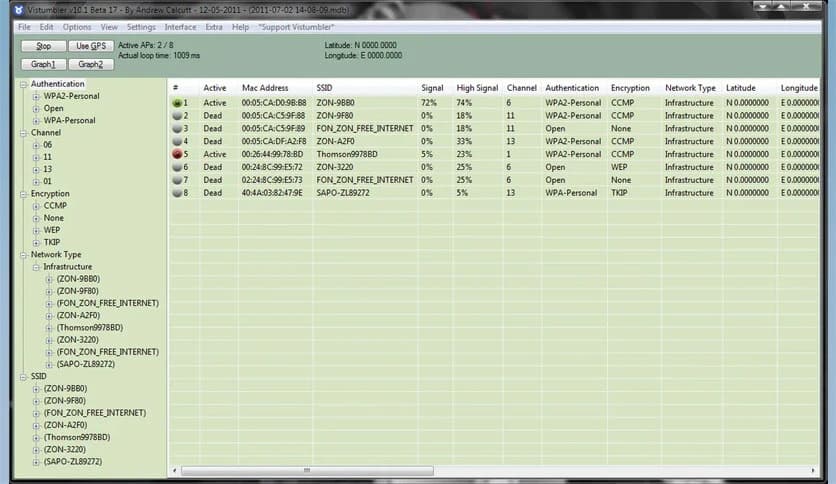
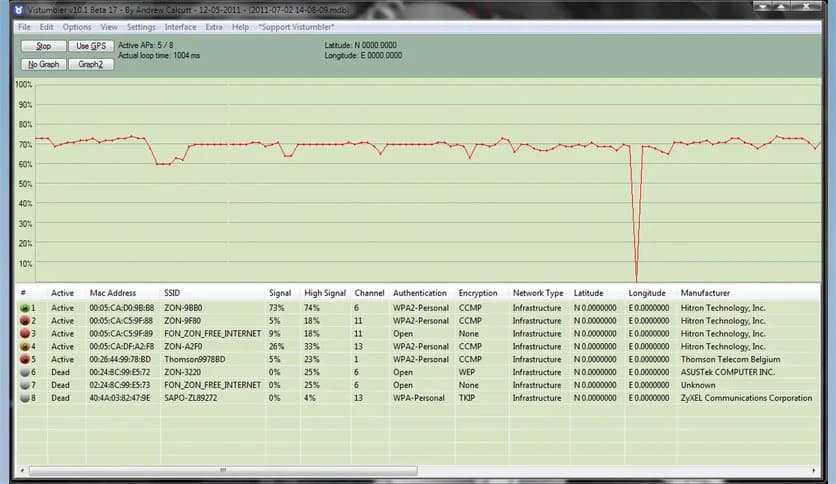
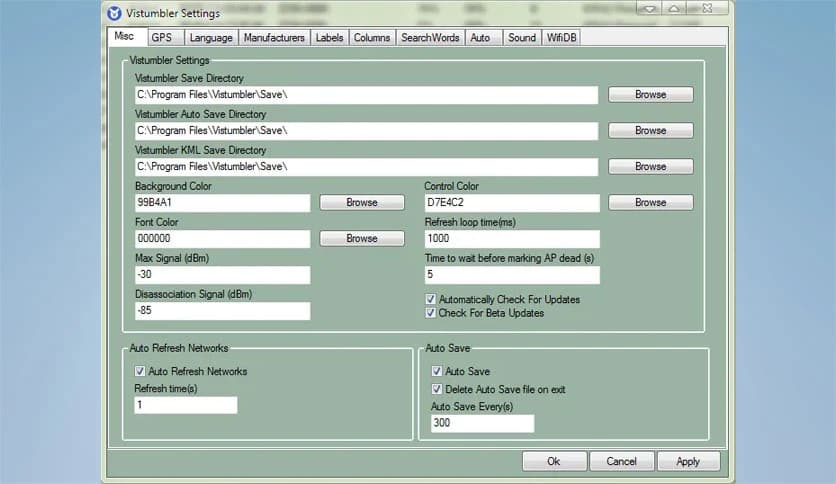
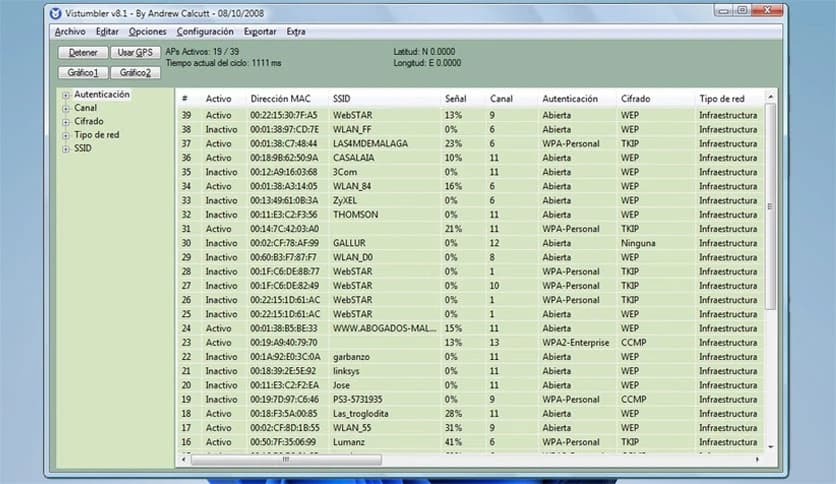
Free Download Vistumbler for Windows PC. It is a powerful open-source tool that scans and visualizes nearby wireless networks using WiFi and GPS data.
It is designed to help users discover and analyze wireless networks around them. It acts like a digital radar for WiFi signals, scanning nearby access points and presenting useful information in an organized way. Whether you are a network enthusiast, an IT technician, or simply curious about the wireless activity around you, this software makes the process simple and insightful.
The tool is built using AutoIt and works smoothly on Windows systems. Its main goal is to map wireless access points using both WiFi scanning and GPS data. When paired with a compatible GPS receiver, it can even display network locations on a map. This combination of location tracking and wireless scanning gives users a clear visual picture of the surrounding network environment.
The tool continuously scans the area for available wireless access points. It gathers information such as signal strength, encryption type, channel number, and network name. Think of it as a pair of digital binoculars that allow you to see the invisible signals floating through the air.
This process helps users understand how crowded their wireless environment is. If several routers operate on the same channel, for example, performance problems can appear. By analyzing the collected data, it becomes easier to adjust network settings and reduce interference.
Scanning is performed using the Windows Native WiFi API or the netsh command-line utility. This ensures compatibility with most wireless adapters and modern Windows systems.
One of the most interesting features of the software is GPS integration. When connected to a GPS receiver that supports COM or NMEA communication, the tool records the physical location of detected access points.
This allows users to build a geographical map of wireless networks. Imagine walking through a city while the software quietly logs WiFi signals around you. Later, those signals can be plotted on a map to show where each network was detected.
This feature is particularly useful for wireless surveys, troubleshooting connectivity issues, or learning about signal coverage in large areas.
The software supports live tracking in Google Earth, adding a visual layer to the scanning experience. As networks are detected, they can be displayed directly on the Earth map interface.
This makes the scanning process feel almost like navigating with a digital compass. Instead of reading rows of data, users can watch networks appear on a map in real time.
The result is a much more intuitive way to understand how wireless networks are distributed across streets, buildings, or open spaces.
The tool provides flexible data management features. Users can export and import access point information in several formats. These options allow collected data to be shared, analyzed, or reused later.
Two commonly supported formats are KML and GPX. These formats are widely used for mapping and GPS applications. By exporting scan results into these formats, the collected information can be opened in mapping tools or GPS software.
This makes the software especially helpful for wireless surveys and research projects where accurate location data is important.
Another useful feature is audio alerts. The software can notify users when specific events occur during scanning. For example, it may play a sound when a new network appears or when signal strength changes.
This feature allows users to monitor wireless activity without constantly watching the screen. It works almost like a radar alarm system, alerting you whenever something new enters the scanning range.
For professionals performing network surveys, these alerts make it easier to focus on movement and location rather than staring at the interface.
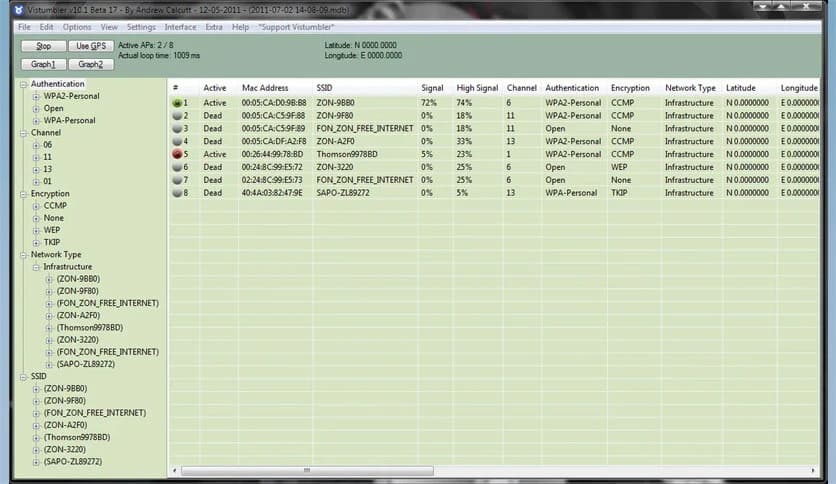
The interface is designed to display a large amount of information without feeling overwhelming. Networks appear in organized lists that include details such as signal level, channel number, security type, and MAC address.
Despite its powerful capabilities, the software remains lightweight. It runs smoothly on most systems and requires minimal hardware resources. Even older computers can handle scanning tasks without performance problems.
This balance between simplicity and functionality makes it suitable for both beginners and advanced users.
The software can be used for several practical purposes. Network administrators often rely on it to analyze wireless coverage and detect overlapping channels. By identifying crowded channels, they can optimize router settings for better performance.
Security researchers may also use it to observe encryption types used by nearby networks. While the tool does not break security, it provides useful information about network configurations.
For hobbyists and tech enthusiasts, scanning networks can be a simple learning experience. Wireless signals become visible, helping people understand how modern communication works.
Vistumbler is a reliable and practical wireless scanning solution for Windows users. It combines WiFi detection, GPS mapping, and real-time visualization to help people understand the wireless environment around them. With features such as Google Earth integration, data export options, and audio alerts, it offers both power and flexibility. Whether used for network troubleshooting, wireless surveys, or learning about signal coverage, this tool turns invisible Wi-Fi signals into clear, useful information.
Leave a comment
Your email address will not be published. Required fields are marked *