VibePaint AI Download (Latest 2026) - FileCR
Free download VibePaint AI Latest full version - Smart AI tool for stunning digital art.
Free download VibePaint AI Latest full version - Smart AI tool for stunning digital art.
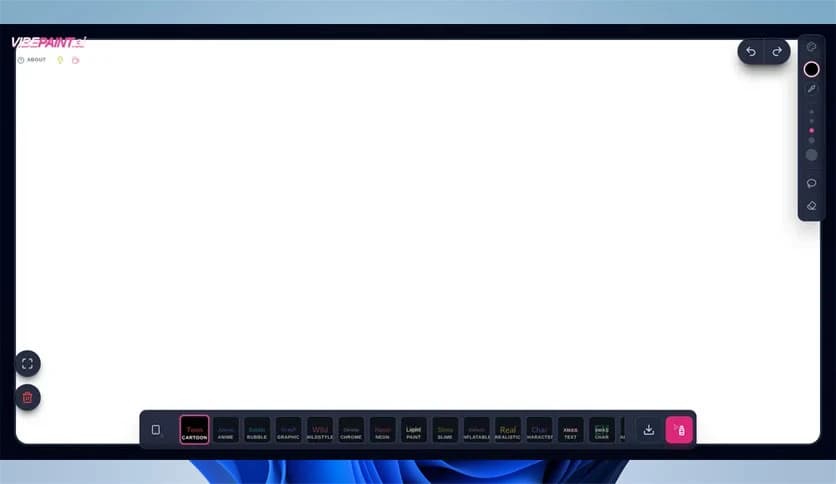
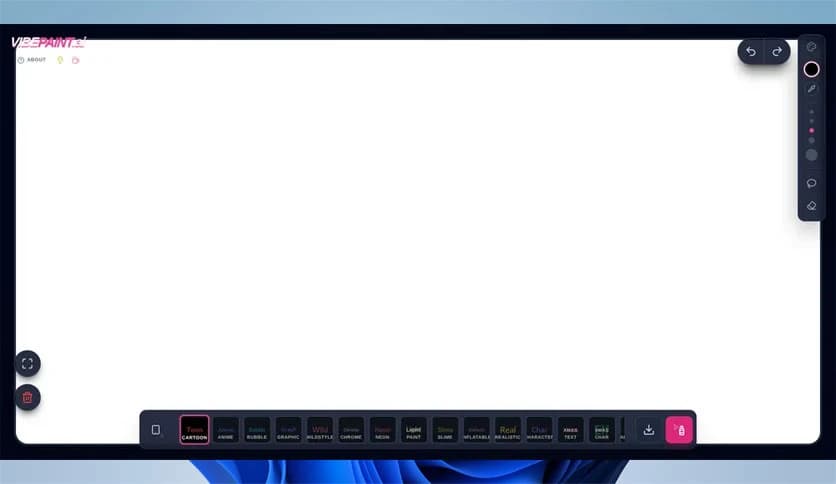
Free Download VibePaint AI for Windows PC. It is a smart digital painting tool that uses artificial intelligence to turn your ideas into beautiful artwork with ease.
It is built for people who love to create. Whether you are sketching for fun or working on professional illustrations, this software helps you paint faster and smarter. It blends technology with imagination, giving artists a helping hand without taking away their creative control.
The tool is designed to support digital artists at every level. If you are just starting out, it feels friendly and simple. If you are experienced, it offers advanced options to streamline your workflow. It acts as a creative partner, sitting beside you, ready to suggest ideas, refine strokes, and add depth to your art.
At the core of the software is a powerful AI engine. It studies your brush strokes, color choices, and patterns. Then it adapts. It learns how you paint and offers helpful suggestions that match your personal style. Think of it as a co-artist that understands your vision.
When you start a sketch, the tool can automatically suggest shading, textures, or even background elements. Instead of spending hours refining small details, you can focus on the bigger picture. It handles the heavy lifting while you stay in control.
Creativity has no single shape, and neither does this platform. It supports a wide range of painting styles, from realistic portraits to abstract compositions. You can experiment freely without feeling limited.
The AI can adjust to watercolor effects, oil painting textures, digital comic styles, and more. It processes your input and transforms it into rich, layered artwork. It feels like having a toolbox filled with endless brushes and canvases.
One of the best features of the software is its clean, simple interface. You do not need to be a tech expert to use it. The layout is organized, with tools clearly labeled and easy to access.
For beginners, this means less confusion and more time creating. For professionals, it means a faster workflow. The menus are intuitive, and the features are placed where you expect them. It feels natural, almost like drawing on paper, but with superpowers.
Sometimes, artists hit a creative wall. That is where the intelligent suggestions come in. The software can analyze your unfinished work and recommend improvements. It might adjust lighting, enhance contrast, or refine shapes.
You are not forced to accept these changes. Instead, you can preview them and decide what works best. It is like having a mentor who gently offers advice without taking over your canvas.
The more you use it, the smarter it becomes. The AI learns from your habits and painting methods. If you prefer bold lines and high contrast, it adapts. If you love soft gradients and subtle tones, it adjusts accordingly.
This adaptive learning makes the experience feel personal. Over time, the software starts to reflect your unique artistic fingerprint. It does not just create art; it evolves with you.
Time is valuable, especially for professional artists. This tool accelerates the creative process. Tasks that once took hours can now be done in minutes. Background generation, texture layering, and color correction become quicker and smoother.
Instead of getting stuck on repetitive steps, you can focus on storytelling and emotion in your art. It acts like a fast lane on a busy highway, helping you reach your creative destination faster.
For new artists, fear of making mistakes can slow progress. This platform creates a safe space to experiment. You can try different techniques without worrying about ruining your work. The AI can help fix errors or suggest improvements.
It feels like learning with training wheels. Over time, you gain confidence and control. The tool supports your growth, guiding you step by step as your skills improve.
What sets the software apart is how seamlessly it blends creativity and technology. It does not feel robotic. Instead, it enhances human imagination. The AI works quietly in the background, supporting your ideas.
It is like mixing paint with a drop of magic. You bring the vision, and the technology amplifies it. Together, they create something powerful and unique.
VibePaint AI brings together imagination and artificial intelligence in a way that feels smooth and natural. It empowers beginners to learn faster and gives professionals the tools to work smarter. By combining smart automation with full creative control, it becomes more than just a painting program. It becomes a creative companion that grows with you and helps transform simple ideas into impressive digital masterpieces.
Leave a comment
Your email address will not be published. Required fields are marked *