VCV Rack Download (Latest 2026) - FileCR
Free download VCV Rack 2.6.4 Latest full version - Create endless modular soundscapes easily.
Free download VCV Rack 2.6.4 Latest full version - Create endless modular soundscapes easily.
Free Download VCV Rack for Windows PC. It is a powerful modular synthesizer that lets you build and connect virtual sound modules just like real Eurorack hardware.
This software brings the world of modular synthesis straight to your computer screen. If you have ever seen a wall of cables and knobs in a music studio and wondered how it all works, this tool gives you that experience without the heavy hardware cost. It serves as a host for virtual modules that handle various audio tasks, such as generating tones, shaping sound, and creating rhythms.
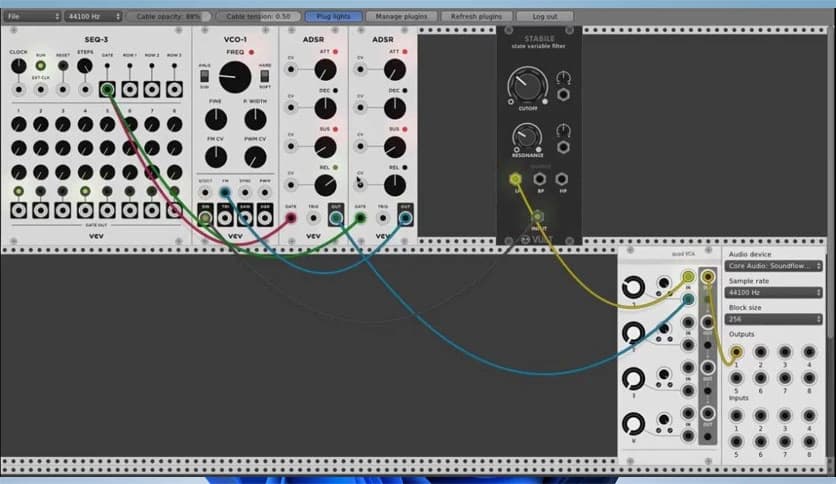
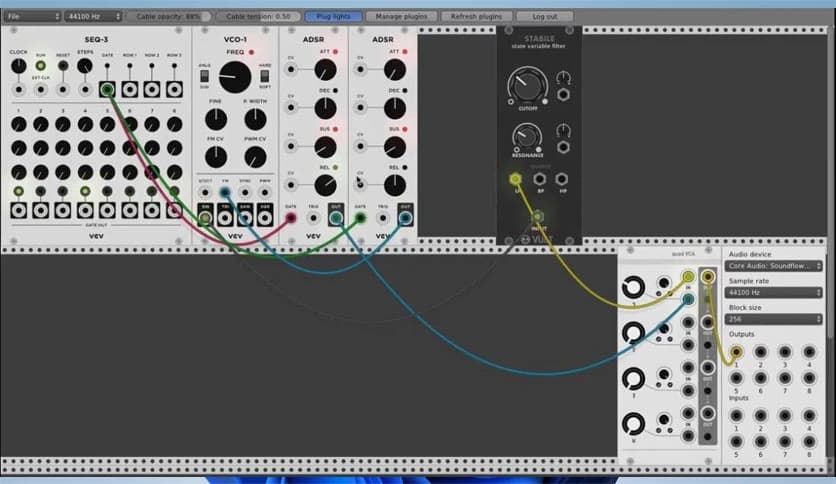
Instead of buying physical modules, you drag and drop digital ones into your workspace. Then you connect them with virtual cables. It feels like building a sound machine piece by piece. The beauty of it lies in freedom. You can mix oscillators, filters, envelope generators, and sequencers in almost endless ways. Every setup can sound completely different from the last.
At first glance, modular synthesis can look complex. There are cables everywhere, blinking lights, and countless knobs. But once you understand the basics, it becomes like playing with building blocks. Each module has a clear purpose. Some create sound waves. Others shape or control those waves.
The software makes this learning curve smoother. You can experiment without fear. If something sounds wrong, just move a cable or tweak a knob. There is no risk of damaging expensive hardware. It turns your PC into a creative lab where mistakes are part of the fun.
One of the tool's strongest features is its flexibility. You are not locked into presets. Instead, you create your own sound from scratch. Want a deep bass that shakes the room? Start with an oscillator, shape it with a filter, and add an envelope to control its movement. Looking for a dreamy pad? Stack multiple sound sources and blend them carefully.
Because modules can be connected in almost limitless combinations, your creativity becomes the only limit. It feels like painting with sound. Every connection is a brushstroke. Each adjustment changes the audio color.
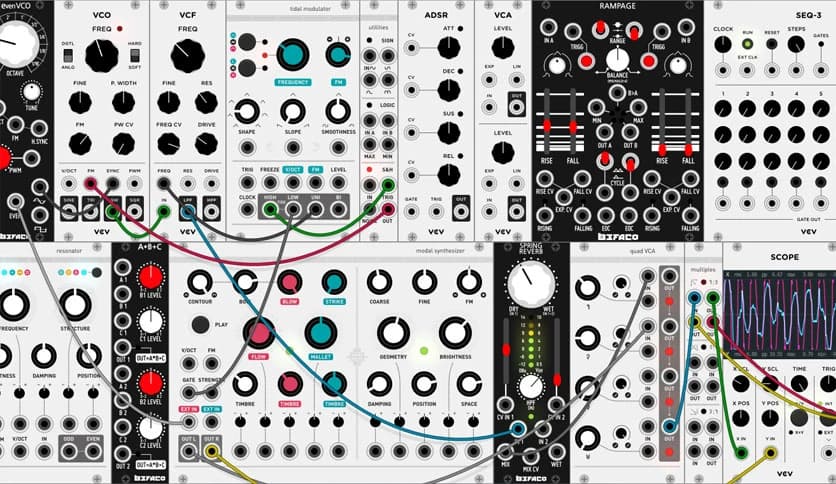
The included modules mimic real Eurorack systems. You will find oscillators for tone generation, filters for frequency shaping, envelope generators for dynamic control, and sequencers for pattern creation. Each one behaves realistically, making the experience authentic.
The interface is designed to resemble physical hardware. Knobs turn smoothly, cables snap into place, and signals flow visually. This makes it easier to understand how audio moves from one module to another. It is like seeing electricity travel through wires, but in a safe digital space.
Long music sessions can strain your eyes, especially at night. That is where dark room mode becomes helpful. With adjustable room brightness, you can reduce the interface's overall brightness and work comfortably in low-light environments.
Think of it like dimming the lights in a studio to match your mood. It reduces eye strain and keeps you focused on the sound design rather than screen glare. Small details like this show that the developers care about user comfort.
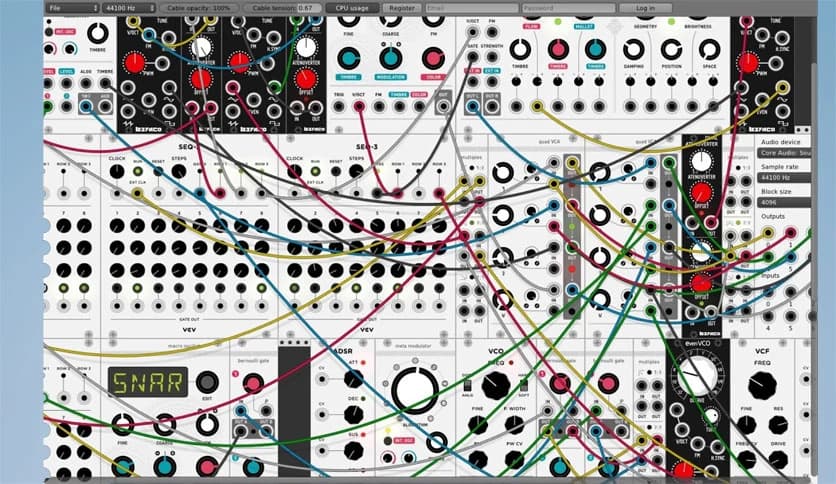
Managing large patch setups can become overwhelming. When you have dozens of modules connected, moving or editing them one by one is time-consuming. The selection feature solves this problem.
You can easily save, share, edit, and move groups of modules. It works like selecting multiple files on your desktop. This makes the organization faster and more efficient. If you create a sound chain, you can save it and reuse it later. It saves time and keeps your workflow smooth.
As your collection of modules grows, finding the right one quickly becomes important. The enhanced browser makes this task simple. You can zoom in and out, mark favorites, and sort modules according to your needs.
This system works like a well-organized toolbox. Instead of digging through a messy pile, you open a clean drawer and pick exactly what you need. It speeds up creativity and reduces frustration.
The software runs smoothly on most Windows systems and does not demand extreme hardware. It allows you to focus on music rather than technical problems. Whether you are a beginner exploring sound for the first time or an experienced producer building complex patches, it adapts to your level.
It can also integrate into your music production workflow. You can design sounds and then use them in your projects. The open environment encourages experimentation. Sometimes the best sounds come from unexpected connections.
Unlike fixed synthesizers that offer limited controls, this tool gives you total freedom. It feels like building your own instrument from scratch. Every knob twist changes something meaningful. Every cable tells a story about how sound flows.
It also helps you understand synthesis deeply. Instead of hiding processes behind simple sliders, it clearly shows the structure. This makes it a great learning platform. You are not just making music; you are learning how sound works at its core.
VCV Rack offers a flexible and inspiring way to explore modular synthesis on Windows PC. It turns your computer into a digital sound studio where ideas flow freely, and creativity knows no bounds. With realistic modules, dark room mode, smart browsing tools, and smooth performance, it becomes more than just software. It becomes your personal audio playground.
Leave a comment
Your email address will not be published. Required fields are marked *