TypeWhisper Download (Latest 2026) - FileCR
Free download TypeWhisper 0.4.3 Latest full version - Transcribe audio using on-device AI models or cloud APIs.
Free download TypeWhisper 0.4.3 Latest full version - Transcribe audio using on-device AI models or cloud APIs.
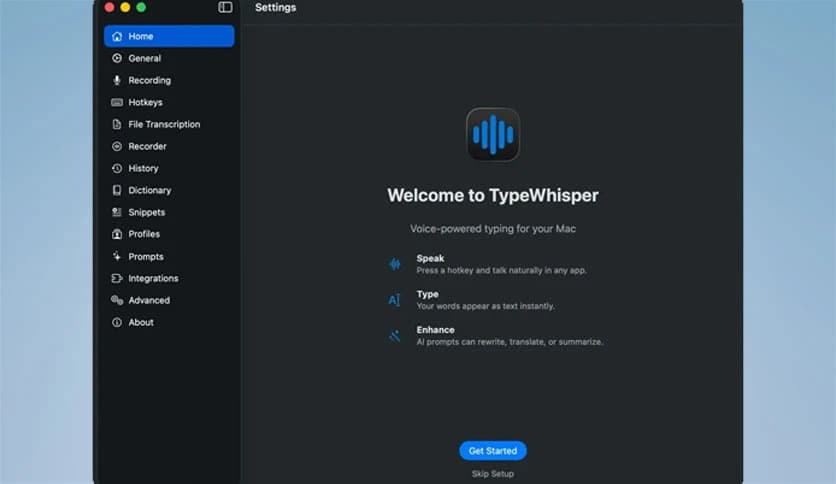
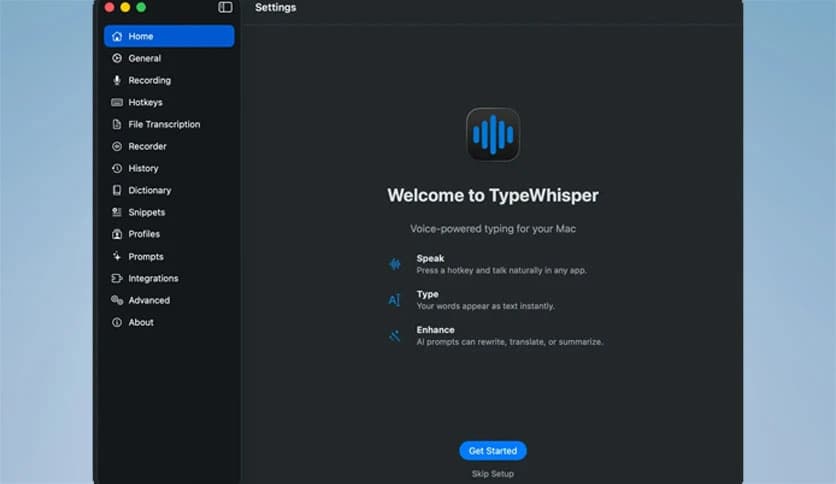
Free Download TypeWhisper for Windows PC. It is a smart, private speech-to-text solution that converts speech to text quickly and accurately.
Modern users want faster ways to write emails, create notes, and transcribe conversations without spending hours typing. This is where this software becomes extremely useful. It transforms spoken words into clean, readable text with impressive accuracy while prioritizing privacy.
The tool is designed for professionals, students, creators, and anyone who prefers speaking instead of typing. Whether you are drafting documents, recording ideas, or transcribing meetings, it helps streamline the workflow. It runs locally, which means your voice data stays secure and private.
Unlike many cloud-based solutions, the software focuses on both speed and security. It offers system-wide dictation, file transcription, prompt management, and history tracking. This makes it more than just a speech-to-text tool. It becomes a complete productivity companion.
Privacy is a major concern when using voice transcription tools. Many applications send voice recordings to remote servers, which raises security concerns. This solution solves that problem by processing everything locally on your system.
This means your recordings stay on your device. No external upload. No unnecessary data sharing. It gives peace of mind, especially for professionals working with sensitive information.
The offline processing also improves speed. Since there is no need to upload files, the transcription begins instantly. This makes it ideal for quick note-taking, real-time dictation, and immediate text generation.
One of the most helpful features is system-wide dictation. You can speak and convert your voice into text in almost any application. This includes browsers, document editors, chat apps, and email clients.
Instead of switching between tools, you can simply press a shortcut and start speaking. The tool automatically converts your speech into text wherever your cursor is placed. It feels natural and improves workflow efficiency.
This feature is especially useful for writers and professionals. It allows quick drafting without breaking focus. Ideas flow naturally when speaking, and this tool captures them instantly.
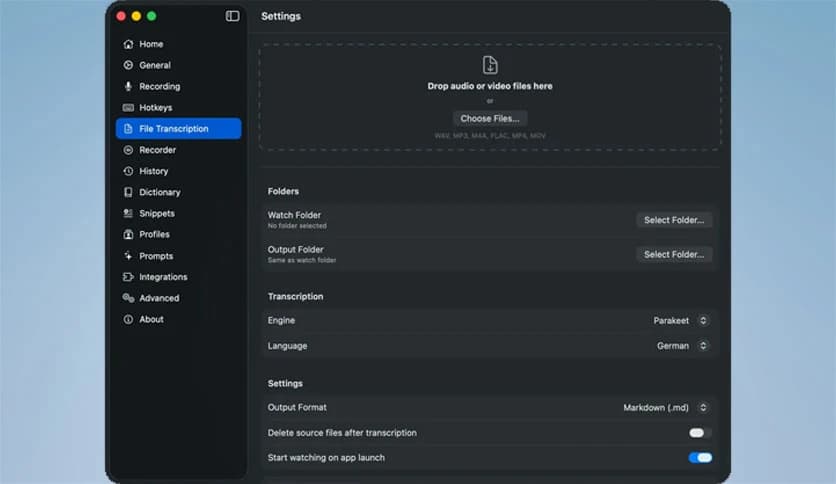
The software also supports file transcription. You can upload audio or video files and convert them into text quickly. This is helpful for interviews, meetings, lectures, and podcasts.
It handles long recordings without slowing down. The transcription quality remains consistent even for extended files. This makes it suitable for content creators and professionals who regularly work with recordings.
Users can save, edit, and export transcripts in different formats. This flexibility makes it easy to reuse content across projects.
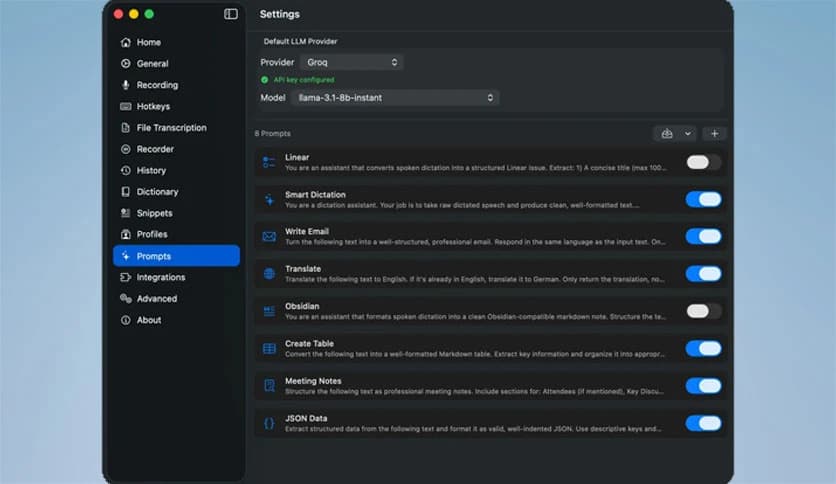
Another standout feature is prompt customization. You can create prompts for different tasks. For example, one profile for writing emails, another for note-taking, and another for transcription.
Profiles allow users to organize workflows efficiently. Instead of manually adjusting settings each time, you can switch profiles instantly. This saves time and simplifies the workflow.
This feature is especially helpful for professionals handling multiple tasks daily. It allows quick transitions between different working modes.
The tool includes a history feature that tracks previous dictations and transcriptions. This makes it easy to revisit past work. You no longer need to worry about losing important notes.
History management also improves productivity. Users can copy previous entries, reuse text, and edit older content. This reduces repetitive work and saves time.
It works like a smart archive for your voice-generated content. Everything remains accessible and organized.
Dictionary support helps improve accuracy. You can add custom words, names, or technical terms. This ensures better transcription for specialized content.
Snippet support is another useful addition. You can create shortcuts for commonly used phrases. When triggered, the tool inserts predefined text instantly.
This is helpful for emails, templates, and repetitive writing tasks. It speeds up typing and improves consistency.
The interface is designed to be simple and clean. Even beginners can start using it quickly. Controls are intuitive, and navigation is straightforward.
Everything is organized into clear sections. Users can easily access dictation, transcription, prompts, and history. This makes the tool comfortable to use daily.
The minimal design also reduces distractions. Users can focus on productivity rather than complex settings.
Speed is one of the strongest aspects of this solution. Voice conversion happens quickly, with no noticeable delay. This makes it suitable for real-time usage.
The lightweight design ensures smooth performance even on modest systems. It does not consume excessive resources. This helps maintain system responsiveness.
Whether you are working on short notes or long transcripts, the tool remains efficient and reliable.
This solution is useful for many types of users. Writers can draft articles faster. Students can transcribe lectures easily. Professionals can instantly convert meetings into text.
Content creators benefit from fast transcription. Developers can document ideas quickly. Researchers can convert interviews into readable content.
Anyone who wants to reduce typing and improve productivity will find it valuable. It simplifies daily tasks and saves time.
TypeWhisper offers a powerful and private speech-to-text experience for users who want faster writing and transcription. It combines system-wide dictation, file transcription, prompts, profiles, and history into one simple tool. The local processing ensures privacy while maintaining high performance. Whether you are a writer, student, or professional, it helps you work smarter and faster.
Leave a comment
Your email address will not be published. Required fields are marked *