WinShift Forge Download (Latest 2026) - FileCR
Free download WinShift Forge 1.0.0 Latest full version - A icons bring clarity style & control to your desktop.
Free download WinShift Forge 1.0.0 Latest full version - A icons bring clarity style & control to your desktop.
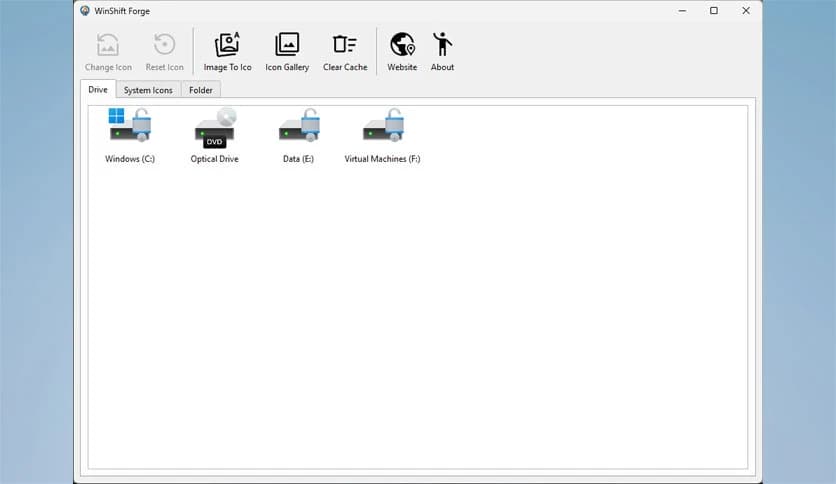
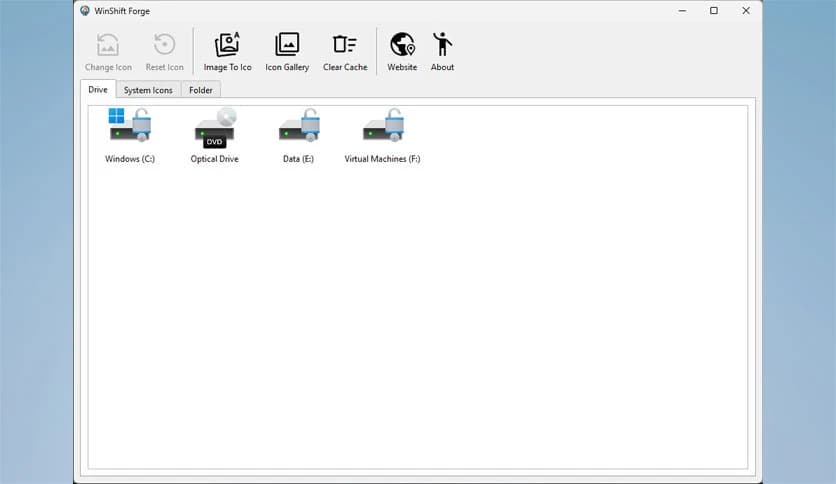
Free Download TweakNow WinShift Forge for Windows PC. It is a simple and powerful tool that helps you personalize Windows icons and refresh your desktop look in minutes.
It is designed to give users direct control over how their Windows system looks. Instead of living with default icons that feel dull and outdated, this software lets you easily redesign key visual elements. From system shortcuts to drives and folders, everything can be styled to match your taste.
It removes the complexity usually linked with Windows customization. You do not need to explore hidden menus or risky settings. Everything is clearly organized within the tool, making the experience smooth for beginners.
Changing how your desktop looks can feel like opening a window in a stuffy room. The software helps you achieve that fresh feeling instantly. By updating icons you see every day, your system feels new again without installing themes or heavy visual packs.
It focuses on what matters most: the items you click daily. This approach saves time and delivers visible results right away.
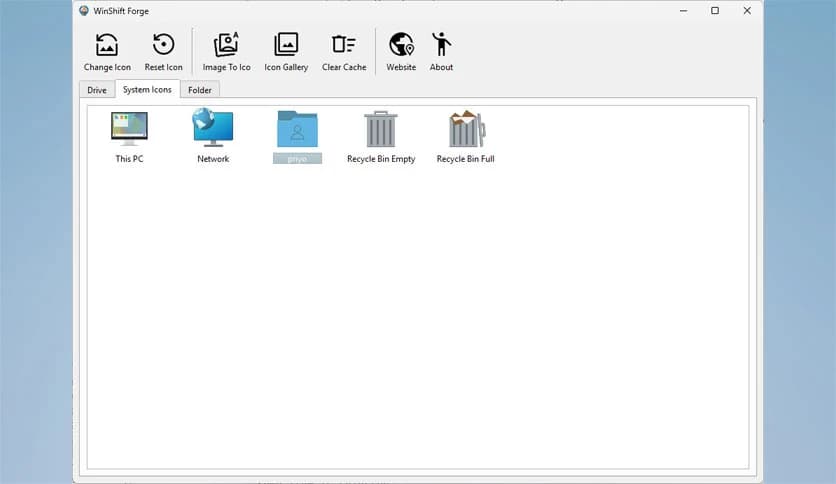
System icons, such as This PC and the Recycle Bin, are always visible. The tool lets you replace these familiar visuals with designs that better reflect your personality. Whether you prefer clean, minimal icons or bold, creative styles, customization feels effortless.
It keeps everything safe and stable while applying changes smoothly in the background.
Seeing the same icon across all drives can be confusing. The software lets you assign unique visuals to each local disk, such as C or D. This makes navigation faster and more intuitive.
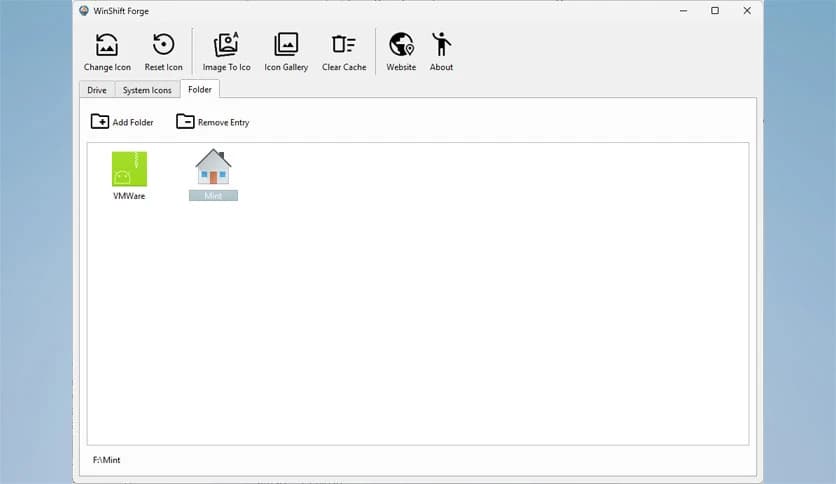
You can also apply custom icons to regular folders. It is like labeling storage boxes with colorful stickers, so you instantly know what is inside.
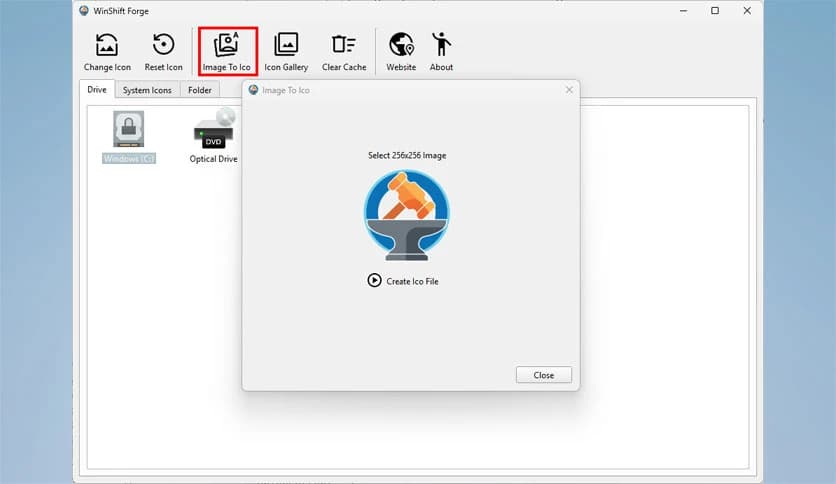
Finding the perfect icon format can be annoying. This tool solves that problem by including an easy icon creator. Any standard image file can be converted into a proper Windows icon without extra software.
You select an image, and the conversion happens instantly. It feels like having a small design studio built right into the app.
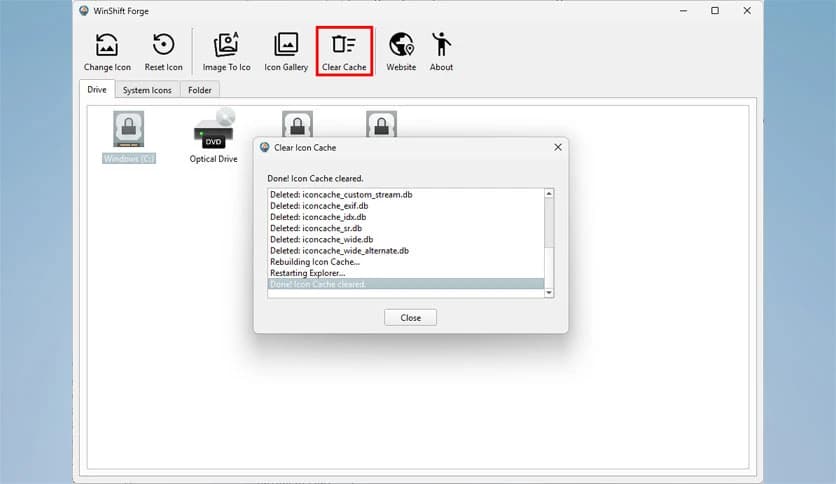
Sometimes Windows struggles to show updated icons correctly. The built-in cache fix clears old icon data with a single click. This ensures that your new visuals appear sharp and correct.
There is no need for restarts or complex steps. Everything updates smoothly, keeping frustration away.
The software is created for all Windows users, not just advanced ones. Its interface is clean and friendly, making navigation easy from the first launch.
All actions are handled safely behind the scenes. You get visual improvements without risking system stability.
It runs smoothly without slowing down your computer. The tool focuses only on icon customization, avoiding unnecessary background processes.
This lightweight nature makes it suitable for both older and modern systems.
Visual clarity can improve focus. When icons are distinct and meaningful, finding files and drives becomes faster. This small change can save time during daily tasks.
It transforms your desktop into a well-organized workspace rather than a cluttered shelf.
Whether you are customizing a personal laptop or setting up a professional workstation, the tool adapts easily. You can create a calm, clean look or a vibrant, creative one.
It supports your workflow by making the environment feel comfortable and familiar.
WinShift Forge stands out as a practical solution for users who want control over their Windows visuals without complexity. It simplifies icon customization, adds creative freedom, and keeps everything safe and lightweight. By focusing on clarity and ease, you can transform your desktop into a space that truly feels like yours.
Leave a comment
Your email address will not be published. Required fields are marked *