Kanri Download (Latest 2026) - FileCR
Free download Kanri 0.8.2 Latest full version - Simple offline Kanban board for organized workflow.
Free download Kanri 0.8.2 Latest full version - Simple offline Kanban board for organized workflow.
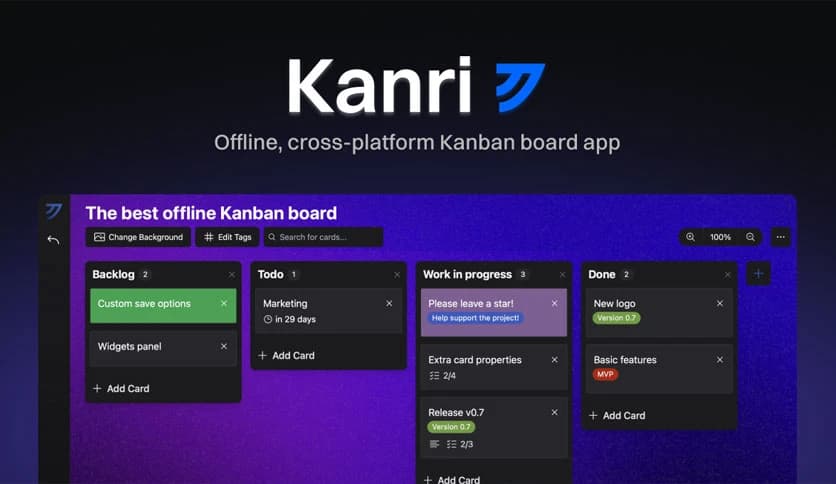
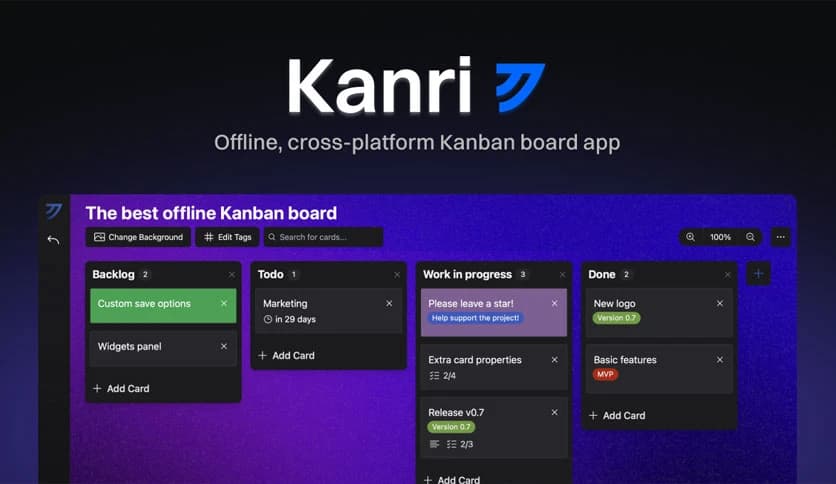
Free Download Trobonox Kanri for Windows PC. It is a clean and simple Kanban board application designed to help you organize tasks, manage projects, and stay productive even without an internet connection.
It is a modern productivity application designed for people who want a simple yet powerful way to manage tasks. It follows the Kanban style of organization, where tasks move across boards and columns as progress is made. This visual method makes it easy to track what needs to be done, what is currently in progress, and what has already been completed.
Unlike many cloud-based productivity apps, this one works offline. That means users can keep working even without an internet connection. All information stays on the local computer, which also improves privacy and security.
The software is built using modern technologies such as Nuxt, Tauri, and TypeScript. These technologies enable the application to run smoothly while maintaining a lightweight, responsive interface. The result is a clean workspace that feels fast and simple to use.
Another great aspect is that the tool is completely free and open source. It is developed by an independent developer who focuses on simplicity and usability. This approach makes the software reliable while still being easy for anyone to start using immediately.
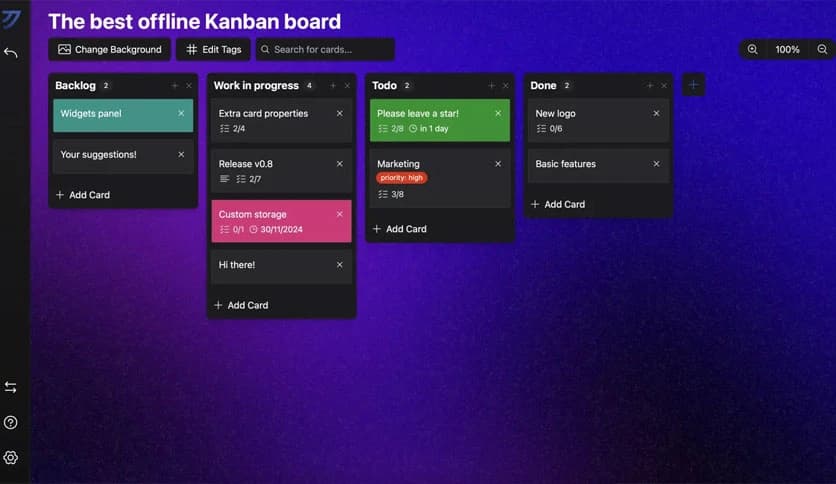
One of the software's main strengths is its Kanban board system. Think of it like a digital whiteboard where sticky notes move from one column to another. This visual layout makes task management clear and easy to understand.
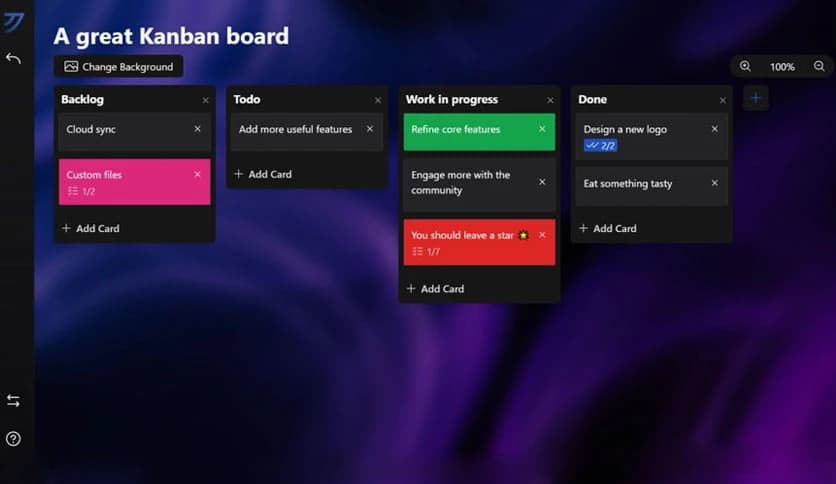
Users can create unlimited boards, columns, and cards. For example, someone might create columns such as “To Do,” “In Progress,” and “Completed.” Tasks can be dragged between these sections as work progresses.
This simple task movement provides a clear overview of the workflow. It is like watching pieces of a puzzle slowly come together as projects move forward.
Task cards are more than simple notes. Each card can include detailed descriptions with rich text formatting. This allows users to add structured information, highlight important details, or organize notes clearly.
The formatting style is similar to Markdown, which is easy to learn and quick to use. Users can add lists, emphasis, and structured text to make each task easier to read.
This feature helps keep projects organized. Instead of searching through scattered notes, everything related to a task can stay in one place.
Many productivity tools depend heavily on internet connections. This one takes a different approach. It is designed to work fully offline, meaning tasks remain accessible at any time.
All data is stored locally on the user’s device. This ensures privacy and prevents interruptions caused by network issues. Whether someone is working on a plane, in a remote location, or during a connection outage, their workflow continues smoothly.
This offline-first approach also improves performance. Since the data does not rely on remote servers, the application responds instantly when tasks are created or updated.
A comfortable workspace can improve focus and motivation. The software allows users to customize their interface using different themes and backgrounds.
Users can switch between dark mode, light mode, or stylish themes such as Catppuccin. Each option changes the overall look of the workspace, making it more enjoyable to use during long work sessions.
Personalization is like arranging a desk exactly the way someone likes it. A pleasant environment helps people stay engaged and productive throughout the day.
Speed matters when managing tasks. The application includes keyboard shortcuts to help users quickly navigate between boards and cards.
Instead of clicking through menus, users can perform actions instantly with simple key combinations. Creating tasks, moving cards, or switching views becomes much faster.
This feature is especially helpful for power users who manage multiple projects. It turns the workflow into something smooth and efficient.
Keeping data safe is always important. The tool includes export options that allow users to back up their boards whenever needed.
Exporting data makes it easy to move projects to another computer or save a backup copy. This flexibility ensures that valuable information is never locked in a single device.
Having the ability to transfer and protect data provides peace of mind for anyone relying on the software for daily planning.
The application uses modern development frameworks that focus on speed and stability. Technologies like Nuxt and TypeScript provide strong structure and reliability, while Tauri ensures the application remains lightweight.
This combination results in fast performance and low system usage. Even older computers can run it smoothly without slowing down.
The modern technology stack also ensures long-term stability. Updates and improvements can be added easily as the project continues to grow.
Kanri offers a clean, practical way to manage tasks with a visual Kanban system. It combines simplicity with powerful features, including offline functionality, customizable themes, rich text support, and efficient keyboard shortcuts. The software provides a smooth experience for organizing projects without complicated setup or cloud dependencies. For users who want a fast, reliable, and privacy-friendly task manager, it delivers a balanced and productive workflow.
Leave a comment
Your email address will not be published. Required fields are marked *