TortoiseGit Download (Latest 2026) - FileCR
Free download TortoiseGit 2.18.0.1 Latest full version - Manage Git projects directly from Windows Explorer.
Free download TortoiseGit 2.18.0.1 Latest full version - Manage Git projects directly from Windows Explorer.
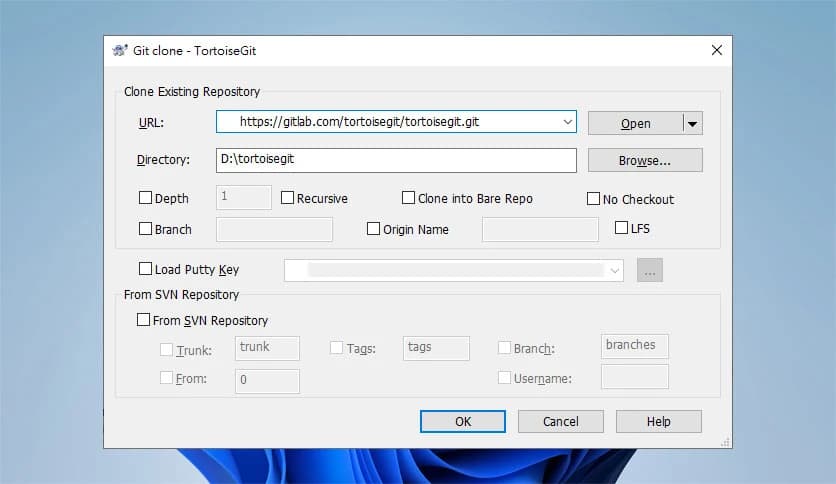
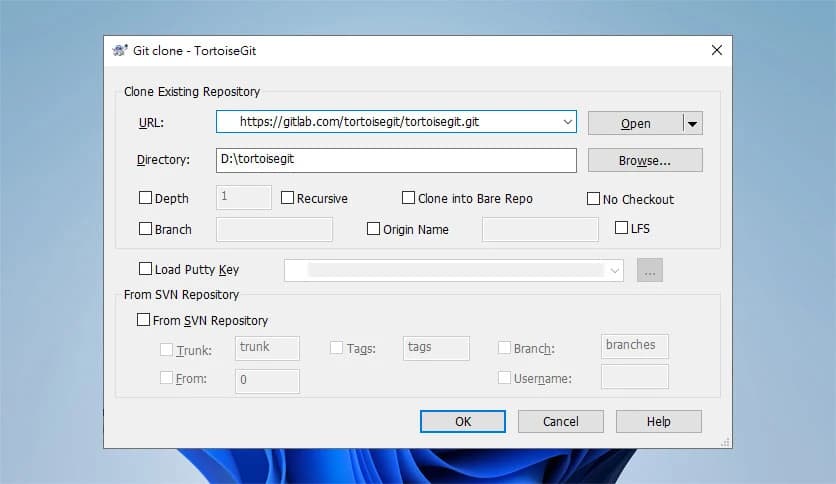
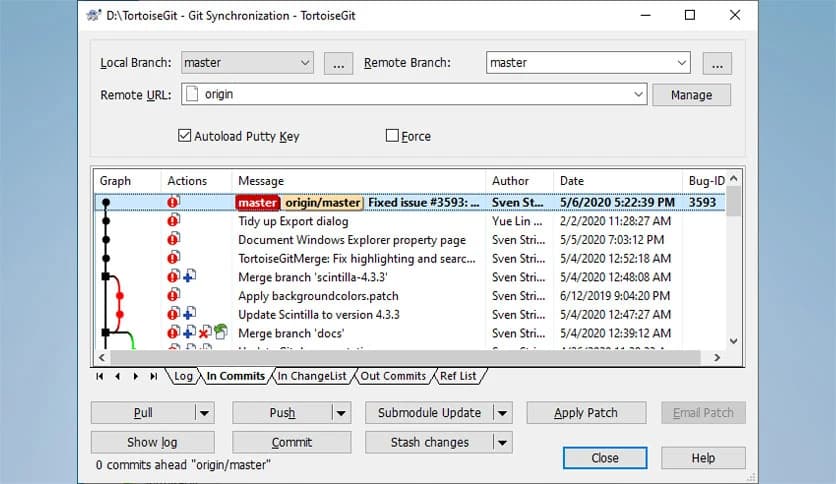
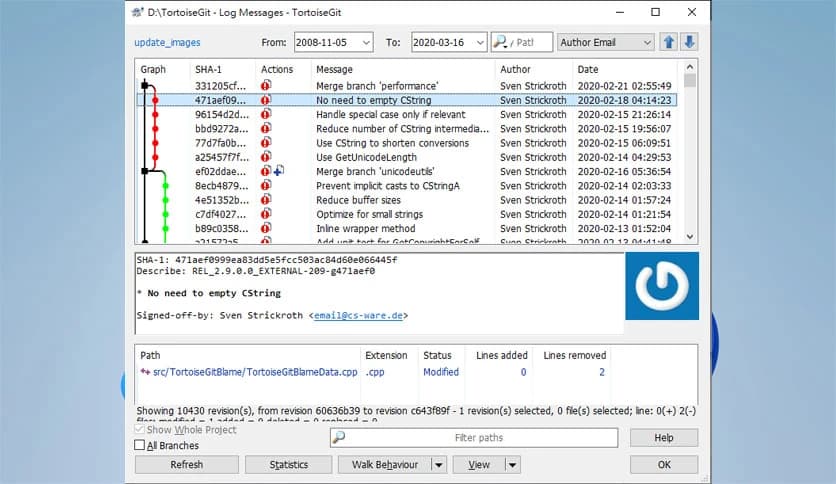
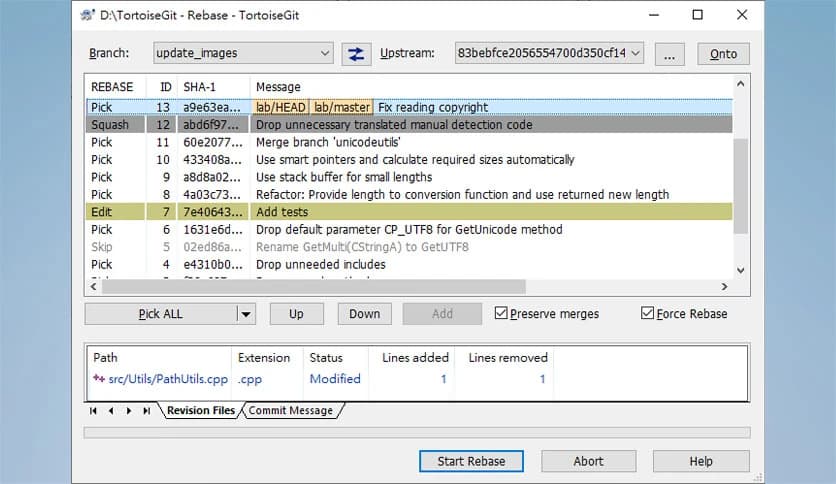
Free Download TortoiseGit for Windows PC. It is a simple and visual way to manage Git projects directly from Windows Explorer without changing your daily workflow.
This tool is designed for developers who prefer working visually rather than relying only on command-line instructions. It connects version control features straight into the Windows shell, turning everyday file actions into powerful project controls. If you have ever wished Git actions felt more natural on Windows, this solution fits right in.
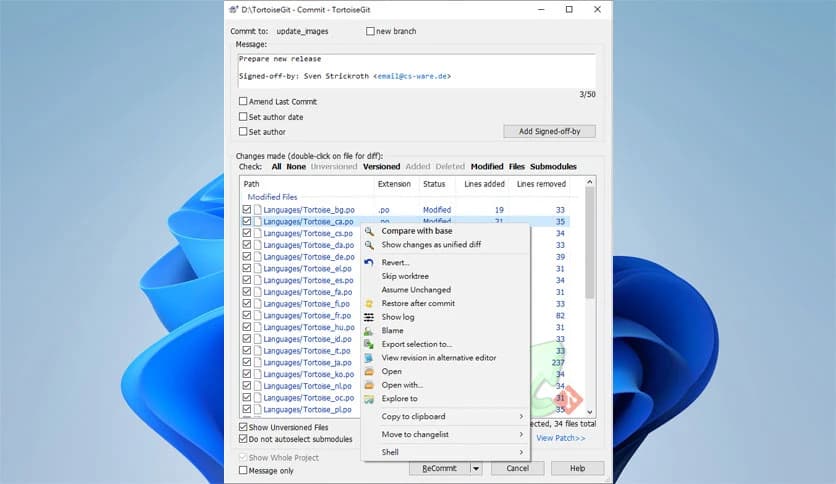
Instead of opening a separate program, everything happens where your files already live. Right-clicking on a folder or file reveals a detailed menu filled with useful actions. It feels like Git has become part of the operating system itself, almost like adding new gears to a familiar machine.
Small overlay icons appear on files and folders to show their current state. Modified, untracked, or synchronized items are instantly visible. This works like traffic signals for your project, helping you understand what needs attention at a glance without opening extra windows.
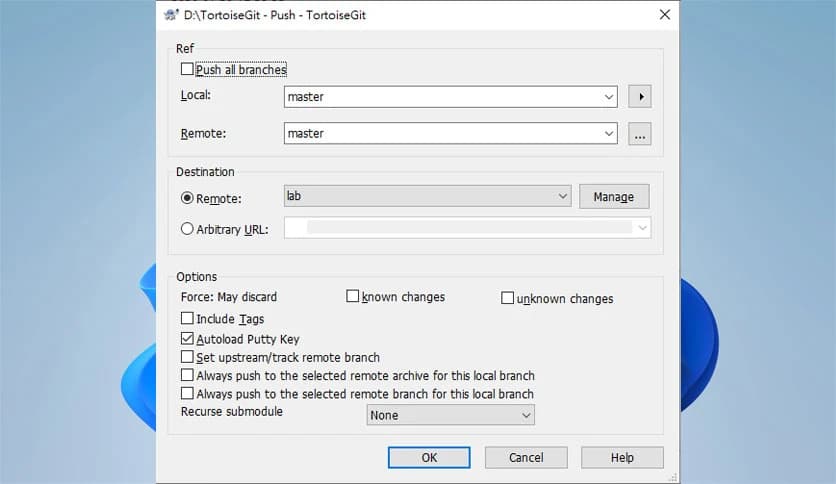
The right-click menu provides access to commits, pulls, pushes, branching, and log history. Everything is grouped logically, so even complex actions feel manageable. It turns advanced version-control tasks into simple choices, like selecting options from a restaurant menu.
Its design is inspired by another popular version control interface, making it feel familiar to many users. This shared foundation helps keep things intuitive and well-organized, reducing the learning curve for anyone switching from other tools.
There is no lock-in with specific editors or platforms. Whether you code in a lightweight text editor or a full development environment, it fits naturally. This flexibility makes it feel like a universal adapter that works with almost anything you plug in.
It does not care whether your project contains code, images, documents, or a mix of assets. Any file can be tracked and managed. This makes it useful not only for programmers but also for designers, writers, and teams working with diverse resources.
The software is open source, which means transparency and constant improvement. Developers from around the world contribute fixes and enhancements. This community-driven approach keeps the tool reliable, secure, and aligned with real user needs.
Browsing commit history is simple and visual. You can see changes, compare versions, and understand project evolution over time. It works like a timeline, showing how ideas grew and shifted from one version to another.
Managing branches no longer feels intimidating. Creating, switching, and merging branches is guided through clear dialogs. This reduces mistakes and helps teams experiment freely without fear of breaking the main project.
When something goes wrong, messages are clear and informative. Instead of cryptic warnings, you get guidance that explains what happened and how to fix it. This supportive approach feels like having a helpful assistant by your side.
Despite being deeply integrated into the system, it runs smoothly and efficiently. Operations are fast, and the interface stays responsive even with large repositories. This balance of power and speed keeps daily tasks flowing.
New users appreciate the visual cues and simple menus, while experienced developers value the depth of control. It grows with your skills, offering more advanced options as you become comfortable.
TortoiseGit brings Git control directly into the Windows experience, making version management feel natural, visual, and stress-free. It blends power with simplicity, helping users stay organized, confident, and productive without changing how they already work.
Leave a comment
Your email address will not be published. Required fields are marked *