Toggl Track Download (Latest 2026) - FileCR
Free download Toggl Track Latest full version - Build custom reports from your team's time data.
Free download Toggl Track Latest full version - Build custom reports from your team's time data.
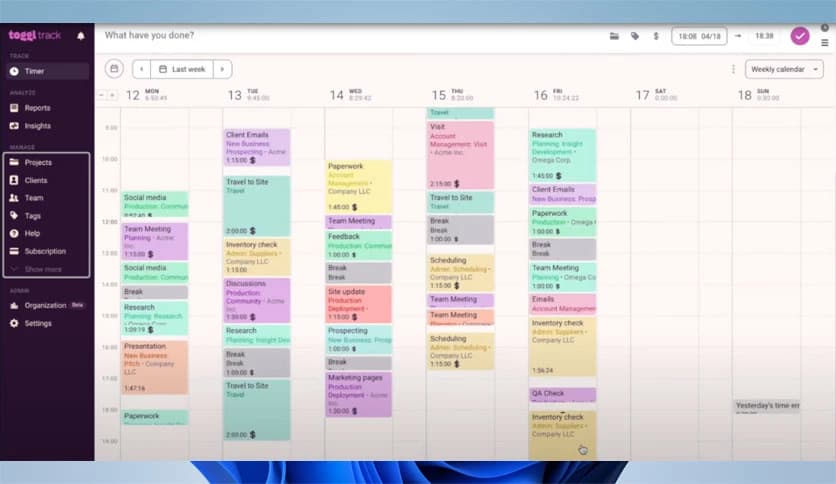
Free Download Toggl Track for Windows PC. It is a lightweight time-tracking solution that helps you stay focused, accurately measure work hours, and understand productivity without adding complexity.
This tool is designed to make time tracking feel natural rather than forced. Instead of lengthy setup steps or confusing dashboards, it offers a clean approach that integrates seamlessly into daily work. You can start tracking with a single click and let everything run quietly in the background while you focus on real tasks.
It works like a digital stopwatch, tracking your workday. You start it when you begin a task and stop it when you are done. That is it. No long forms, no interruptions, and no pressure. This simplicity helps build a habit of tracking time without feeling monitored.
The software fits into different working styles. Whether you use desktop apps, web tools, or browser extensions, everything stays connected. Time entries sync automatically, so switching between devices feels like carrying the same notebook everywhere you go.
One-click tracking is perfect for busy days. You can start or stop the timer instantly, even during meetings. Background tracking quietly records activity and reminds you to log time later, like a friendly assistant tapping your shoulder.
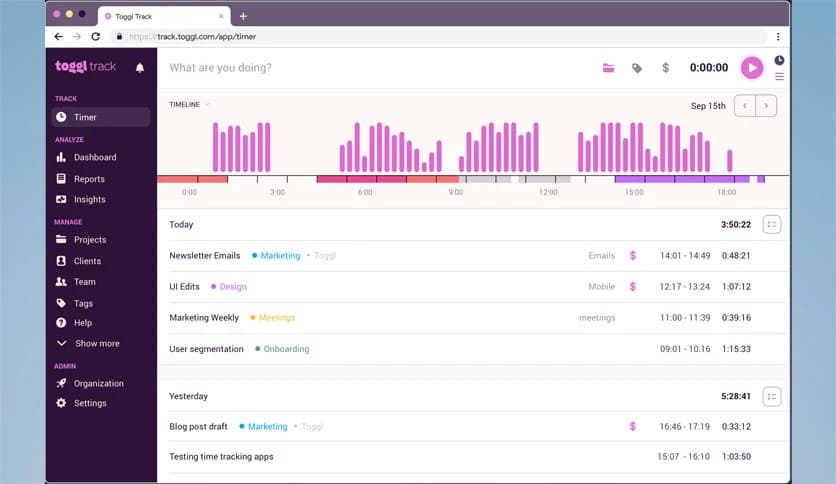
Instead of showing boring numbers, reports turn data into insights. You can see where hours are spent, which projects take the most energy, and how productive patterns change over time. It feels like looking at a map of your work journey.
By analyzing time data, the software helps reveal which tasks bring real value. This is useful for freelancers, teams, and managers who want to balance effort with results. It shows which work pays off and which drains time without returns.
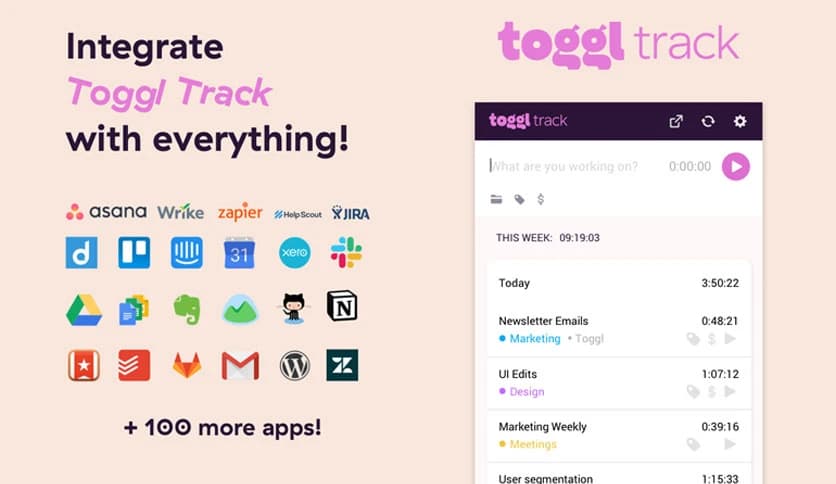
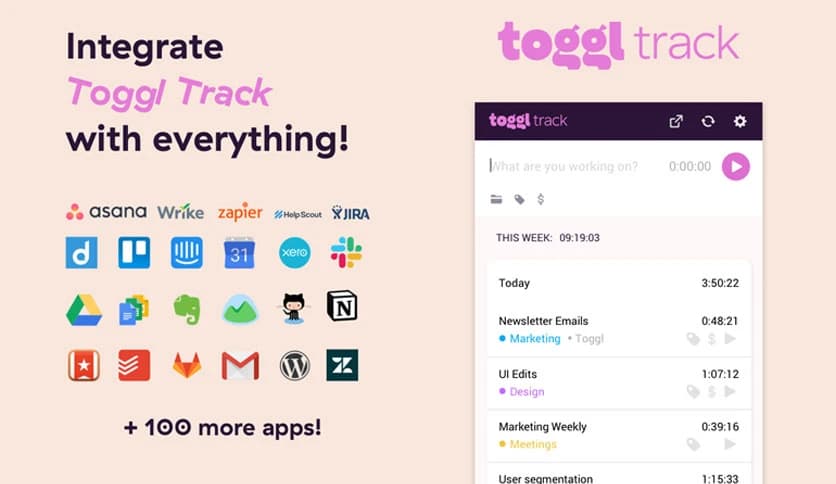
Integration support allows it to connect with popular project management and communication tools. Instead of switching tabs all day, you can track time directly where work already happens. This keeps everything flowing in one direction.
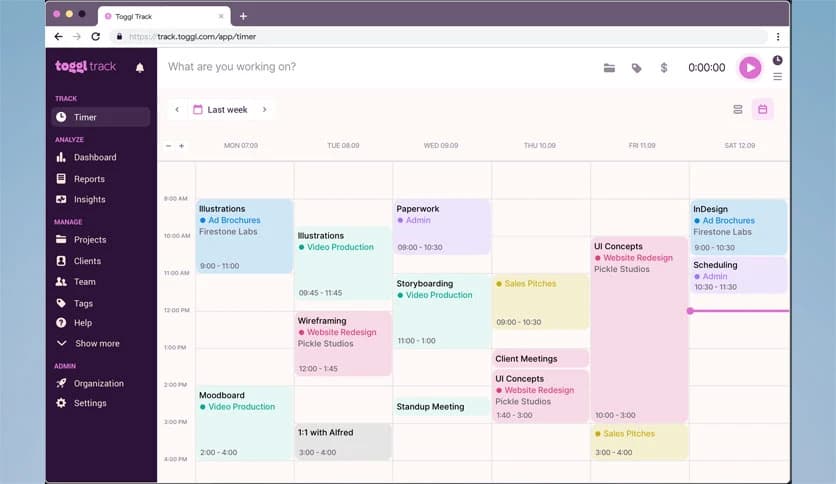
Solo users can keep personal schedules organized, while teams can track shared projects with ease. Managers get an overview without micromanaging, and team members stay accountable without feeling watched.
Manual tracking often results in missed hours. Automatic reminders and background detection reduce guesswork. This accuracy is like keeping time-tracking receipts, making reviews and billing far more reliable.
The layout avoids clutter and focuses on what matters. Buttons are clear, charts are readable, and settings are easy to understand. Using it feels less like handling software and more like flipping pages in a simple planner.
All tracked information is stored securely in your account. Syncing ensures data is never lost, even if a device is replaced. This reliability builds confidence, especially for long-term projects.
Whether you work in short bursts or long focused sessions, it adapts easily. You can rename tasks, edit entries, or group projects without breaking your flow. It adapts to your routine rather than imposing rules.
Over time, collected data becomes a mirror of your habits. You can spot distractions, peak hours, and slow periods. This reflection helps you plan smarter days and avoid burnout.
Toggl Track stands out as a practical way to understand how time is really spent during the day. It removes friction from tracking, delivers meaningful insights, and supports better decisions without overwhelming the user. For anyone aiming to work smarter rather than longer, it serves as a reliable compass for daily productivity.
Leave a comment
Your email address will not be published. Required fields are marked *