Think-Cell Download (Latest 2026) - FileCR
Free download Think-Cell Latest full version - Create best-in-class PowerPoint slides.
Free download Think-Cell Latest full version - Create best-in-class PowerPoint slides.
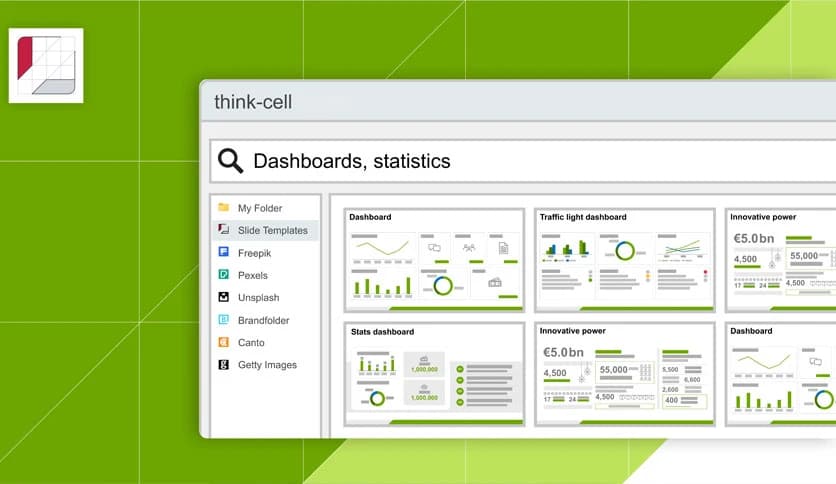
Free Download Think-Cell for Windows PC. It is a smart presentation tool that works with PowerPoint and Excel to turn complex data into clear, professional charts in minutes.
Creating presentations in Microsoft PowerPoint can feel like building a house brick by brick by hand. You start with empty slides, search for the right chart, copy data from Excel, adjust labels, fix alignment, and repeat the same formatting again and again. It takes time. A lot of time.
This software changes that experience completely. Instead of struggling with manual formatting and endless adjustments, you get a powerful add-in that automates chart creation and slide layout. It integrates directly with PowerPoint and Excel, so everything works smoothly inside the tools you already use every day.
From its dedicated ribbon tab, you can access all essential features in one central place. No need to jump between menus or search for hidden commands. Everything is organized, fast, and practical. It helps you focus on your message rather than on formatting.
One of the strongest advantages of this tool is its seamless integration with Microsoft Office. Once installed, it adds its own ribbon tab inside PowerPoint and Excel. It feels like a built-in feature rather than a third-party extension.
You can link charts directly to Excel data. When the data changes, your charts update automatically. No more copying and pasting. No more broken links. No more outdated numbers in important presentations. It acts as a bridge, keeping your data and slides perfectly synchronized.
This direct integration saves hours of repetitive work. It turns a slow, manual process into a fast, smooth workflow.
Designing charts manually can be frustrating. You adjust bar widths, fix label positions, resize legends, and realign elements repeatedly. It often feels like trying to line up puzzle pieces that refuse to stay in place.
This solution automates charting. You choose the chart type, input your data, and the layout adjusts automatically. Labels stay aligned. Spacing remains consistent. The design looks clean and professional without constant tweaking.
It supports a wide range of chart types commonly used in business presentations. Whether you need bar charts, line charts, waterfall charts, or Gantt charts, the process becomes simple and fast. Instead of spending time fixing visuals, you can focus on analyzing and presenting insights.
Formatting slides manually is like ironing a shirt that keeps wrinkling again. You fix one section, and another shifts out of place. This tool removes that headache.
It automatically aligns elements and adjusts layouts as you edit content. Add a new bullet point, and update the spacing. Resize a chart, and surrounding objects reposition neatly. Everything stays balanced and structured.
This smart layout system ensures consistency across your slides. Your presentation looks polished without constant manual corrections. It feels like having an invisible assistant that tidies up every time you make a change.
Starting from a blank slide can feel intimidating. Many users struggle with structure and design ideas. This software provides quick access to existing slides and high-quality assets.
You can reuse elements from previous presentations without rebuilding them from scratch. It becomes easy to maintain consistency across projects. Instead of reinventing the wheel every time, you can build on what already works.
This approach not only saves time but also improves quality. Your slides remain consistent in style, formatting, and structure.
Efficiency often depends on how quickly you can access the right tools. With its dedicated ribbon tab, everything is centralized. Popular PowerPoint and Excel commands appear alongside advanced features.
You do not need to switch between multiple menus. The most important functions are right in front of you. It streamlines your workflow and reduces distractions.
Think of it like a control center. Instead of searching through different rooms for tools, everything you need is on a single, organized dashboard.
Working with external data sources can be tricky. Numbers change. Reports update. Deadlines approach. Manually updating slides whenever data changes is risky and time-consuming.
This tool allows you to connect to external data sources and keep your charts linked. When your data changes in Excel, your presentation reflects those updates instantly.
It reduces human error and ensures accuracy. In business environments where precision matters, this feature becomes extremely valuable. It turns your presentation into a living document rather than a static snapshot.
Time is one of the most valuable resources in any organization. Professionals often spend hours formatting slides instead of focusing on strategy and insights.
This solution significantly reduces preparation time. Tasks that once took hours can now be completed in minutes. Automated layouts, linked data, and structured charting remove repetitive manual work.
It feels like shifting from a bicycle to a high-speed train. You reach your destination faster and with less effort.
Professional presentations require clarity and consistency. Poorly aligned charts or inconsistent formatting can weaken your message, even if your data is strong.
By automating design and structure, this tool helps maintain a clean and consistent look. Charts appear balanced. Text spacing remains uniform. Layouts stay aligned.
The result is a polished presentation that communicates information clearly. It allows your ideas to shine without being overshadowed by formatting mistakes.
Think-Cell transforms the way professionals create data-driven presentations. It removes the frustration of manual formatting, automates complex charting, and keeps your slides connected to live data. By integrating directly with PowerPoint and Excel, it turns a slow, repetitive process into a fast and structured workflow. If you want to create high-quality presentations while saving valuable time, this solution delivers both speed and precision in one powerful package.
Leave a comment
Your email address will not be published. Required fields are marked *