TalkCody Download (Latest 2026) - FileCR
Free download TalkCody 0.4.2 Latest full version - Free and Open Source AI Coding Agent.
Free download TalkCody 0.4.2 Latest full version - Free and Open Source AI Coding Agent.
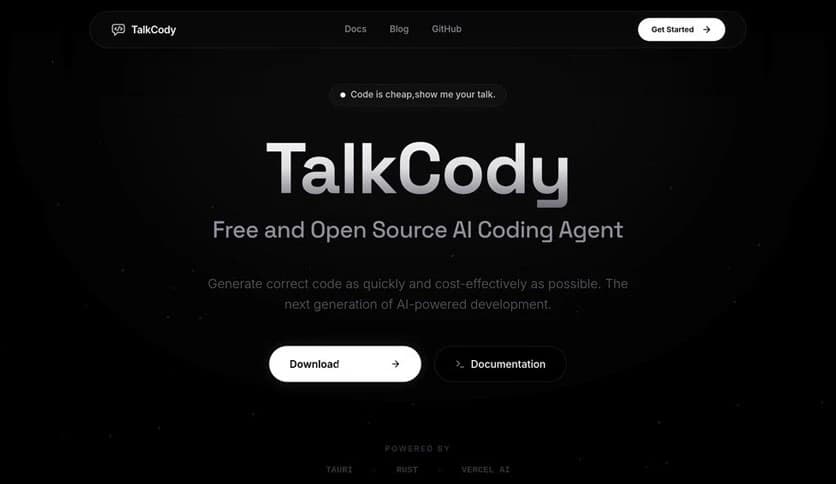
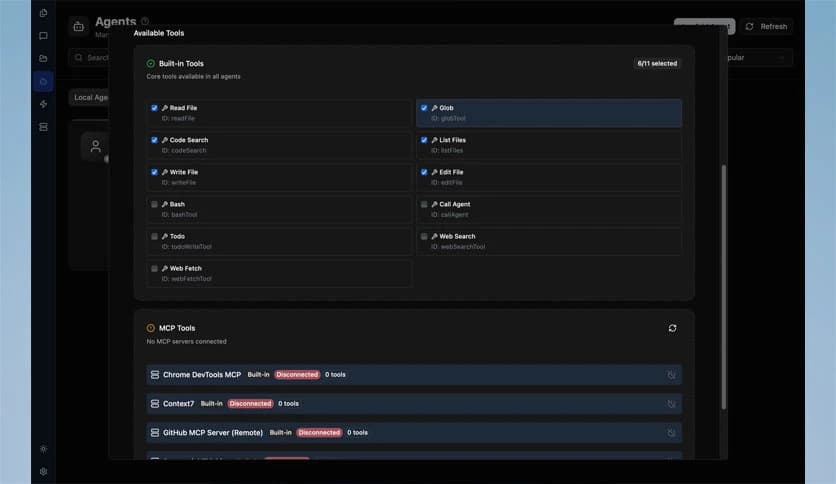
Free Download TalkCody for Windows PC. It is a free, open-source AI coding agent built to match the real workflow of modern developers.
It is a smart AI coding agent built with one clear goal: to work the way developers actually work. It is parallel, cost-effective, controllable, and private. Instead of forcing you into a single system, it gives you freedom, speed, and control. Think of it as your personal coding assistant that sits quietly on your machine, ready to handle multiple tasks at once without sending your code anywhere else.
Unlike many tools that rely on a single provider, this software lets you choose your own AI model. You can use OpenAI, Anthropic, Google models, or even local models. There is no vendor lock-in. You stay in charge. That level of flexibility makes it feel less like a closed box and more like an open workshop where you decide the tools on your bench.
One of the strongest advantages of this tool is its model flexibility. It does not tie you to a single AI service. You can connect it to different providers based on your needs, budget, or preferences.
Imagine having a universal remote that works with every device in your house. That is what this feature feels like. If you prefer OpenAI today and want to switch to another provider tomorrow, you can do it without changing your workflow. You are free to experiment, compare outputs, and optimize your development process.
This freedom also protects you from future changes in pricing or policies. Since it is open-source, you are not locked into one ecosystem. You remain the decision-maker.
Speed is where this coding agent truly shines. It uses a unique four-level parallelism mechanism that enables it to run multiple tasks concurrently. Instead of waiting for one process to finish before starting another, it handles them simultaneously.
Think of it like having four extra hands while coding. You can review code, generate functions, debug errors, and refactor files in parallel. This reduces waiting time and keeps your workflow smooth.
For developers who juggle many files and features, this capability can feel like shifting from a bicycle to a sports car. Tasks that typically require several steps can proceed in parallel, saving time and energy.
Privacy is not just a checkbox here. Everything runs locally on your machine. Your source code never leaves your system. There is no silent upload to external servers unless you explicitly choose to use an online model.
For developers working on sensitive projects, client software, or proprietary systems, this is a major benefit. It is like having a secure vault on your desk rather than sending your blueprints across the internet.
This local-first approach builds trust. You know where your data is. You know who can access it. And most importantly, you remain in full control.
Another highlight is its cost flexibility. It offers nine completely free ways to use the system. That means you can start without spending anything.
If you already have subscriptions like Claude Pro, ChatGPT Plus, or GitHub Copilot, you can maximize their value by integrating them. Instead of paying for separate solutions, you can combine what you already have.
This makes the tool friendly for students, indie developers, startups, and even large teams looking to optimize budgets. It feels like stretching your existing resources further without adding extra weight to your monthly expenses.
This is not a product designed by marketers guessing how coding works. It is built by developers who understand real workflows. That is why it supports parallel execution, local privacy, and model flexibility.
When you use it, you notice small details that reflect practical experience. The structure supports multitasking. The setup respects your environment. The philosophy respects your independence.
It feels less like a flashy gadget and more like a reliable co-worker who understands deadlines and clean code.
Being open-source means transparency. You can review, modify, and contribute to the code. This creates a sense of community and shared progress.
Instead of depending on hidden algorithms, you can see how things work under the hood. That transparency builds confidence and allows advanced users to customize features according to their needs.
It is like owning your car instead of renting it. You can tune, upgrade, and adjust it however you like.
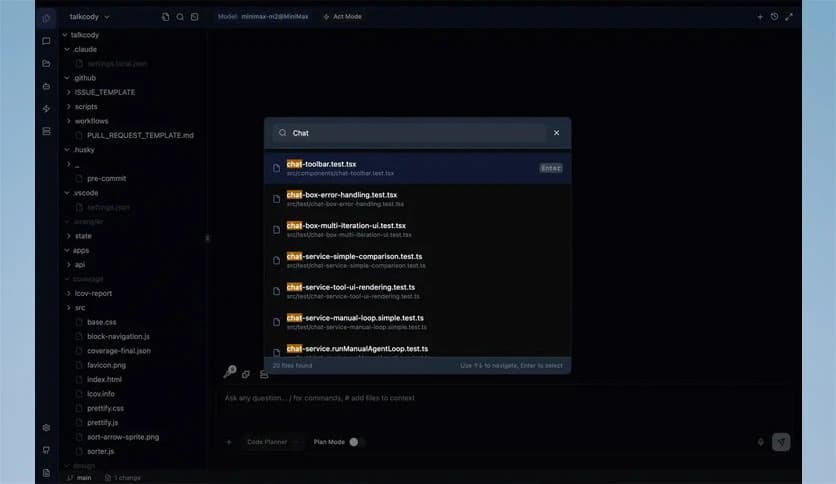
Despite its advanced capabilities, the tool keeps things simple. The interface prioritizes productivity over clutter. You can assign tasks, review suggestions, and manage outputs without feeling overwhelmed.
The balance between power and simplicity is important. It delivers strong performance without requiring you to learn complex new systems. You can plug it into your routine and start working immediately.
This combination of speed, privacy, and flexibility makes it suitable for solo developers and teams alike.
TalkCody stands out as a flexible, fast, and privacy-focused AI coding agent that respects how developers truly work. It combines open-source freedom, multi-model support, parallel processing, and local execution into one practical solution. If you value control, cost efficiency, and speed, this software delivers a balanced and reliable coding companion for your Windows PC.
Leave a comment
Your email address will not be published. Required fields are marked *