Open Screen Download (Latest 2026) - FileCR
Free download Open Screen 1.0.2 Latest full version - Open-source tool for creating beautiful screen recordings.
Free download Open Screen 1.0.2 Latest full version - Open-source tool for creating beautiful screen recordings.
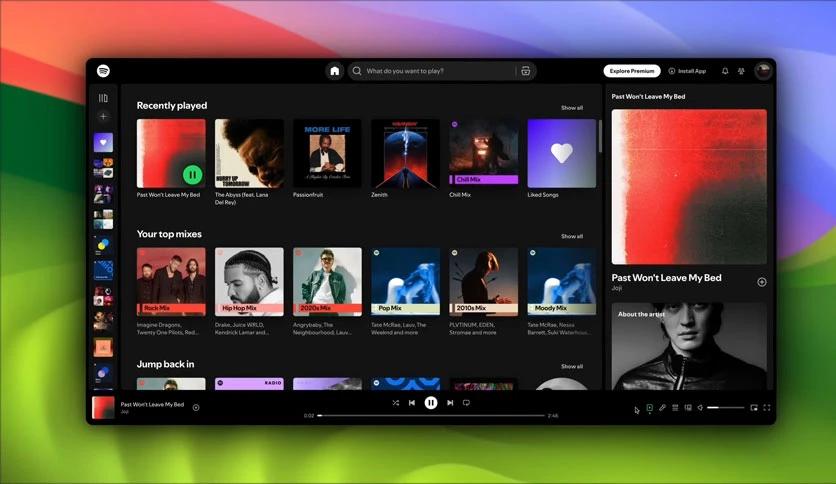
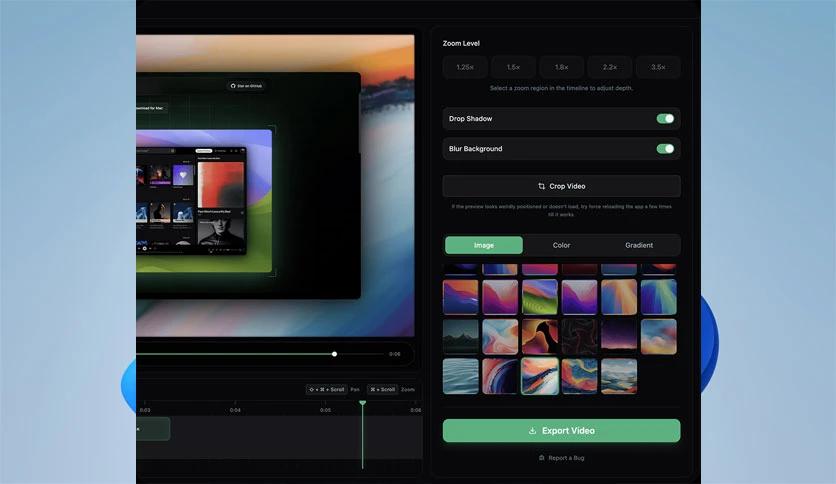
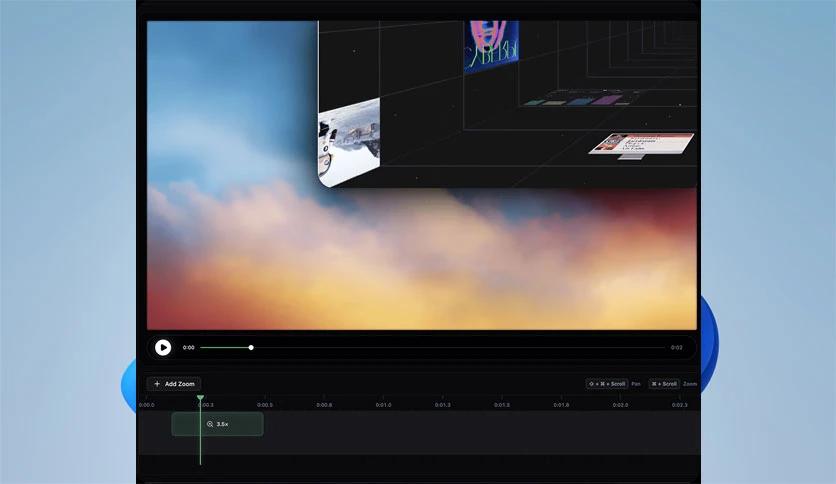
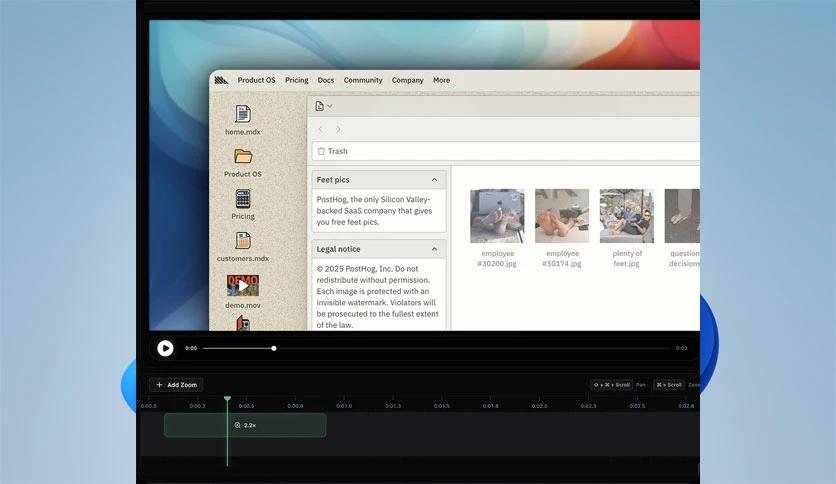
Free Download Siddharth Vaddem Open Screen for Windows PC. It is a lightweight tool that helps you create clean, attractive, and smooth screen recordings without watermarks or subscriptions.
This open-source screen recorder is designed for users who want a simple and effective way to capture their screen. The software focuses on the essential features for creating product demos, tutorials, and walkthroughs, while remaining free to use for personal and commercial projects. Instead of overwhelming users with complex tools, it keeps everything straightforward and easy to manage.
The tool offers a beginner-friendly experience. You don’t need technical skills or complicated setups. With just a few clicks, you can start recording your screen in high quality. The interface is minimal, keeping distractions away and letting you focus on your content.
One major advantage of this software is the freedom it gives. You don’t have to worry about hidden costs or locked features. Since it's open-source, you get full access without paying. Your recordings stay clean, with no unwanted branding or limits.
This tool shines when creating product demos and walkthroughs. Its stable recording engine keeps videos smooth, making it perfect for showcasing software, websites, or step-by-step guides. Think of it as a simple camera lens that captures what you need.
While it doesn’t include every feature found in bigger recording apps, it covers the basics exceptionally well. It’s meant for users who want control without clutter. If you prefer a minimal setup that still delivers high-quality recordings, this tool is a perfect fit.
Being open-source means you can trust its transparency. Developers and users can explore, modify, or improve the code. It also means the community can help refine features over time, ensuring long-term reliability.
The tool is optimized for speed. It opens quickly, starts recording instantly, and saves videos without slowing you down. Whether you’re capturing a tutorial or a complete presentation, the workflow feels smooth from start to finish.
Even if you’re new to recording tools, you’ll find it simple to use. Professionals, on the other hand, will appreciate its clean output and ability to integrate into larger workflows. It’s a nice middle point between basic and advanced tools.
If you want a recorder that prioritizes clarity, simplicity, and accessibility, this tool is a good choice. It avoids unnecessary features and focuses on what most people actually need: crisp visuals, smooth motion, and clean output.
Open Screen is a smart pick for anyone who wants to record tutorials, demos, or walkthroughs without dealing with complicated tools or paid plans. It gives you the freedom to create polished videos easily and stay in complete control of your work. With no watermarks, no subscriptions, and full open-source access, it offers a smooth experience for creators of all levels.
Leave a comment
Your email address will not be published. Required fields are marked *