Saga Desktop Download (Latest 2026) - FileCR
Free download Saga Desktop Latest full version - Fast AI workspace for focused productivity.
Free download Saga Desktop Latest full version - Fast AI workspace for focused productivity.
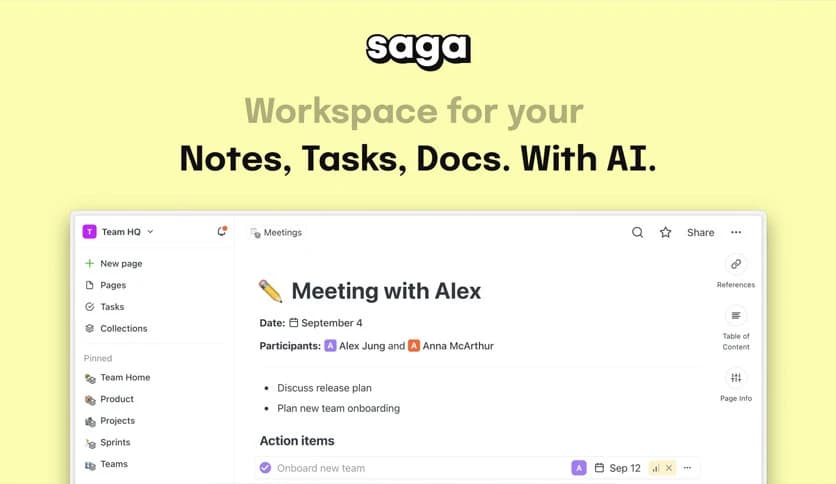
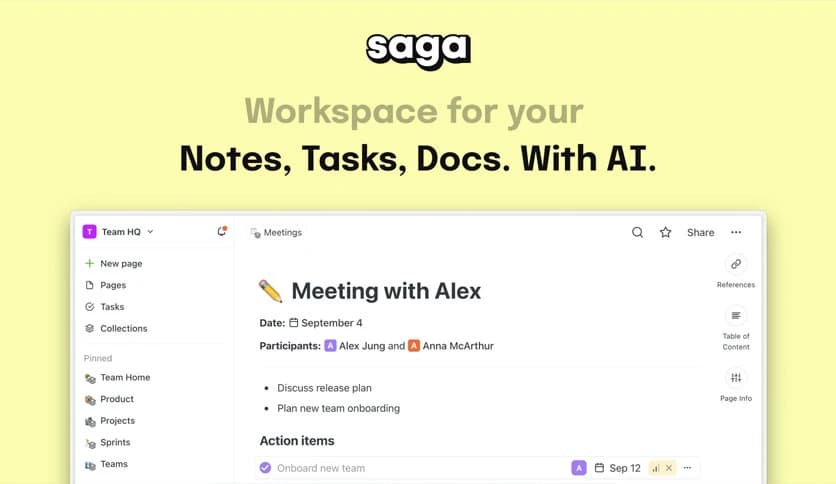
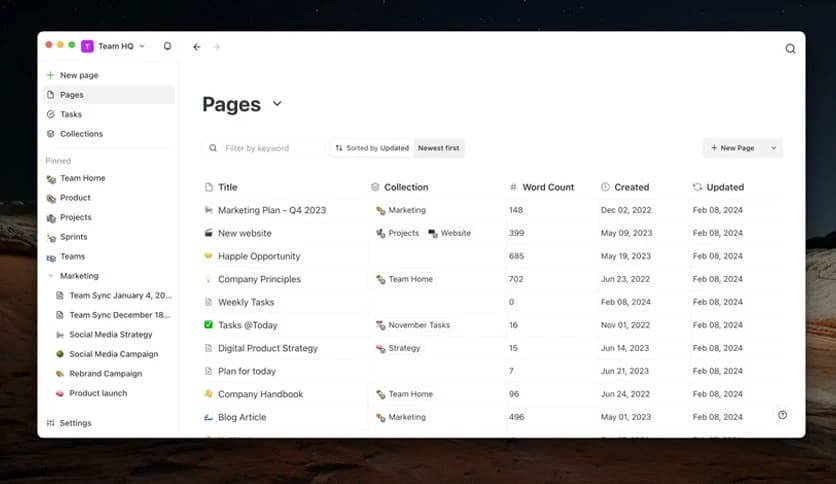
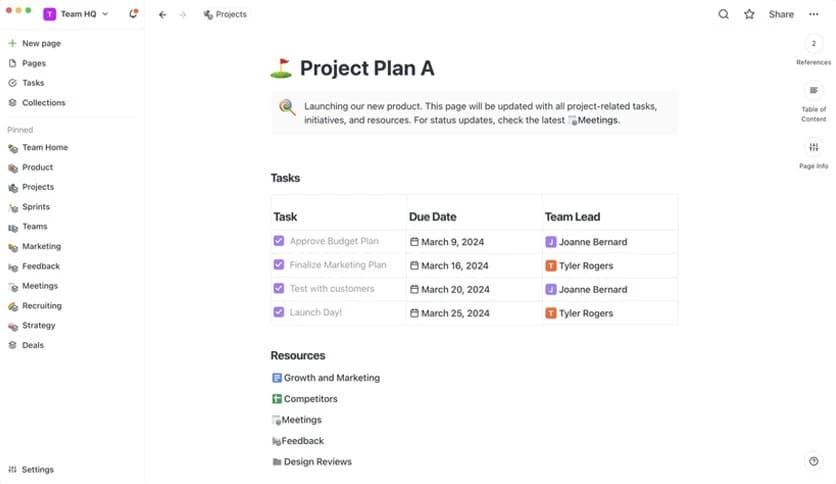
Free Download Saga Desktop for Windows PC. It is a fast, focused AI workspace built for Windows users who want seamless access to their knowledge and notes.
It is a dedicated Windows application that brings your AI-powered workspace directly to your computer. Instead of opening a browser tab every time you want to access your notes or collaborate with AI, you can launch it like any other native app. It feels quicker, cleaner, and more organized.
This desktop version is designed for focused work. It removes distractions that usually come from multiple browser tabs. Think of it like moving from a busy coffee shop to a quiet private office. Everything becomes clearer and easier to manage.
Using the software on Windows feels natural and smooth. It runs as a standalone application, which means you can pin it to your taskbar, open it instantly, and switch between projects without hunting through browser tabs.
The tool is optimized for speed. Pages load quickly, navigation feels fluid, and transitions are seamless. You get a responsive interface that makes writing, editing, and organizing feel effortless.
One of the biggest advantages of the desktop version is speed. The moment you open it, your workspace is ready. There is no need to type a web address or wait for a heavy browser session to load.
It keeps your ideas, notes, and AI conversations in one central place. Imagine having a digital brain on your desktop. Everything you have worked on is just one click away.
Modern browsers can be distracting. Notifications, social media, and endless tabs compete for your attention. The desktop version solves this problem by creating a focused environment.
The software gives you a clean interface where your work takes center stage. It is like closing the door to your workspace and telling the world to wait. This makes it easier to write long documents, brainstorm ideas, or manage complex projects without interruptions.
At its core, the tool is an AI-powered workspace. You can generate ideas, refine text, and organize knowledge using built-in intelligence. Instead of switching between apps, everything happens in one place.
You can draft documents, ask for suggestions, summarize notes, and expand on ideas instantly. It feels like having a smart assistant sitting next to you, ready to help at any moment.
While the desktop app is built for Windows, it still works perfectly alongside the browser version. This means you can move between devices and environments without losing progress.
The software keeps your workspace synchronized. Start writing on your laptop at home and continue on another device later. Your files and conversations stay up to date, giving you flexibility without confusion.
The design is simple but powerful. You do not feel overwhelmed by buttons and menus. Instead, everything is placed logically, making it easy to find what you need.
The tool focuses on clarity. Fonts are readable, layouts are organized, and navigation is intuitive. It feels like a well-organized desk, with every item in its place.
Whether you are a student writing assignments or a professional managing projects, the desktop version can significantly improve your workflow. It allows you to capture ideas quickly and refine them with AI support.
The software acts as both a notebook and a smart assistant. It helps structure thoughts, organize information, and polish content. This makes daily tasks faster and less stressful.
Working on Windows gives you the stability of a desktop environment. The app runs independently from your browser, reducing the risk of crashes caused by overloaded tabs or extensions.
The tool ensures your work stays safe and accessible. You can rely on it for important notes, long documents, and ongoing projects without worrying about sudden interruptions.
Installing the desktop version is straightforward. Once downloaded, you can set it up within minutes. After logging in, your workspace appears instantly.
The software is lightweight and requires minimal configuration. It is designed to be simple from the start, so you can focus on your work rather than the technical steps.
Saga Desktop is a powerful AI workspace built specifically for Windows users who want speed, focus, and efficiency. It combines the flexibility of a browser-based tool with the stability of a native application. If you want faster access to your knowledge and a distraction-free environment, it is a smart choice for your daily workflow.
Leave a comment
Your email address will not be published. Required fields are marked *