FeedDeck Download (Latest 2026) - FileCR
Free download FeedDeck 1.4.1 Latest full version - Follow your RSS and Social Media Feeds.
Free download FeedDeck 1.4.1 Latest full version - Follow your RSS and Social Media Feeds.
Free Download Rico Berger FeedDeck for Windows PC. It is a clean and modern feed reader that brings all your favorite updates into one simple dashboard.
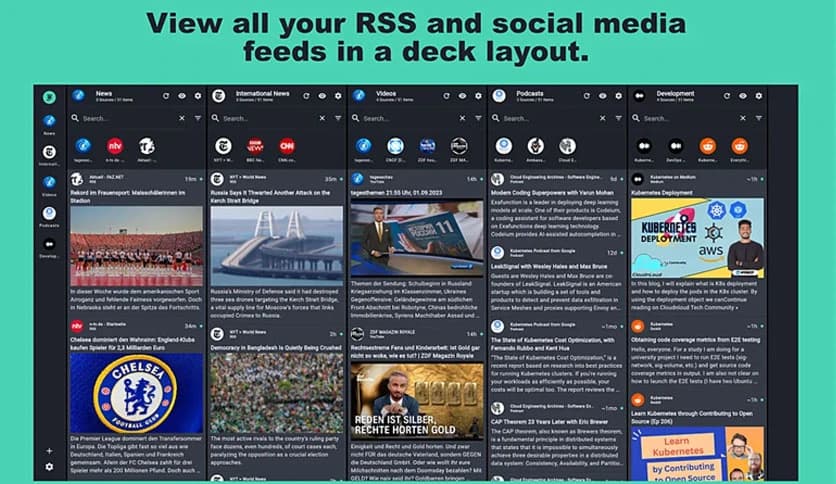
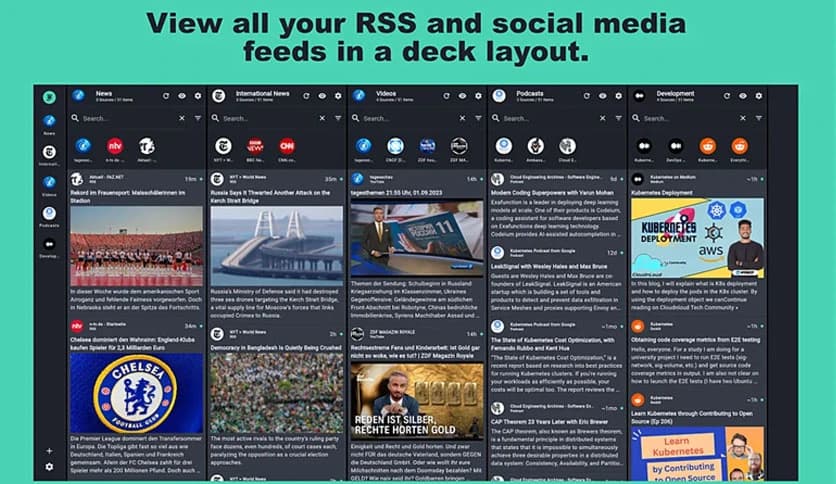
It is designed for people who want to stay up to date without switching between dozens of apps and websites. Inspired by the column-based style of TweetDeck, it gives you a clear, organized view of everything that matters to you. Whether you follow news, social platforms, podcasts, or developer updates, it keeps them all flowing in one place.
Built with Flutter, the software delivers a similar experience across desktop and mobile. This means you do not have to relearn anything when switching devices. Behind the scenes, it uses modern backend tools such as Supabase and Deno to stay fast, reliable, and future-ready.
The layout is simple and easy to understand, even for first-time users. Columns create a personal control room feel, with each stream having its own space. You can scan updates quickly, focus on one feed at a time, or just let everything scroll naturally.
This familiar design reduces clutter and saves time. Instead of endless tabs, everything sits right in front of you, like newspapers neatly arranged on a table.
One of the tool's key strengths is its ability to bring diverse content sources together. You can follow RSS feeds and social platforms side by side. News articles, blog posts, and discussions appear on a single timeline with no distractions.
This setup feels like having multiple radios tuned to different stations, all playing softly in the same room. You stay informed without feeling overwhelmed.
Keeping up with the news becomes much easier when updates come directly to you. It pulls stories from your favorite RSS feeds and also integrates Google News. This helps you catch breaking updates and long reads without opening separate news websites.
You can skim headlines quickly or dive deep when something grabs your attention. It turns daily news reading into a smooth habit instead of a chore.
Social platforms can be distracting, but here they feel calmer and more focused. You can follow friends, communities, and topics from Medium, Reddit, and Tumblr in a clean feed. There are no flashy pop-ups or unnecessary suggestions pulling you away.
This makes browsing social updates feel more like reading a magazine than scrolling endlessly on a phone.
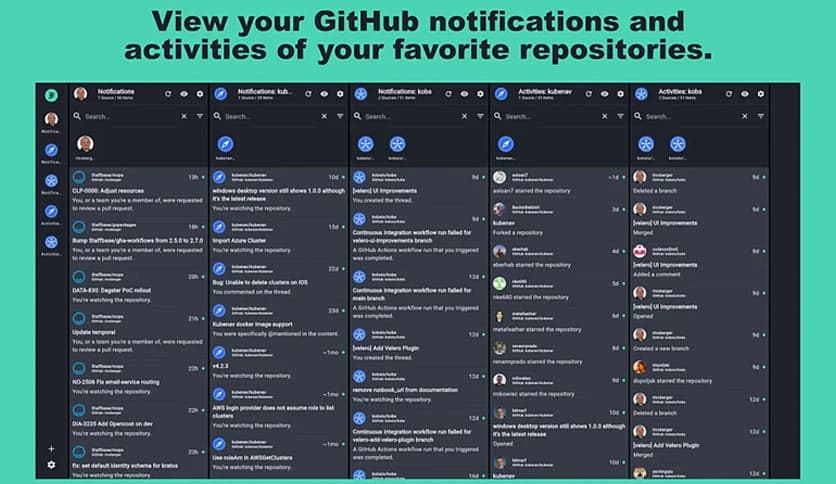
If you work with code, staying on top of repository activity is important. The software makes this easy by showing GitHub notifications and project updates in real time. You can track issues, commits, and discussions without opening multiple pages.
It acts like a quiet assistant, tapping you on the shoulder only when something important happens.
Listening to podcasts feels natural thanks to the built-in player. You can follow your favorite shows and play episodes directly inside the app. There is no need for extra software or downloads.
This is perfect for people who like to mix reading and listening throughout the day.
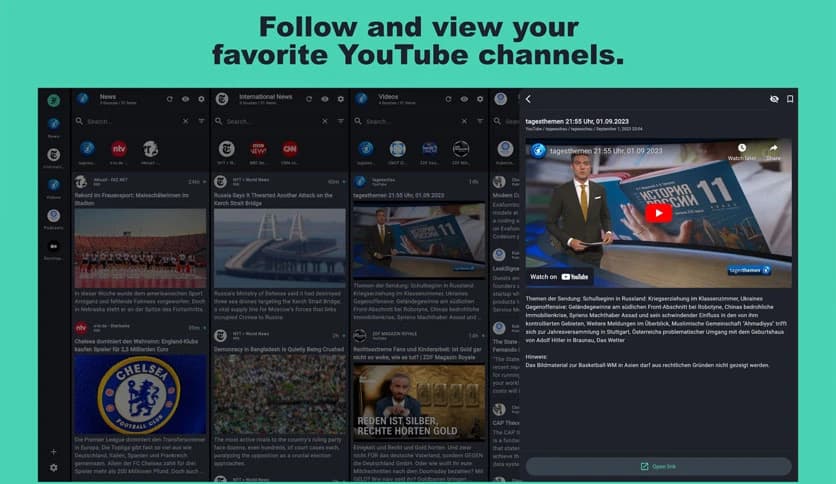
Video content is also part of the experience. You can follow your favorite YouTube channels and view updates as they are published. New uploads appear alongside your other feeds, keeping everything organized.
It feels like having a personal TV guide that only shows content you actually care about.
Thanks to Flutter, the experience stays consistent across desktop and mobile. Almost all the code is shared, which means features work the same everywhere. You can switch devices without adjusting settings or learning new controls.
This consistency makes it feel reliable, like a notebook you can open anywhere and instantly continue where you left off.
FeedDeck brings simplicity back to staying informed by merging news, social updates, and media into one calm space. It helps you focus on content instead of chasing it across the web, making daily browsing smoother and more enjoyable.
Leave a comment
Your email address will not be published. Required fields are marked *