Razer Synapse Download (Latest 2026) - FileCR
Free download Razer Synapse Latest full version - Customize and control all your Razer devices.
Free download Razer Synapse Latest full version - Customize and control all your Razer devices.
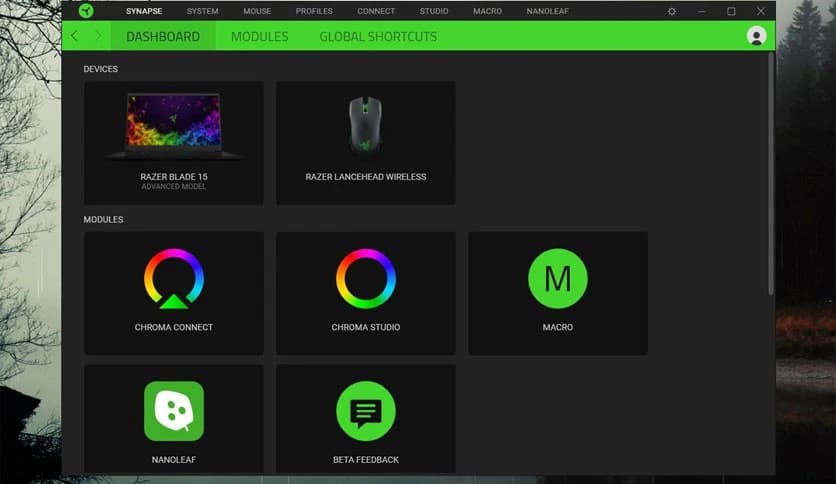
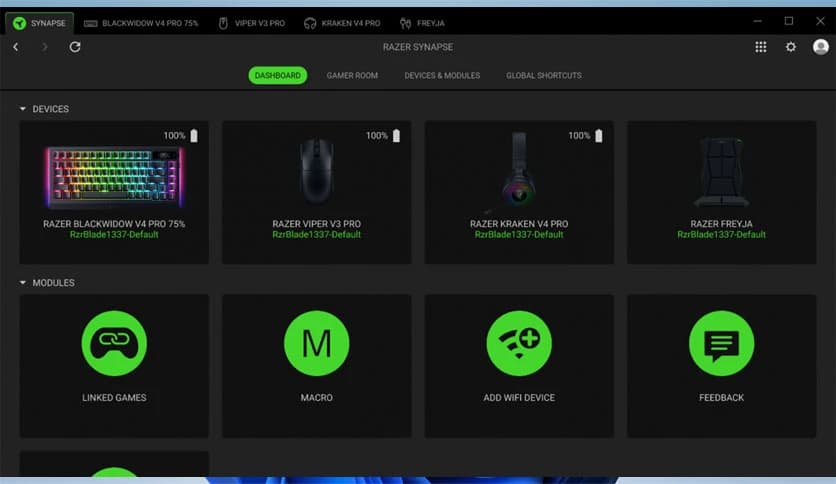
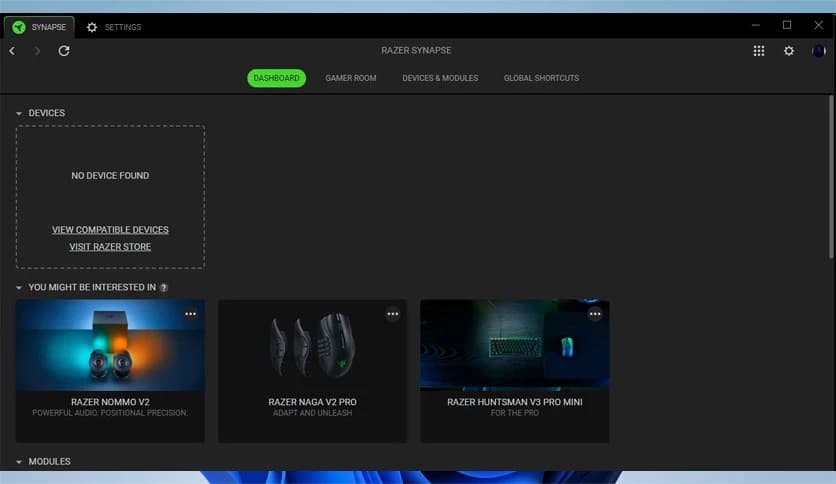
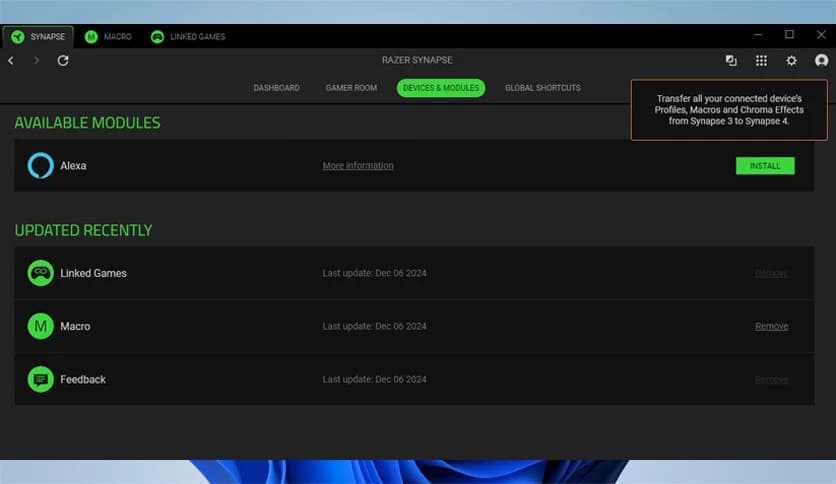
Free Download Razer Synapse for Windows PC. It is a powerful device management platform that lets you fully customize and control your Razer gear with precision and ease.
It is the central command hub for all your Razer devices. Think of it as the brain behind your gaming setup. From keyboards and mice to headsets and RGB lighting, everything connects into one smooth control center. Instead of juggling different apps or complicated settings, you get a single, clean interface that keeps everything organized and simple.
The platform is built for speed and performance. With its new multi-threaded architecture, it runs faster and feels more responsive than ever. Navigation is smooth, settings apply quickly, and switching between profiles happens almost instantly. It is designed to give you full power without slowing your system down.
One of the biggest strengths of this software is deep customization. You are not limited to default settings. You can remap buttons, adjust sensitivity, fine-tune DPI levels, and create advanced macros. It is like tailoring a suit, but for your gaming gear. Every click and keystroke can be adjusted to match your personal style.
If you prefer specific shortcuts for certain games or tasks, you can assign them easily. It allows you to store multiple profiles and switch between them whenever needed. Whether you are gaming, editing videos, or just browsing, your devices can adapt instantly.
Macros can completely change how you use your devices. Instead of repeating the same actions again and again, you can record a sequence once and trigger it with a single button. This saves time and boosts efficiency.
The macro editor is simple yet powerful. You can add delays, control timing, and customize each action precisely. It feels like building your own shortcut engine. For competitive players, this can mean faster reactions. For productivity users, it means smoother workflows.
Lighting is not just decoration; it sets the mood. With Razer Chroma RGB support, you can light up your entire setup in vibrant colors. Choose from quick effects or create custom lighting patterns that match your room, your mood, or even your game.
It allows synchronized lighting across supported devices. Imagine your keyboard, mouse, and headset glowing in harmony. The result is a setup that feels alive. You can even adjust brightness, color speed, and animation styles without any hassle.
You are not limited to one device. The tool lets you access settings directly from your browser. That means you can adjust profiles, fine-tune performance, and manage lighting effects even when switching systems.
Cloud synchronization ensures your settings travel with you. Log in to your account, and your personalized configurations load instantly. It is like carrying your digital toolbox in your pocket. No need to start from scratch every time.
The latest evolution of the platform focuses heavily on performance. Thanks to its redesigned architecture, it runs up to three times faster than previous versions. That speed translates into quicker load times and smoother transitions.
The interface feels fluid and clean. Independent installations allow you to install only the modules you need. This keeps your system lighter and avoids unnecessary clutter. Stability has also improved, so crashes and lag are greatly reduced.
If you enjoy trying new features before everyone else, the Beta version gives you that opportunity. You can test upcoming improvements and innovative tools ahead of the official release.
Being part of the Beta community means staying ahead of the curve. You experience updates early and explore advanced functionality before it becomes mainstream. It is perfect for tech enthusiasts who love experimenting with fresh updates.
The user interface is designed to be intuitive. Even if you are new, you will find it easy to navigate. Settings are clearly categorized, and each option is explained in a straightforward way.
Switching between devices is quick and seamless. You do not need advanced technical knowledge to get started. The layout is simple but powerful, giving you control without overwhelming you.
While gamers benefit greatly from performance tweaks and macro controls, professionals also gain value. Graphic designers, editors, and developers can optimize shortcuts and create workflows that save time.
It adapts to different needs. For gaming, it enhances reaction time and personalization. For work, it boosts productivity. This flexibility makes it more than just a gaming tool; it becomes a complete control system.
Razer Synapse brings complete control, speed, and customization into one unified platform. It transforms your devices into personalized tools that match your exact needs. With powerful macro creation, vibrant RGB lighting control, browser-based access, and improved performance, it delivers a smooth and efficient experience. If you want full control over your Razer gear without complexity, this platform makes it simple and powerful.
Leave a comment
Your email address will not be published. Required fields are marked *