RapidGrade for DaVinci Resolve Download (Latest 2026) - FileCR
Free download RapidGrade for DaVinci Resolve 1.5.17 Latest full version - A professional tool for one-click cinematic color grading.
Free download RapidGrade for DaVinci Resolve 1.5.17 Latest full version - A professional tool for one-click cinematic color grading.


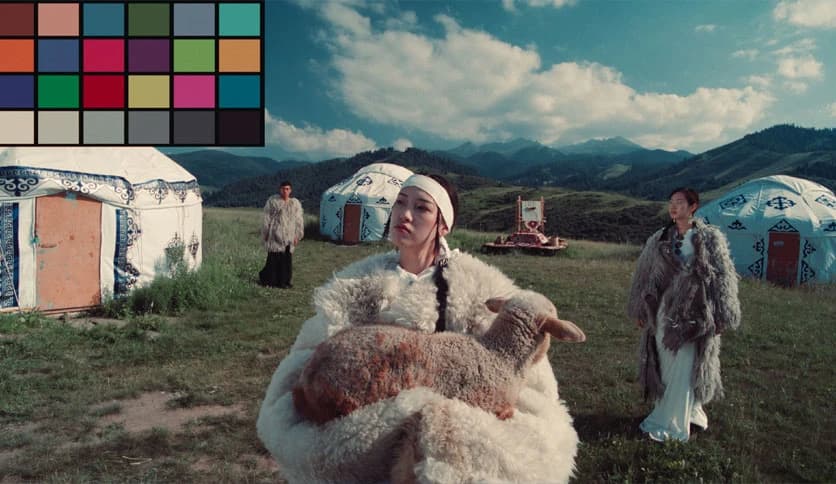
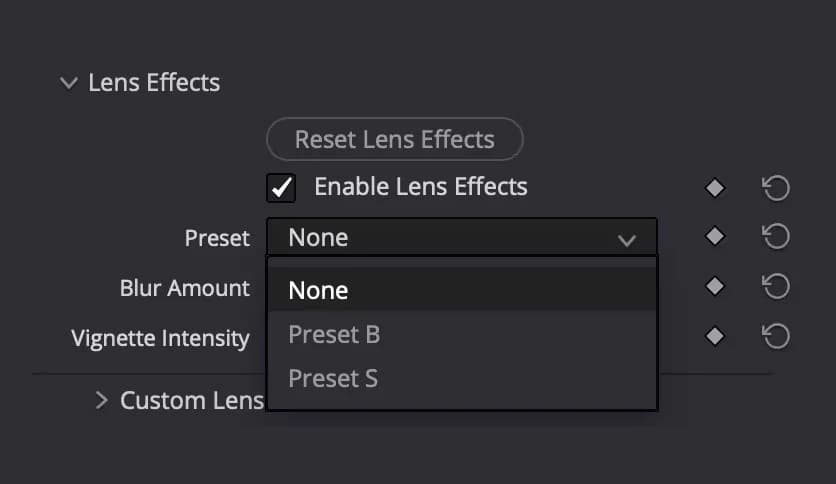
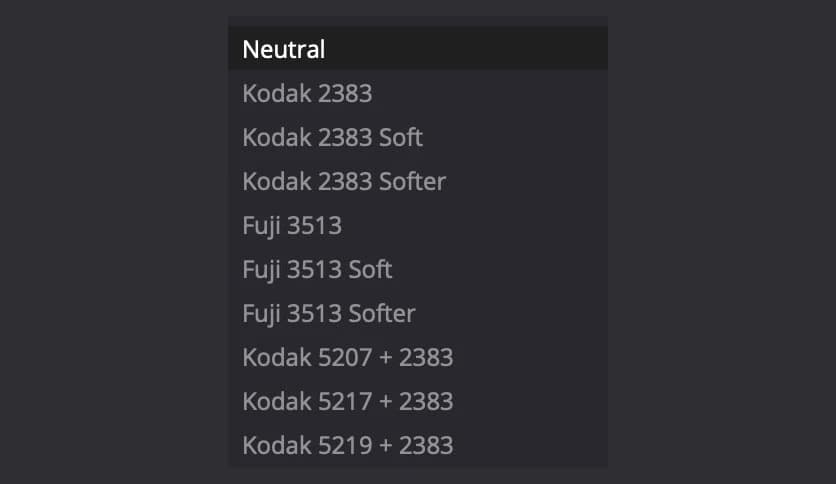
Free Download RapidGrade for DaVinci Resolve for Windows PC. It is a revolutionary DaVinci Resolve plugin that delivers cinematic-grade color results in seconds, with precision, control, and artistic depth.
It is built for creators who value speed without sacrificing quality. It works like a master colorist sitting beside you, ready to apply refined looks instantly. Instead of waiting for slow AI processes or tweaking endless nodes, this tool gives you polished results with a single click. Everything feels fast, clean, and purposeful, making color grading less of a chore and more of a creative flow.
When deadlines are tight, waiting minutes for average results feels like watching paint dry. This solution flips the script by delivering professional-grade looks in about one second. It is not guessing or approximating. Each adjustment is deliberate, predictable, and crafted to match real-world cinematic standards. The outcome feels intentional, like a tailored suit rather than an off-the-rack fit.
At its core, the one-click look system works like a trusted autopilot. You apply a look, fine-tune if needed, and move on. It adapts well to commercials, films, documentaries, and online content. The flexibility is impressive because every preset is fully adjustable. Even better, the library keeps growing, with dozens of new professional looks added every year, keeping projects fresh and modern.
This plugin opens the door to authentic film emulations inspired by real cinema workflows. These are not generic filters. They are carefully modeled after real film negatives and print processes used in major productions. The results feel organic, layered, and rich, giving footage that unmistakable cinematic depth seen in high-end movies and premium TV shows.
Footage can sometimes feel too clean, almost sterile. Lens FX solves that by adding character and texture in a natural way. The presets are modeled after real cinematic lenses and optical behavior. Instead of artificial overlays, you get subtle imperfections that breathe life into the image, much as classic lenses shape light on film.
Transforming environments no longer requires complex masking or heavy effects. With a single parameter, foliage can shift from winter tones to warm fall colors. It feels like turning a seasonal dial rather than rebuilding a scene. This makes it incredibly useful for storytelling, where mood and time of year play a big role.
Traditional density controls often feel limited or muddy. This tool takes an unorthodox approach that reshapes how density behaves across the image. Highlights stay clean, shadows remain rich, and midtones gain weight without crushing detail. Think of it as sculpting light instead of just pushing sliders.
Making subjects stand out usually involves qualifiers and endless corrections. Here, skin tones naturally pop from the background without artifacts or harsh edges. The separation feels smooth and realistic, almost as if the subject were lit differently on set. The process feels effortless, yet the results look refined and intentional.
Recovering highlights and shadows can often introduce noise or strange color shifts. This solution uses actual film-stop adjustments to restore lost detail. The recovered areas look cleaner than many native tools, preserving texture and contrast while maintaining a natural roll-off.
The biggest advantage is confidence. Editors and colorists can move faster, knowing the look will hold up under scrutiny. It reduces back-and-forth revisions and keeps creative energy focused on storytelling. Like a sharp knife in the kitchen, it simply makes every cut smoother.
RapidGrade for DaVinci Resolve stands out as a powerful shortcut to cinematic color grading without cutting corners. It blends speed, authenticity, and creative control into a single, elegant workflow. For anyone serious about delivering polished visuals on tight timelines, it feels more like a secret weapon than a plugin.
Leave a comment
Your email address will not be published. Required fields are marked *