PyLoad Download (Latest 2026) - FileCR
Free download PyLoad 0.4.20 Latest full version - Smart web-based remote download manager tool.
Free download PyLoad 0.4.20 Latest full version - Smart web-based remote download manager tool.
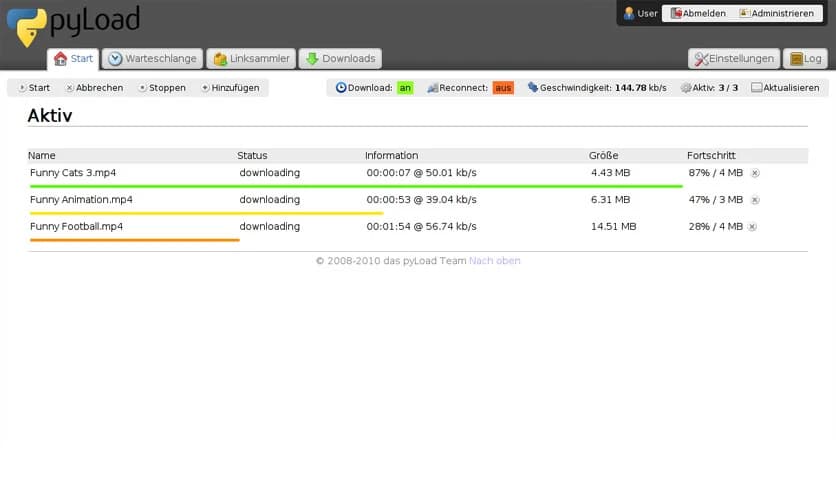
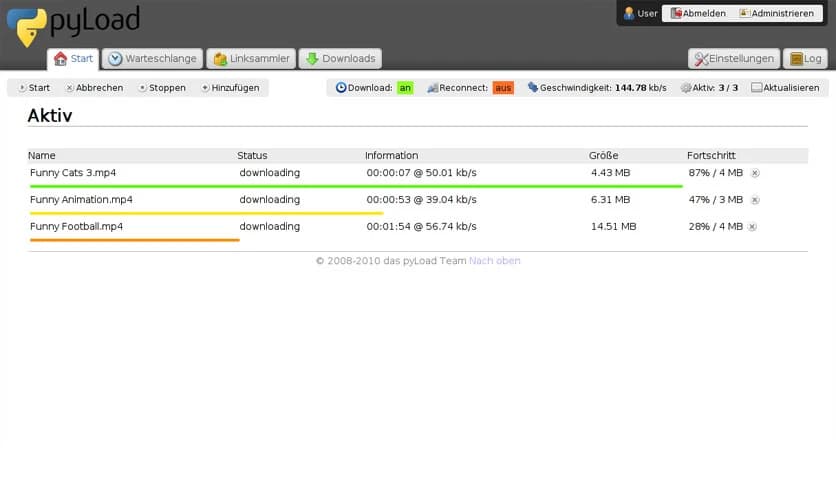
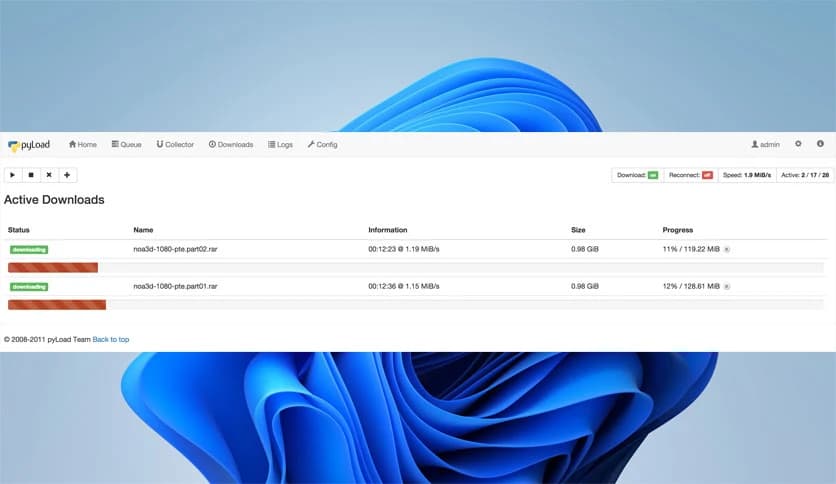
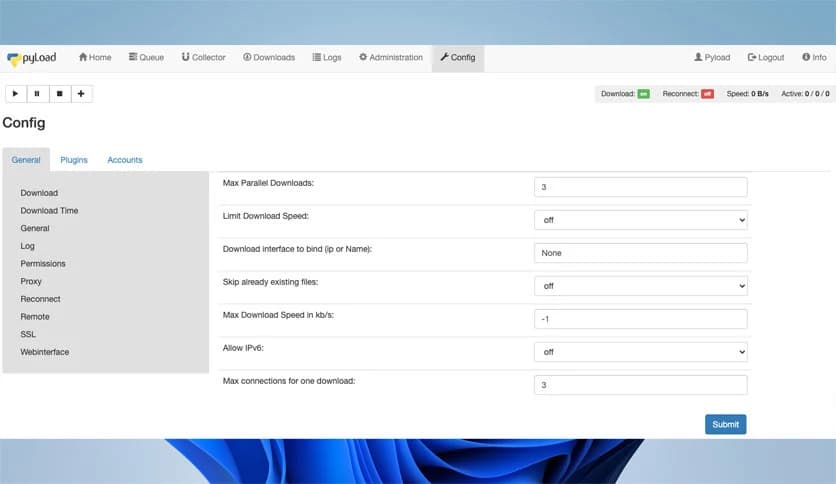
Free Download PyLoad for Windows PC. It is a lightweight and flexible download manager that runs on almost any device and lets you control everything from your browser.
This smart download manager was originally built to work on NAS systems, next-generation routers, and headless home servers. In simple terms, it was designed to run quietly in the background and handle your downloads without requiring a full desktop setup. If your device can connect to the internet and supports Python, you can run it. That means it works across many operating systems and hardware platforms.
You are not limited to servers or network devices. You can also install it on your Windows PC and manage everything through a clean web interface. Think of it like a remote control for your downloads. Instead of juggling multiple tabs and apps, you open your browser and manage everything from one place.
One of the software's key strengths is its ability to run on small, low-power devices. Many people use NAS systems or routers that stay on all day. Instead of keeping a full computer running just to download files, you can install the tool on these devices and let them handle the job.
This makes it perfect for automated downloading. You set it up once, and it keeps working in the background like a silent assistant. It saves energy, time, and effort. For users who love building home labs or personal servers, it fits right in.
You do not need to sit in front of the device to use it. Everything is managed through a friendly web user interface. Open your browser, log in, and you are in control. It feels like using a regular website, but you are actually controlling a powerful download engine running somewhere else.
This remote access feature is extremely useful. You can add new downloads while at work, check progress from your phone, or manage files while traveling. It turns any connected device into your personal download station.
The tool supports common video sites, one-click hosters, container formats, and well-known web standards. That means you can download from multiple sources without additional steps. Instead of using separate tools for each site, everything is handled in one place.
It understands links, containers, and different hosting platforms. You paste your links, and it takes care of the rest. It is like having a universal translator for download links. This broad compatibility makes daily use smooth and frustration-free.
Another strong point is its rich plugin system. Plugins extend functionality and automate tasks. For example, you can use plugins to manage captchas, handle specific hosting services, or automate repetitive actions.
This makes unattended running possible. Once configured, the software can operate independently. You do not need to monitor every step. It becomes a self-driving download machine that follows your rules and schedules.
If you often download large files overnight, this feature will be a game-changer. Add your links, set preferences, and let it work. The system can queue downloads, retry failed links, and organize files without manual input.
Imagine setting up a playlist before going to bed and waking up to everything neatly downloaded. That is the kind of convenience it offers. It removes the boring part of file management and lets you focus on what matters.
Beyond basic downloading, it also offers a well-documented Application Programming Interface. This API allows developers to extend the tool or connect it with external applications. If you love building custom dashboards or integrating services, you will appreciate this flexibility.
Because it is easily extendable, other tools and cross-platform apps can interact with it smoothly. Developers can create new plugins, automation scripts, or even mobile apps that communicate with the download engine.
Since it is built using Python, it works on various operating systems. Windows and even smaller embedded systems can run it. This flexibility is a major advantage. You are not locked into a single ecosystem.
Whether you run a powerful desktop or a compact router, it adapts to your setup. That kind of portability makes it future-proof. As long as your device supports Python and internet access, you are good to go.
The web interface is simple and easy to navigate. You can add links, check progress, manage packages, and adjust settings without confusion. It does not overload you with unnecessary complexity.
Everything is organized in a clear layout. Even beginners can understand how to use it within minutes. At the same time, advanced users still get deep customization options under the hood.
PyLoad is a flexible and powerful download manager that works across devices, from home servers to Windows PCs, and gives you full web-based control with strong automation features. It blends simplicity with advanced capabilities, making it suitable for casual users and tech enthusiasts alike. If you want a download solution that runs quietly in the background yet stays fully under your control, this one delivers.
Leave a comment
Your email address will not be published. Required fields are marked *