PixiEditor Download (Latest 2026) - FileCR
Free download PixiEditor 2.0.1.19 Latest full version - Create non-destructible, procedural graphics.
Free download PixiEditor 2.0.1.19 Latest full version - Create non-destructible, procedural graphics.
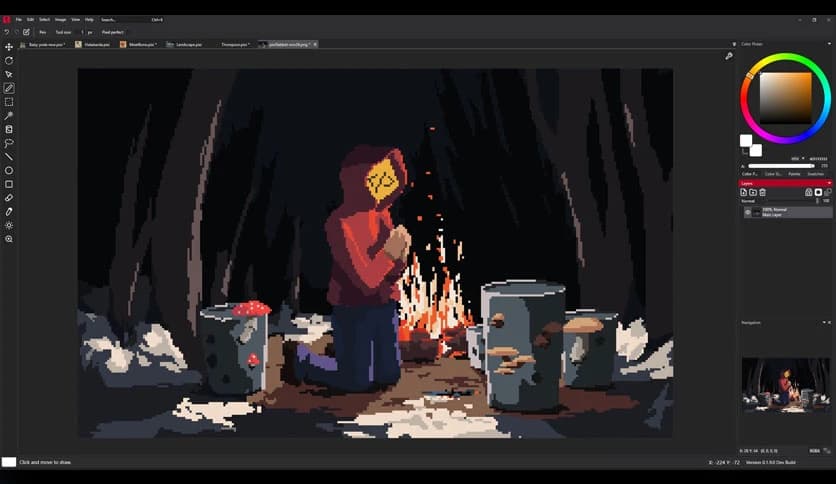
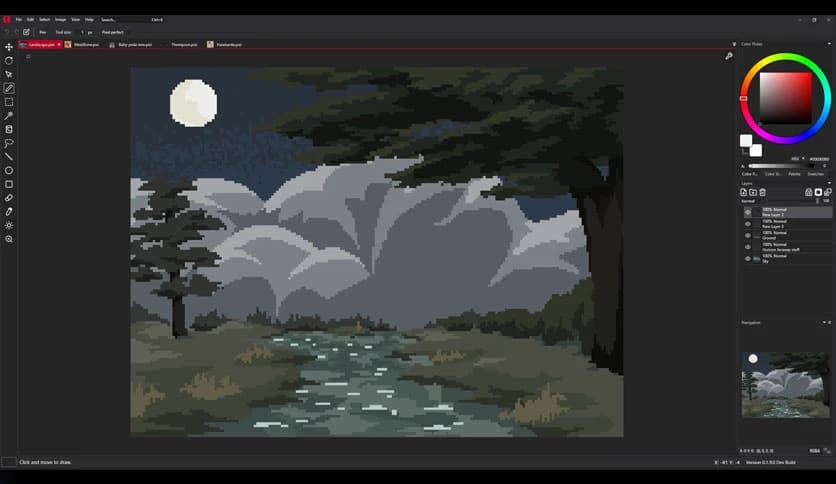
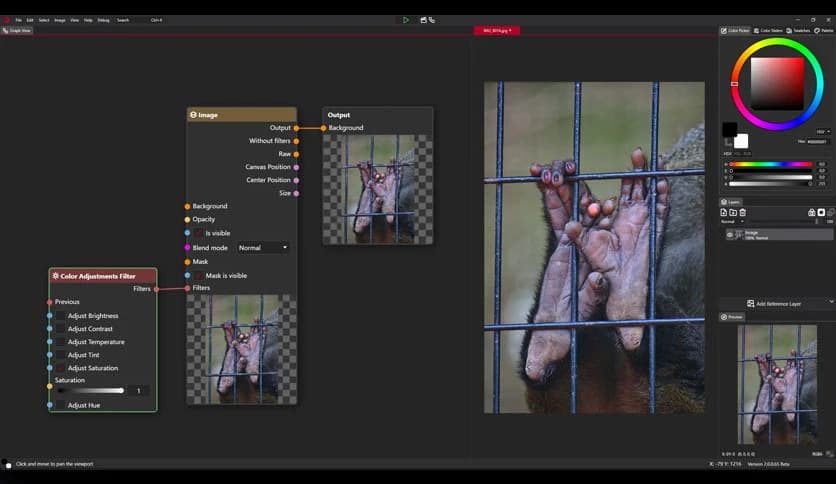
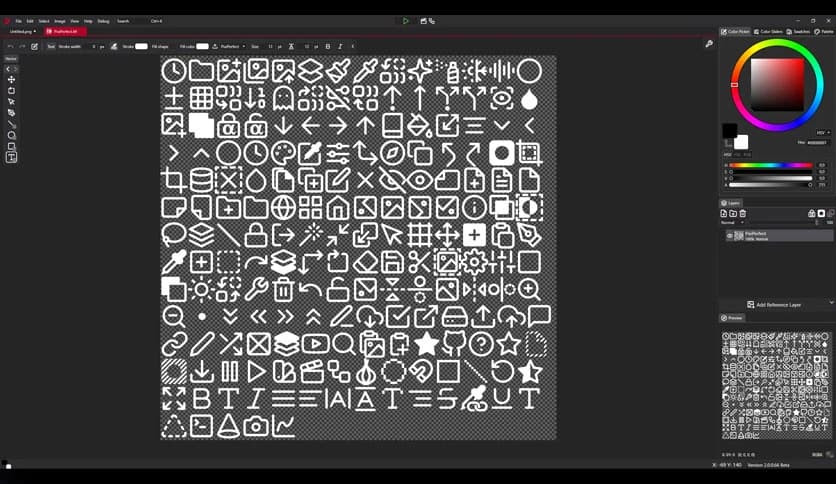
Free Download PixiEditor for Windows PC. It is a clean and friendly pixel art editor that helps you create sharp sprites, edit images, and design visuals comfortably in a dark-themed workspace.
It is built for creators who love precision and simplicity. It brings pixel art, raster painting, and vector design together in one place without feeling heavy or confusing. If you have ever worked with common image editors, getting started feels natural from the first click. Everything is organized logically, so your focus stays on creating rather than searching for tools.
The software greets you with an eye-friendly dark theme that reduces strain during long creative sessions. Panels, menus, and shortcuts follow patterns that many designers already know. This familiar structure helps you move faster, like driving a car where all controls are right where you expect them to be.
Layers act like transparent sheets stacked on top of each other, giving you full control over every element. You can rename, group, merge, hide, or delete them at any time. This system keeps complex projects organized and makes editing feel smooth rather than messy.
For users who want more depth, the tool offers blend modes and masks. These options let you mix layers in creative ways and control transparency with accuracy. Locking transparency or masking areas feels simple, yet it opens doors to professional-looking results.
Color selection is handled with care through a fully featured palette system. It connects with the popular Lospec Palette List, giving you access to curated color sets. This makes choosing harmonious colors easier, like having a painter’s palette already prepared for you.
Pixel art demands accuracy, and the special pixel-perfect pen mode helps achieve clean outlines. Each stroke snaps perfectly to the grid, reducing mistakes and keeping artwork sharp. It feels like drawing with a ruler that gently guides your hand.
Instead of digging through menus, you can quickly find commands using the built-in search. Actions, tools, and shortcuts appear instantly, saving time and keeping your creative flow uninterrupted.
Working on more than one file is easy. You can open documents side by side, arrange them into rows or columns, or float windows freely. Tabs help manage projects smoothly, making multitasking feel organized rather than overwhelming.
Drawing with a digital pen feels natural thanks to stylus support. You can sketch, erase, and refine details just like on paper. This feature is especially useful for artists who prefer a hands-on drawing style.
The software is more than a pixel editor. It supports raster painting, vector graphics, and even frame-by-frame animation on a single canvas. The Node Graph system allows non-destructive editing, meaning you can experiment freely without fear of ruining your work.
Being free and open-source means the tool grows with its community. Updates, improvements, and ideas come from real users who care about creative freedom. This approach keeps development transparent and focused on what artists actually need.
PixiEditor stands out as a flexible and welcoming creative tool for beginners and experienced artists alike. It balances ease of use with powerful features, making pixel art, image editing, and animation feel enjoyable rather than complicated. Whether you are designing game sprites or experimenting with digital art, it offers a comfortable space to turn ideas into polished visuals.
Leave a comment
Your email address will not be published. Required fields are marked *