Pinokio Download (Latest 2026) - FileCR
Free download Pinokio 5.3.5 Latest full version - Run your own personal Internet with one click.
Free download Pinokio 5.3.5 Latest full version - Run your own personal Internet with one click.
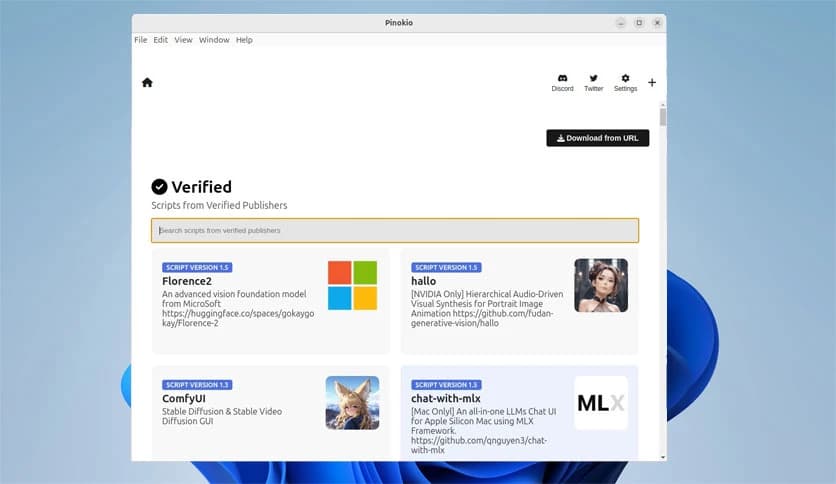
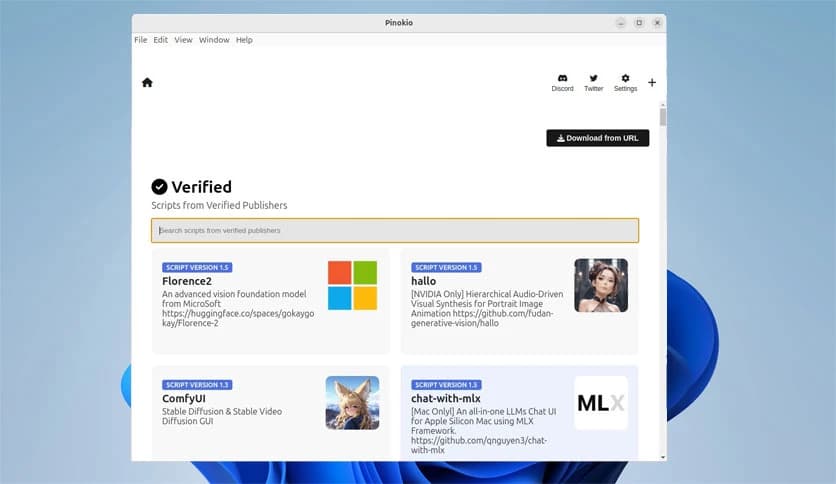
Free Download Pinokio for Windows PC. It is a free, open-source browser that lets you install and run AI models and open-source apps locally with just one click.
It is built for people who want powerful tools without the headache of complex setup. It acts as a friendly control center that automatically handles scripts, dependencies, and environments. Instead of jumping between terminals, documentation pages, and error messages, everything runs through a single, clean interface. Think of it as having your own small cloud running on your computer, but without the monthly bills.
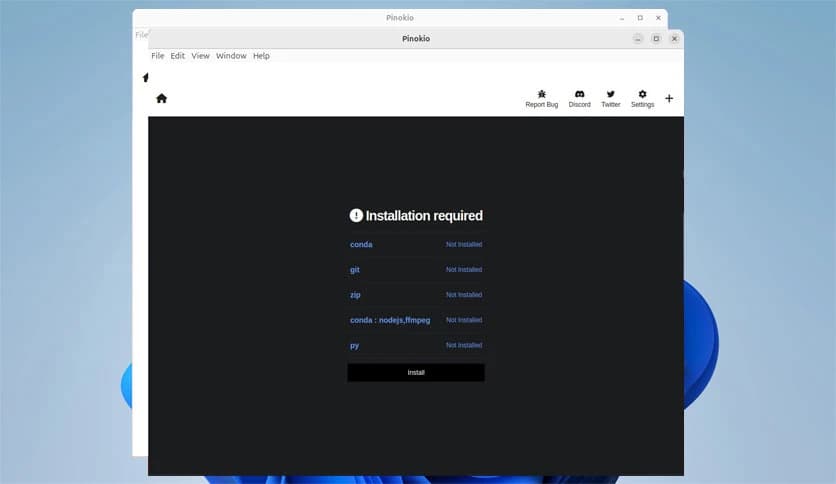
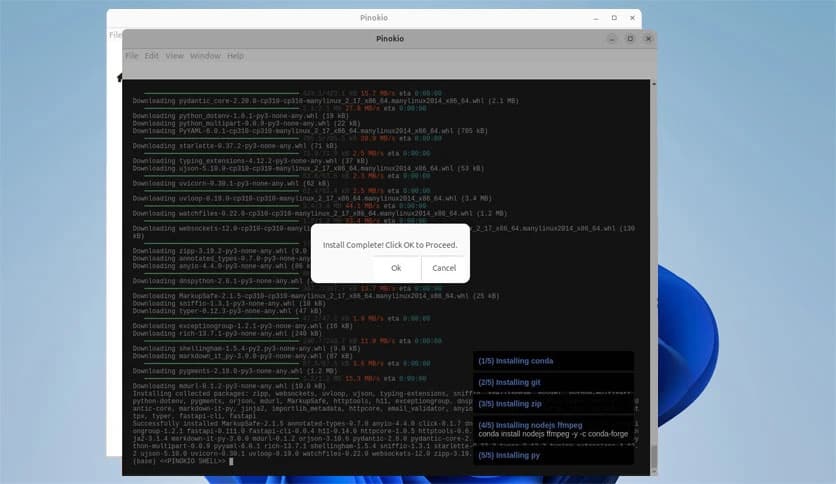
The biggest strength of this software is simplicity. With a single click, it installs everything needed to run AI models and applications locally. No manual configuration, no guessing which library version is required. It feels like pressing a button to start a machine that normally takes hours to assemble.
This tool behaves like a personal cloud running on your own system. All apps and models stay on your device, giving you full control over data and performance. It is similar to having an offline internet where services respond instantly because they live right on your computer.
Under the hood, it works like a terminal that can run scripts and execute commands. On the surface, it looks clean and easy. This balance makes it useful for beginners while still powerful for advanced users. You get the strength of command-line tools without feeling lost in text-only screens.
The software works smoothly across Windows, macOS, and Linux. That means you can switch systems without having to learn a new workflow. Your projects remain consistent, and your setup feels familiar no matter which platform you use.
It shines when dealing with open-source tools. Many projects require long setup guides and dependency checks. Here, those steps are automated. You click once, and the project is ready to run. It is like skipping the instruction manual and jumping straight to using the product.
Running everything locally improves privacy. Data stays on your machine instead of being sent to remote servers. This makes it a solid choice for users who care about security or work with sensitive information.
If you enjoy exploring AI or testing new tools, this platform feels like a playground. You can try different models without worrying about breaking your system. When something does not work, you simply remove it and move on.
It manages dependencies and resources smartly. Instead of cluttering your system, it organizes files in a controlled way. This keeps your computer clean and avoids conflicts with other applications.
Developers can use it to test apps quickly, while creators can run AI tools without technical stress. It bridges the gap between powerful technology and everyday usability, making advanced tools feel approachable.
Pinokio stands out as a smart way to run modern tools locally without friction. It removes the fear from setup, keeps everything private, and makes advanced projects feel simple. For anyone who wants control, speed, and ease in one place, Pinokio delivers a smooth and practical experience.
Leave a comment
Your email address will not be published. Required fields are marked *