PC No Problems Download (Latest 2026) - FileCR
Free download PC No Problems Latest full version - A cleanup tool that boosts speed and frees disk space.
Free download PC No Problems Latest full version - A cleanup tool that boosts speed and frees disk space.
Free Download PCNP PC No Problems for Windows PC. It is a lightweight Windows optimization tool designed to improve performance, remove junk files, and keep your system running smoothly.
This utility is designed for users who want a faster, cleaner Windows experience without digging into complex settings. It brings multiple system-optimization features together in a single, simple interface. Think of it like a digital mechanic that opens the hood of your PC, cleans the dust, and tunes the engine so everything runs better.
It focuses on improving everyday performance by removing unnecessary background activity. Many systems slow down not because of weak hardware, but because too many small processes keep running silently. The tool targets those hidden performance eaters and helps your computer breathe again.
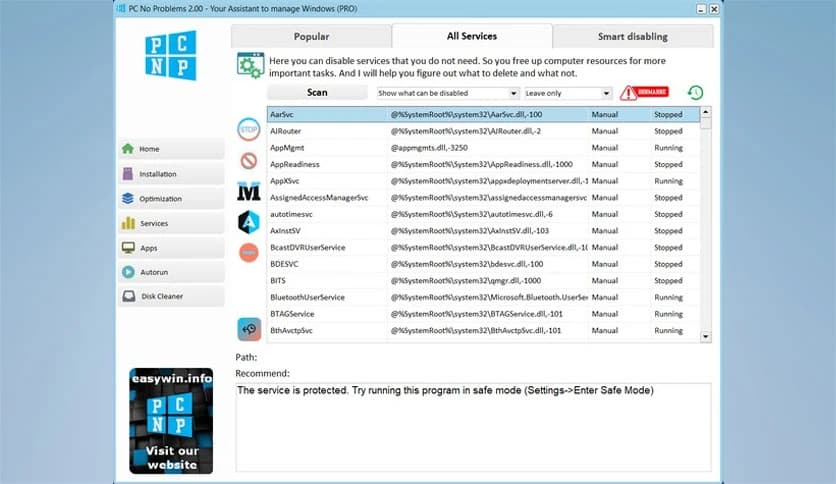
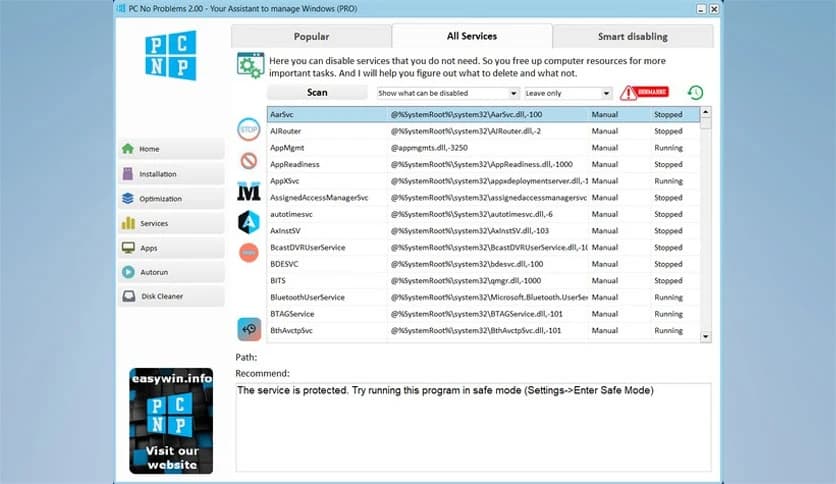
Windows runs dozens of services in the background, many of which most users never need. The software clearly explains which services can be safely turned off and which ones should stay active. It feels like having a guide who warns you before you touch anything important, keeping optimization safe for beginners.
Modern Windows versions include preinstalled apps that many people never use. These additional components consume storage and system resources. The tool allows you to remove unnecessary built-in applications cleanly, helping the system feel lighter and easier to manage.
Over time, temporary files and system cache pile up like clutter in a storage room. This utility scans the system thoroughly and automatically clears digital junk. In many cases, users free up several gigabytes of space, giving the system more room to operate smoothly.
Too many programs starting with Windows can make boot times painfully slow. Everything is shown in one place, including startup entries from system folders, the registry, and scheduled tasks. By trimming down autorun items, your PC starts faster and uses fewer resources.
Uninstalling software the normal way often leaves behind leftovers in folders and the registry. This tool performs a deep cleanup, removing hidden traces and leftovers completely. It is like pulling a weed by the roots rather than just cutting the leaves.
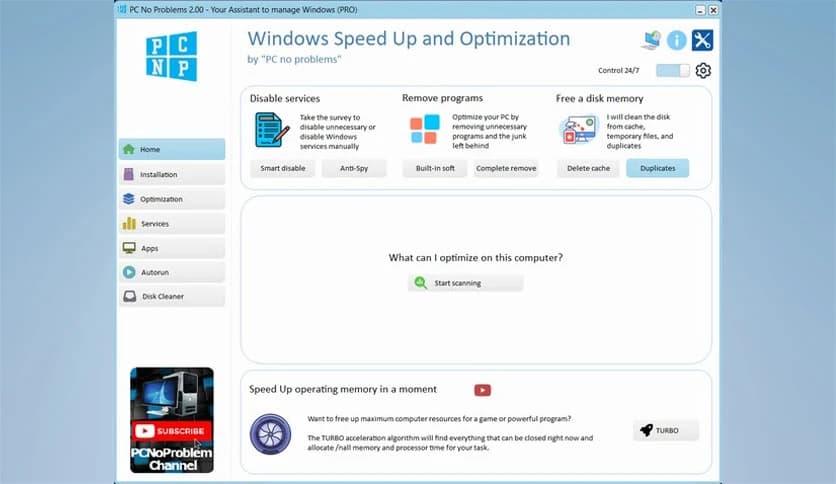
When running a heavy program or playing a game, background activity can steal valuable power. With one click, Turbo mode temporarily puts unnecessary processes to sleep. This unique approach frees up system resources, enabling demanding tasks to run more smoothly and stably.
The interface is clean, straightforward, and easy to understand. Buttons are clearly labeled, and actions are explained in simple language. Even users with limited technical knowledge can improve system performance without risking damage.
Instead of offering one or two basic cleanup options, it combines service control, junk cleaning, startup management, and performance boosting in one place. It saves time, reduces confusion, and delivers noticeable results with minimal effort.
PC No Problems combines cleaning, optimization, and performance-boosting in a single, easy-to-use package. It helps reduce system clutter, improve startup speed, and unlock additional performance without requiring complex steps. For anyone who wants a faster, cleaner Windows experience, it works like a reliable tune-up, keeping everything running smoothly.

Leave a comment
Your email address will not be published. Required fields are marked *