Ardour Download (Latest 2026) - FileCR
Free download Ardour Latest full version - Powerful tool to record, edit & mix high-quality sound.
Free download Ardour Latest full version - Powerful tool to record, edit & mix high-quality sound.
Free Download Paul Davis Ardour for Windows PC. It is a powerful digital audio workstation that helps you record, edit, and mix sound with complete creative control.
It is a feature-rich audio production environment designed for users who need detailed oversight over every stage of recording and mixing. Built by a global community of musicians, programmers, and sound engineers, this tool gives you a professional setup for creating audio and MIDI sessions. It works like a personal studio, letting you manage large or small projects with ease.
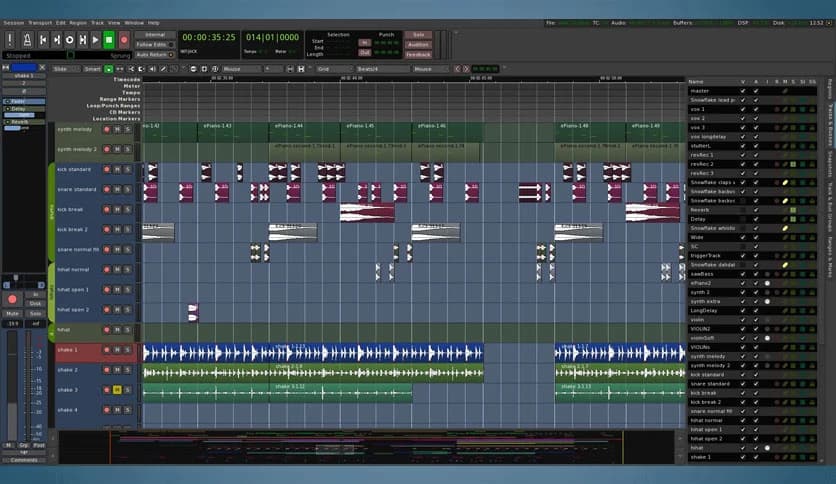
This tool shines at capturing audio with high accuracy. Whether you are recording vocals, instruments, podcasts, or voice-overs, it ensures that every sound is captured cleanly. The editing workflow is smooth and flexible, allowing you to trim, move, cut, copy, and layer audio clips effortlessly.
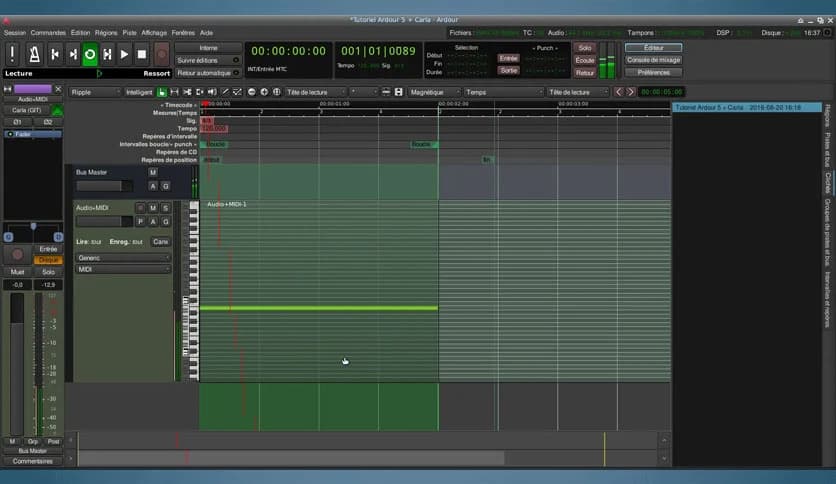
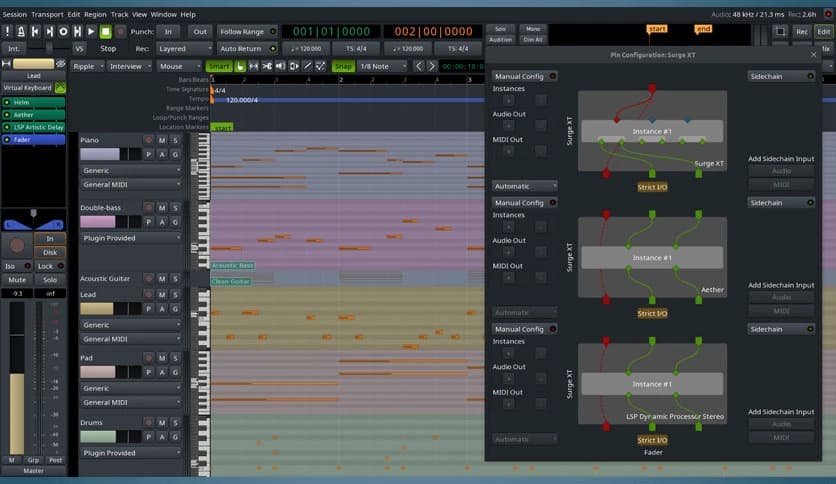
The platform also supports complete MIDI handling, making it a reliable solution for electronic music producers. You can record from MIDI devices, draw notes manually, and modify each element with detailed editing options. The MIDI tracks work seamlessly alongside audio tracks for a complete music-production experience.
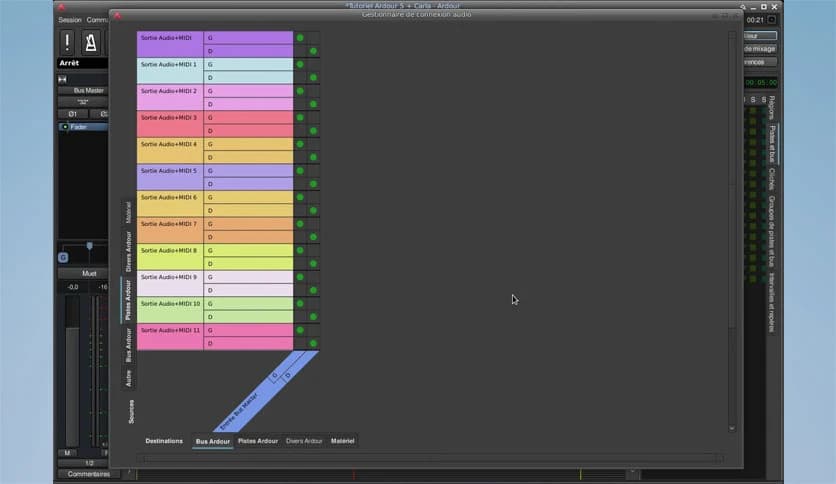
With its powerful mixer, the tool provides everything you need to shape the final output. You get EQ settings, bus routing, effects support, compression tools, and more. It feels like operating an actual mixing console, but with more precision and flexibility. Real-time control makes the entire mixing process smooth and intuitive.
You can enhance your sessions by adding a variety of plugins and audio effects. From reverb to distortion, equalizers to mastering suites, it supports many plugin formats. This ensures that producers can use their favorite tools without limitations. Each plugin can be controlled with automation curves for detailed audio shaping.
Handling multiple projects becomes easier thanks to organized session folders and templates. You can start a new project using pre-built setups or create your own template for repeated tasks. This saves time and keeps your workflow consistent across different sessions.
The interface is clean, structured, and easy to get used to. Even though the tool is powerful, it does not overwhelm the user. You can rearrange panels, resize windows, and customize layouts to match your personal preferences. This flexibility makes long working sessions more comfortable.
The software is suited to musicians, podcasters, sound designers, and anyone who works with audio recordings. Whether you work in music, film, interviews, or voice-over, the tool offers sufficient flexibility. It is perfect for users who need accurate control during long recording or editing sessions.
What sets the application apart is its simplicity combined with advanced functionalities. You get professional-level recording and editing features without unnecessary limitations. It adapts to your workflow and gives you room to explore ideas. Its open-source foundation also makes it reliable and continuously updated by a global community.
Ardour, this digital workstation, stands out for its ability to give creators complete control over their audio projects. It supports everything from basic editing to complex mixing sessions. With its flexibility, plugin support, and intuitive interface, it provides a reliable environment for developing detailed, professional sound work. Anyone looking to build, adjust, and master audio will find this program an excellent choice.

Leave a comment
Your email address will not be published. Required fields are marked *