Passbolt Download (Latest 2026) - FileCR
Free download Passbolt 2.7.0 Latest full version - Open source password & secret management tool.
Free download Passbolt 2.7.0 Latest full version - Open source password & secret management tool.
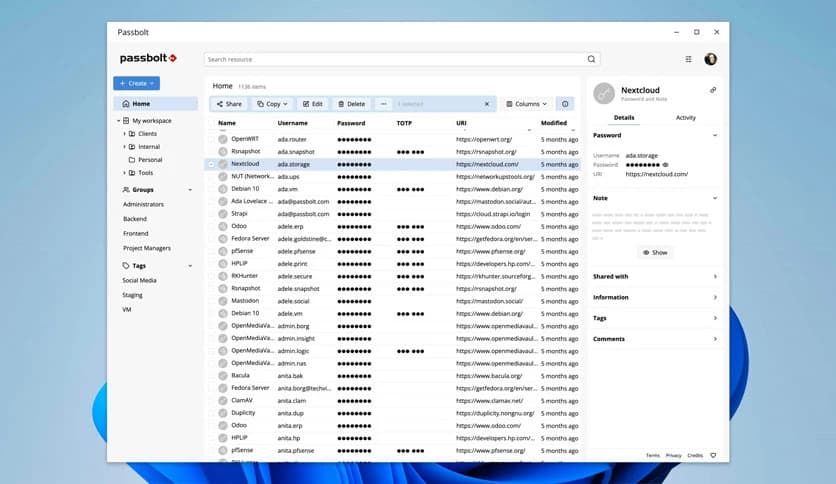
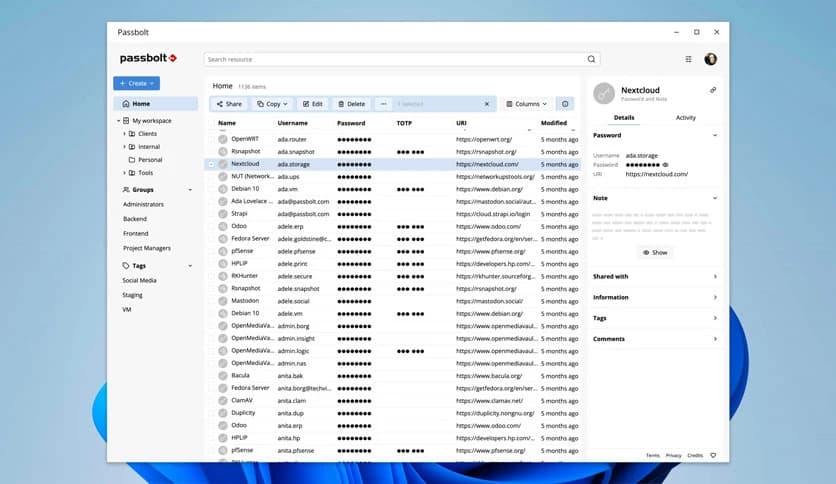
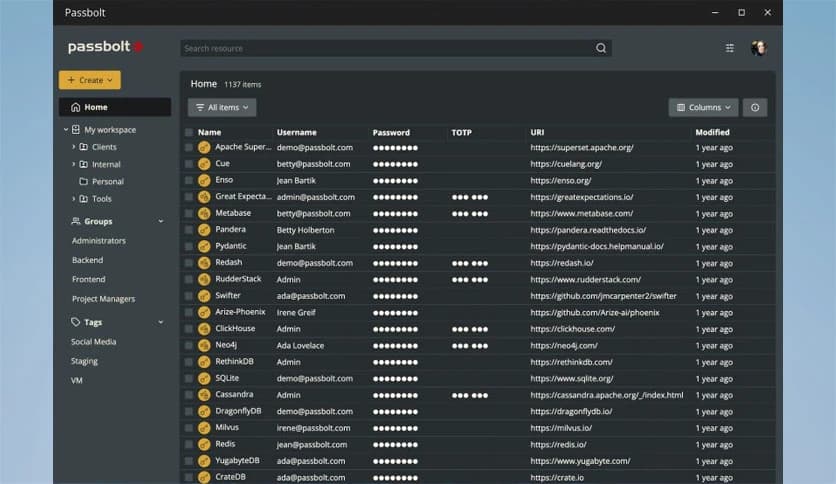
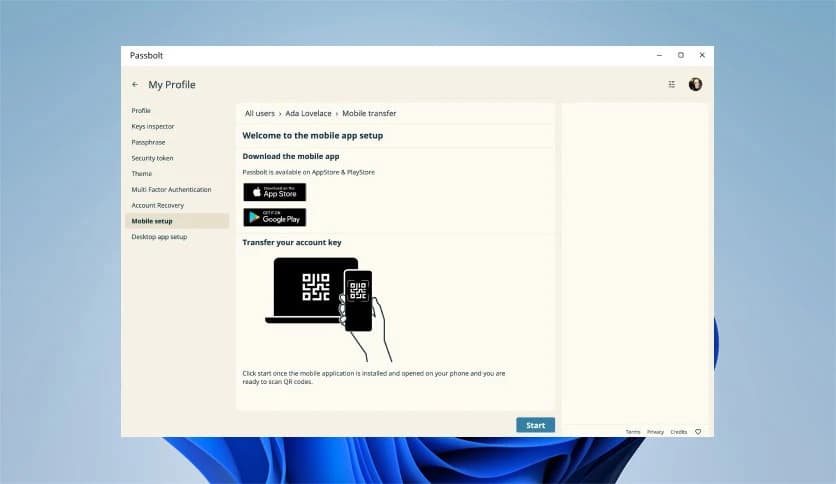
Free Download Passbolt for Windows PC. It is an open-source password manager designed for teams and organizations to securely store and share credentials.
It is an open-source password manager designed especially for teams. It helps you securely store and share credentials in one safe place. Whether it is the office Wi-Fi password, a router admin login, or your company’s social media account details, everything can be protected and organized with ease.
Think of it as a digital vault for your organization. Instead of writing passwords on sticky notes or saving them in random files, the software keeps them locked behind strong encryption. At the same time, it makes collaboration smooth. You can share access with the right people without exposing sensitive information.
One of the tool's biggest strengths is secure centralization. All credentials are stored in one organized system. This means no more scattered spreadsheets or insecure chat messages. Everything lives in a protected environment.
It uses strong encryption to protect your data. Even if someone gains access to the server, the information remains unreadable without proper authorization. You stay in control of who can view, edit, or share specific passwords.
Centralization also makes management easier. Administrators can see where credentials are used, who has access, and when they were updated. This level of visibility reduces risks and improves accountability.
Unlike many personal password managers, the software is designed for collaboration from the ground up. Teams can securely share credentials without exposing the password in plain text. Access can be granted to individuals or groups, depending on roles and responsibilities.
Imagine giving a new employee access to specific systems. Instead of sending passwords through email, you simply assign permissions. The tool handles the rest securely and in a structured manner.
Fine-grained access control ensures users see only what they need. This keeps sensitive information limited to authorized team members and reduces internal security risks.
Another strong advantage is flexibility in hosting. You can choose the environment that fits your organization. Whether you prefer self-hosting on your own server or using cloud infrastructure, we adapt to your needs.
This freedom is important for companies with strict compliance or data residency requirements. You are not locked into a single vendor or platform. The tool works where you want it to work.
Because it is open source, you also get transparency. You can review the code, understand how it works, and customize it if needed. That level of openness builds trust.
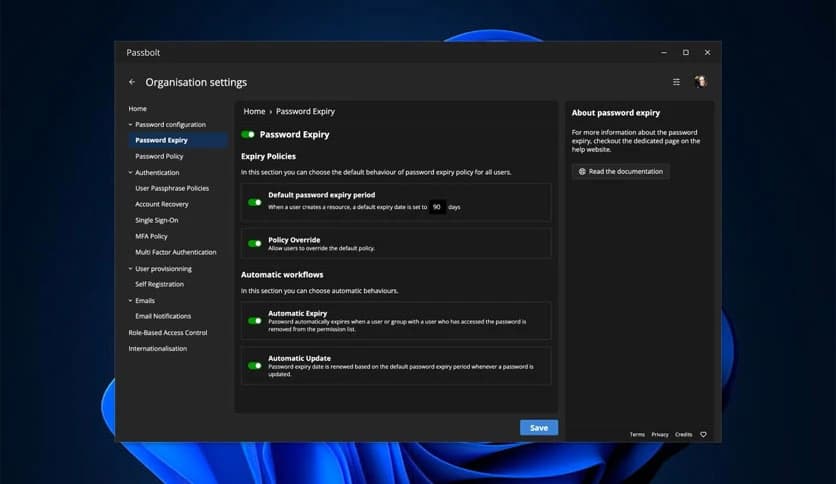
Passwords are not static. They are created, shared, updated, rotated, and sometimes removed. The software supports the full credential lifecycle. From onboarding new users to offboarding employees, it keeps everything structured and secure.
When a password needs to be changed, you can update it in one place. Everyone with permission automatically gets the new version. This prevents outdated credentials from floating around.
It also supports workflows that match real business processes. Whether you manage dozens or thousands of credentials, the platform scales with you.
Security is not only about protection. It is also about visibility. The tool includes auditing and reporting features that track actions within the system. You can see who accessed which credential and when.
This audit trail is essential for compliance and internal security reviews. If something unusual happens, you have a clear record to investigate.
Reports can help administrators understand usage patterns and identify areas where security policies need improvement. It is like having a security camera for your digital keys.
Even though it is powerful, it remains simple to use. The interface is clean and intuitive. Team members do not need advanced technical skills to manage their credentials.
The tool integrates well into daily workflows. Instead of being an extra step, it becomes a natural part of how teams work. This ease of use increases adoption and reduces resistance to security practices.
When security feels simple, people are more likely to follow best practices. That is where this platform shines.
Being open source means transparency and community support. Developers around the world can contribute to improvements, fix issues, and suggest new features. This keeps the platform evolving.
Organizations also benefit from independence. You are not tied to a closed system controlled by a single company. You have the freedom to customize and extend it as needed.
For IT teams, this is a big plus. It allows better integration with existing tools and infrastructure.
Passbolt stands out as a secure, flexible, and team-focused credential management solution. It combines strong encryption, centralization, collaboration tools, and detailed auditing in one complete package. Whether you run a small office or manage a large IT environment, this approach helps you keep passwords secure while making teamwork smooth and organized.
Leave a comment
Your email address will not be published. Required fields are marked *