Paperwork Download (Latest 2026) - FileCR
Free download Paperwork Latest full version - Scan or import your personal documents and find them.
Free download Paperwork Latest full version - Scan or import your personal documents and find them.
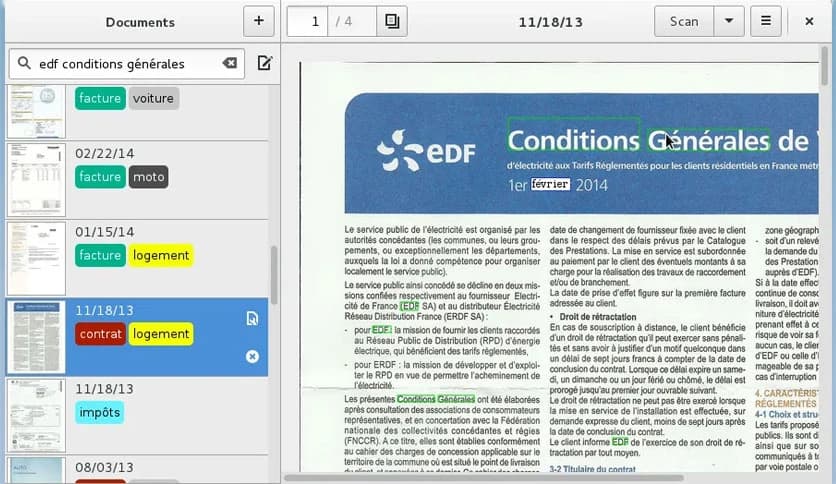
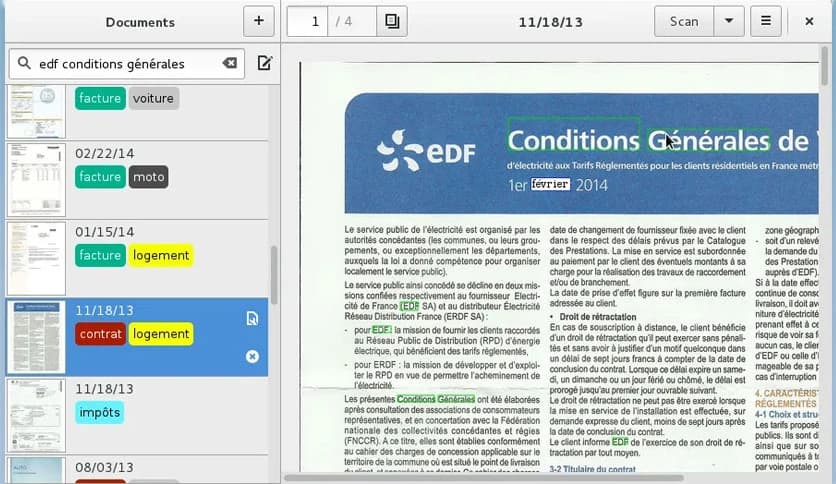
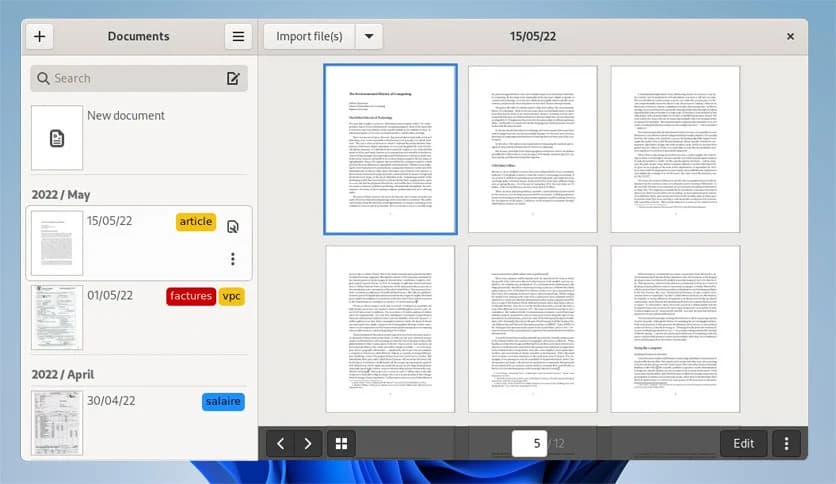
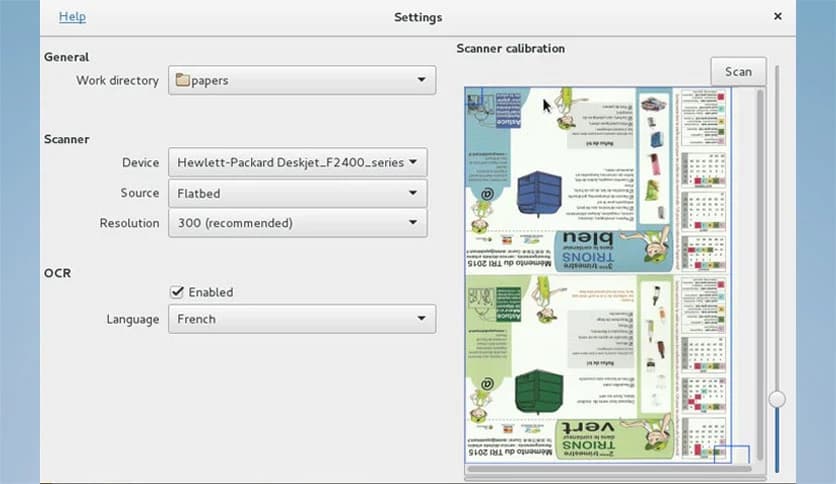
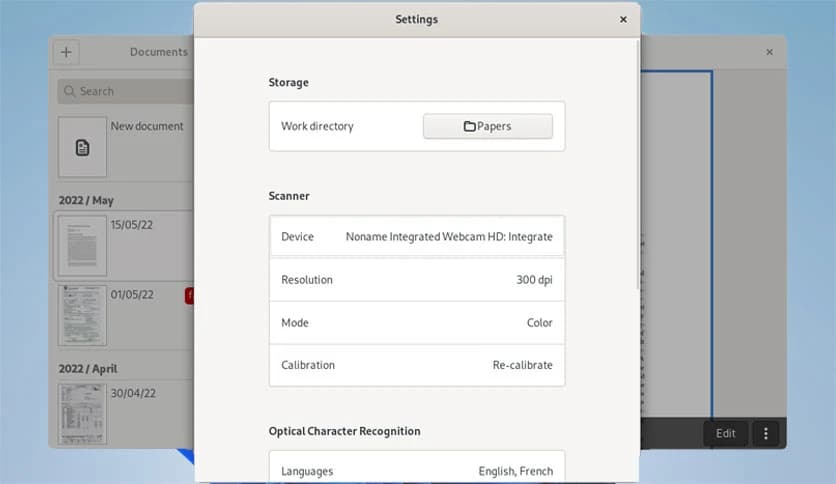
Free Download Paperwork for Windows PC. It is a smart personal document manager that turns scanned papers and PDFs into clean, searchable files you can find in seconds.
This tool is built for people who are tired of digging through folders full of unnamed scans. It focuses on one simple idea: scan your documents once and forget about the mess. Everything becomes searchable, organized, and easy to access whenever you need it.
Instead of forcing you to manually rename every file, it quietly reads the text inside your documents. Later, you just type a keyword, and your file shows up like magic. It feels less like file management and more like using a search engine for your own tool.
The biggest relief comes from the “scan and forget” approach. Once documents are scanned or imported, there is no need to touch them again. The software handles the tedious part by automatically recognizing text and indexing it in the background.
This means receipts, bills, letters, contracts, and notes are treated the same. You do not need to decide in advance how to name or sort them. Everything stays useful even years later.
Searching is where things really shine. You can type a few words that you remember from a document and get results instantly. It works not only with scanned images but also with PDF files, so digital and paper documents coexist seamlessly.
This feels like having a memory upgrade. Instead of remembering where a file is stored, you only need to remember what it is about.
All documents are stored in a single directory on your computer. This design choice keeps things simple and transparent. You always know where your files are, and you are never locked into a hidden database.
Because everything lives in one place, backups become easy. You can copy the folder to an external drive or include it in your regular backup routine without special tools.
The document folder can be synchronized across multiple computers. Popular tools like cloud storage and peer-to-peer sync apps can keep everything updated automatically.
This makes it ideal for users of multiple devices. You can scan documents on one machine and search them later on another without any extra setup.
Files are saved using widely accepted formats such as JPEG, PDF, and hOCR. This means your documents are future-proof and can be opened by a wide range of programs.
You are never stuck with a proprietary format. If you decide to switch tools later, your files will remain usable and readable.
The interface keeps distractions away. It focuses on documents, search, and basic organization. There are no confusing menus or unnecessary options fighting for attention.
This makes it accessible to even non-technical users. If you know how to scan a document and type a word, you already know how to use it.
The project is distributed as free software, which means you stay in control. You can use it without worrying about hidden costs or locked features.
Because it is open to contributions, improvements continue to come from people who use it. Bugs are fixed, features are improved, and the software evolves in a healthy way.
Whether you are managing home bills, office tasks, or study notes, it fits naturally into daily routines. It turns paper chaos into calm order without forcing you to change how you work.
Think of it like a digital filing cabinet that remembers everything for you and never forgets where things are stored.
Paperwork is a calm and reliable way to bring order to document chaos. It removes the stress of manual sorting and replaces it with fast search and simple storage. For anyone who scans documents regularly and wants full control without complexity, it delivers exactly what is needed.
Leave a comment
Your email address will not be published. Required fields are marked *