openHAB Download (Latest 2026) - FileCR
Free download openHAB 5.2.0.M2 Latest full version - A home automation tool that unifies devices locally.
Free download openHAB 5.2.0.M2 Latest full version - A home automation tool that unifies devices locally.
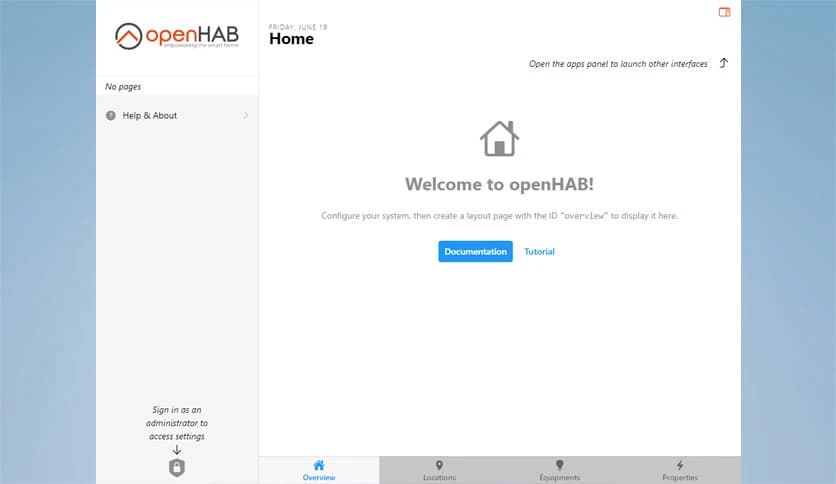
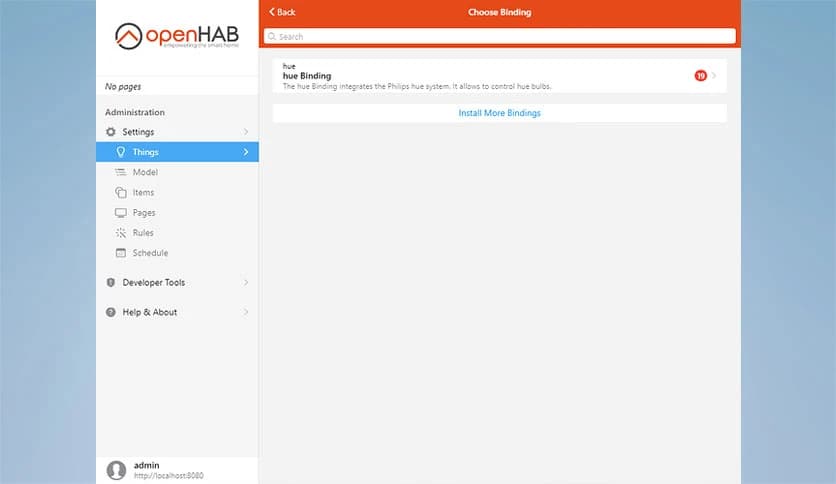
Free Download openHAB for Windows PC. It is a flexible, privacy-focused automation solution that connects various smart home devices into a single, smooth, and reliable system.
It is designed to bring order to the often messy world of smart home devices. Instead of juggling multiple apps, hubs, and services, this platform acts as a universal translator, helping everything communicate clearly. It runs locally on your system, so there is no forced cloud dependency and no loss of control over your personal data. This local-first approach makes daily automation faster, more stable, and more private.
One of the strongest points of this software is its freedom from brand lock-in. It does not care who made your smart bulb, thermostat, or sensor. As long as a supported integration exists, everything can work together under one roof. Think of it as a common language that enables devices from different countries to communicate without confusion.
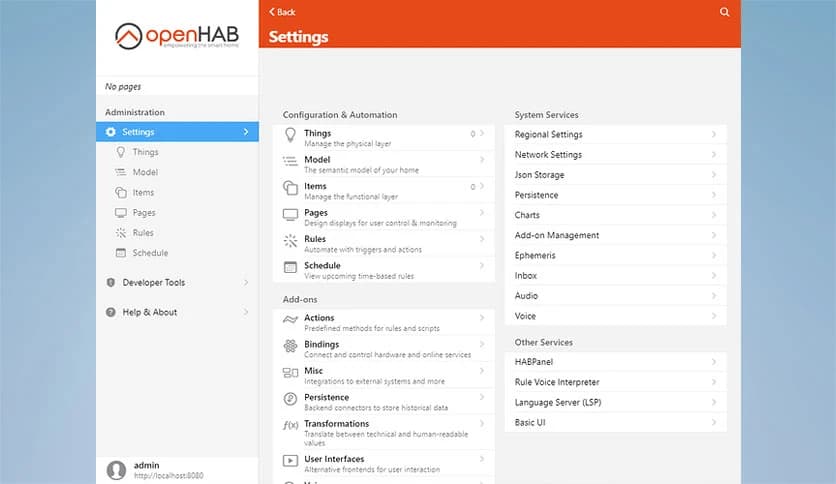
Managing smart devices can feel like herding cats when each one lives in its own app. The software solves this by placing all connected hardware into a single, clean structure. Lights, switches, sensors, and media devices appear in one place, making control simple and logical. This unified layer keeps daily interaction smooth and avoids unnecessary complexity.
Automation is where this tool truly shines. It allows you to create rules that react to time, sensor changes, or specific conditions. For example, lights can turn on automatically at sunset, or heating can adjust when windows are opened. These rules work quietly in the background, much like a personal assistant who already knows your routine.
Unlike many modern solutions, it does not require constant internet access to function. Everything runs on your own hardware, keeping information safely inside your home network. This setup reduces reliance on external servers and ensures that private data stays private. It feels reassuring to know that your home continues to function even if the internet goes down.
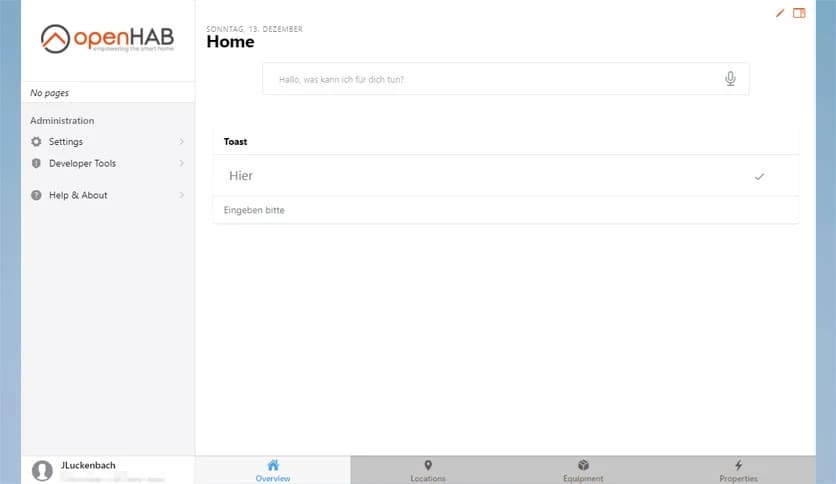
Different users prefer different ways to interact with their smart home. The platform supports web dashboards, mobile apps, and voice assistants. Each interface connects to the same core system, so changes made in one place reflect everywhere else. This flexibility makes it easy for both beginners and advanced users to feel comfortable.
An active global community surrounds this project, constantly improving integrations and sharing ideas. New device support, tutorials, and automation examples appear regularly. This shared knowledge base acts like a living library, helping users solve problems faster and explore creative automation ideas.
Built on Java, the software benefits from proven stability and cross-platform support. It can run on Windows PCs, small home servers, or even low-power devices. As your smart home grows, the system scales smoothly without forcing major changes to your setup.
Many smart homes fail when cloud services are unavailable. Here, most tasks run locally, keeping automation running without interruptions. Lights still switch, sensors still report, and routines continue as planned. This offline reliability feels like having a backup generator for your digital home.
For users who enjoy fine-tuning, deep customization options are available. From scripting complex logic to designing personalized dashboards, control stays in your hands. Beginners can start simple, while advanced users can build highly detailed setups over time.
openHAB offers a balanced and future-ready way to manage smart homes without sacrificing control or privacy. By running locally, supporting many technologies, and offering strong automation tools, it turns complex setups into something calm and reliable. It feels less like managing gadgets and more like living in a home that understands your habits.
Leave a comment
Your email address will not be published. Required fields are marked *