KeyHydra Download (Latest 2026) - FileCR
Free download KeyHydra 2025 Latest full version - A User Experience Plugin for 3DSMax.
Free download KeyHydra 2025 Latest full version - A User Experience Plugin for 3DSMax.


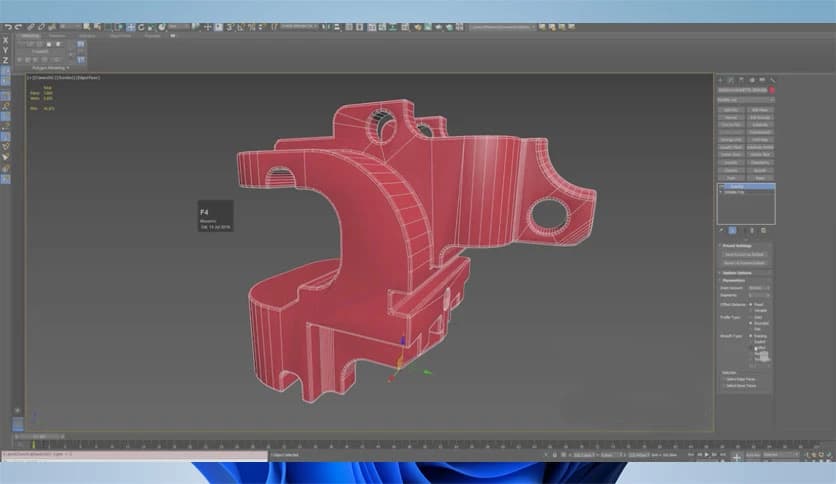
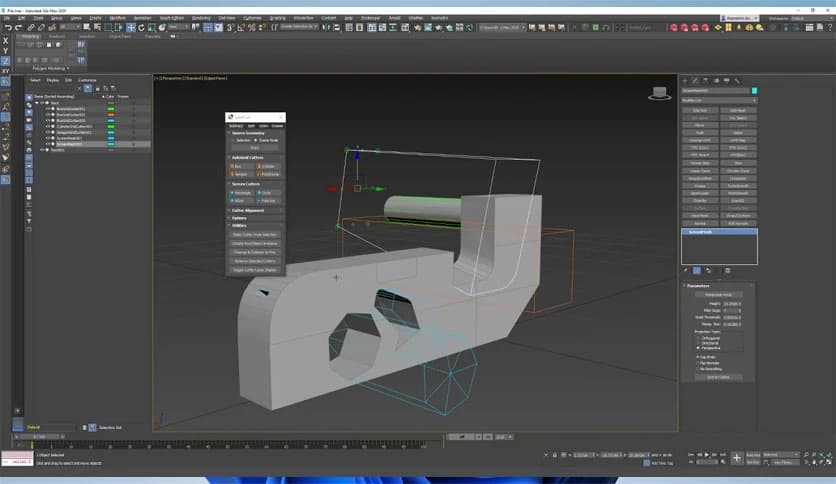
Free Download Onikanabo KeyHydra for Windows PC. It is a user-friendly plugin that boosts your 3D modeling speed by simplifying many repetitive actions inside 3ds Max.
This tool helps artists work faster by replacing long menu paths and multiple mouse clicks with smooth shortcut-based actions. It improves the overall workflow, allowing users to stay focused on creativity rather than constantly switching between tools.
One of the most helpful parts of the plugin is its shortcut system. It gives you complete control over how you interact with 3ds Max. You can create multitap shortcuts, context-sensitive commands, and even drag and drop existing shortcuts from one key to another. This level of customization makes navigation feel natural and effortless.
The plugin also includes an impressive interactive Boolean system. With this addition, you can quickly subtract, split, or combine shapes without digging into complex menus. Just draw rectangles, circles, splines, or use ready-made polyshapes, and the Boolean action instantly applies. It feels like sketching shapes directly into your 3D model, making the workflow smoother and more intuitive.
Another standout feature is its innovative mouse-wheel control system. Instead of manually adjusting numbers, you can scroll to adjust parameters such as segment count, pinch distance, or extrusion amount. This reduces the need for constant value typing and keeps you working inside the viewport with fewer interruptions.
Recent improvements make the plugin even more stable and easier to use. Users can now quickly toggle the tool on or off by clicking its logo. If the keyboard becomes unresponsive or a modifier key stops working, switching the tool on and off usually resolves the issue.
Several interface issues have been fixed, including ribbon spinners and integer typing errors. The plugin now includes UI icons, improved preference settings, and better handling of older profiles. It also supports 3ds Max 2026.1, though this version may still have stability concerns related to garbage collection.
Every feature in the plugin aims to reduce the number of extra steps in modeling. Whether you are shaping objects, cutting geometry, testing forms, or refining details, these tools help transform long operations into quick actions. It keeps your hands closer to the keyboard and your attention entirely on the 3D scene.
KeyHydra gives 3D artists a smoother, more responsive, and much faster experience inside 3ds Max. With shortcut customization, interactive boolean tools, and mouse-wheel parameter control, the plugin transforms small daily tasks into quick actions. This upgrade saves time, reduces workflow frustration, and helps artists stay entirely focused on design.
Leave a comment
Your email address will not be published. Required fields are marked *