Nuclino Download (Latest 2026) - FileCR
Free download Nuclino Latest full version - Organize knowledge, manage projects, share ideas, and more.
Free download Nuclino Latest full version - Organize knowledge, manage projects, share ideas, and more.
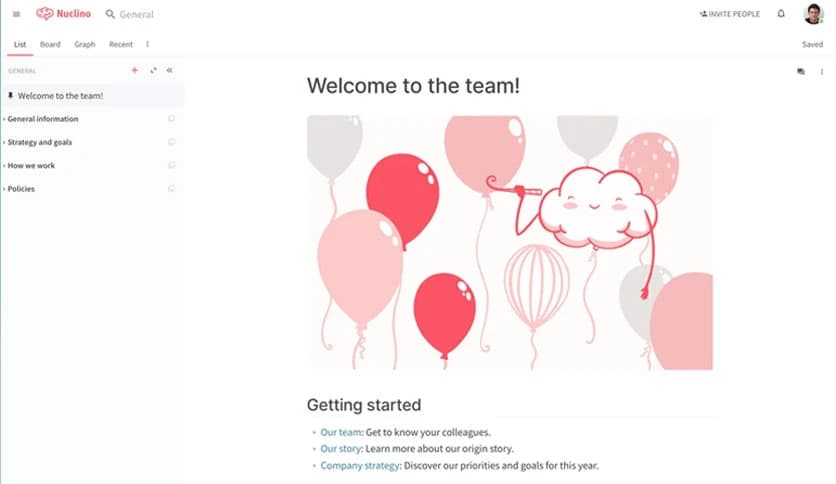
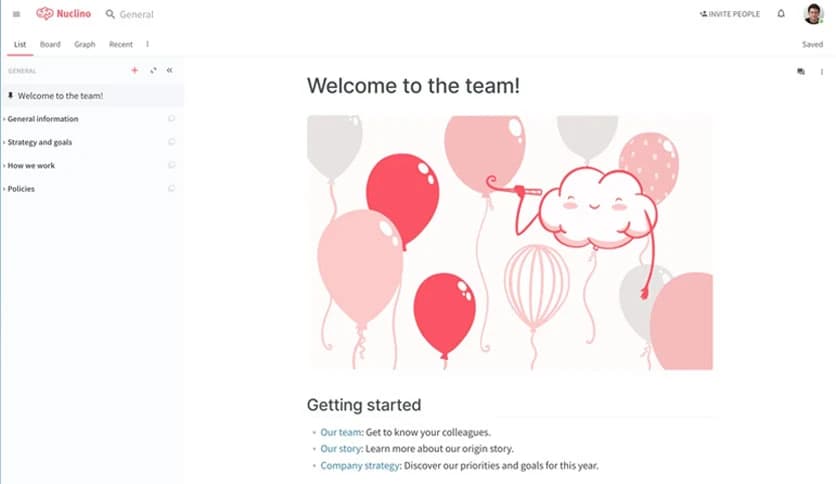
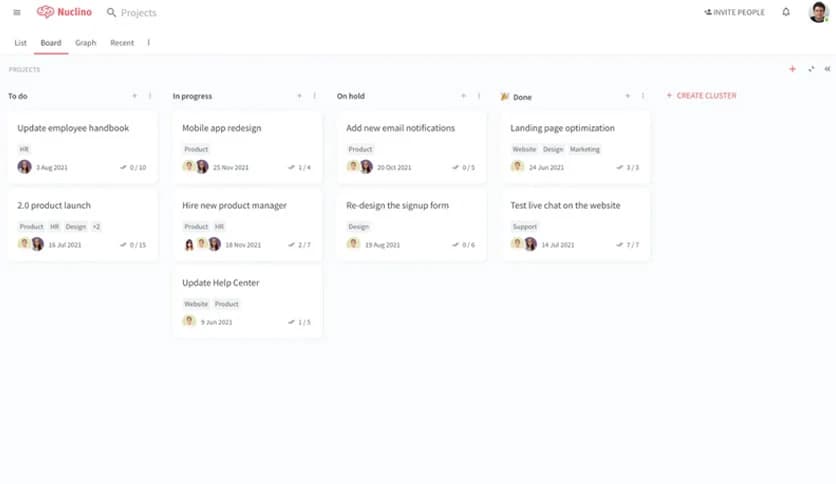
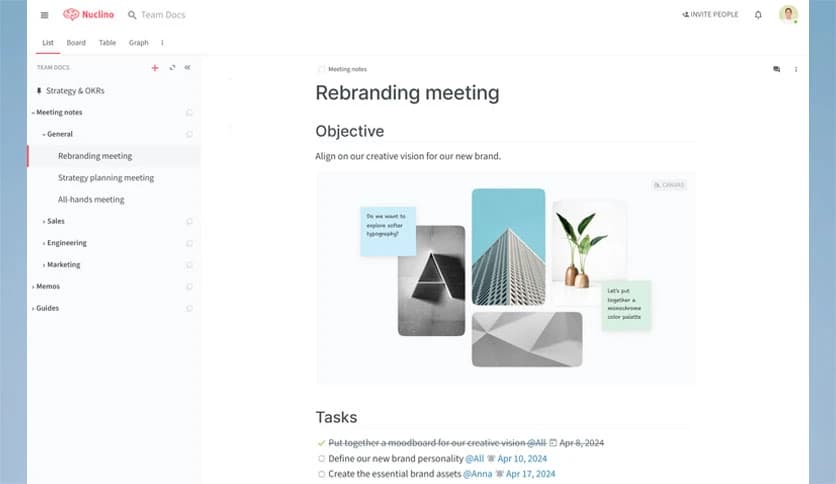
Free Download Nuclino for Windows PC. It is a clean and lightning-fast workspace that helps teams keep ideas, documents, and projects neatly connected in one shared space.
Built for clarity and speed, this platform brings everything together without the clutter that usually slows teams down. Instead of juggling folders, endless links, and scattered notes, it keeps information connected like a living mind map. Think of it as a digital brain where every idea knows where it belongs and how it connects to the rest.
The layout feels natural from the first click. Pages load instantly, navigation is smooth, and content stays easy to find even as your workspace grows. This makes it a strong choice for teams that value focus and flow over complexity.
The software acts as a single home for team knowledge. Notes, documents, tasks, and discussions live side by side, so nothing feels lost or buried. Instead of switching between tools, everything stays within reach, like tools neatly arranged on a workbench.
This approach reduces confusion and helps everyone stay aligned. When information is centralized, decisions are faster, and teamwork feels more natural.
Speed is one of its strongest points. Pages open instantly, edits sync in real time, and collaboration feels smooth even with multiple users. There are no heavy menus or confusing panels to slow you down.
It feels like writing on paper with the power of a digital system behind it. That simplicity helps teams focus on ideas rather than fighting the interface.
Instead of rigid folders, content connects through links. Every page can reference another, forming a web of knowledge rather than a stack of boxes. This makes exploration easy, like following paths in a well-drawn map.
As projects grow, this structure keeps everything flexible. You can reorganize ideas without breaking the flow or losing context.
Working together feels natural. Multiple people can edit simultaneously, leave comments, and see updates instantly. No waiting or refreshing is required.
This real-time approach keeps discussions alive and ensures everyone stays aligned, especially in fast-moving teams.
Many teams use the tool as an internal knowledge base. Policies, guides, meeting notes, and onboarding material can all live together in a clean format.
Because everything is searchable and linked, new team members can quickly understand how things work without repeating the same questions.
The design stays calm even as content grows. There are no visual distractions, which helps users think clearly and work longer without fatigue.
As teams expand, the workspace scales smoothly, keeping information organized and accessible for everyone.
Sharing is controlled and secure. Teams can control who can view or edit content, keeping sensitive information protected while still encouraging collaboration.
This balance between openness and control makes it suitable for both small groups and larger organizations.
Nuclino offers a refreshing way to organize team knowledge without noise or complexity. It keeps ideas connected, collaboration smooth, and information easy to find. By removing clutter and focusing on speed and clarity, it helps teams work like a well-tuned engine where every part moves in sync.
Leave a comment
Your email address will not be published. Required fields are marked *