Nemi Sarang Download (Latest 2026) - FileCR
Free download Nemi Sarang 1.0.0 Latest full version - Focus, Screen Time & App Blocking Tool for Windows.
Free download Nemi Sarang 1.0.0 Latest full version - Focus, Screen Time & App Blocking Tool for Windows.
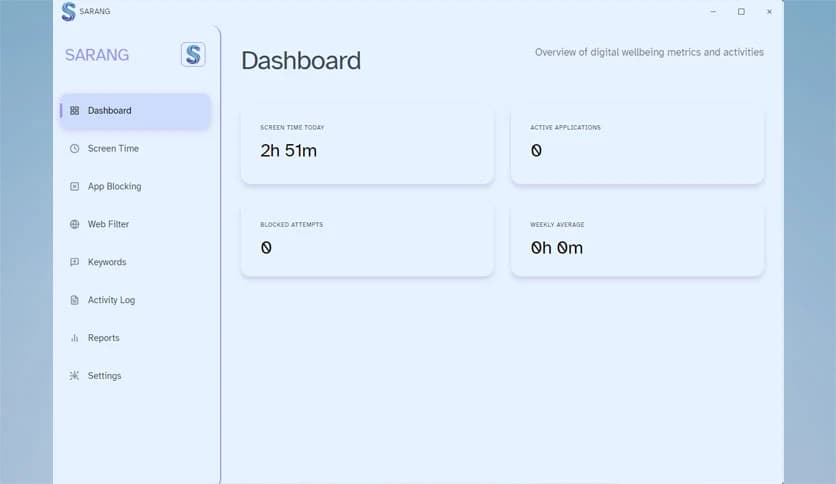


Free Download Nemi Sarang for Windows PC. It is a privacy-first, screen-time management solution that helps users stay productive, reduce distractions, and build healthier digital habits on modern Windows systems.
This tool is designed for people who want greater control over their digital lives without sacrificing privacy. It operates fully offline and stores all activity data locally. There are no sign-ups, no hidden tracking layers, and no background cloud syncing. Everything feels calm, direct, and respectful of personal space.
The main idea is simple. It helps you see where your time goes and gently guides you toward better focus. Think of it as a quiet desk companion that taps you on the shoulder when distractions start taking over.
The software is designed with privacy at its core. All usage data remains on your computer; no data is sent to external servers. There are no analytics, no ads, and no background uploads. This approach is ideal for users who value digital independence.
It feels like keeping a personal notebook instead of sharing your thoughts on a public board. Your habits remain yours, which builds trust from the first launch.
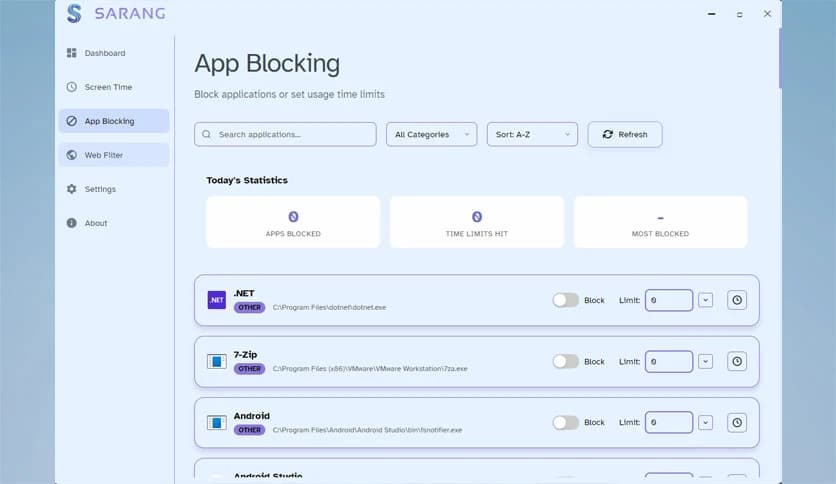
It allows you to block or limit distracting applications during work hours. You can define focus sessions where only selected tools remain accessible. Once a session starts, unnecessary apps fade into the background.
This works like closing noisy doors in a busy house, so you can hear your own thoughts again. The experience is firm but not aggressive, which helps you stay on track without frustration.
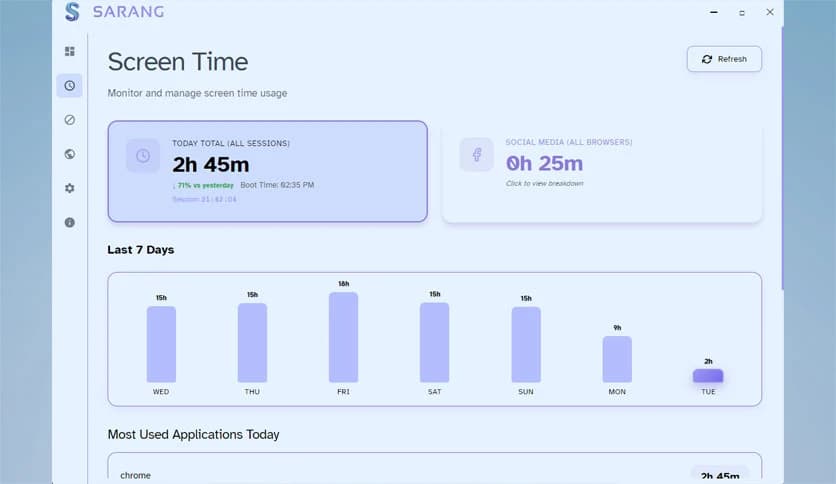
The tool quietly tracks how much time is spent on different apps. Instead of overwhelming charts, it provides clean, readable summaries. You can quickly understand which programs consume most of your day.
Seeing real numbers often feels like looking into a mirror. It brings awareness without judgment, making it easier to adjust habits naturally.
It supports gradual improvement rather than strict control. You can set gentle limits that encourage breaks and balance. Over time, these small nudges help form healthier routines.
Just as building fitness requires short daily walks, better digital habits grow through consistency rather than pressure.
The software operates fully offline and requires no account creation. You install, open, and start using it right away. This saves time and removes the mental load of managing logins.
It feels refreshing, like using a classic tool that does its job without asking for personal details.
It is optimized for Windows 10 and Windows 11 and runs smoothly on modest systems. The background processes are minimal, so system performance remains stable.
This makes it suitable for long workdays where reliability matters more than flashy visuals.
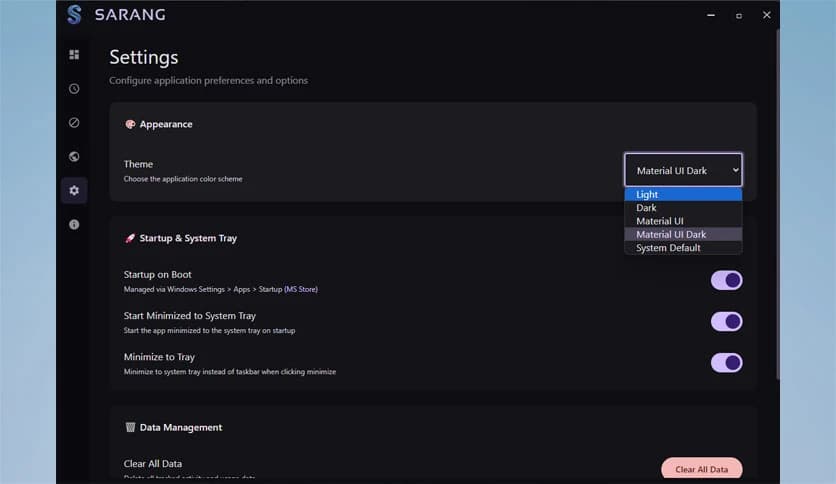
The interface is clean and distraction-free. Menus are easy to understand, and settings are organized logically. Even first-time users can configure focus sessions in minutes.
Everything feels intuitive, like arranging your desk exactly the way you like it.
You can adjust focus rules, session lengths, and app limits according to your routine. Whether you work in short bursts or long, deep sessions, the setup adapts to your style.
This flexibility ensures the tool works with you, not against you.
Students can use it to stay focused during study hours. Remote workers can block social apps during meetings. Writers and designers can protect creative time from interruptions.
It fits naturally into daily life, no matter your profession or schedule.
Nemi Sarang stands out as a calm and reliable solution for managing focus and screen time without compromising privacy. It keeps distractions in check, respects personal data, and naturally encourages healthier digital habits. For users who want control without complexity, it feels like a quiet guide that helps them stay present and productive.
Leave a comment
Your email address will not be published. Required fields are marked *