Nemi Padma Download (Latest 2026) - FileCR
Free download Nemi Padma 1.0.0 Latest full version - PC Cleanup, Startup Manager & System Tools for Windows.
Free download Nemi Padma 1.0.0 Latest full version - PC Cleanup, Startup Manager & System Tools for Windows.
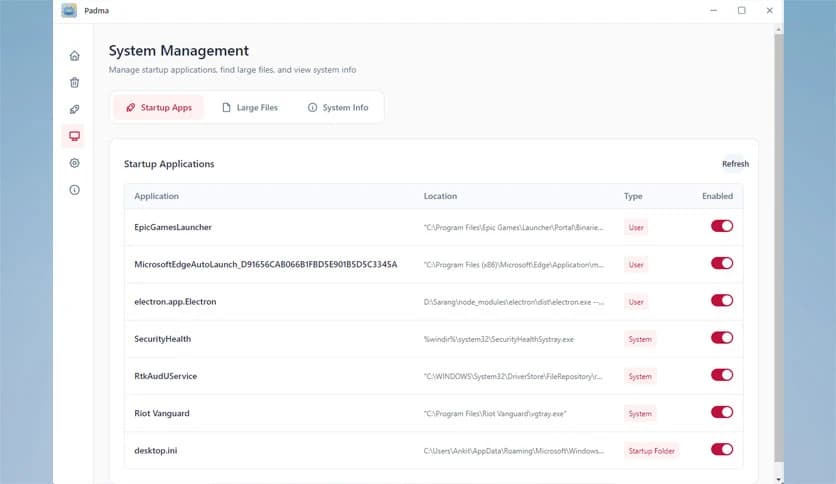
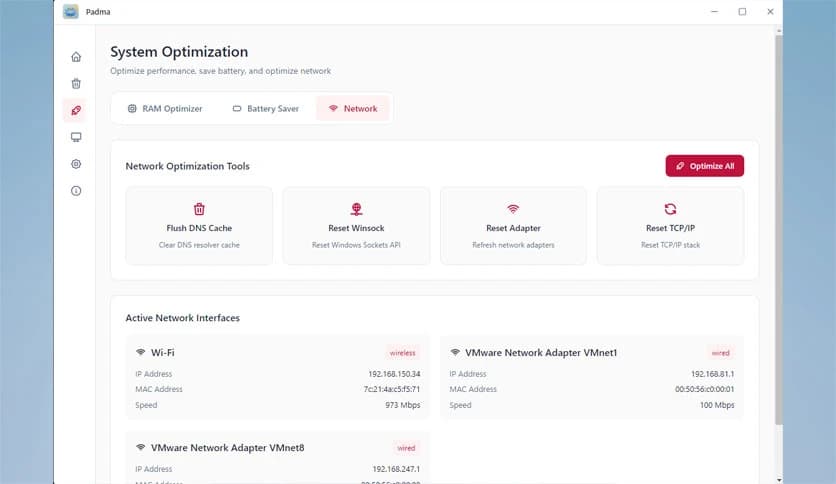

Free Download Nemi Padma for Windows PC. It is a lightweight system utility that helps keep your computer clean, organized, and running smoothly, with no ads, subscriptions, or internet dependency.
It is designed for users who want a simple, reliable way to maintain their Windows systems. It focuses on essential maintenance tasks instead of overwhelming you with complex options. The tool operates completely offline, so your data remains on your PC, and there is no background tracking or cloud syncing. This makes it an excellent choice for users who value privacy and speed.
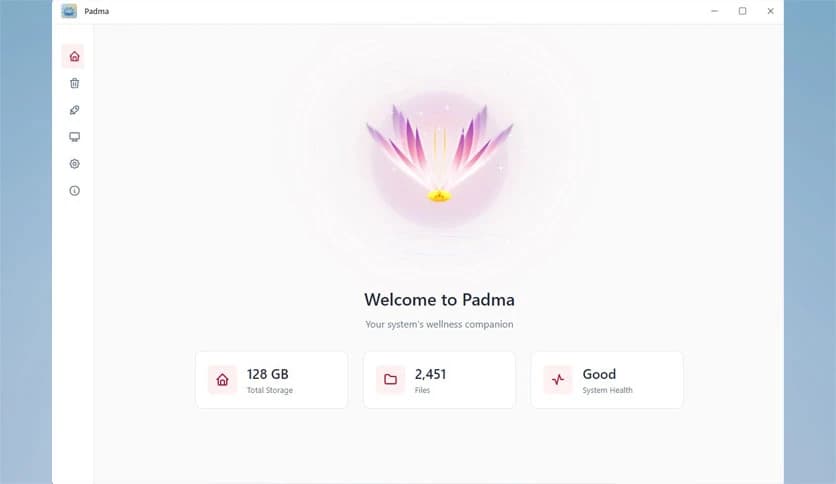
The software features a clean layout that is easy to navigate from the first launch. Buttons are clearly labeled, and every section is in the expected location. You do not need technical knowledge to use it. Think of it like a tidy toolbox where every tool has its own place, ready when you need it.
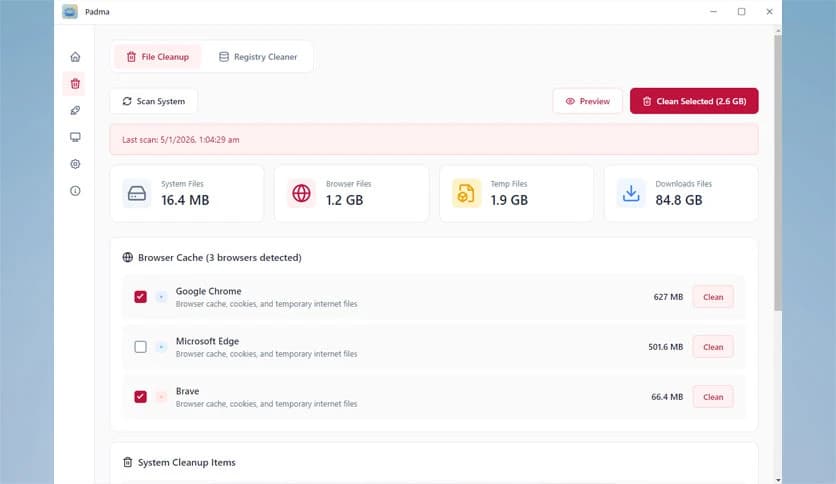
Over time, temporary files and leftovers quietly pile up on your system. It scans these unnecessary files and removes them safely. This frees up storage space and helps the system feel lighter. The process is quick and does not interrupt your workflow, making regular cleanups easy to maintain.
Many apps silently start with Windows and slow down boot time. The tool allows you to view and manage startup programs in one place. You can disable unwanted entries with a single click. This is like clearing traffic from a busy road, allowing your PC to start faster and run smoothly.
Understanding your system should not require digging through multiple menus. It displays essential system information, including hardware details, OS version, and resource usage, in a clear format. This helps you quickly understand what is running under the hood without technical confusion.
One of its strongest points is offline functionality. The software does not require an internet connection to work. There are no ads, trackers, or hidden subscriptions. Everything runs locally, giving you peace of mind and full control over your system maintenance tasks.
The application itself uses minimal system resources. It runs smoothly even on older or low-spec machines. Instead of adding extra load, it focuses on reducing clutter and improving responsiveness. It feels like a quiet helper working in the background rather than a heavy tool demanding attention.
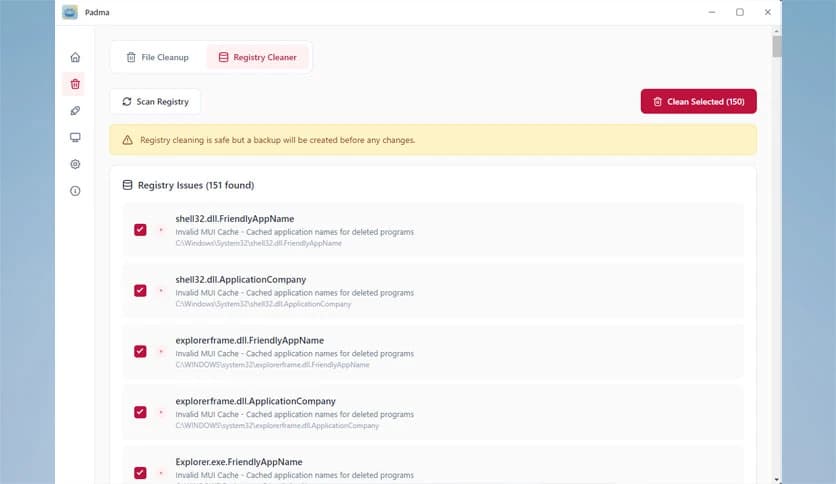
Safety is always a concern when cleaning system files. It is designed to avoid critical system areas and focuses only on unnecessary data. Clear descriptions help you understand what is being removed, so there are no surprises. This balanced approach builds trust and confidence.
This utility is ideal for students, office workers, and casual users who want a faster PC without the need for complex tuning. You do not need to tweak advanced settings or read long guides. Just open it, click, and let it do its job, like brushing your teeth to keep things fresh daily.
Nemi Padma provides a practical, distraction-free way to keep Windows systems clean and organized. It focuses on essential maintenance features, works entirely offline, and respects user privacy. For anyone looking for a simple, fast, and reliable system utility, it delivers precisely what is needed without unnecessary extras.
Leave a comment
Your email address will not be published. Required fields are marked *