Mitmproxy Download (Latest 2026) - FileCR
Free download Mitmproxy 12.2.1 Latest full version - Powerful proxy tool for traffic inspection and testing.
Free download Mitmproxy 12.2.1 Latest full version - Powerful proxy tool for traffic inspection and testing.
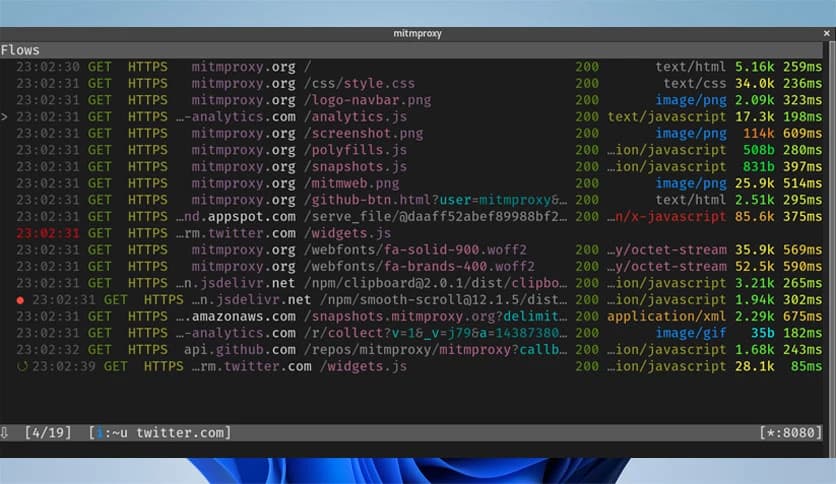
Free Download Mitmproxy for Windows PC. It is a powerful open source tool that lets you see, understand, and control web traffic in real time.
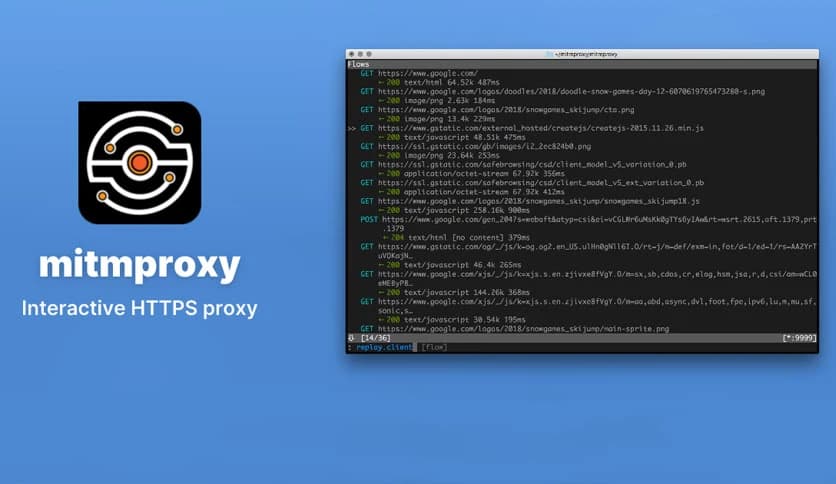
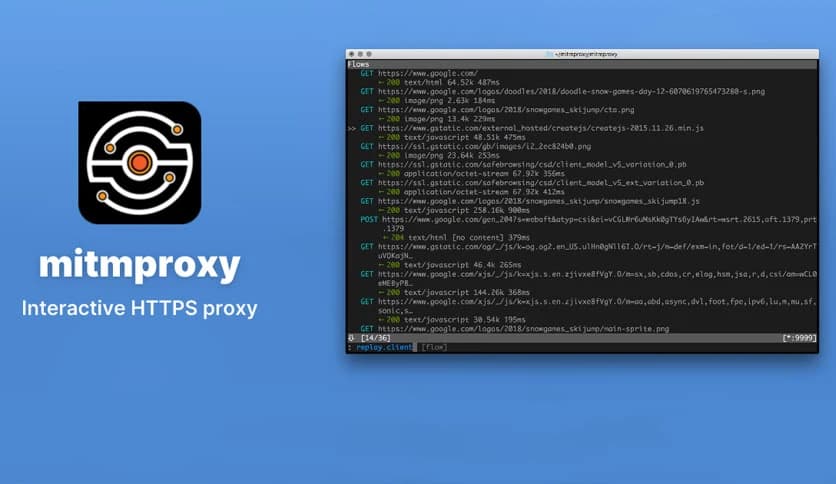
It is a free, open-source, interactive HTTPS proxy designed for people who want full visibility into network communication. It works like a smart window between your device and the internet, letting you watch data as it flows back and forth. Instead of guessing what an app or website is doing behind the scenes, it lets you see it clearly, edit it, and even replay it.
This solution supports modern web standards and protocols, making it useful for developers, testers, and security researchers. Whether traffic is simple HTTP or encrypted HTTPS, it can handle it smoothly. Think of it as a digital checkpoint where every request and response can be inspected before moving ahead.
At its core, the software sits between a client and a server. When a browser or application sends a request, it pauses that request and shows it to you. You can then decide what to do next. You might let it pass, change its content, or stop it entirely. This hands-on control makes debugging much easier than scanning logs after something goes wrong.
It supports HTTP/1, HTTP/2, HTTP/3, WebSockets, and other SSL or TLS-protected connections. This broad protocol coverage means it works well with modern apps and services that rely on fast, secure communication.
One of the biggest strengths is how clearly it presents data. Messages can be prettified and decoded into readable formats like HTML, JSON, or even Protobuf. Instead of staring at raw text, you get structured information that makes sense at a glance.
Editing traffic is just as simple. Headers, parameters, and message bodies can be modified on the fly. This feels like editing a document before sending it out, giving you instant feedback on how servers and clients react to changes.
Testing often requires repeating the same request multiple times. The tool makes this easy by allowing traffic replay. You can capture a request once and resend it later, either to the same destination or to a different one. This is extremely helpful for testing APIs, checking error handling, or verifying fixes.
By replaying traffic, you avoid the need to manually recreate complex requests. It saves time and reduces errors, especially when handling detailed or encrypted data flows.
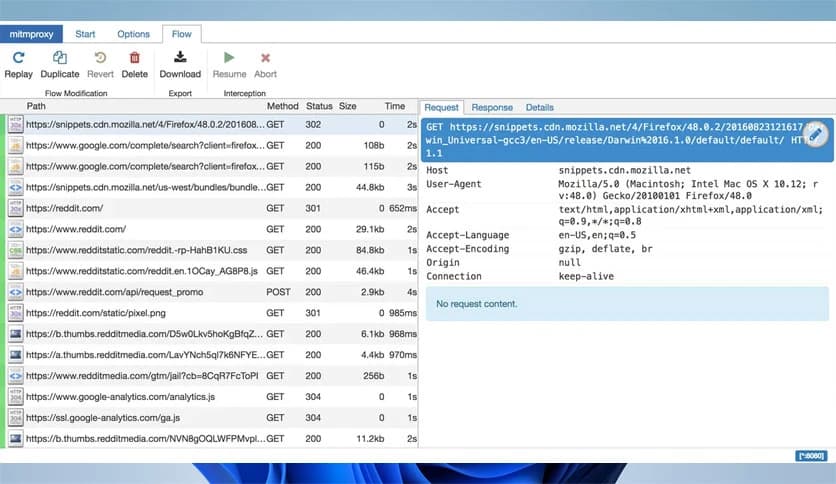
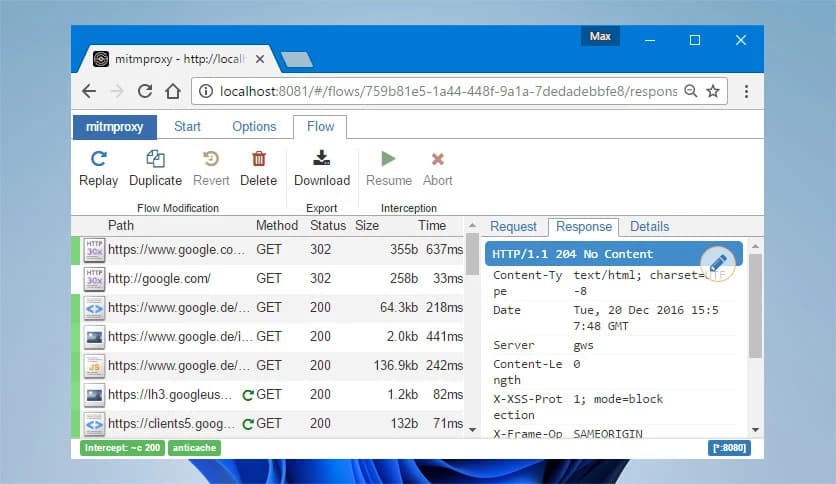
For users who prefer visuals, mitmweb provides a browser-based interface. It feels familiar, much like popular developer tools found in modern browsers. You can scroll through requests, inspect responses, and apply filters to focus only on what matters.
This interface adds features such as interception and replay controls, all accessible with a few clicks. It turns advanced network inspection into a more approachable experience, even for newcomers.
Automation is where this solution truly shines. With mitmdump, users can write scripts and addons using a flexible API. These scripts can automatically modify messages, redirect traffic, or log specific events without manual input.
It is like teaching the tool to think for you. Once a script is set up, repetitive tasks happen automatically. This is especially useful for large testing setups or ongoing monitoring tasks.
For developers, it acts as a microscope for network behavior. Bugs related to APIs, authentication, or data formatting become easier to spot. Instead of guessing why something failed, you can see the exact request and response that caused the issue.
It also helps when working with third-party services. By inspecting both incoming and outgoing data, integrations can be verified without relying solely on documentation.
Security professionals use it to understand how applications handle sensitive data. By intercepting encrypted traffic, potential weaknesses become visible. This supports penetration testing and privacy measurements in a controlled environment.
It also helps confirm whether apps are sending data they should not. This visibility builds trust and helps ensure better data protection practices.
Despite its advanced features, the tool remains lightweight and flexible. It can run on modest systems and adapt to different workflows. Whether used through a terminal, a web interface, or scripts, it fits smoothly into existing setups.
This flexibility makes it suitable for both quick debugging sessions and long-term testing projects.
Mitmproxy stands out as a reliable and versatile solution for anyone who needs deep insight into web traffic. It combines interception, inspection, modification, and automation in one place, making complex network tasks feel manageable. Whether you are debugging an app, testing security, or analyzing privacy behavior, it provides the clarity and control needed to work with confidence.
Leave a comment
Your email address will not be published. Required fields are marked *