MeshCentral Download (Latest 2026) - FileCR
Free download MeshCentral Latest full version - Manage and control computers on a local network.
Free download MeshCentral Latest full version - Manage and control computers on a local network.
Free Download MeshCentral for Windows PC. It is a powerful open-source remote management web platform built on NodeJS that lets you control and manage computers from anywhere.
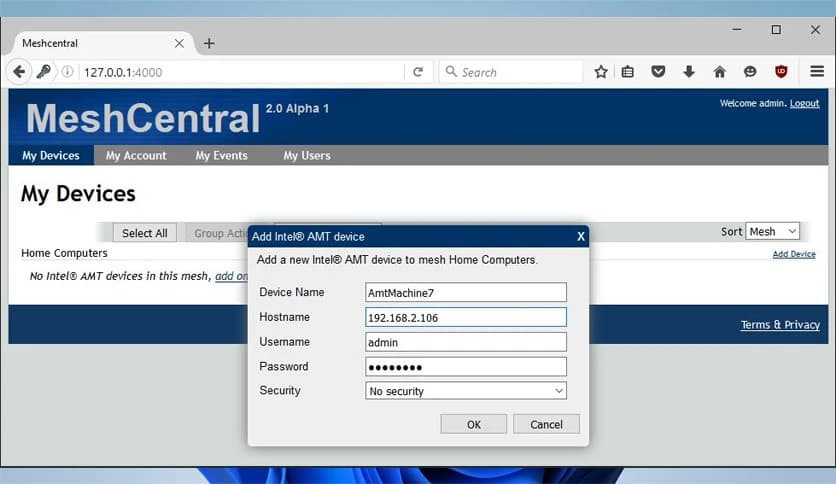
This platform is a complete computer management website that you can host on your own server. It allows you to remotely manage devices on your local network or across the internet. Once the server is set up, you simply create a device group, install the management agent on target computers, and within minutes, those systems appear on your dashboard, ready for control.
It runs smoothly on Windows and is available freely on NPM, making deployment simple for developers, IT admins, and tech enthusiasts. Think of it as building your own private remote support center, fully under your control.
The tool offers a wide range of capabilities designed for complete system oversight and control:
Everything runs through a browser, so there is no need for complicated client software on the admin side. Once installed, you manage everything from a clean web interface.
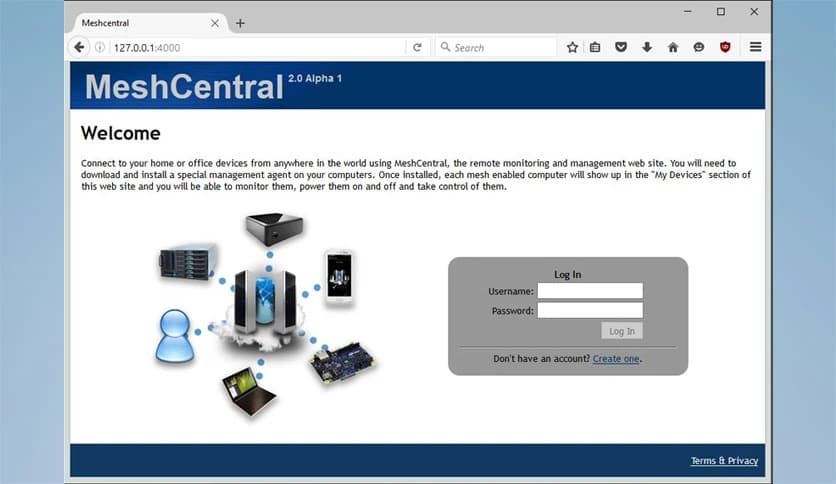
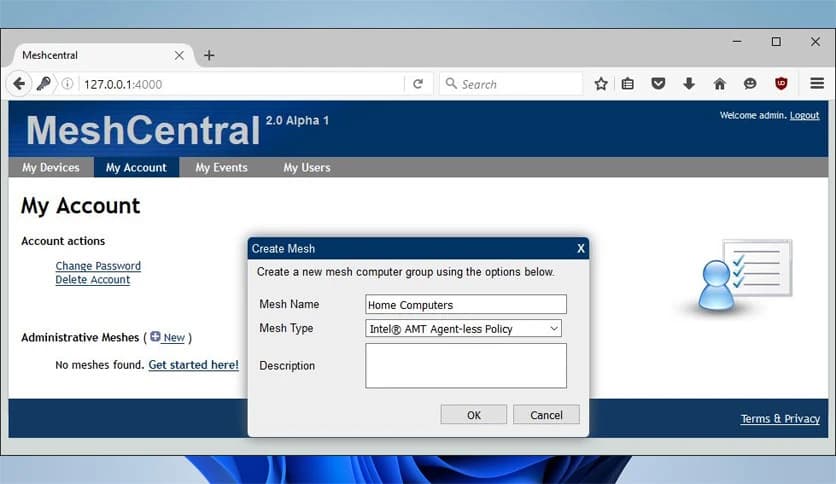
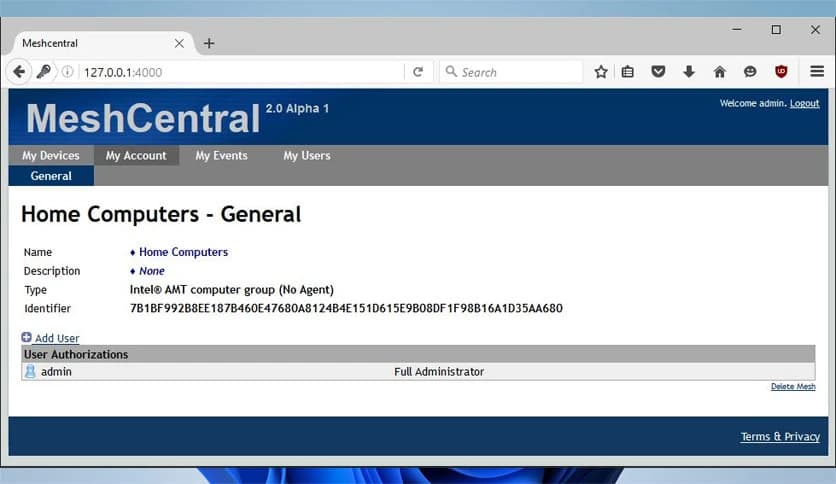
Setting up the software feels like assembling building blocks. First, you install the server component using NodeJS. After launching the server, you access the web interface and create device groups. These groups act like folders where your managed computers live.
Next, you download the lightweight management agent and install it on each system you want to control. Within about a minute, those machines appear automatically in your dashboard. From there, you can click on any device and instantly open a remote desktop session, terminal window, or file manager.
The process is simple, yet the power behind it is impressive. It provides complete oversight without complex infrastructure.
One of the platform's strongest features is its full web-based remote desktop capability. You can view the remote computer's screen directly in your browser. No extra tools, no heavy setup.
You can move the mouse, type on the keyboard, install programs, troubleshoot errors, or guide someone step by step. It feels almost like sitting in front of the actual machine. The responsiveness is solid, even across internet connections.
For IT administrators, this means fewer on-site visits. For home users, this means helping family members without having to drive across town.
In addition to screen control, the software provides terminal access. This is perfect for advanced users who prefer command-line management. You can run scripts, check logs, update software, and perform system tasks remotely.
File management is just as convenient. Through the browser, you can upload, download, delete, and organize files on the remote computer. It works like a cloud file explorer, but you are accessing your own machine directly.
These features combined make the platform more than just a remote viewer. It becomes a complete management suite.
One of the biggest advantages is that everything is self-hosted. You are not relying on third-party cloud services. You run your own server, manage your own data, and control access permissions.
This is like owning your own private command center. You decide who can access what. You can configure user roles, enable secure connections, and manage authentication.
Because it is open-source and community-driven, improvements and updates are continually shaped by real users. That keeps it transparent and flexible.
The software fits perfectly in different environments. Small businesses can manage office computers without expensive enterprise tools. Schools can monitor lab systems. Tech support teams can assist clients remotely. Even advanced home users can maintain personal devices from anywhere.
If you travel often, you can still access your home PC. If you manage multiple machines, you can monitor them all from one dashboard. It simplifies remote management in a practical and cost-effective way.
Installing it on Windows is straightforward. Since it is built on Node.js and distributed via NPM, the setup process is clear and well-documented. Once NodeJS is installed, you deploy the server, start it, and access the web interface locally.
The management agent is lightweight and installs quickly on target devices. After installation, it connects automatically to your server.
The entire setup feels smooth, even for users with moderate technical knowledge.
MeshCentral is a flexible and powerful remote management solution that puts full control in your hands. It allows you to host your own server, manage devices through a web interface, and access desktops, terminals, and files from anywhere. Whether you run a business, manage a lab, or simply want better control over your systems, this platform delivers a reliable, cost-effective solution.
Leave a comment
Your email address will not be published. Required fields are marked *