MarkFlowy Download (Latest 2026) - FileCR
Free download MarkFlowy 0.55.3 Latest full version - The next generation professional editor driven by AI.
Free download MarkFlowy 0.55.3 Latest full version - The next generation professional editor driven by AI.
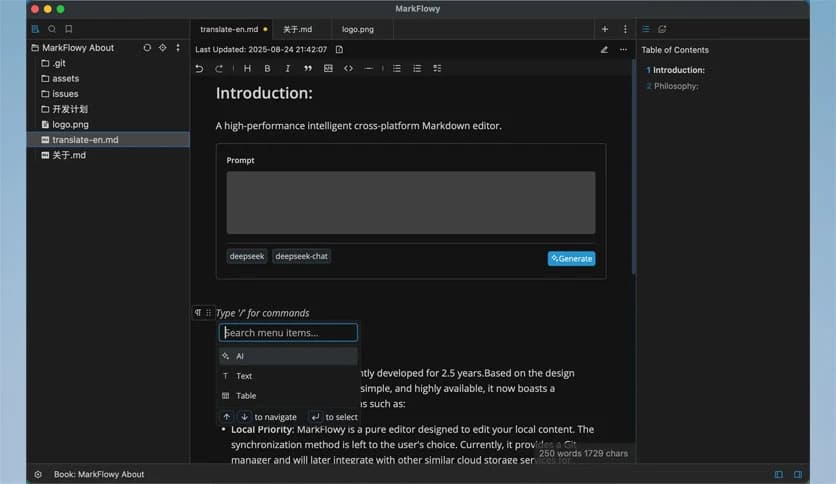
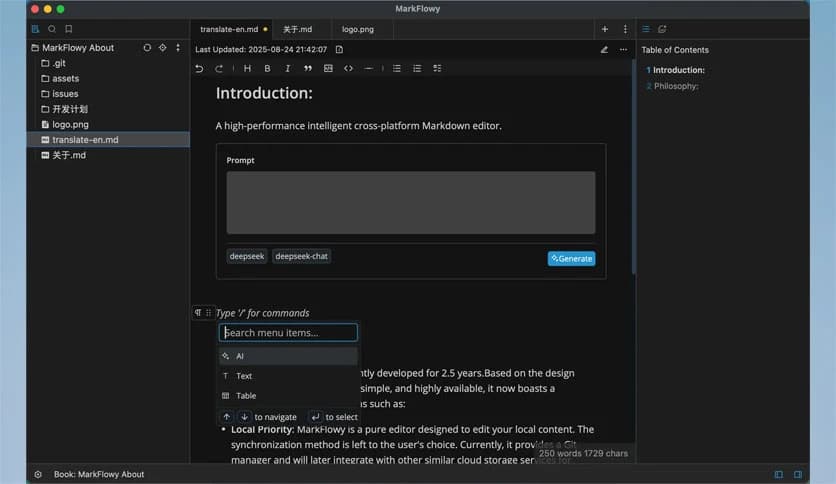
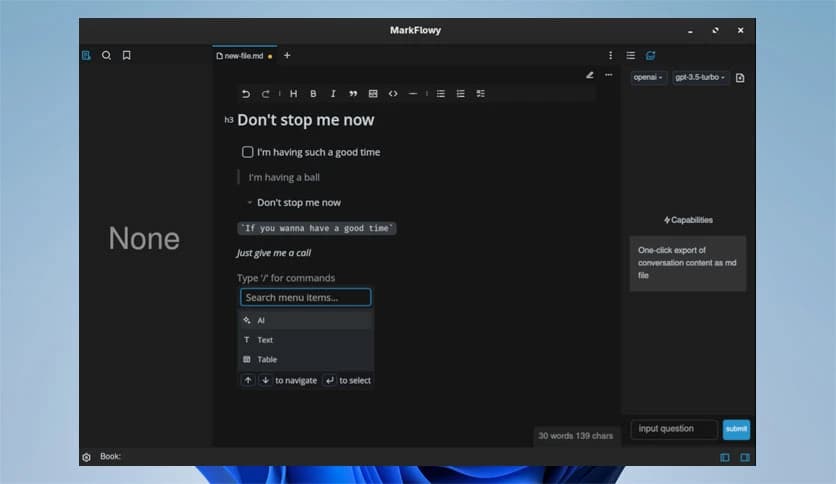
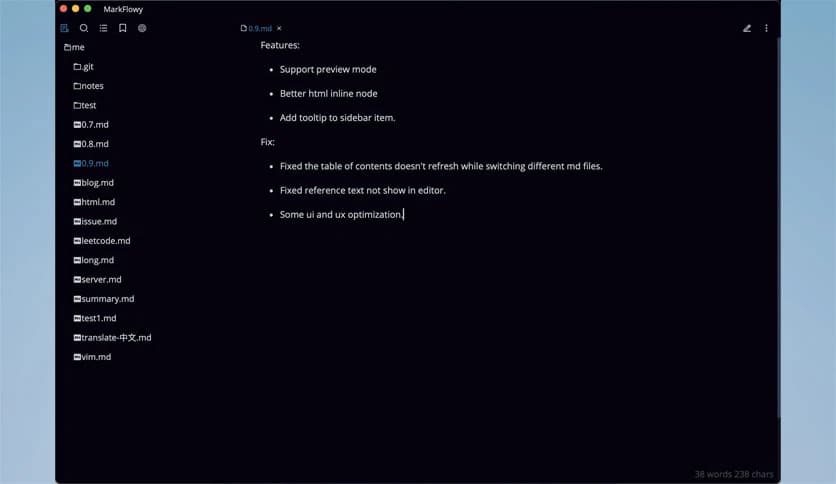
Free Download MarkFlowy for Windows PC. It is a modern, AI-powered Markdown editor designed to help you build fast, efficient writing workflows with comfort and control.
This modern markdown editor is built for users who want speed, clarity, and smarter writing tools in one clean space. It is currently in beta, so using it with regular data backups is strongly recommended. Even in beta, the software delivers a smooth, powerful editing experience that feels both lightweight and professional.
The tool helps you write, edit, and organize Markdown content without distractions. Think of it as a digital notebook mixed with a smart assistant. It keeps things simple on the surface but offers advanced features under the hood.
One of the software's key strengths is its built-in AI. Instead of switching between multiple apps, you can get intelligent help directly inside the editor. It supports one-click export of conversations, which makes it easy to save and reuse important discussions.
The tool can translate your articles into almost any language with a single action. If you write content for different audiences, this feature feels like having a personal translator on standby. It can also generate article abstracts, helping you summarize long content in seconds.
It supports powerful large language models such as DeepSeek and ChatGPT. These models act like your writing assistants. They can help you brainstorm ideas, improve clarity, refine tone, and speed up your workflow. Instead of staring at a blank screen, you can interact with AI and move forward quickly.
Performance matters, especially when you write daily. This editor is built on Tauri, making it extremely lightweight. With a size under 10MB, it installs quickly and runs smoothly on modest systems.
The small size does not mean limited features. In fact, it feels quick and responsive, like a sports car built on a compact frame. You can open, edit, and manage files without lag. This makes it ideal for writers, developers, students, and professionals who value speed.
Because it uses fewer system resources, you can run it alongside other tools without slowing your PC. It is simple, efficient, and focused.
The software uses the Remirror editor engine, known for its scalability and strong editing experience. This means it is built on a solid foundation. You get reliable performance along with flexibility.
It supports multiple editing modes, including source code and WYSIWYG. If you love writing raw Markdown, you can stay in source mode and control every symbol. If you prefer a visual editing experience, the WYSIWYG mode lets you see formatted content as you type.
This flexibility feels like having two tools in one. You can switch modes depending on your task. Writing technical documentation? Use source view. Preparing a formatted article? Switch to visual mode. The choice is yours.
Writing is personal. Your workspace should reflect that. The tool supports custom themes, allowing you to adjust the look and feel to match your style.
You can create your own themes or share them with others. This creates a creative community where users design and share visual styles. Whether you prefer dark mode for late-night writing or a bright layout for daytime focus, you can tailor the editor to your preference.
It is like decorating your workspace. When the environment feels right, your productivity naturally improves.
The core goal of the software is to help you build fast and efficient workflows. Everything inside the editor is designed to reduce friction. From AI assistance to quick exporting and smooth editing, it focuses on workflow.
Imagine writing without constant interruptions. No need to copy text into another app for translation. No need to search for external summarizers. No need to fight with heavy software that drains your system resources. Everything stays in one place.
This approach makes it suitable for content creators, bloggers, developers, technical writers, and students. It adapts to different needs while keeping the experience clean and simple.
Since the application is still in beta, it is wise to use it with regular data backups. Beta software may receive frequent updates and improvements. While it already performs well, saving copies of your important files ensures peace of mind.
Think of beta as a growing stage. The foundation is strong, but updates are still shaping the final form. Using backups is a smart habit that protects your work.
If you write in Markdown regularly, this editor can become your daily companion. Developers who document projects, writers who publish articles, and students who prepare structured notes will all benefit from its clean design and AI integration.
It is also ideal for users who want modern tools without heavy installations. The lightweight structure and strong editing engine make it practical for both beginners and experienced users.
MarkFlowy is a modern Markdown editor that blends AI intelligence, lightweight performance, and flexible editing modes into one streamlined tool. Even in beta, it delivers a fast and comfortable writing experience. With built-in AI, custom themes, and support for powerful language models, it helps you write smarter and work more efficiently. Remember to keep regular backups while using it at this stage, and you will enjoy a reliable, forward-looking editing environment.
Leave a comment
Your email address will not be published. Required fields are marked *