AI Art Editor Download (Latest 2026) - FileCR
Free download AI Art Editor 1.0.0 Latest full version - Transform photos into stunning art with 65+ filters.
Free download AI Art Editor 1.0.0 Latest full version - Transform photos into stunning art with 65+ filters.
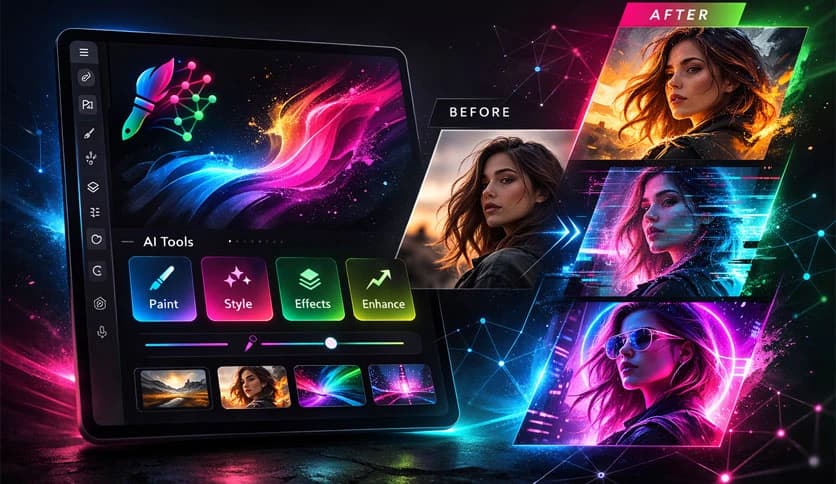
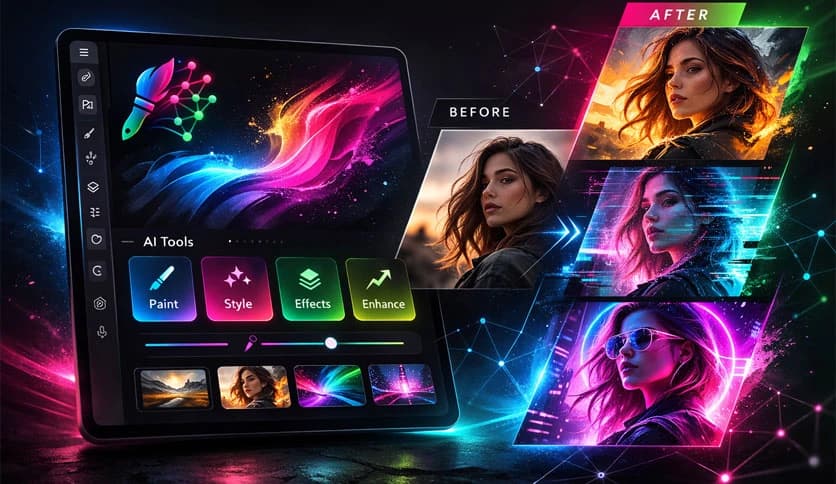
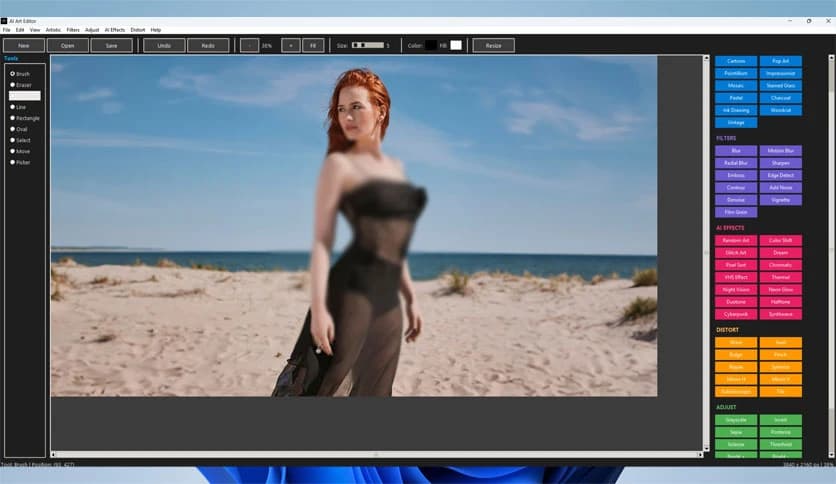
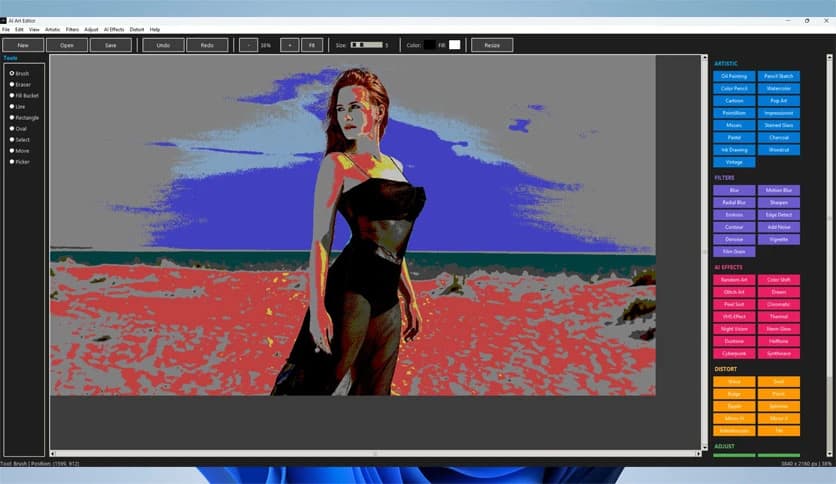
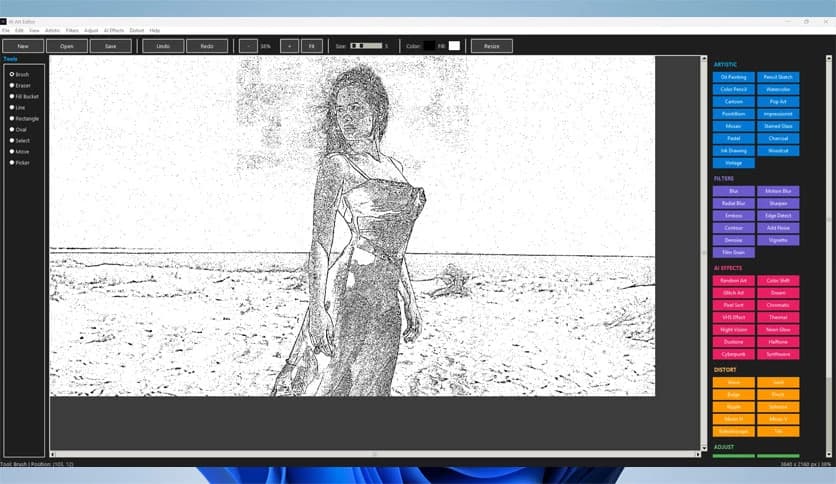
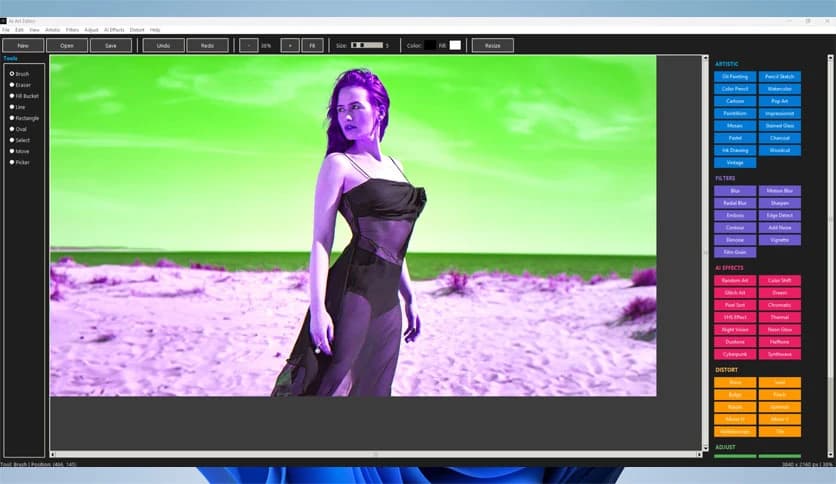
Free Download Manxlr AI Art Editor for Windows PC. It is a powerful yet simple desktop tool that lets anyone transform ordinary images into creative digital artwork with just a few clicks.
It is a modern desktop application designed to make artistic image editing accessible to everyone. Whether you are a beginner experimenting with digital art or someone who simply wants quick creative results, this software makes the process smooth and enjoyable. Instead of spending hours learning complicated tools, you can apply impressive effects instantly.
The software is built using Python and advanced image processing libraries that work together to deliver powerful artistic transformations. It combines professional capabilities with an easy interface so users can focus on creativity rather than technical complexity. Think of it as having a digital art studio that responds instantly to your ideas.
With one-click filters, smart effects, and responsive drawing tools, the software helps users convert simple photos into visually striking pieces of art. Its modular filter system, large zoom range, and memory-efficient design enable smooth editing even with large image files.
The software includes more than 15 artistic filters that can dramatically change an image's style. These filters are designed to recreate the look of traditional art techniques while maintaining digital flexibility.
For example, the oil painting filter uses bilateral filtering to create brush-like textures that resemble real paint strokes. A sketch filter converts photographs into hand-drawn outlines using adaptive thresholding techniques. Cartoon and posterization effects simplify colors using clustering algorithms, producing bold, stylized results.
These filters work like artistic shortcuts. Instead of manually adjusting dozens of parameters, you simply choose a style and let the tool handle the complex calculations behind the scenes.
Beyond traditional styles, the software also includes fourteen modern AI-style visual effects inspired by current digital art trends. These effects allow creators to experiment with futuristic aesthetics that are popular in gaming, social media, and graphic design.
One of the most exciting features is the Glitch Art effect, which uses pixel displacement and chromatic aberration to simulate digital distortion. The result feels like a controlled visual glitch that adds character and depth to images.
Another popular option is the Synthwave effect. It applies vibrant color mapping combined with retro scan lines to create a nostalgic neon-style atmosphere reminiscent of 1980s digital art. The Cyberpunk style enhances contrast and shifts colors toward neon tones, giving images a bold, futuristic look.
These effects allow users to explore creative ideas quickly. A simple photograph can turn into a dramatic digital poster within seconds.
The software is not limited to filters. It also includes a complete drawing and editing toolkit that lets users modify images with precision. The brush tool supports adjustable sizes, allowing both detailed drawing and broad strokes.
A flood fill feature makes it easy to apply color to specific areas, while shape tools let you create geometric designs directly on the canvas. The advanced selection system provides control over individual image regions. Once selected, areas can be moved, edited, or repositioned anywhere on the canvas.
This flexibility makes the tool useful for both artistic experimentation and basic design work. It works almost like a digital sketchbook combined with a lightweight graphics editor.
One of the most valuable features of the software is its non-destructive editing workflow. Instead of permanently altering the original image, changes can be adjusted or reversed whenever needed.
The editor includes a powerful 50-level undo and redo system. This means users can safely experiment with effects, adjustments, and drawing tools without worrying about mistakes. If something does not look right, simply step back through the history.
This approach encourages creativity. Users can explore different artistic directions freely, much like testing ideas on multiple layers of a canvas.
The application features a modern user interface designed to keep the workspace comfortable and visually clean. A custom dark theme reduces eye strain during long editing sessions and provides a sleek, professional appearance.
Color-coded sections help organize tools so that users can quickly find what they need. Hover effects and scrollable panels improve usability by making the interface feel responsive and intuitive.
The layout focuses on discoverability. Even first-time users can easily find filters, drawing tools, and adjustment options without searching through complex menus.
Performance plays a major role in image editing software. The tool is designed to handle large files efficiently while keeping memory usage under control. This ensures that editing remains smooth even when working with high-resolution images.
Real-time previews allow users to see changes instantly before applying them permanently. Optimized algorithms using NumPy vectorization accelerate filter processing, making artistic transformations feel nearly instantaneous.
The editor also supports zoom levels from 10 percent up to 500 percent. This range allows precise detail work when zoomed in and a full image overview when zoomed out.
The application is built on a modern technology stack that focuses on both performance and flexibility. It uses Python 3.12 as its core programming language, along with several powerful libraries for image processing.
Tkinter provides a graphical interface and custom styling to deliver a modern look. Pillow and OpenCV manage image manipulation tasks such as filtering, color adjustments, and transformations. NumPy and scikit-image accelerate complex calculations through efficient array processing.
The final application is packaged with PyInstaller, which converts the project into a standalone executable. This means users can run the editor without installing additional dependencies.
AI Art Editor provides an impressive balance between creative power and ease of use. It allows users to explore artistic styles, apply modern digital effects, and edit images with professional tools without using complex software. The combination of one-click filters, AI-style visual effects, and a responsive interface makes it a practical choice for anyone interested in digital creativity. Whether transforming photos into artwork or experimenting with visual styles, the software offers a simple yet powerful way to turn ideas into beautiful images.
Leave a comment
Your email address will not be published. Required fields are marked *