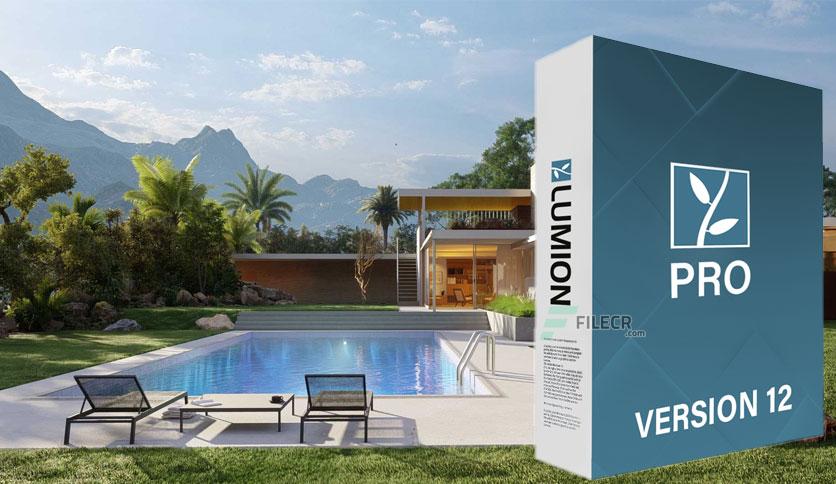
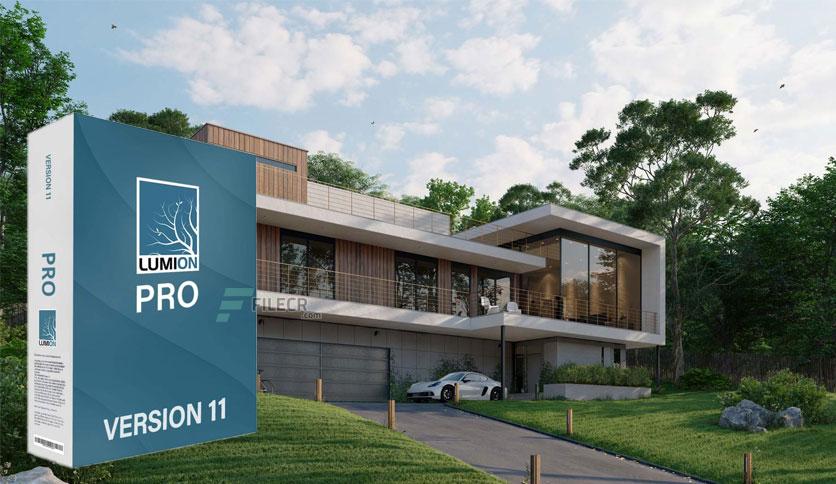
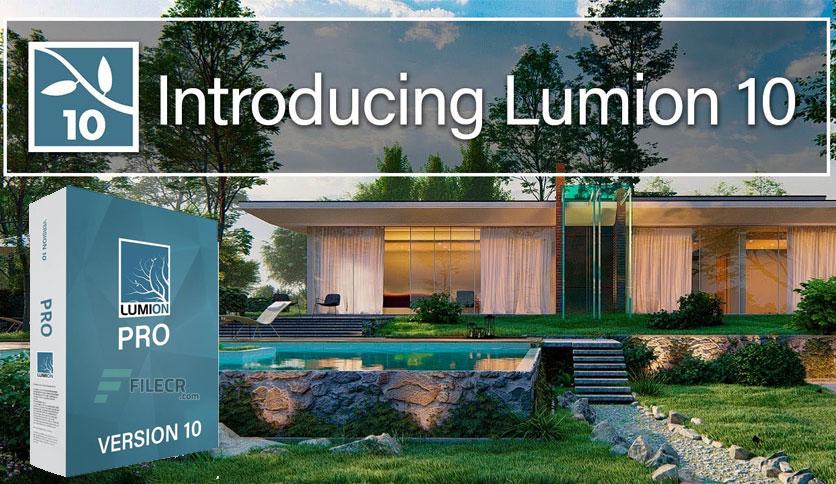
Free Download Lumion Pro for Windows PC. It allows any architect to transform CAD designs into stunning renders without prior training. Accelerated workflows. Live synchronizations for Revit, SketchUp, and now, ArchiCAD.
Overview of Lumion Pro
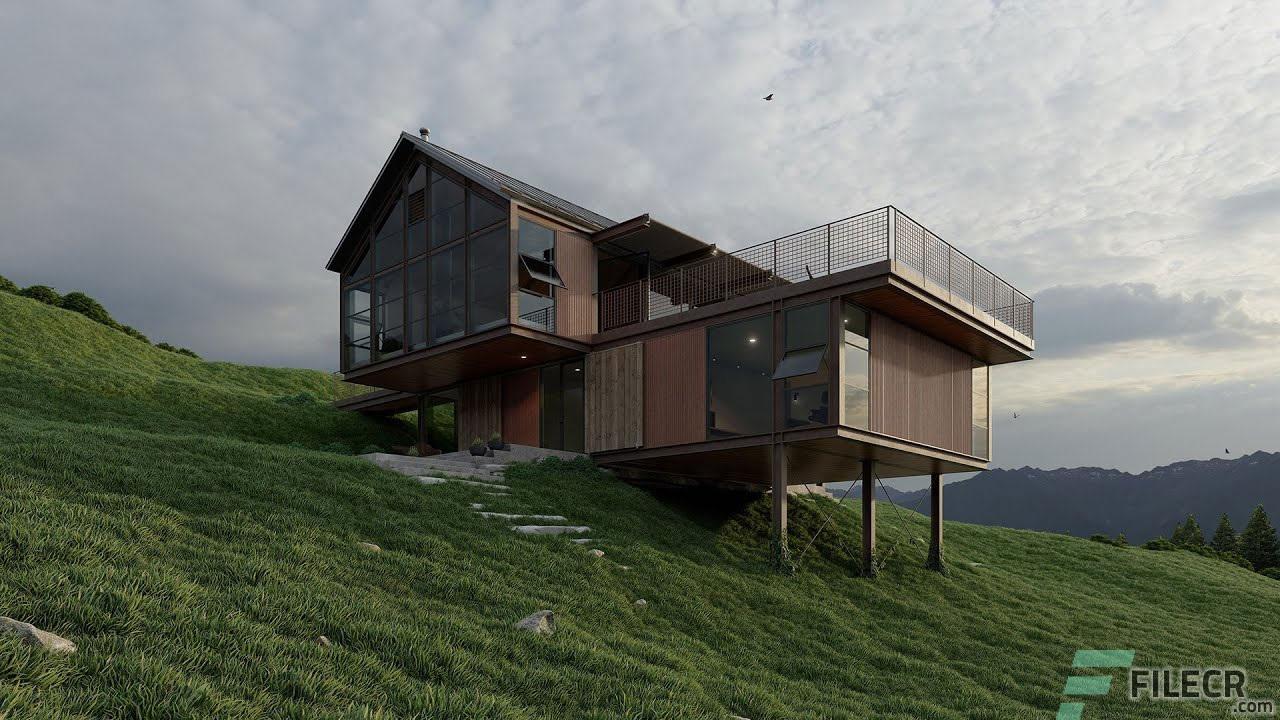
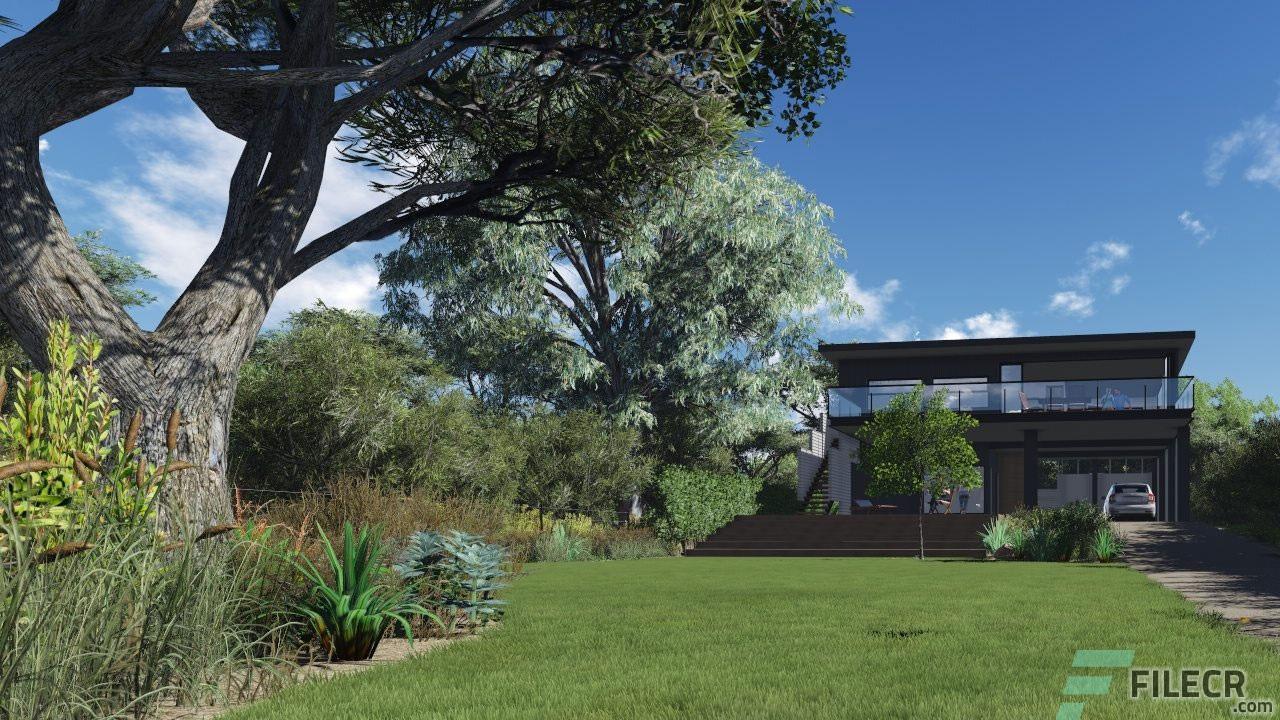
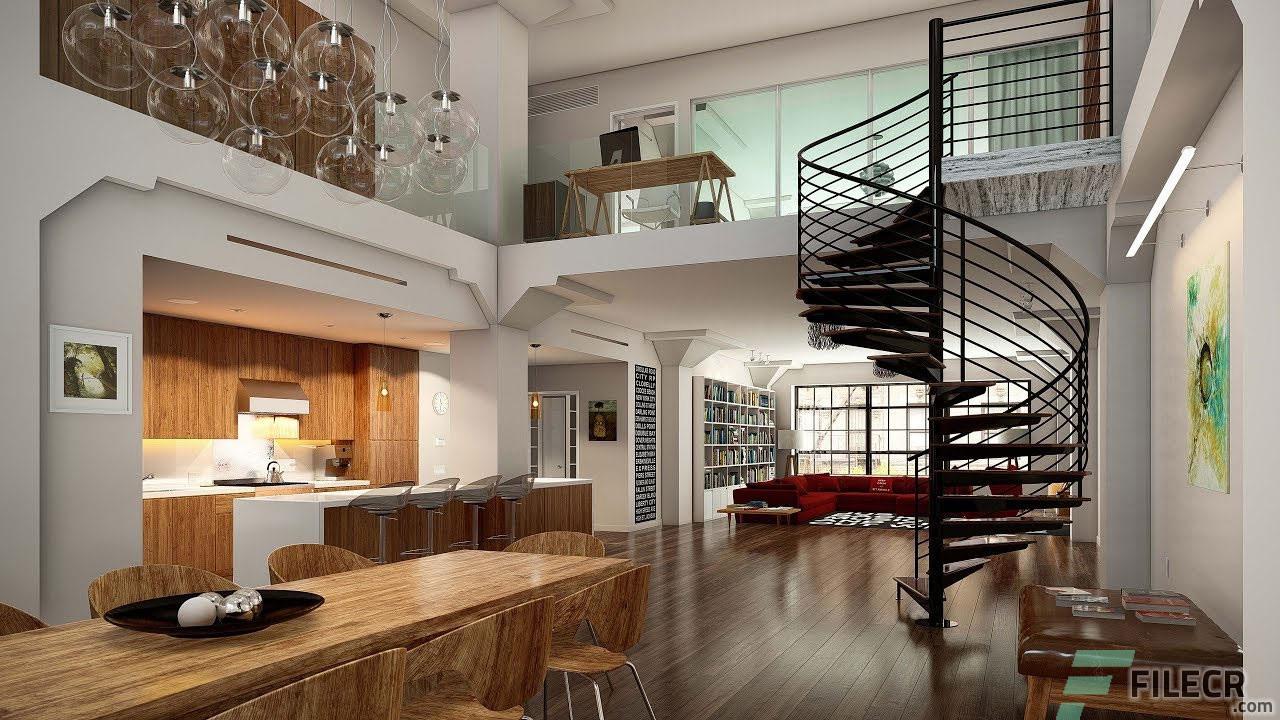
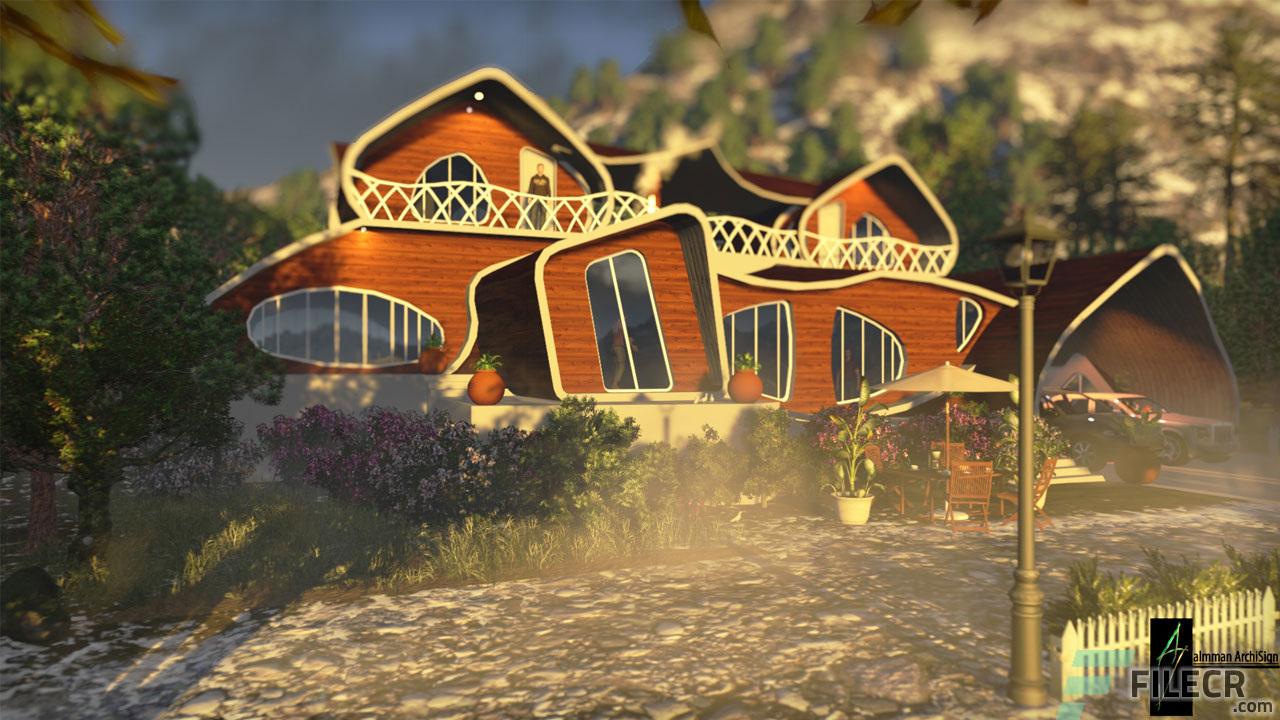
It is powerful 3D rendering software designed primarily for architects and designers to quickly and easily turn their basic 3D models (from programs like SketchUp or Revit) into lifelike images, videos, and 360° panoramas.
In simple terms, it's a tool that adds realism, context, and atmosphere to architectural designs without requiring extensive rendering expertise.
Key Features and Functionality
- Ease of Use: Lumion Pro is known for its intuitive interface and gentle learning curve, allowing users to focus on creativity rather than complex technical details.
- Vast Content Library: It includes a massive collection of over 10,000 high-quality 3D models (trees, people, furniture, cars, etc.) and materials, making it simple to build detailed environments around your design.
- Real-Time Rendering: With features such as real-time ray tracing and the LiveSync plugin, you can see how changes to your design, materials, or lighting appear instantly, accelerating the design process.
- Atmospheric Effects: You have complete control over lighting, weather, skies (including realistic HDRI skies), and seasons to set the perfect mood and atmosphere for your visualization.
- High-Quality Output: The software produces professional, high-resolution images (up to 8K with AI upscaling), cinematic walkthroughs, and immersive panoramas.
- Collaboration: Lumion Pro includes access to Lumion Cloud, an online hub for sharing renders, gathering feedback with markup tools, and managing project approvals efficiently with clients and teams
Installation and Launch
- METHOD 1:
INSTALL FROM THE COMMAND LINE: "Lumion_2025_2_2_Download.exe -s"
- METHOD 2:
INSTALLING WITH THE INSTALLER: USE THE CODE "H6P5ZV3W" (it's unknown how long the code will work, it's safest to install from the command line).
1. Copy the patched files to the "Lumion 2025" folder.
2. When you first launch the program, you will be prompted to enter the credentials you used to request the trial version.
3. The next time you launch the program, you will receive a license error message; click "OK" and the program will launch without problems.
Patched files are protected, which may cause false antivirus alerts.
Patches are 100% virus/trojan/malware-free.
Patch password: cgpersia-zmco
Add these lines to the Host file:
- 127.0.0.1 backup.lumion3d.net
- 127.0.0.1 license.lumiontech.net
- 127.0.0.1 lumion-services.lumion.com
- 127.0.0.1 services.lumion3d.net
- 127.0.0.1 service-content.lumion.com
- 127.0.0.1 lumionservicestorage.blob.core.windows.net
- 127.0.0.1 downloadmanager.lumion3d.net
- 127.0.0.1 product-download-storage.lumion3d.net
System Requirements and Technical Details
- Operating system: Windows 10 / 11 64-bit
- Internet connection: The PC running Lumion must be connected to the internet.
- Video Card: GPU with a G3DMark score of 16,000 or higher with the latest drivers. (NVIDIA GeForce RTX 3060, NVIDIA Quadro RTX 2000 ADA, AMD Radeon RX 6700 XT or better.)
- Video Card Memory: 10 GB or more
- CPU (processor): Intel/AMD processor with a single-threaded CPUMark score of 2600 or higher. (e.g., AMD Ryzen 5 3600, Intel Core i5-8600 or better.)
- Screen resolution: 1920 x 1080 pixels
- System memory (RAM): 32 GB or more
- Hard drive: SATA3 SSD or NVME m.2 storage
- Hard drive space: Minimum 50 GB of free disk space in the drives where the Windows User Account and Documents folder are located.




Leave a comment
Your email address will not be published. Required fields are marked *